A Twitch chat overlay without StreamElements
StreamElements and Streamlabs are convenient, but they put a third-party service between you and your own overlay: their outage is your outage, their redesign is your broken layout, and their editor limits how your chat box can look. A self-contained widget avoids all of that.
Step by step
Understand what you are replacing
A hosted chat box is a page on someone else's server that connects to Twitch chat and draws messages. Nothing about that requires their server — the connection to Twitch chat is made by the browser source itself. A self-contained widget does the same job from a file you own.
Get a widget that runs on its own
Every chat box on this site works this way: no login, no linked account, no dashboard. You get the file and a settings page. If you want to try the idea before spending anything, take the free widget and set it up first.
Set your channel in the settings page
Open the settings page, type your Twitch channel exactly as it appears in your channel URL, and pick a colour theme. It builds the link for you. If you also stream to YouTube, there is a separate field for the YouTube Live chat.
Add it to OBS as a browser source
Add a Browser source, paste the link (or tick Local file and pick the .html), set 1920 × 1080, and scale it in the scene. That is the whole setup.
Keep a copy of the file
The advantage of owning the file is also the responsibility: back it up. Put it somewhere permanent rather than leaving it in Downloads, so a spring clean does not take your overlay with it.
What you gain
No account to be locked out of. No overlay going blank because a service is having an incident mid-stream. Colours and layout that are not limited to what a hosted editor exposes. And the file keeps working years later, because nothing about it depends on a company still being in business.
What you give up
Hosted platforms bundle extras — loyalty points, tipping, moderation dashboards. A standalone chat box does one job. Plenty of streamers run both: hosted tools for tips and points, self-contained widgets for anything that appears on screen.
Widgets that work with this guide
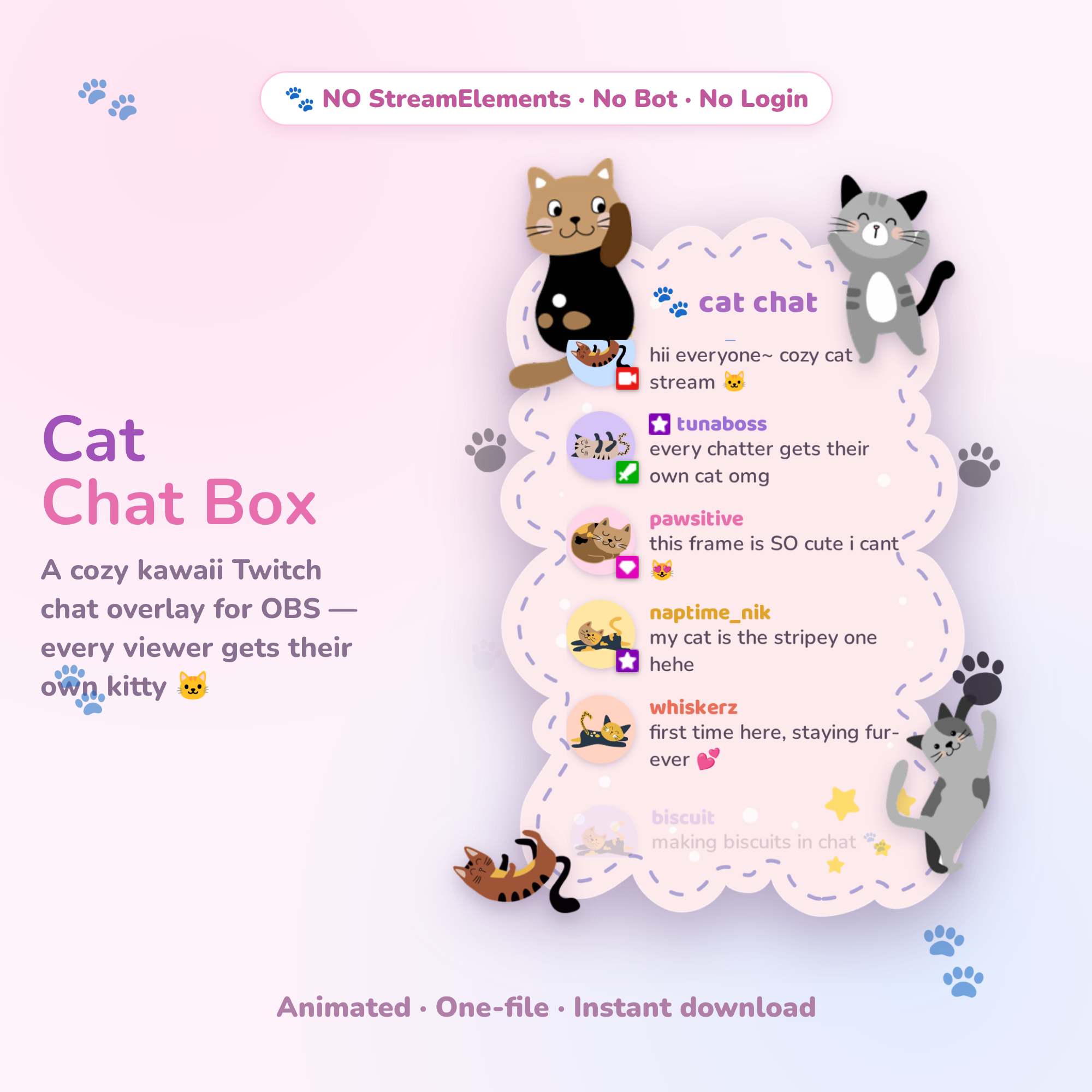 Try it live🎁 Free
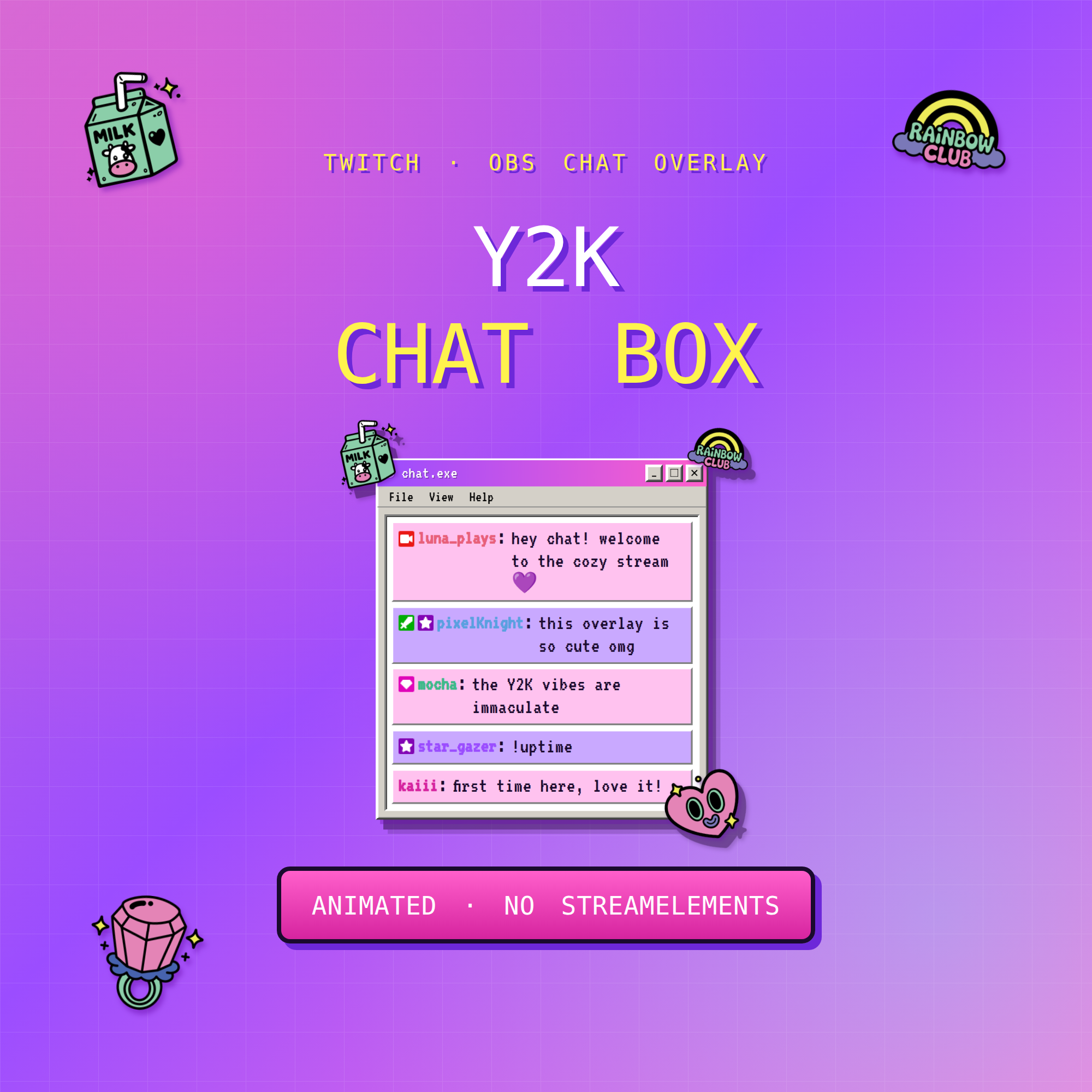 Try it live★ Best seller
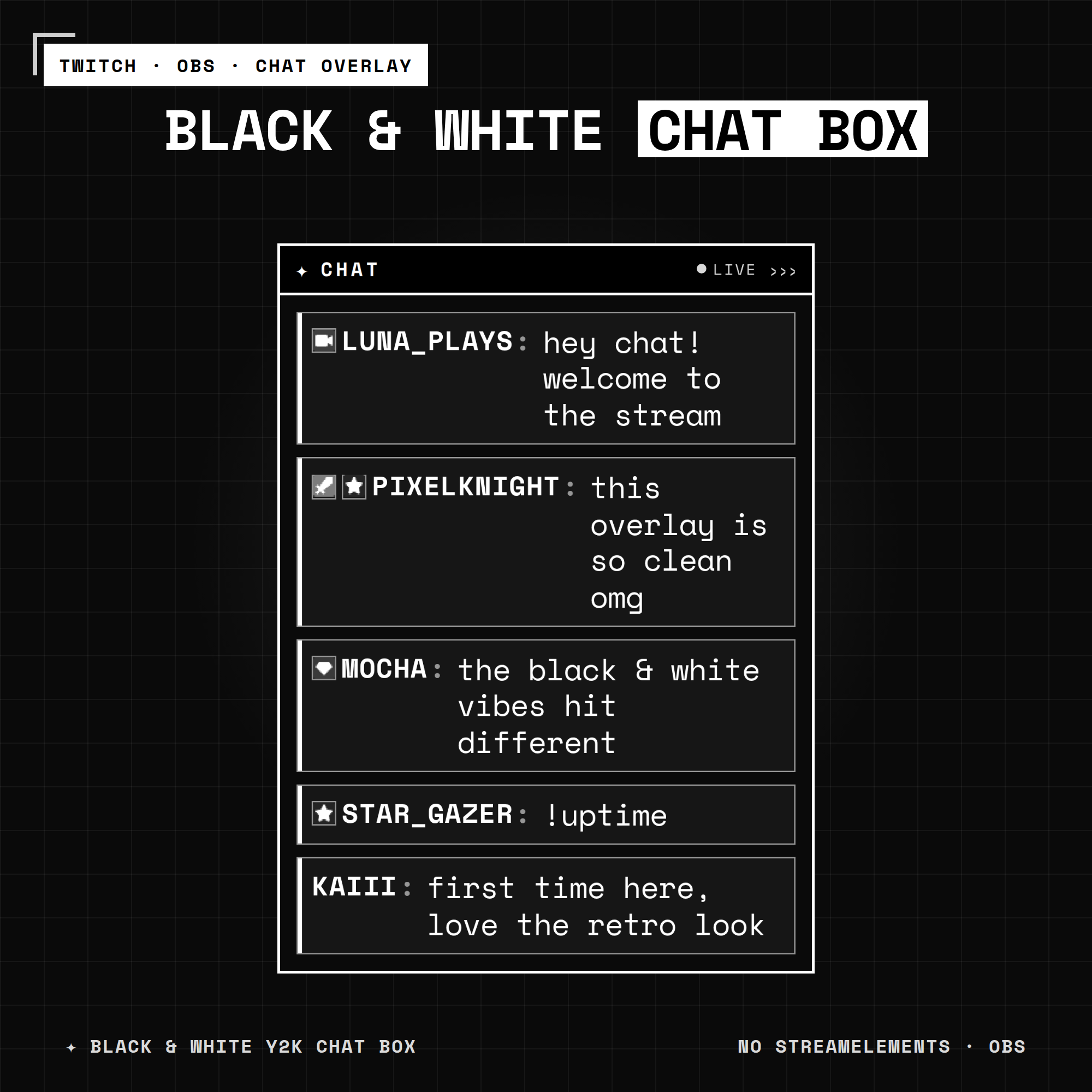 Try it live★ Best seller
Common questions
Can I use a Twitch chat overlay without StreamElements?
Yes. A chat overlay only needs a browser source that connects to Twitch chat. A self-contained widget file does this with no account and no third-party service.
Is a self-hosted chat box safer than a hosted one?
It removes one dependency: if the hosting service goes down, a self-contained widget keeps working because nothing is fetched from their servers during your stream.