About this widget
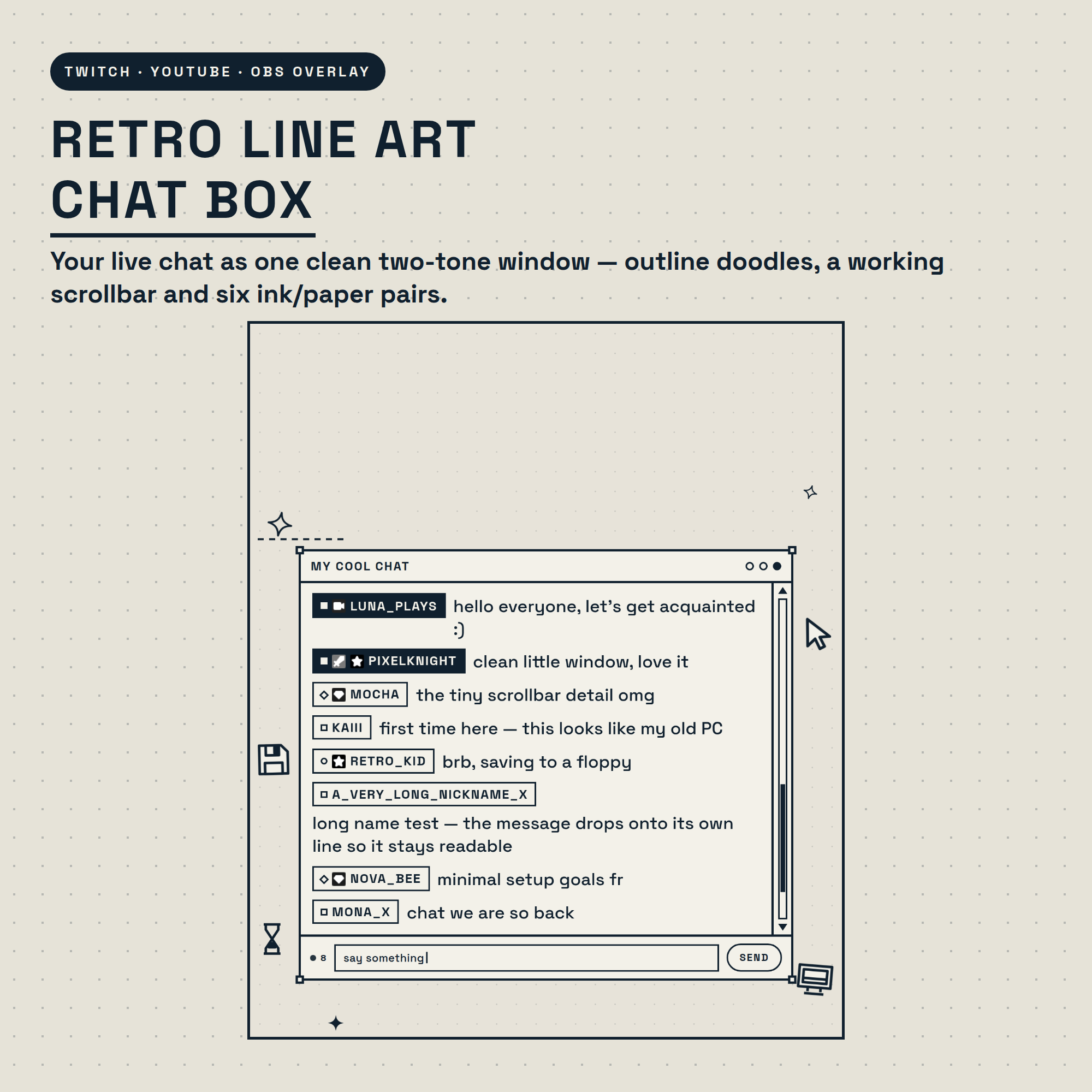
✒️ RETRO LINE ART CHAT BOX — your live chat as one clean two-tone window 🖇️
Everything is drawn in just two colours: ink and paper. Thin outlines, a little scrollbar that actually moves, floating line-art doodles and corner marks like a vector object still selected on the artboard. Drops straight into OBS as one Browser source. No bot, no login, no coding.
★ WHAT IT DOES ★
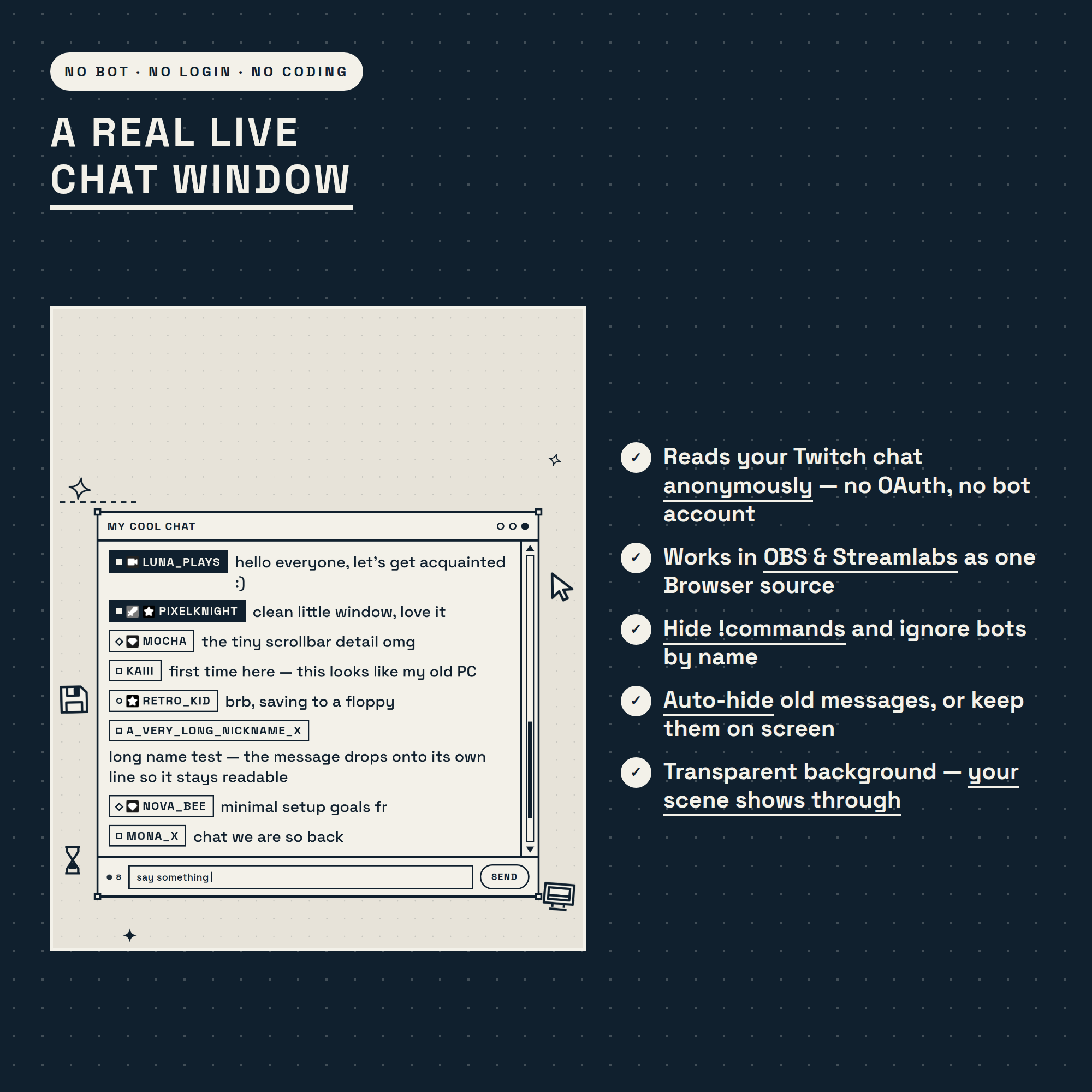
💬 Reads your live Twitch chat anonymously — no OAuth, no bot account, no StreamElements needed
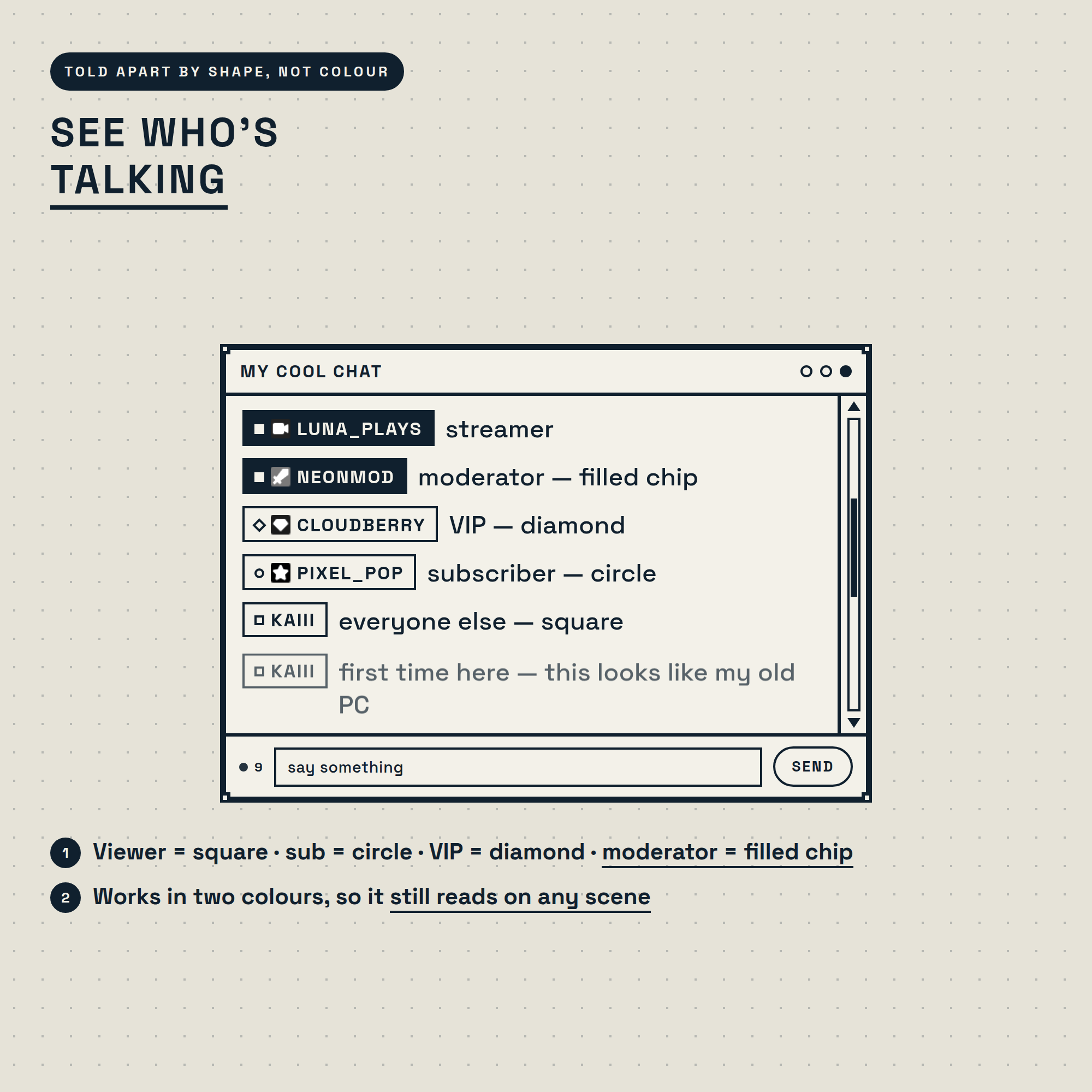
◻️ Roles are told apart by SHAPE, not colour: viewer = square · sub = circle · VIP = diamond · moderator = filled chip
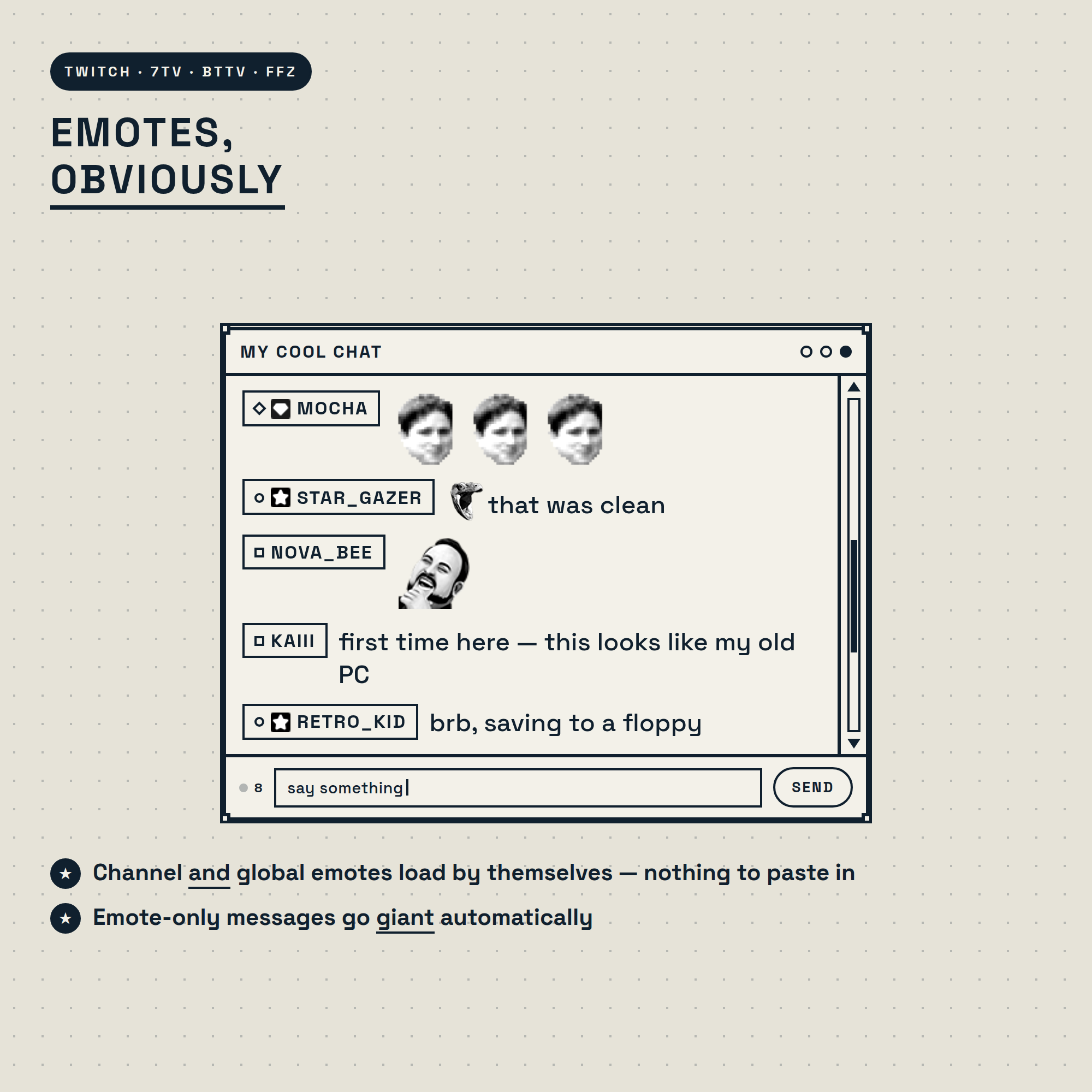
😺 Twitch emotes plus 7TV, BetterTTV and FrankerFaceZ — channel AND global, loaded automatically
🔍 Emote-only messages go giant on their own
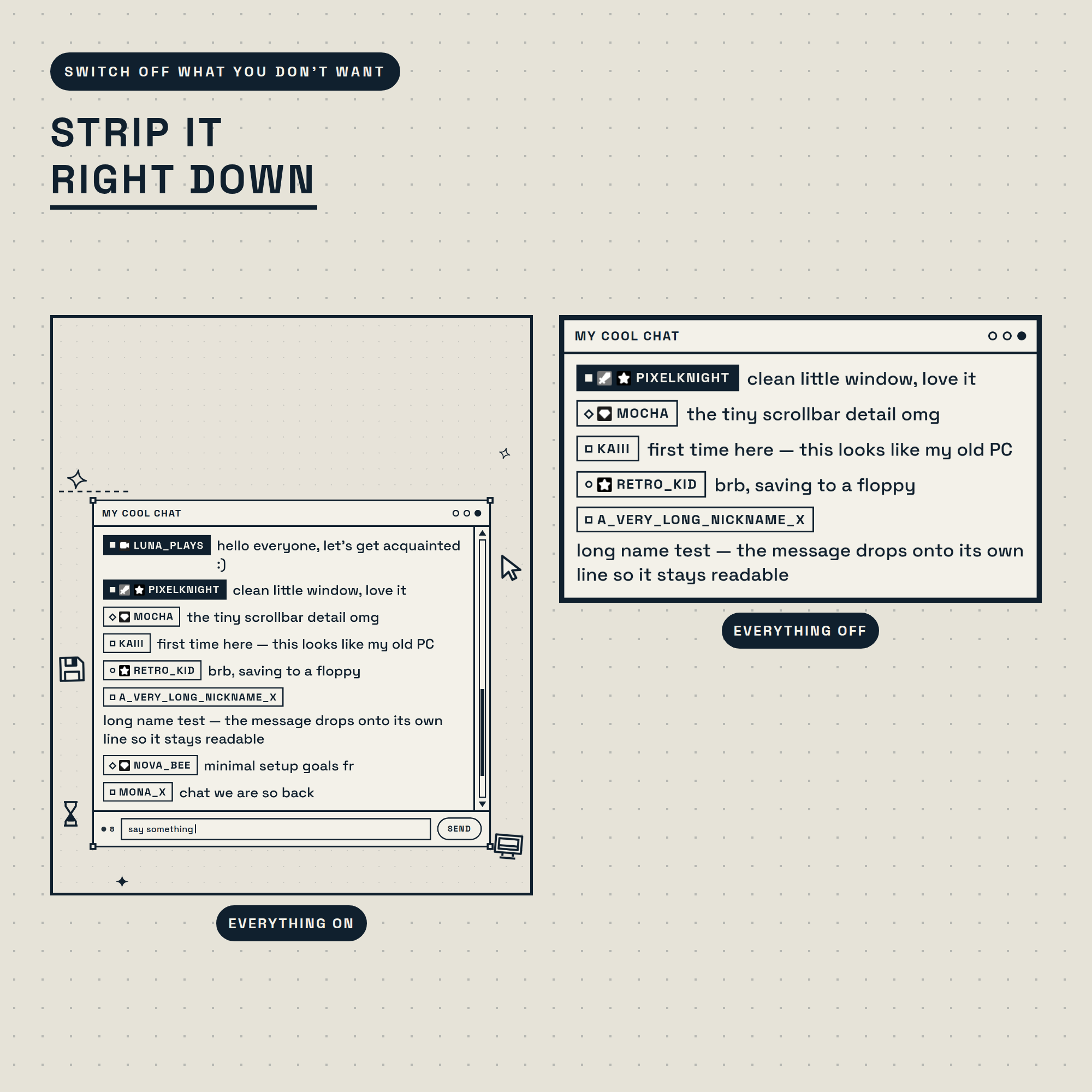
🖱️ Line-art doodles float around the window: sparkle, cursor, floppy disk, a flipping hourglass and a little CRT
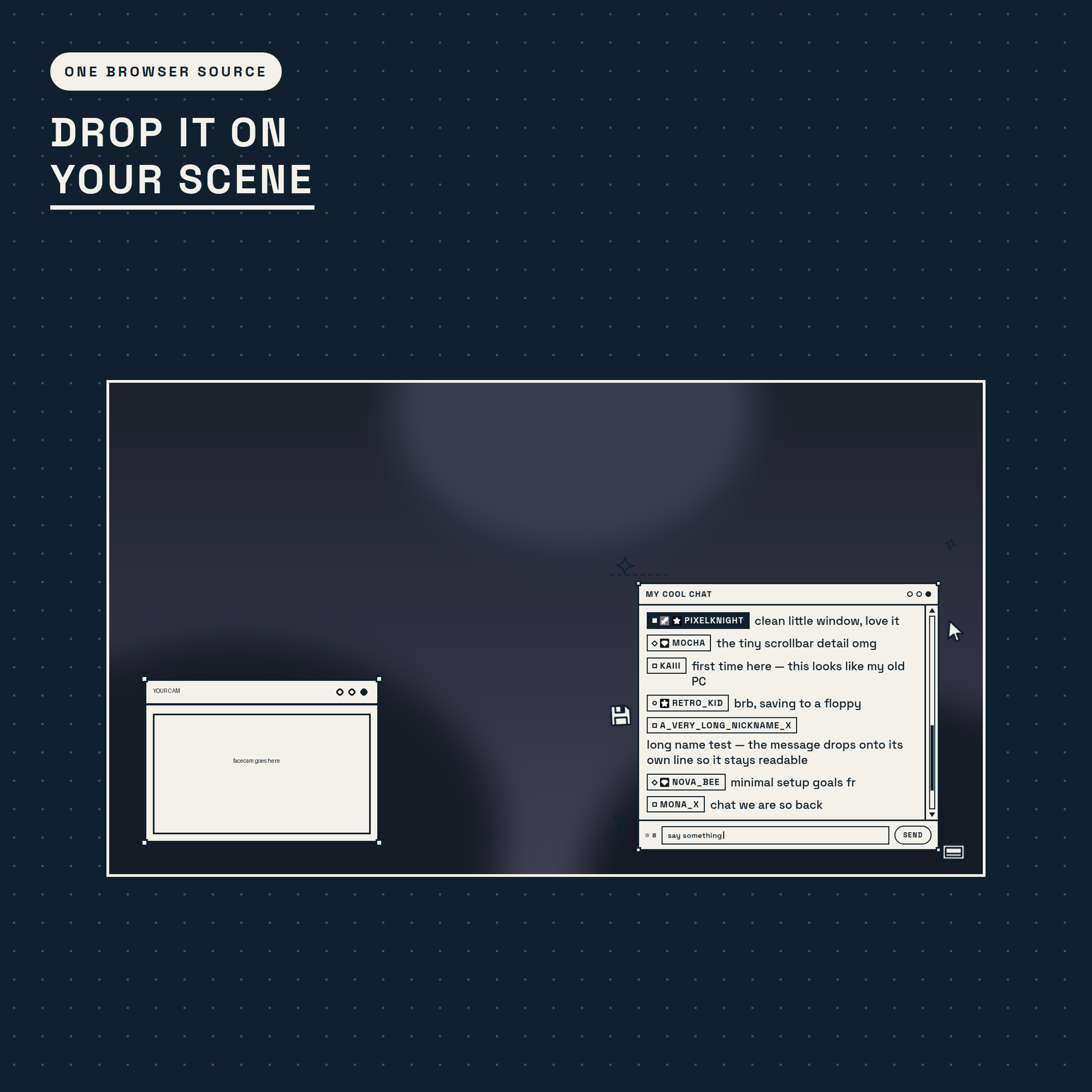
🫥 Transparent background so your scene shows through — or turn on the dotted paper backdrop
★ STRIP IT DOWN OR LEAVE IT FULL ★
The scrollbar, the fake "say something…" input bar, the corner marks and the doodles can each be switched off. Leave everything on for the full retro-desktop look, or turn it all off for a bare minimal box that disappears into any scene.
★ BUILT FOR REAL CHAT ★
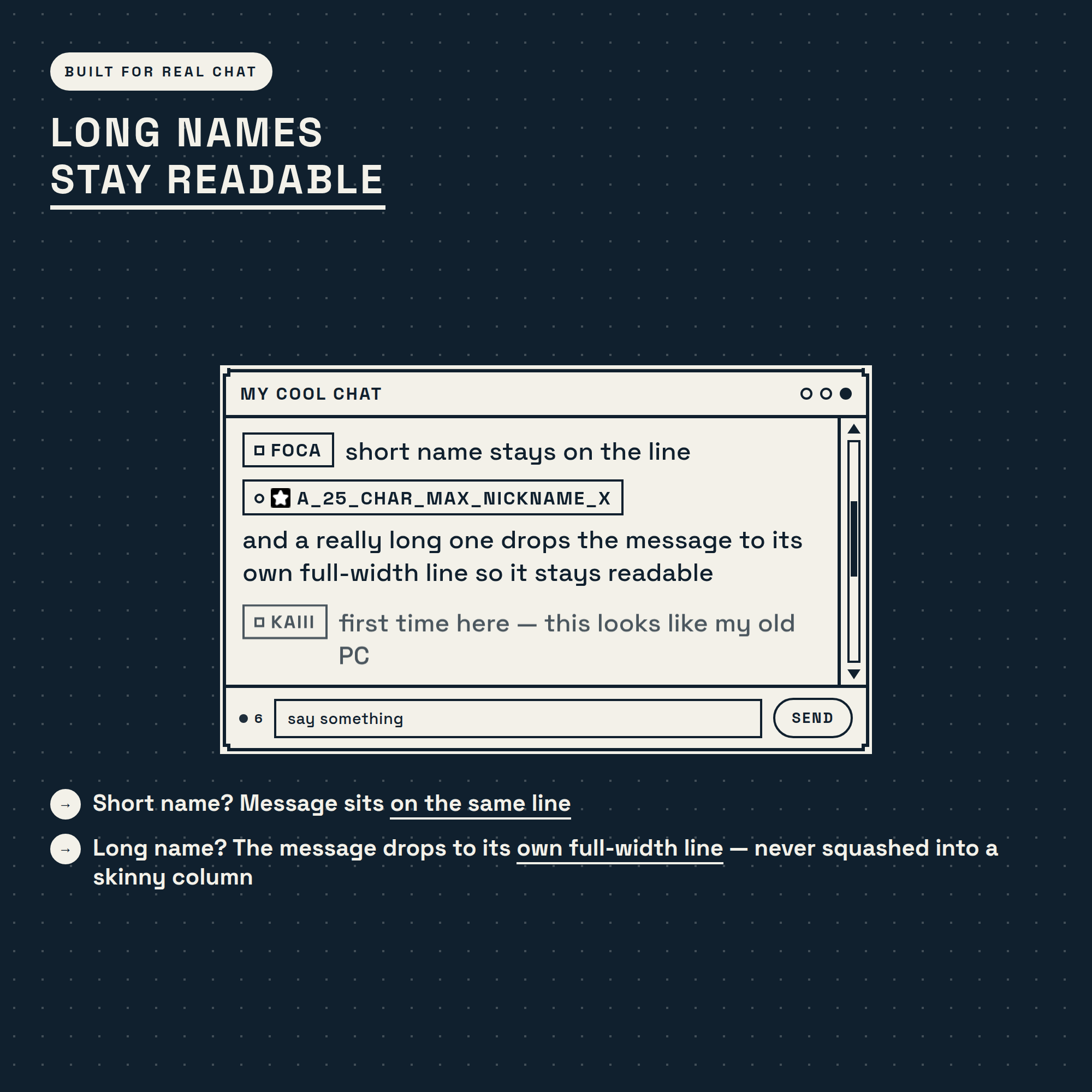
Long usernames never squash your messages. A short name sits on the same line; a long one drops the message to its own full-width line so it stays easy to read. The username size follows your message size automatically — or set your own.
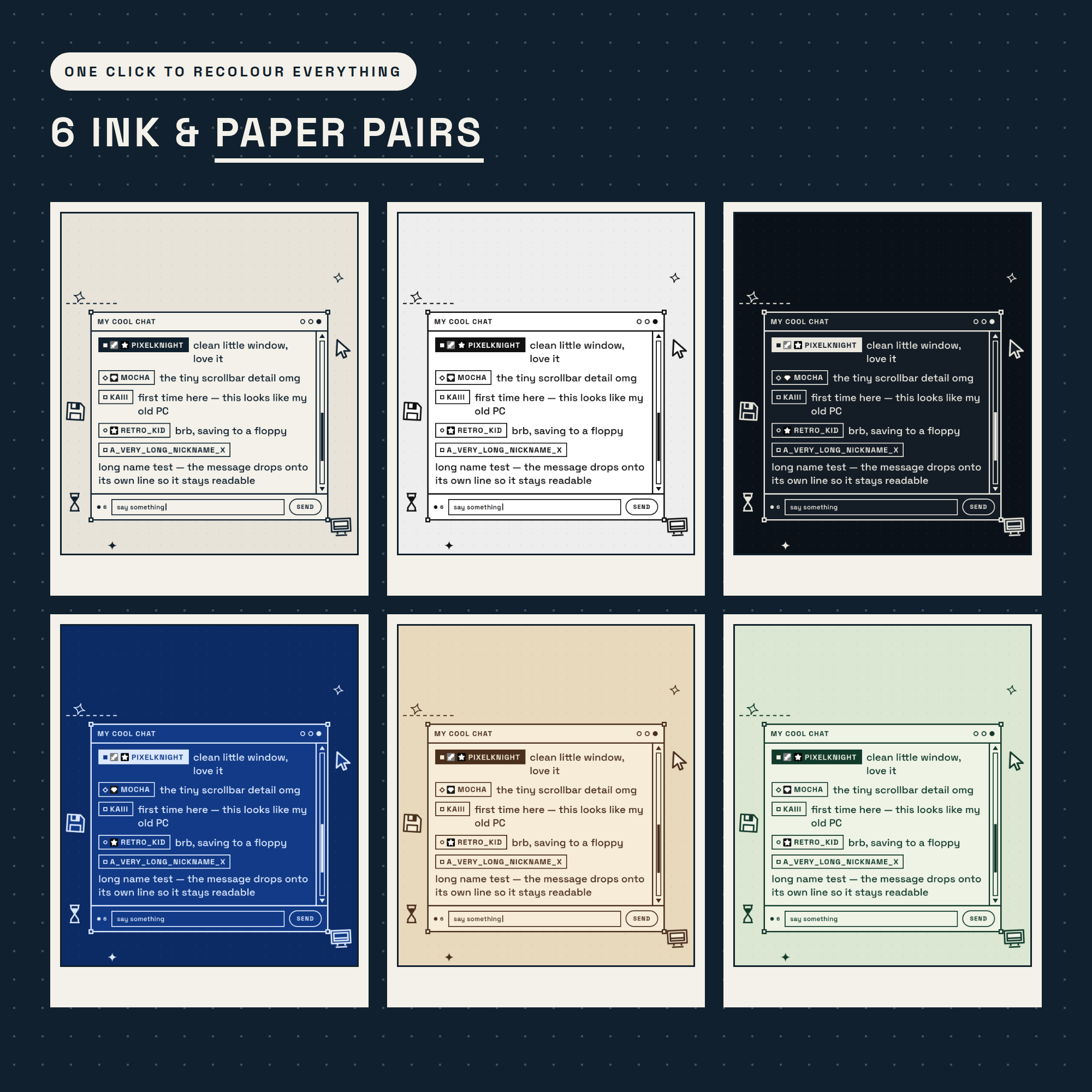
★ 6 INK / PAPER PAIRS — ONE CLICK ★
Classic (navy on cream) · Mono (black on white) · Night (cream on black — a proper dark mode) · Blueprint · Sepia · Forest
Both colours can also be set by hand, so it can match any palette you already use.
★ FULLY CUSTOMISABLE (no coding) ★
✓ Ink + paper · ✓ message size · ✓ username size · ✓ emote size · ✓ line weight · ✓ window title · ✓ scale ·
✓ messages shown · ✓ auto-hide · ✓ badges · ✓ emotes · ✓ doodles · ✓ scrollbar · ✓ input bar · ✓ corner marks ·
✓ hide !commands · ✓ pronouns · ✓ bot ignore list · ✓ newest at top or bottom
A friendly control panel builds your OBS link for you, with a live preview as you click.
★ WHAT'S INCLUDED (instant download) ★
• chat.html — the widget (one file, that's what OBS uses)
• settings.html — the control panel that builds your link
• index.html — preview page: widget + control panel side by side
• Setup-Guide.pdf — illustrated step-by-step guide
• README.txt — the short version
★ SUPER EASY SETUP (≈ 2 MIN) ★
1. Open the control panel and type your Twitch username
2. Pick your ink and paper, adjust anything you like
3. Click COPY LINK
4. In OBS: + → Browser → paste → set the size to about 560 × 900 → done!
★ WORKS WITH ★
✓ OBS Studio · ✓ Streamlabs Desktop · any Browser Source. Fonts are baked into the file, so it also works offline and inside StreamElements custom widgets. Internet is needed for live Twitch chat and emotes.
★ PLEASE NOTE ★
This is a DIGITAL DOWNLOAD for use in OBS — not a printable file or an app. Because it's instant digital, this item is non-refundable.
★ AI DISCLOSURE ★
Created with the help of AI tools as part of the design and development process. All code, visuals and animations were reviewed and tested for a production-quality overlay.
★ LICENSE ★
Single-buyer license for your own channel(s), including monetized streams. You may customise colours, sizes and titles. You may NOT resell, redistribute, share the source files, or include this in a stream-overlay pack you sell.
Questions or need a hand setting it up? Message me any time — happy to help! ✒️