About this widget
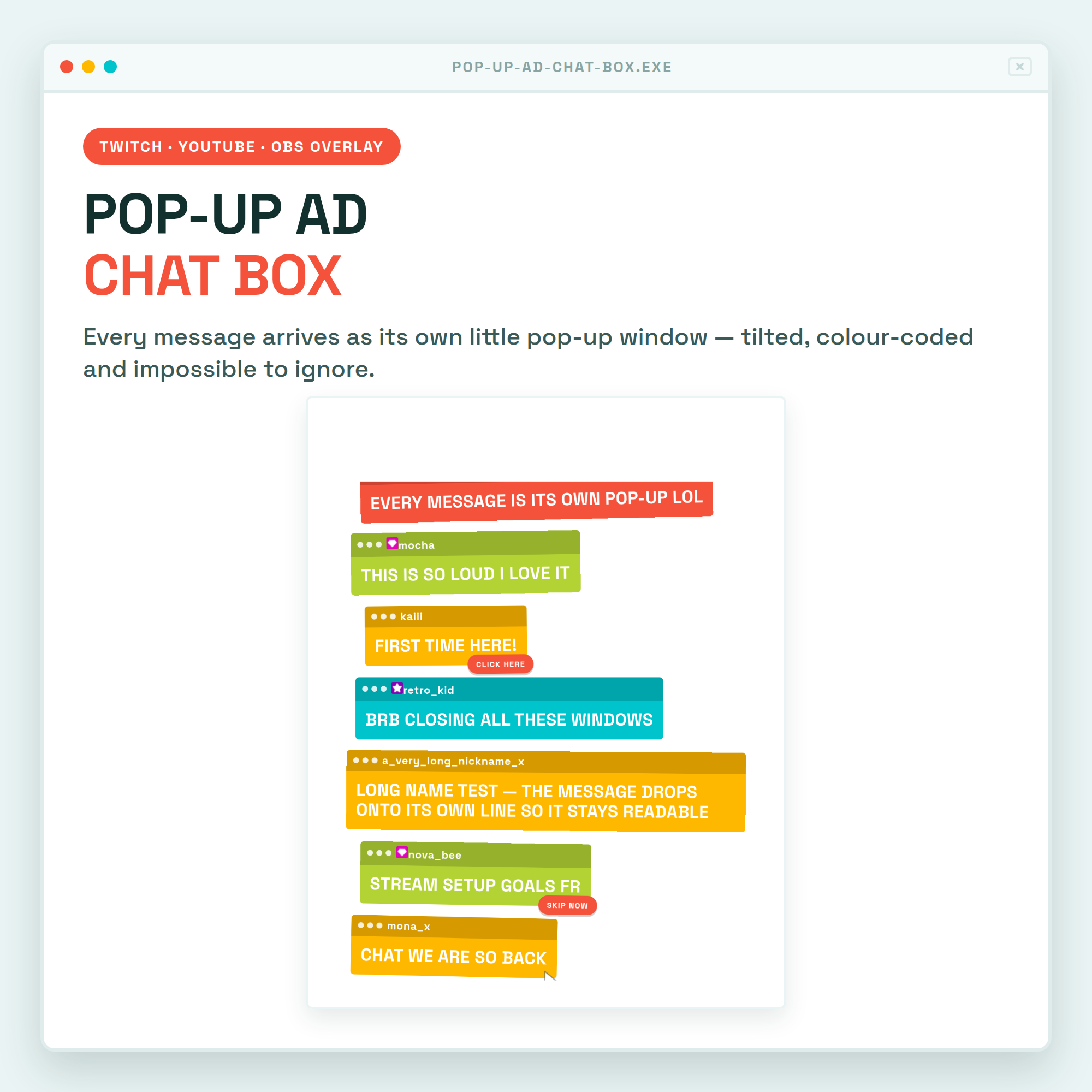
🚨 POP-UP AD CHAT BOX — every message arrives as its own little pop-up window 💥
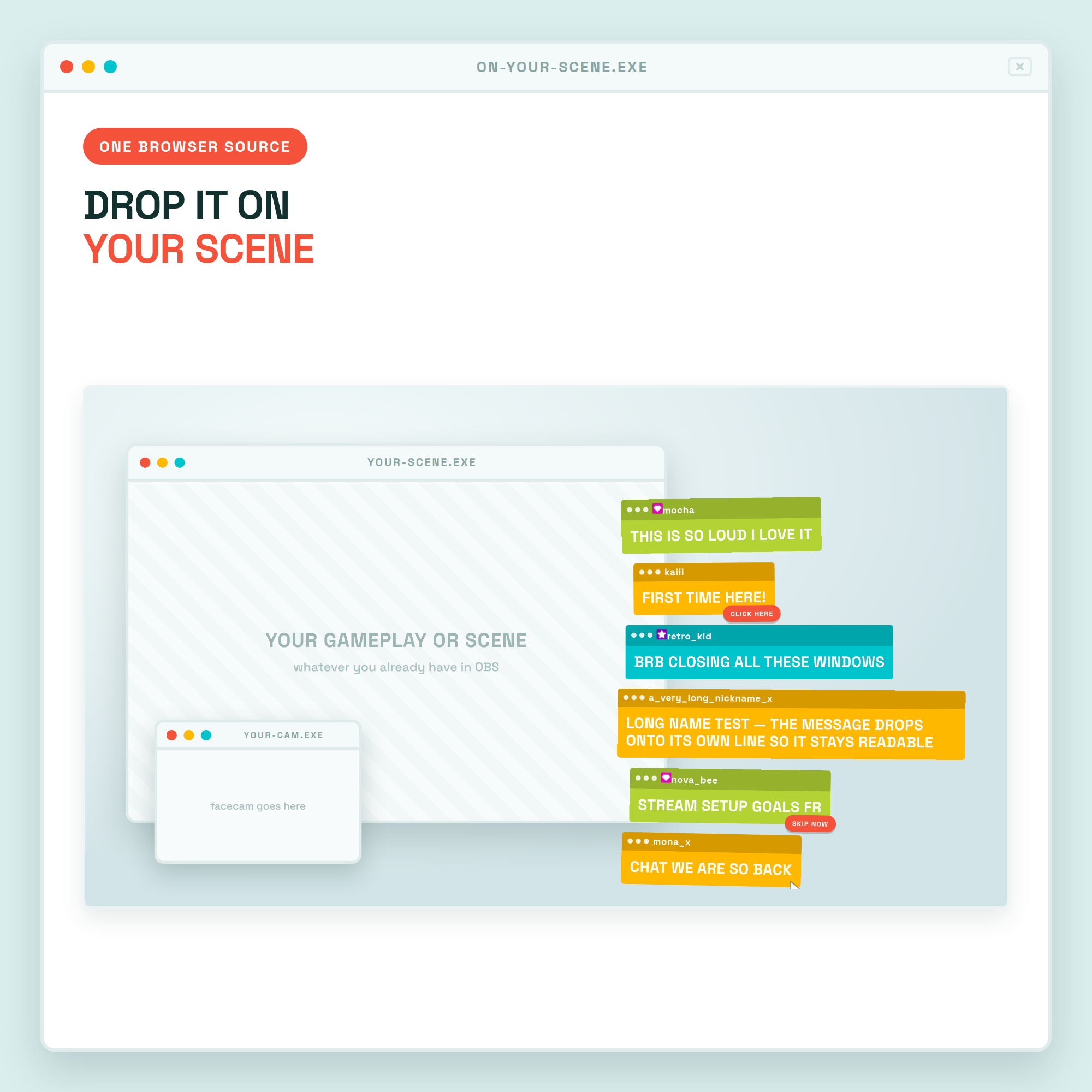
Loud, flat, colour-blocked pop-ups that tilt and stack like the ad windows your PC used to fight in 2004 — except these are your chat. Drops straight into OBS as one Browser source. No bot, no login, no coding.
★ WHAT IT DOES ★
🪟 Every single message = its own pop-up window, in one of four colours
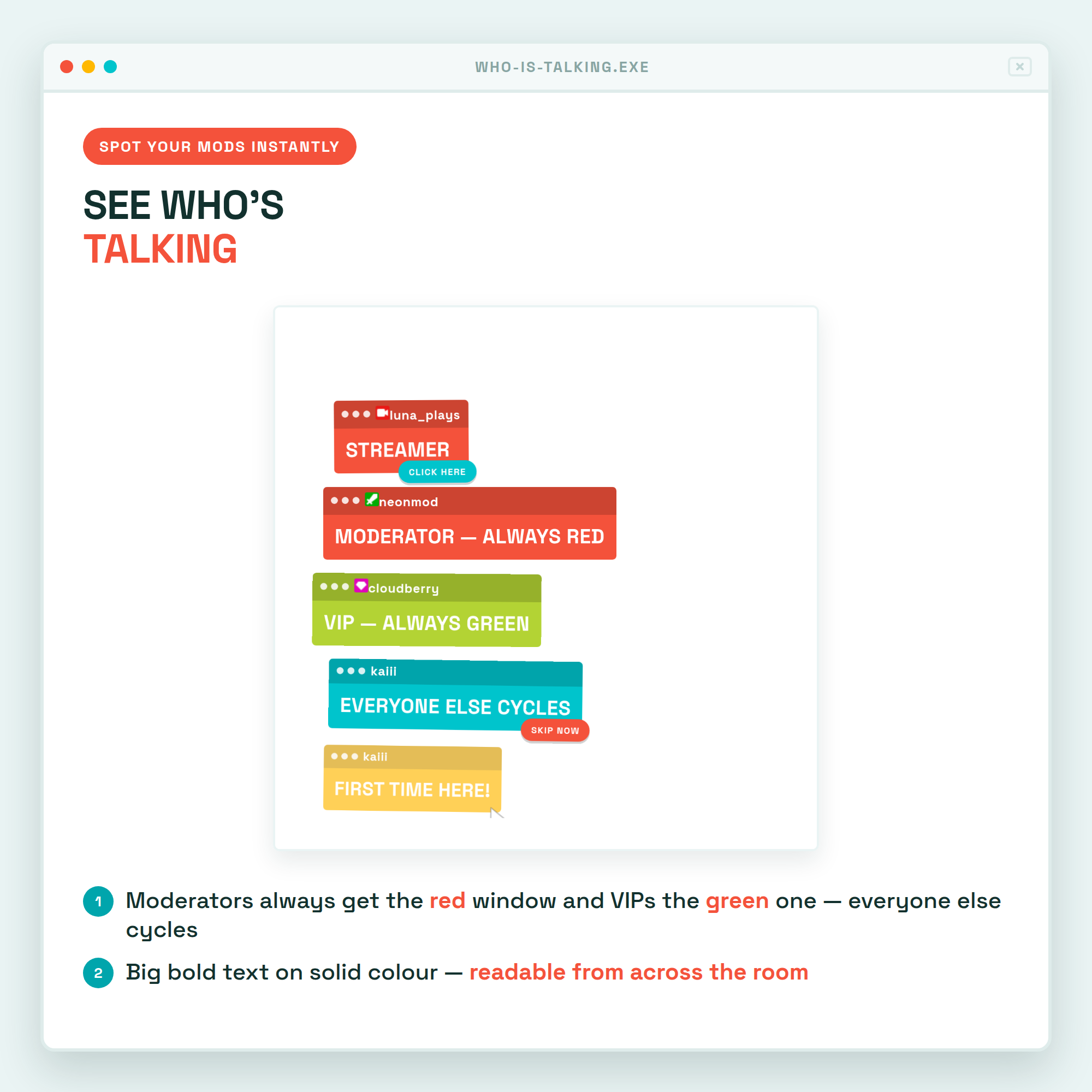
🔴 Moderators always get the red window and VIPs the green one — spot them instantly, everyone else cycles
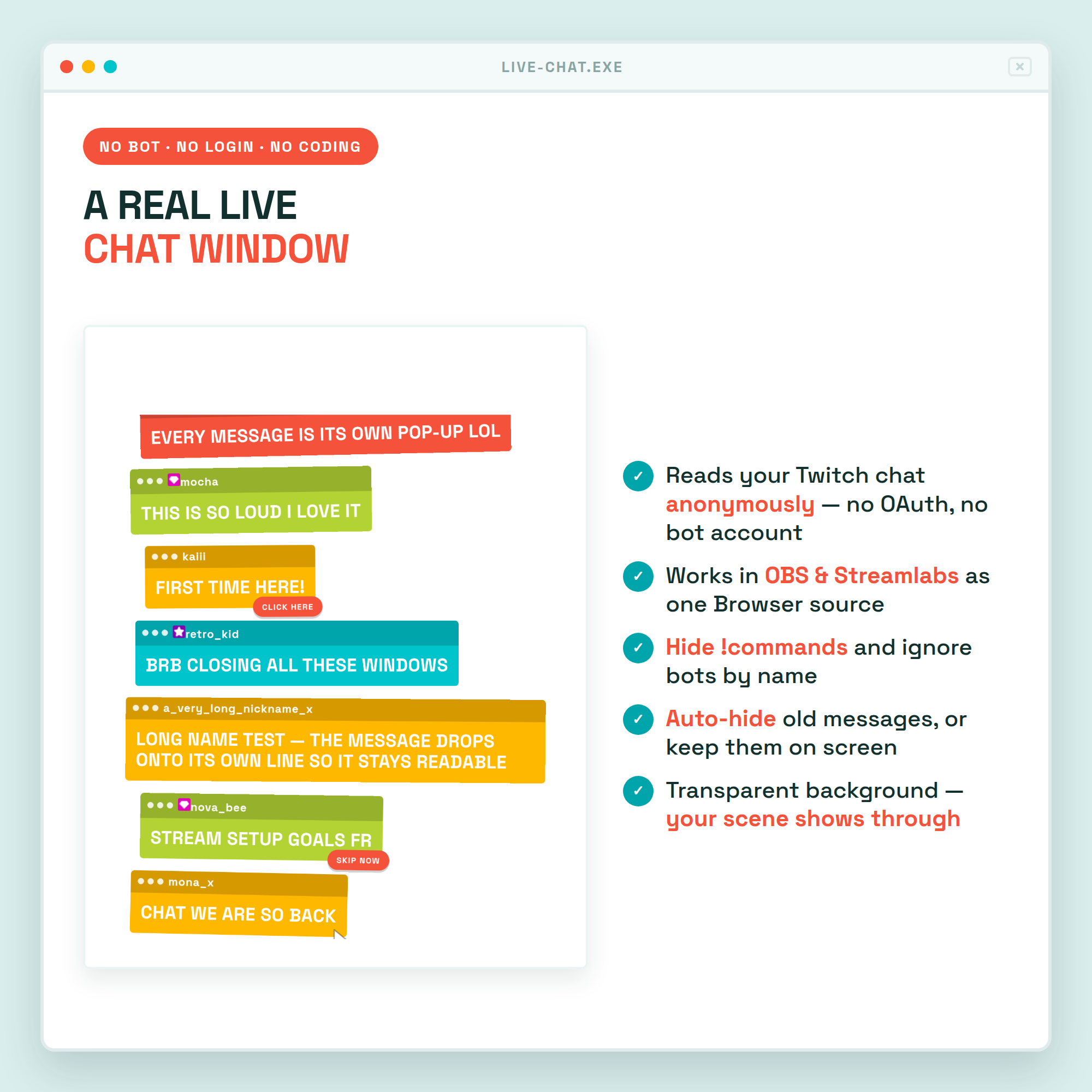
💬 Reads your live Twitch chat anonymously — no OAuth, no bot account, no StreamElements needed
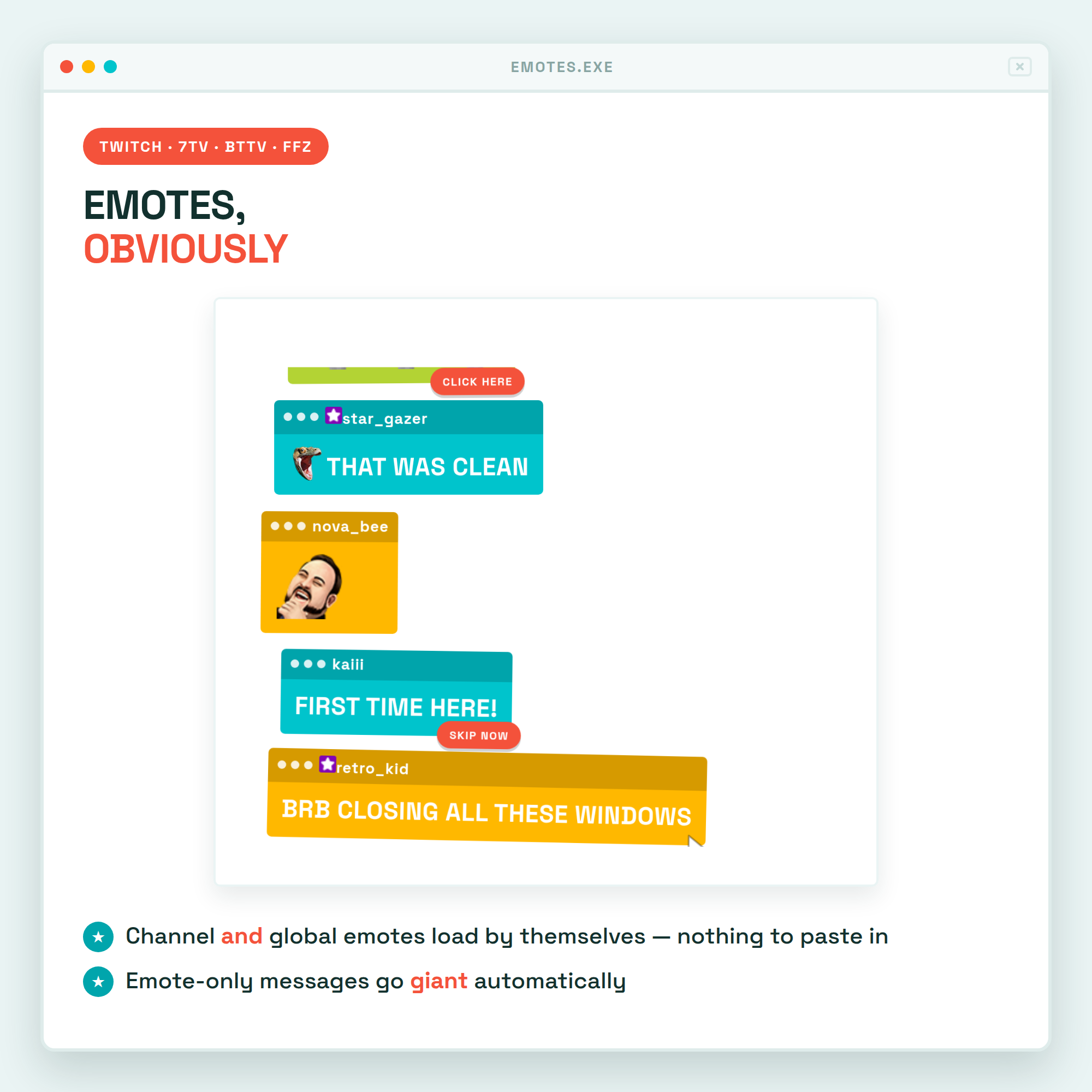
😺 Twitch emotes plus 7TV, BetterTTV and FrankerFaceZ — channel AND global, loaded automatically
🔍 Emote-only messages go giant on their own
🖱️ SKIP AD / CLICK HERE / SKIP NOW tags pop on every third message, with a little mouse cursor on the newest one
↗️ A slight random tilt and offset so the stack looks like real pop-ups — never enough to hide a message
★ LOUD OR CALM — YOUR CALL ★
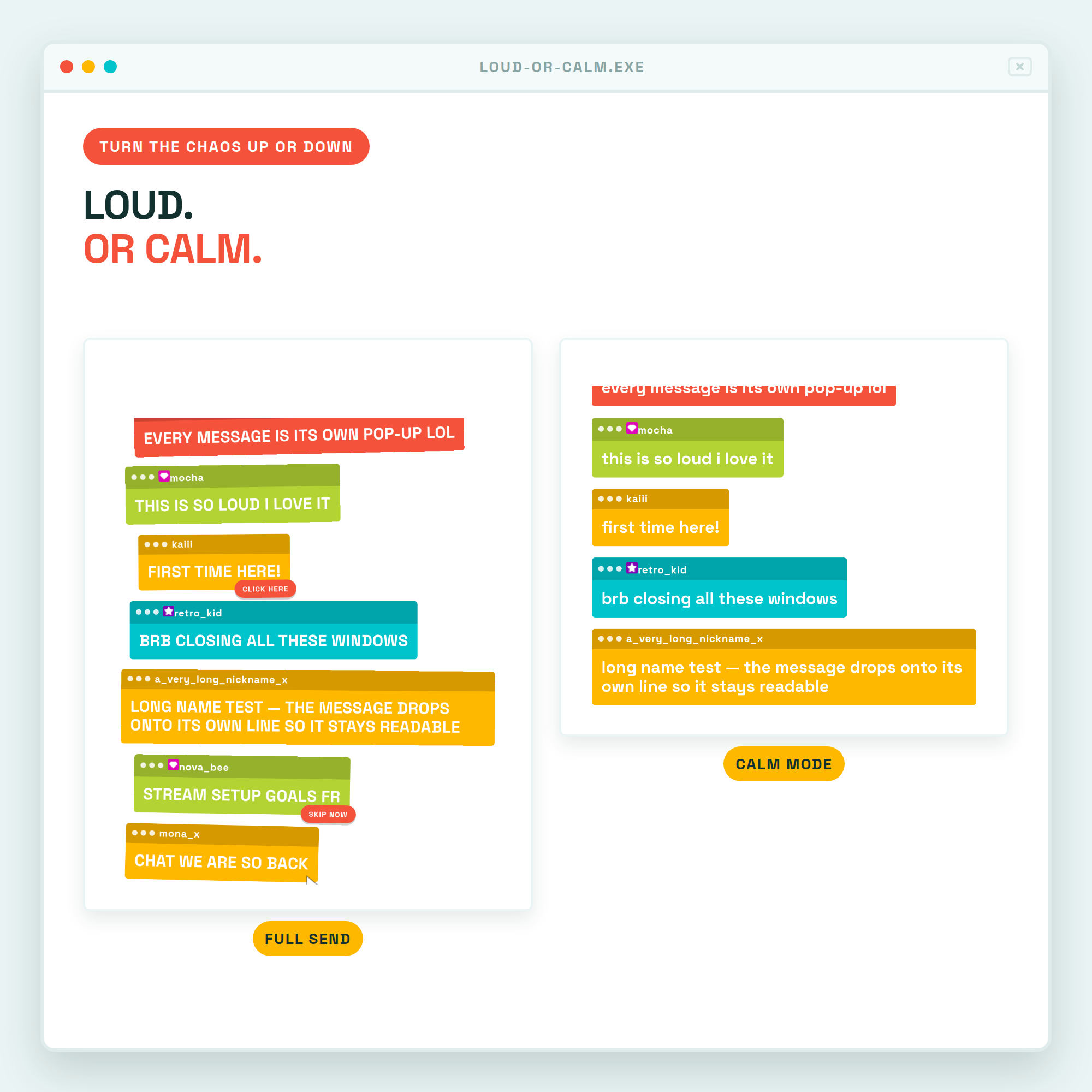
Turn the tilt off for a tidy straight stack. Turn the SKIP AD tags and cursor off. Switch ALL CAPS to normal sentence case. Same widget, from full chaos down to a clean colour-blocked chat.
★ BUILT FOR REAL CHAT ★
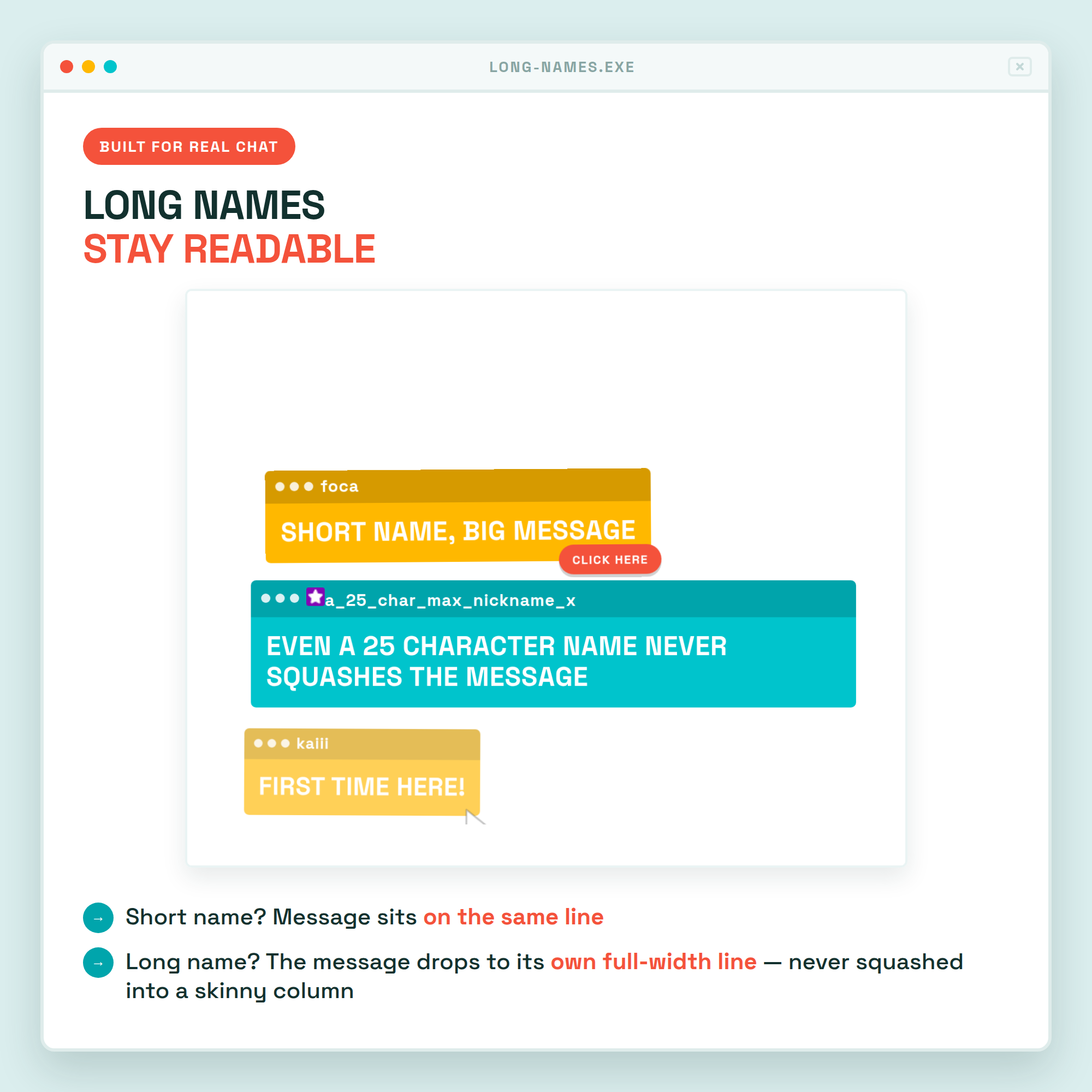
Long usernames never squash your messages — even a 25-character name keeps the message full width and readable. The username size follows your message size automatically, or set your own.
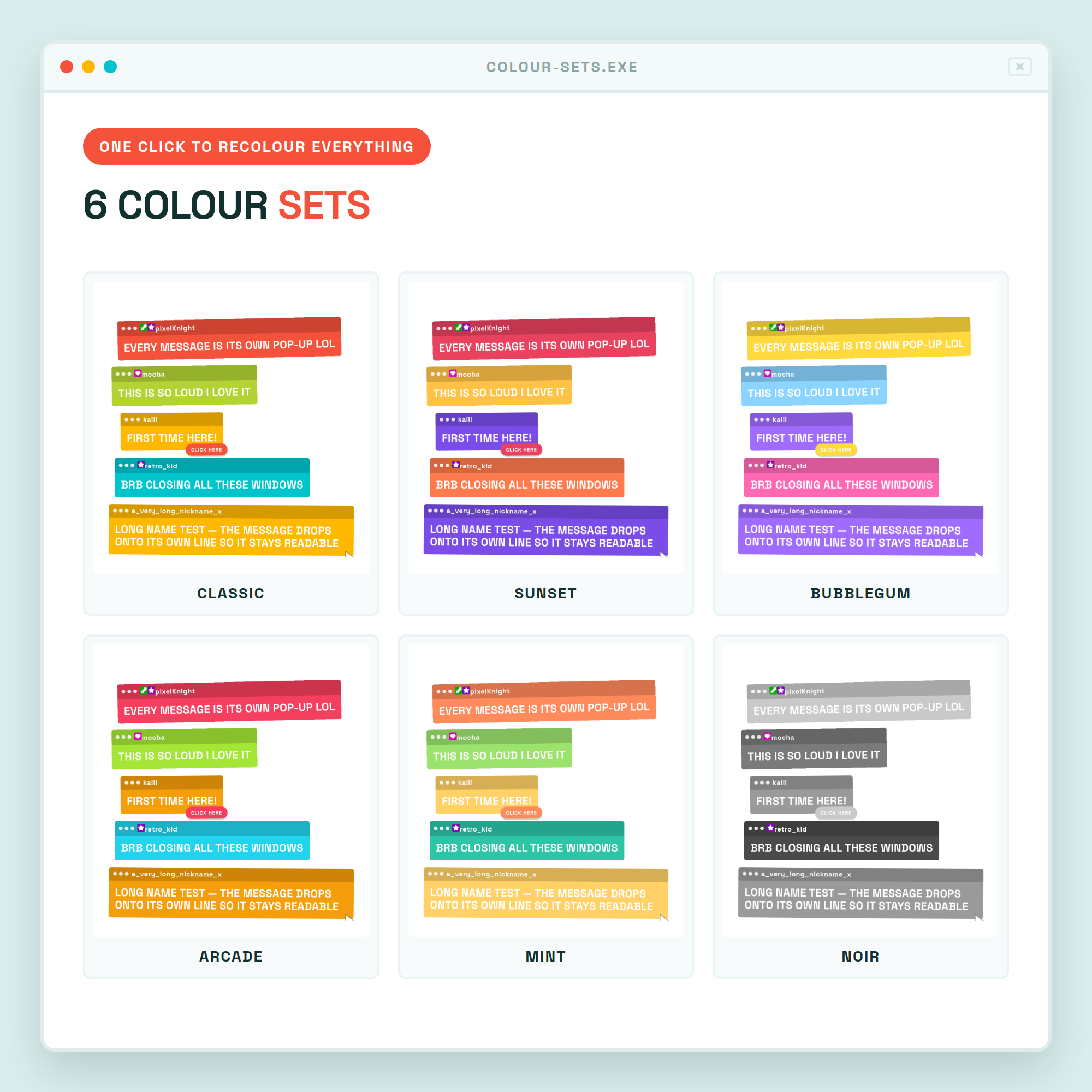
★ 6 COLOUR SETS — ONE CLICK ★
Classic (cyan · lime · red · yellow) · Sunset · Bubblegum · Arcade · Mint · Noir
Every colour can also be set by hand, so it can match your brand exactly.
★ FULLY CUSTOMISABLE (no coding) ★
✓ Colour set · ✓ message size · ✓ username size · ✓ emote size · ✓ scale · ✓ messages shown · ✓ auto-hide ·
✓ SKIP AD tags · ✓ mouse cursor · ✓ tilt & scatter · ✓ ALL CAPS · ✓ badges · ✓ emotes · ✓ hide !commands ·
✓ pronouns · ✓ bot ignore list · ✓ newest at top or bottom
A friendly control panel builds your OBS link for you, with a live preview as you click.
★ WHAT'S INCLUDED (instant download) ★
• chat.html — the widget (one file, that's what OBS uses)
• settings.html — the control panel that builds your link
• index.html — preview page
• Setup-Guide.pdf — illustrated step-by-step guide
• README.txt — the short version
★ SUPER EASY SETUP (≈ 2 MIN) ★
1. Open the control panel and type your Twitch username
2. Pick a colour set and how loud you want it
3. Click COPY LINK
4. In OBS: + → Browser → paste → set the size to about 560 × 900 → done!
★ WORKS WITH ★
✓ OBS Studio · ✓ Streamlabs Desktop · any Browser Source. Fonts are baked into the file, so it also works offline and inside StreamElements custom widgets. Internet is needed for live Twitch chat and emotes.
★ PLEASE NOTE ★
This is a DIGITAL DOWNLOAD for use in OBS — not a printable file or an app. Because it's instant digital, this item is non-refundable.
★ AI DISCLOSURE ★
Created with the help of AI tools as part of the design and development process. All code, visuals and animations were reviewed and tested for a production-quality overlay.
★ LICENSE ★
Single-buyer license for your own channel(s), including monetized streams. You may customise colours, sizes and titles. You may NOT resell, redistribute, share the source files, or include this in a stream-overlay pack you sell.
Questions or need a hand setting it up? Message me any time — happy to help! 💛