About this widget
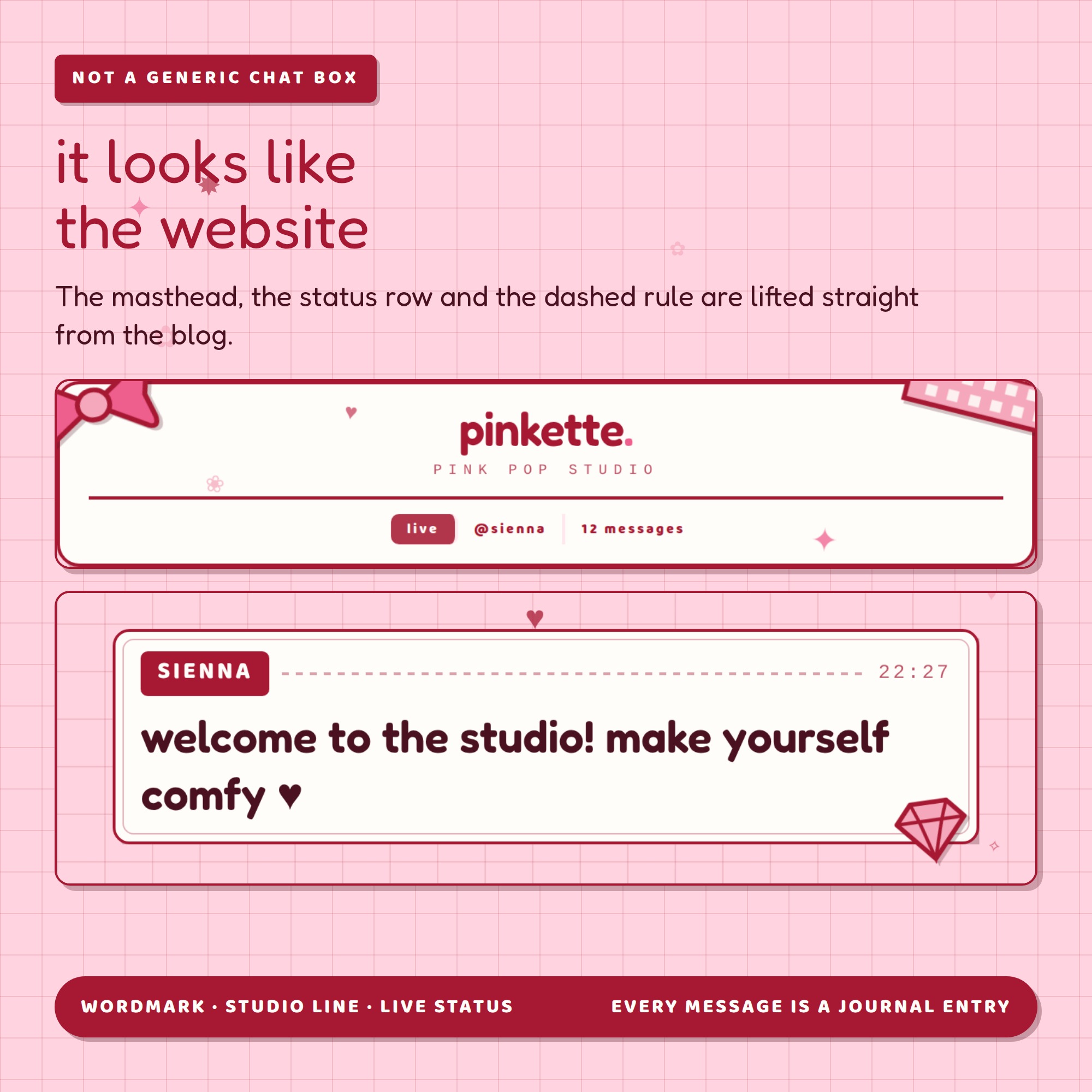
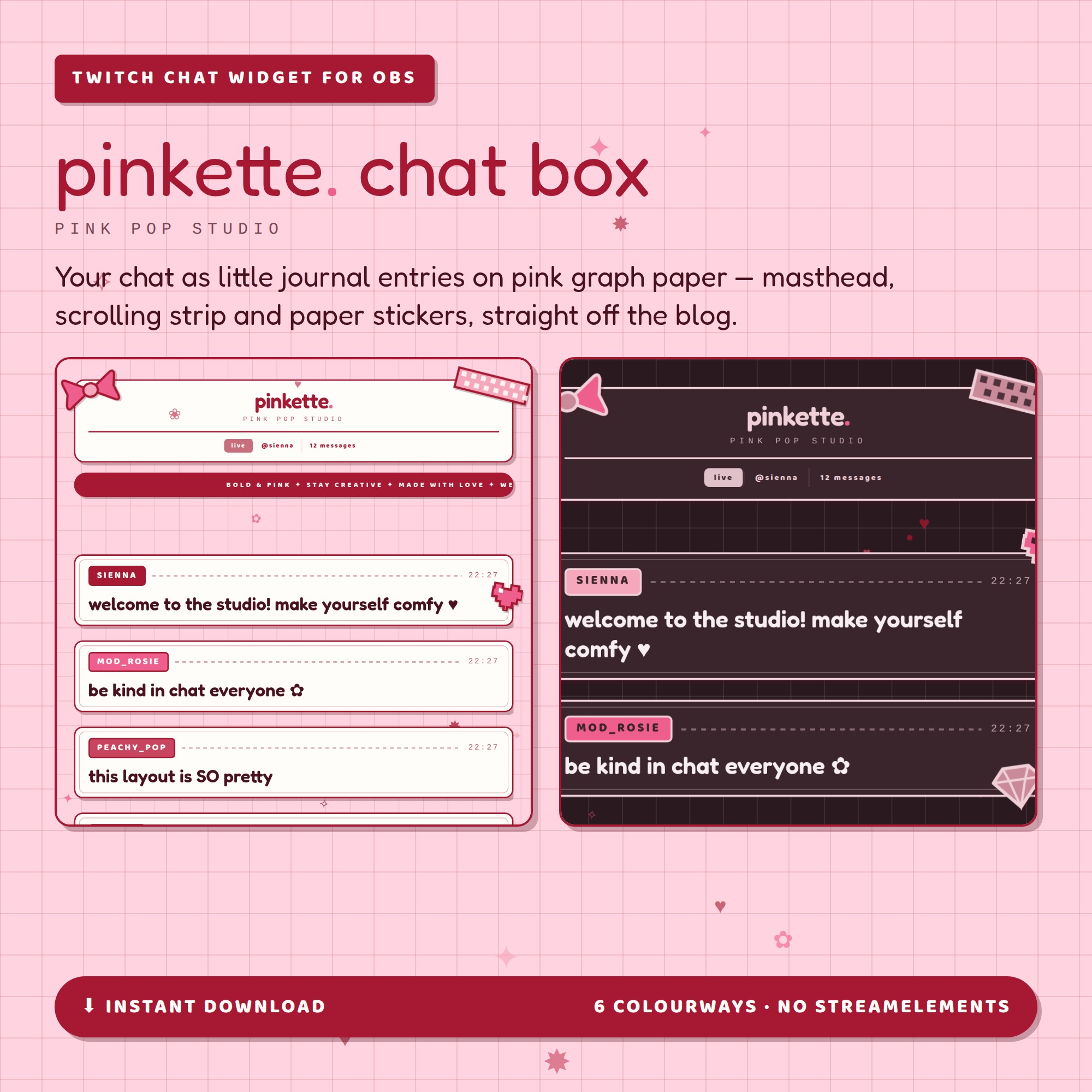
Pinkette Chat Box — your Twitch chat as little journal entries on pink graph paper, in the same pink-pop look as the Pinkette website template. A masthead with your wordmark, a scrolling strip, cards with a dashed rule and a typewriter clock, and paper stickers on the corners. One link into OBS: no bot, no login, no StreamElements, nothing to install.
★ IT LOOKS LIKE A BLOG, NOT A CHAT BOX
- Masthead — your wordmark, a small-caps studio line, and a status row that reads live · @yourchannel · how many messages so far
- Scrolling strip across the top, with your own words
- Every message is a journal entry: name tag, dashed rule, typewriter timestamp, then the message, inside a card with a thin inner border
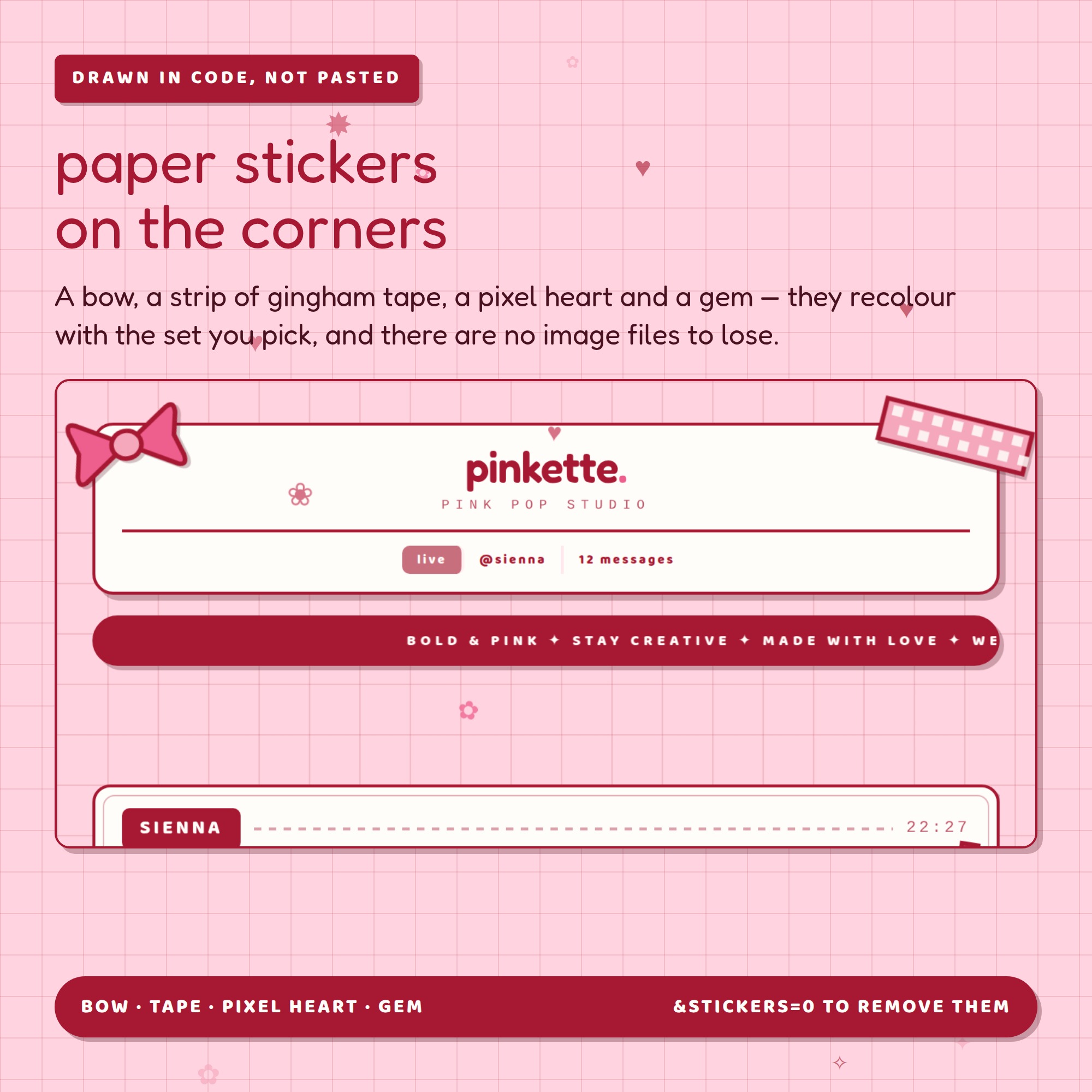
- Paper stickers on the corners — a bow, a strip of gingham tape, a pixel heart and a gem, drawn in code so they recolour with the set you pick
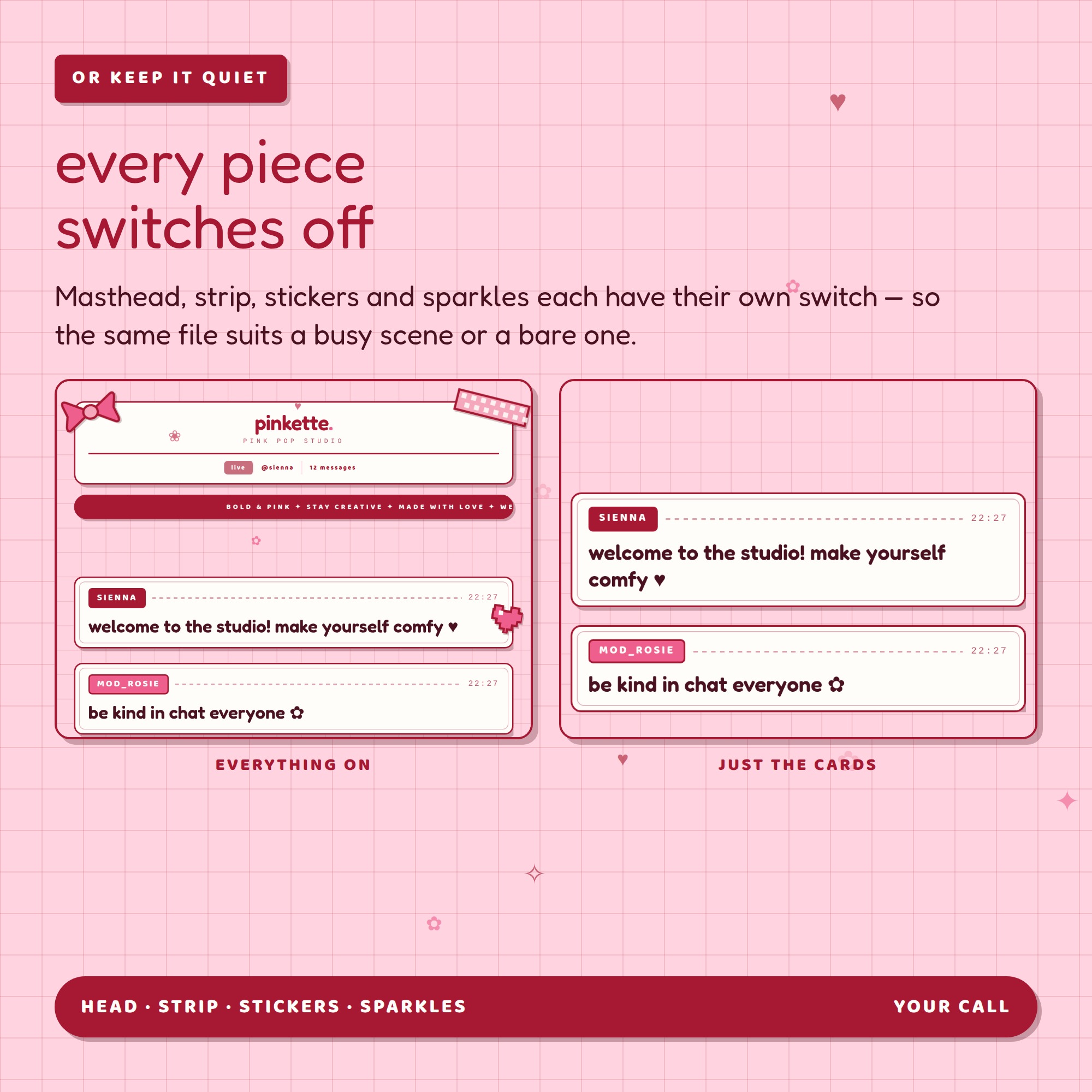
★ EVERY PIECE SWITCHES OFF
Masthead, strip, stickers and sparkles each have their own switch, so the same file suits a busy scene or a bare one. Turn them all off and you are left with just the cards.
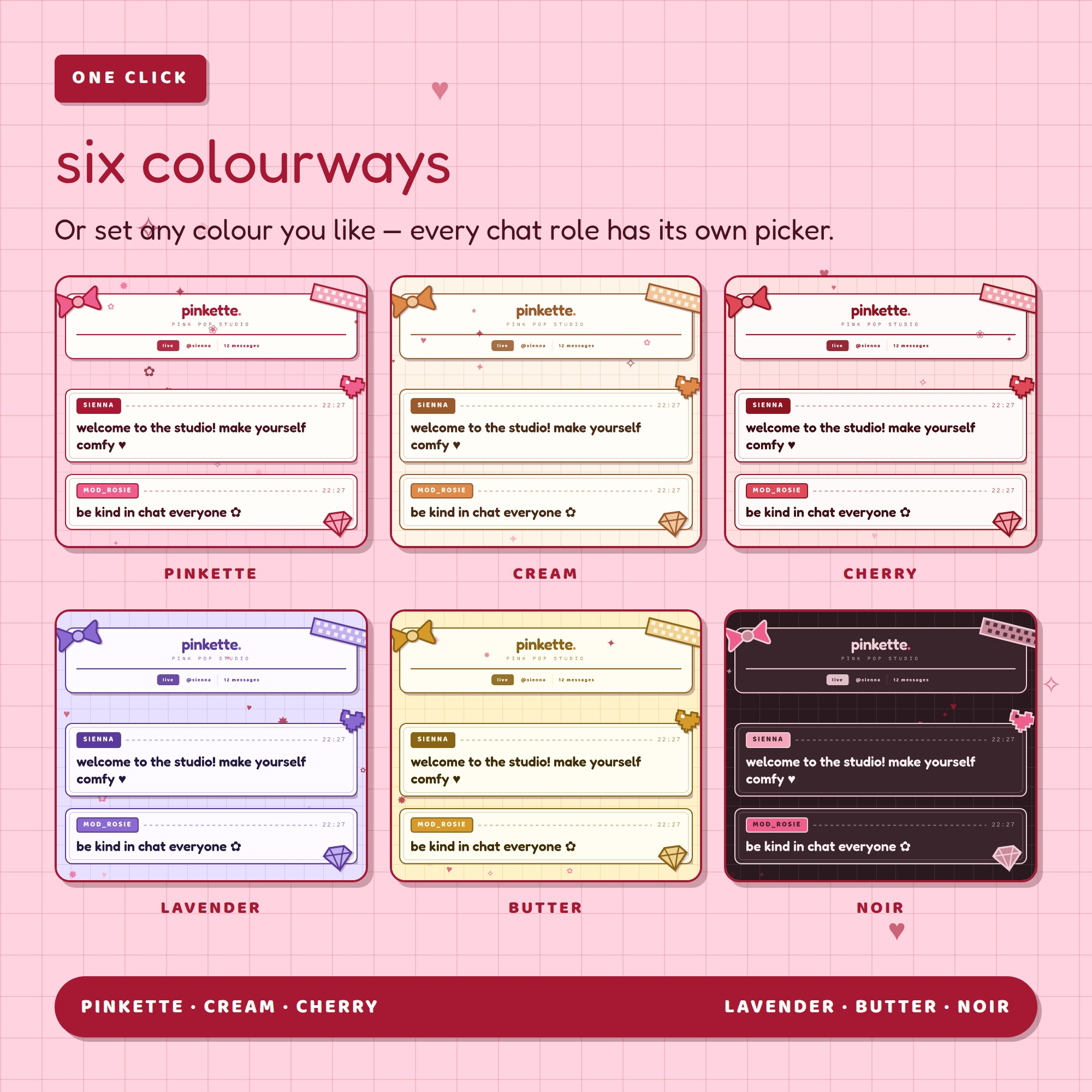
★ SIX COLOURWAYS
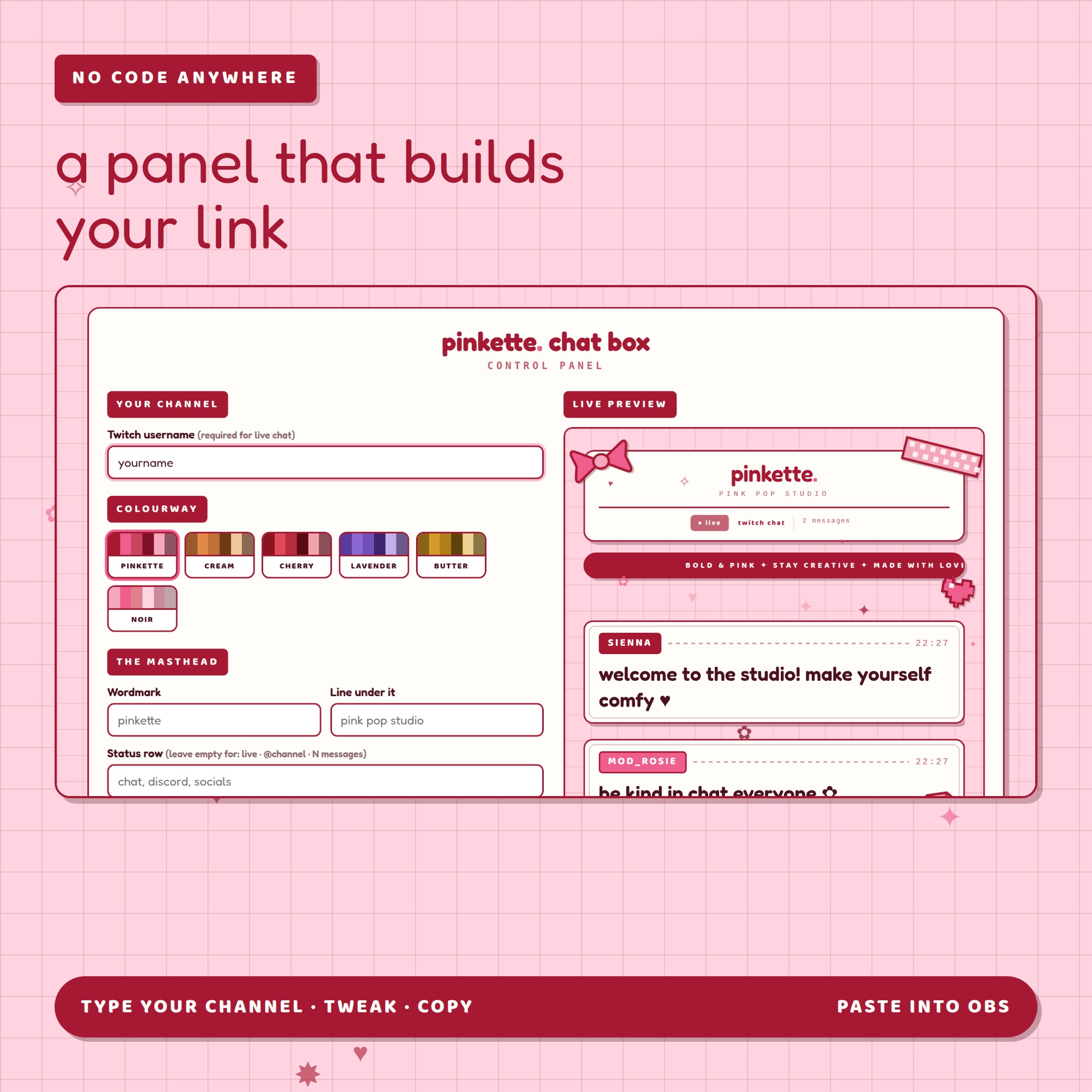
pinkette · cream · cherry · lavender · butter · noir
Or set any colour yourself — each of the six chat roles has its own picker.
★ WHAT IT DOES ON STREAM
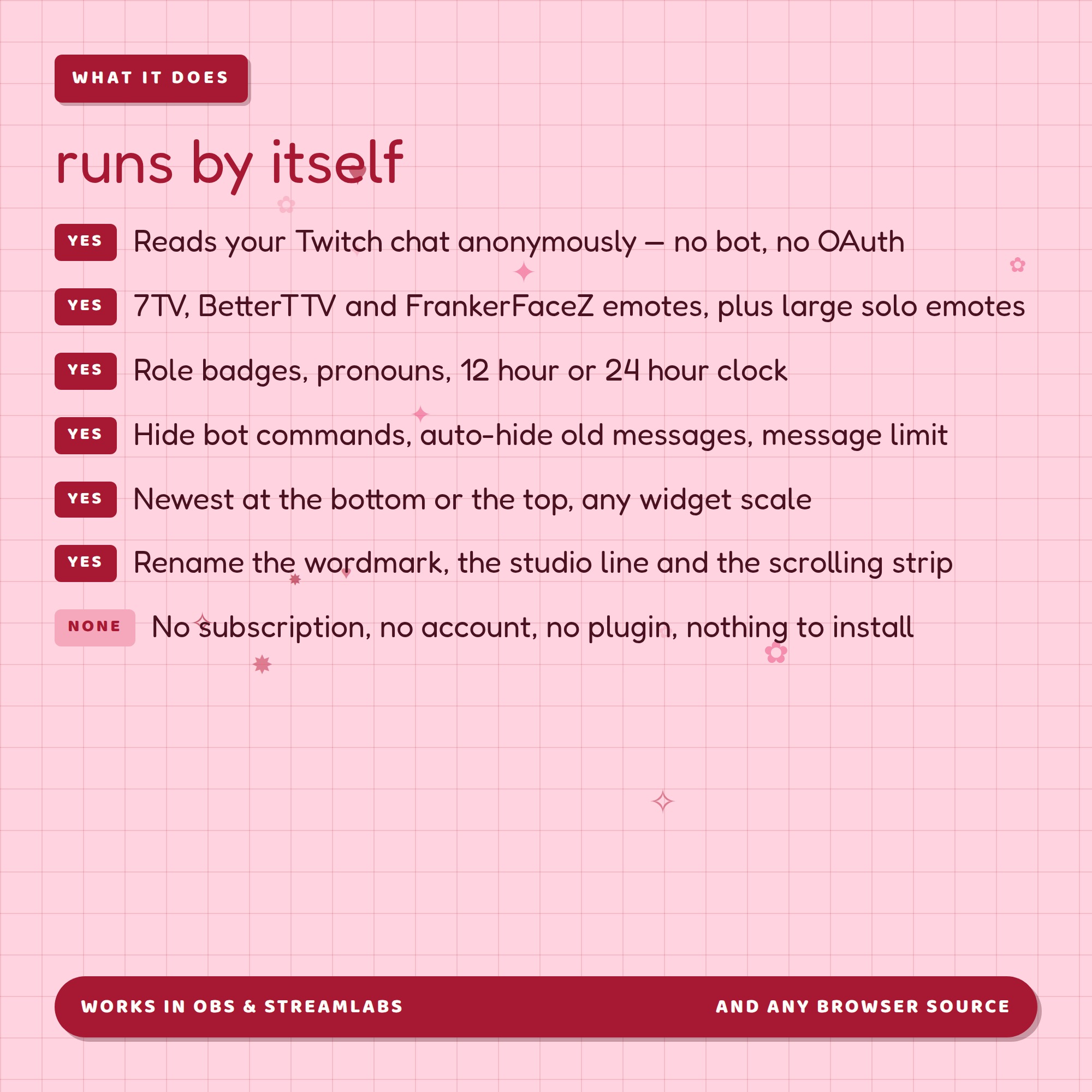
- Reads your live Twitch chat anonymously — no OAuth, no bot, no third-party account
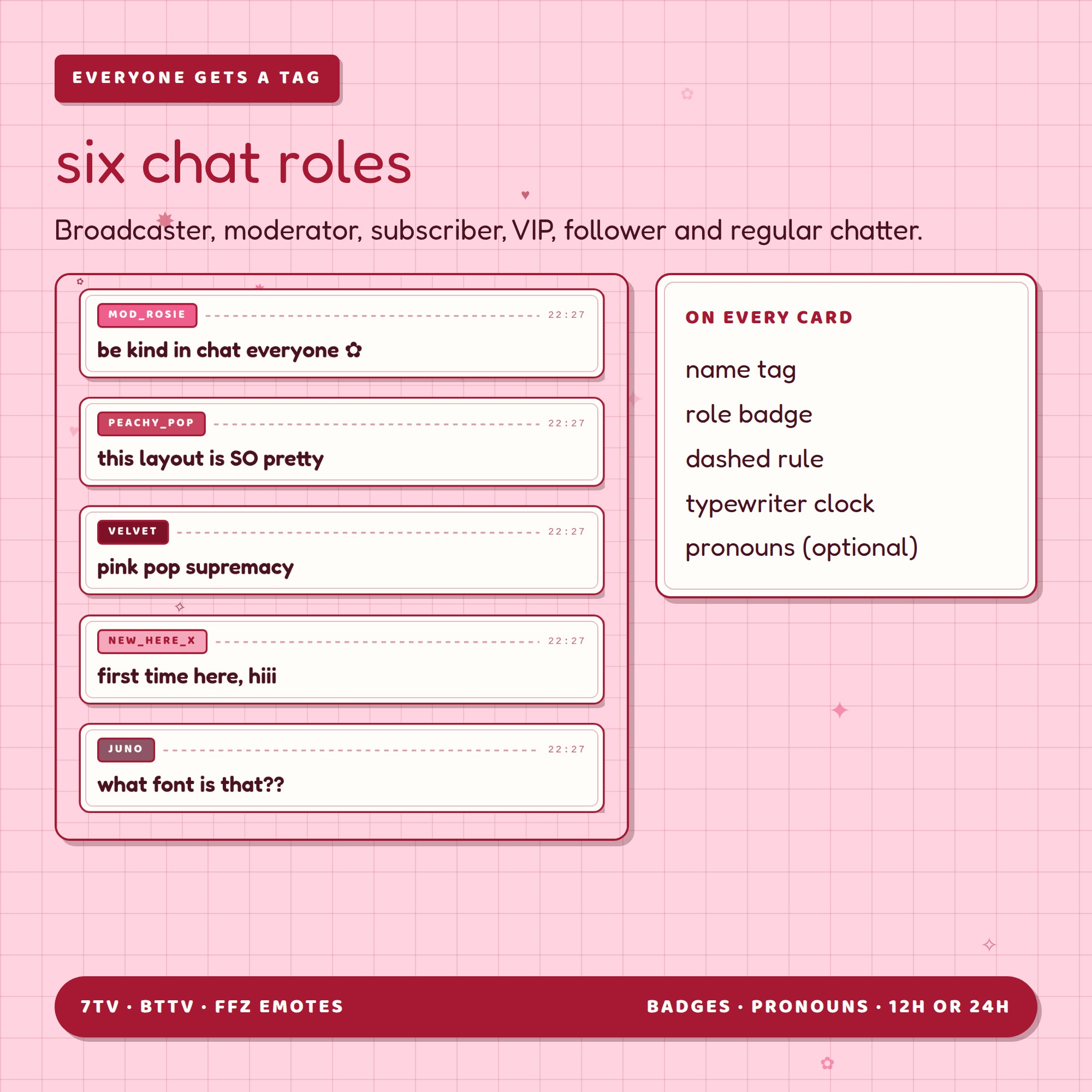
- 6 chat roles: broadcaster, moderator, subscriber, VIP, follower and regular chatter
- Twitch emotes plus 7TV, BetterTTV and FrankerFaceZ, with large solo emotes
- Role badges, pronouns, 12 hour or 24 hour timestamps
- Hide bot commands, auto-hide old messages, limit how many stay on screen
- Newest message at the bottom or the top, any widget scale
- Rename the wordmark, the studio line, the status row and the strip
★ A CONTROL PANEL, NOT A CODE FILE
Open settings.html, type your channel, click through the options and watch the preview change. Then press copy and paste the link into an OBS browser source.
★ WHAT YOU GET (1 ZIP file)
- chat.html — the widget OBS points at
- settings.html — the control panel
- fonts/ — both fonts, so it looks right offline too
- Setup-Guide.pdf — 5 illustrated pages
- README.txt — the short version
Works in OBS, Streamlabs and anything else with a browser source. This is a DIGITAL DOWNLOAD — nothing will be shipped. Use it on your own stream; please do not resell or redistribute the files.