About this widget
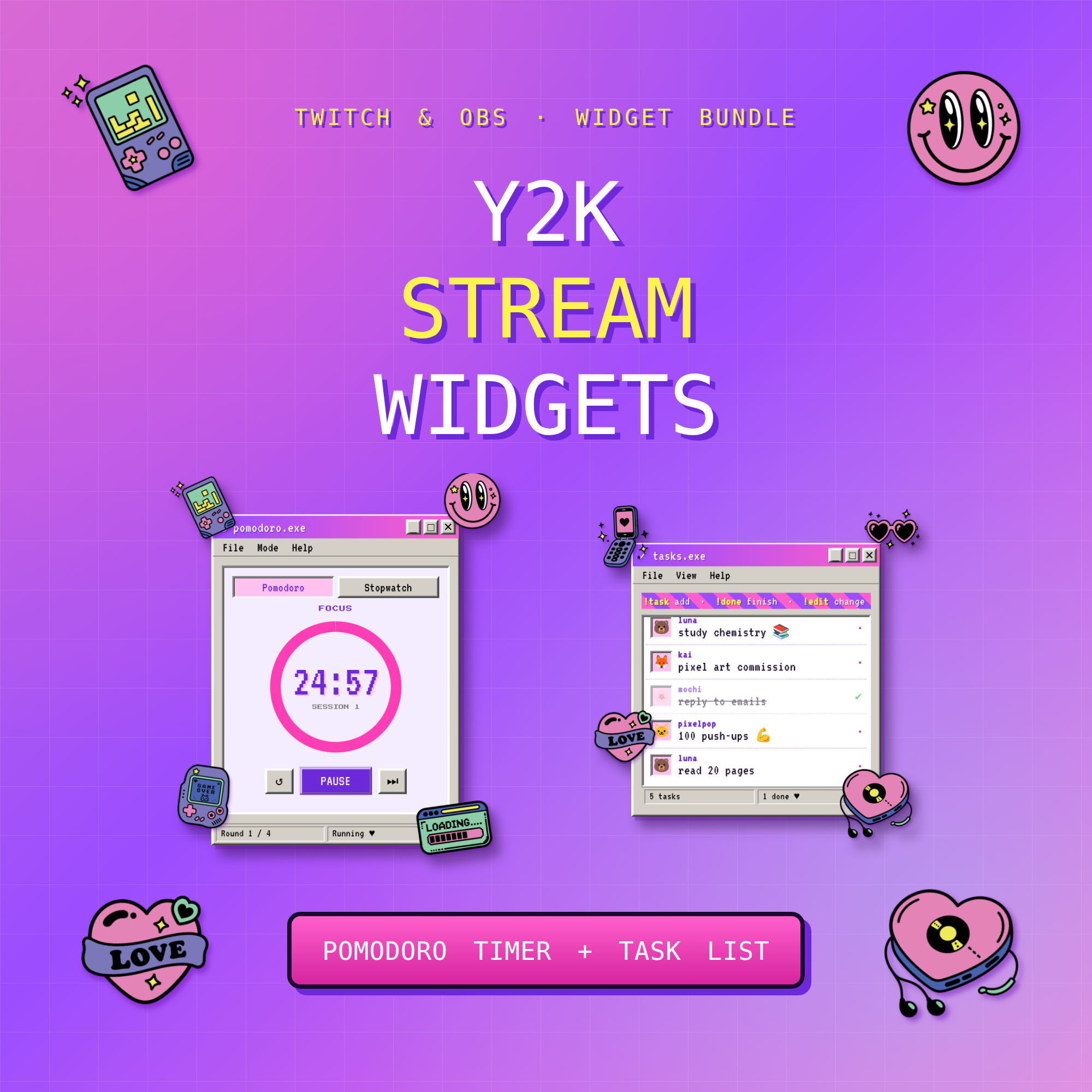
💜 Y2K Stream Widget Bundle — Pomodoro Timer + Co-Working Task List
Cyber-cute Windows-98 widgets for your Twitch stream — set up in under a minute.
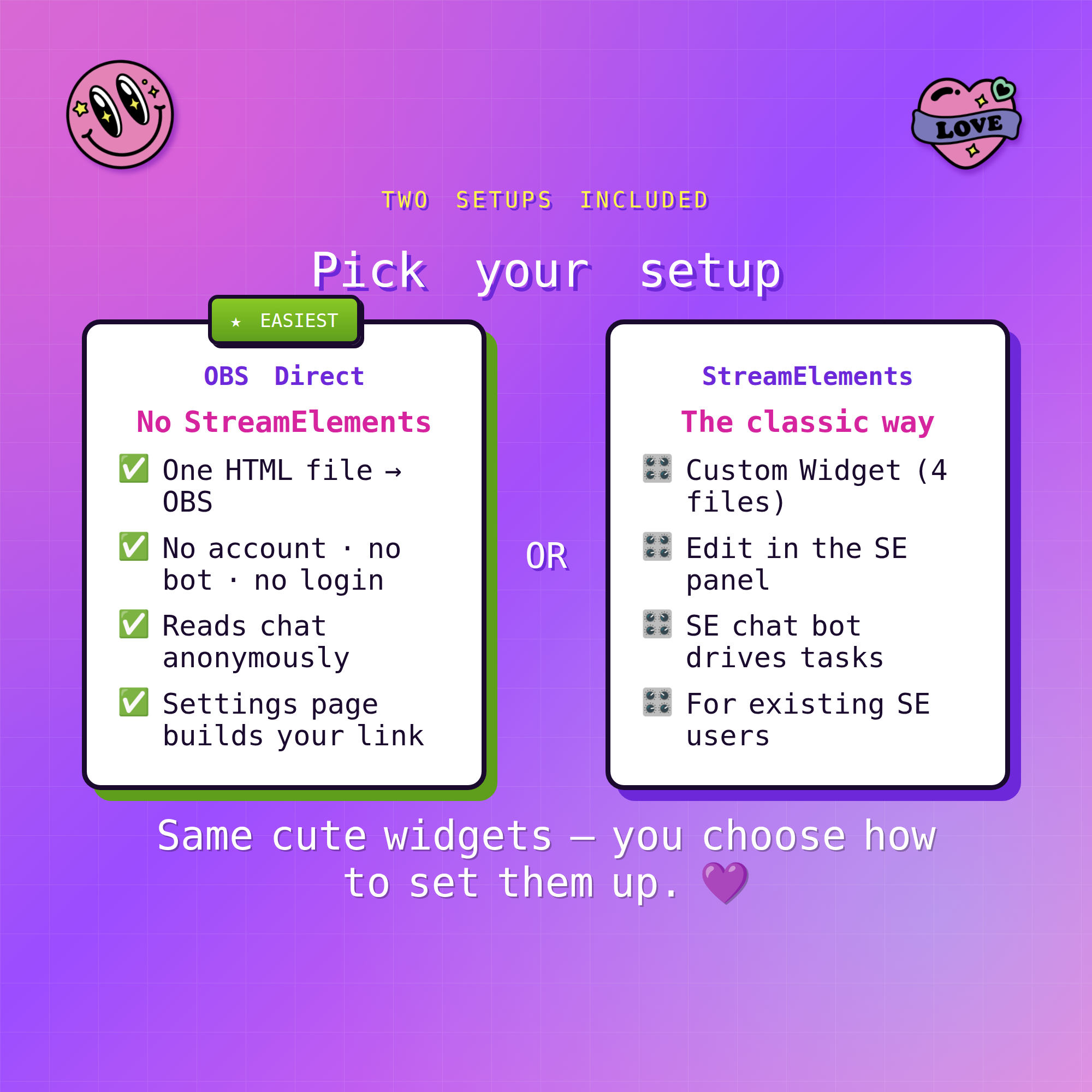
★ TWO SETUPS INCLUDED — pick whichever you like ★
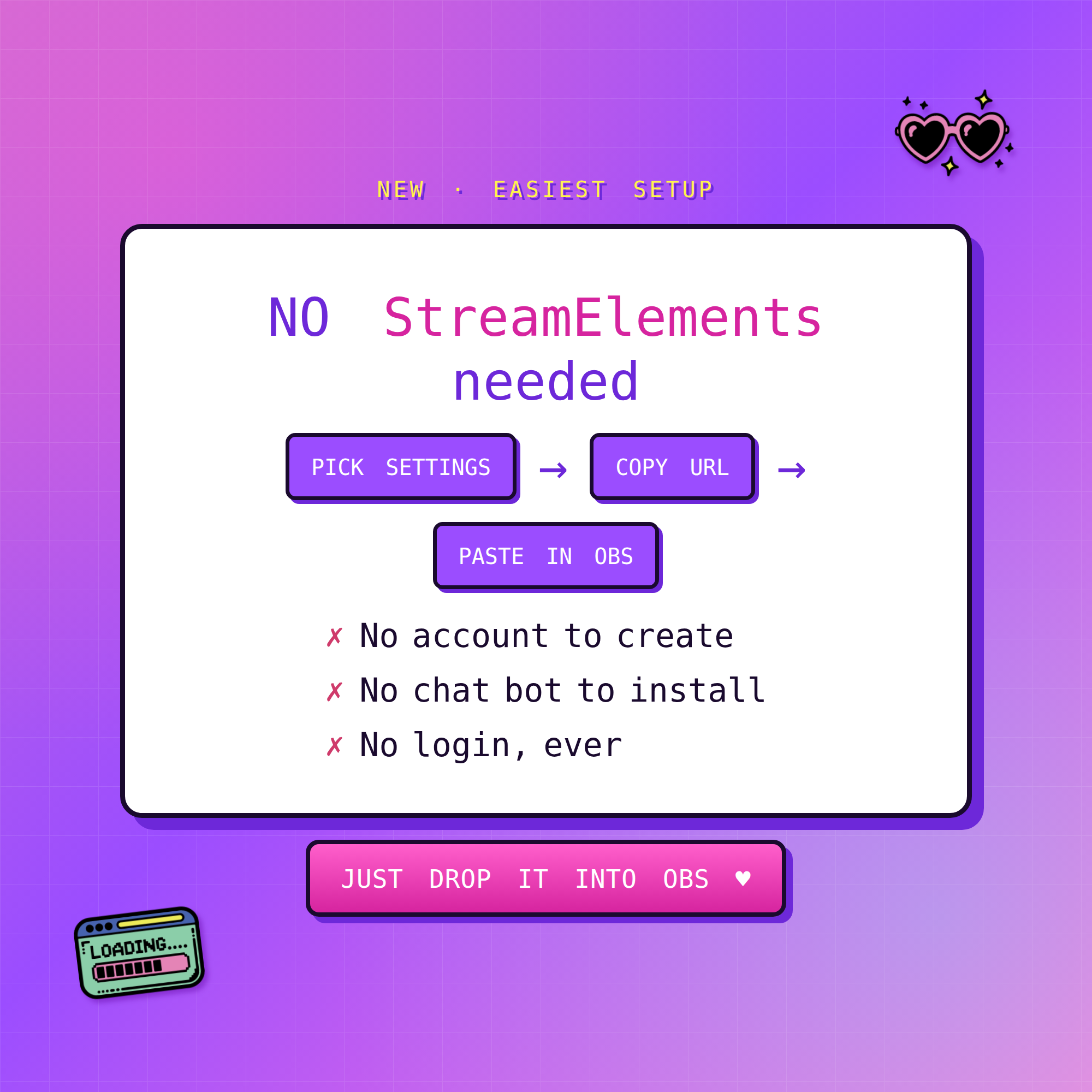
✨ NO StreamElements needed (easiest!) — just drop one HTML file into an OBS Browser source. No account, no bot, no login. The Task List reads your Twitch chat anonymously. A friendly Settings page builds your link for you.
🎛️ StreamElements version — the classic Custom Widget setup, for streamers who already use SE.
Both look identical on stream — you choose how to set them up.
★ WHAT YOU GET (2 widgets) ★
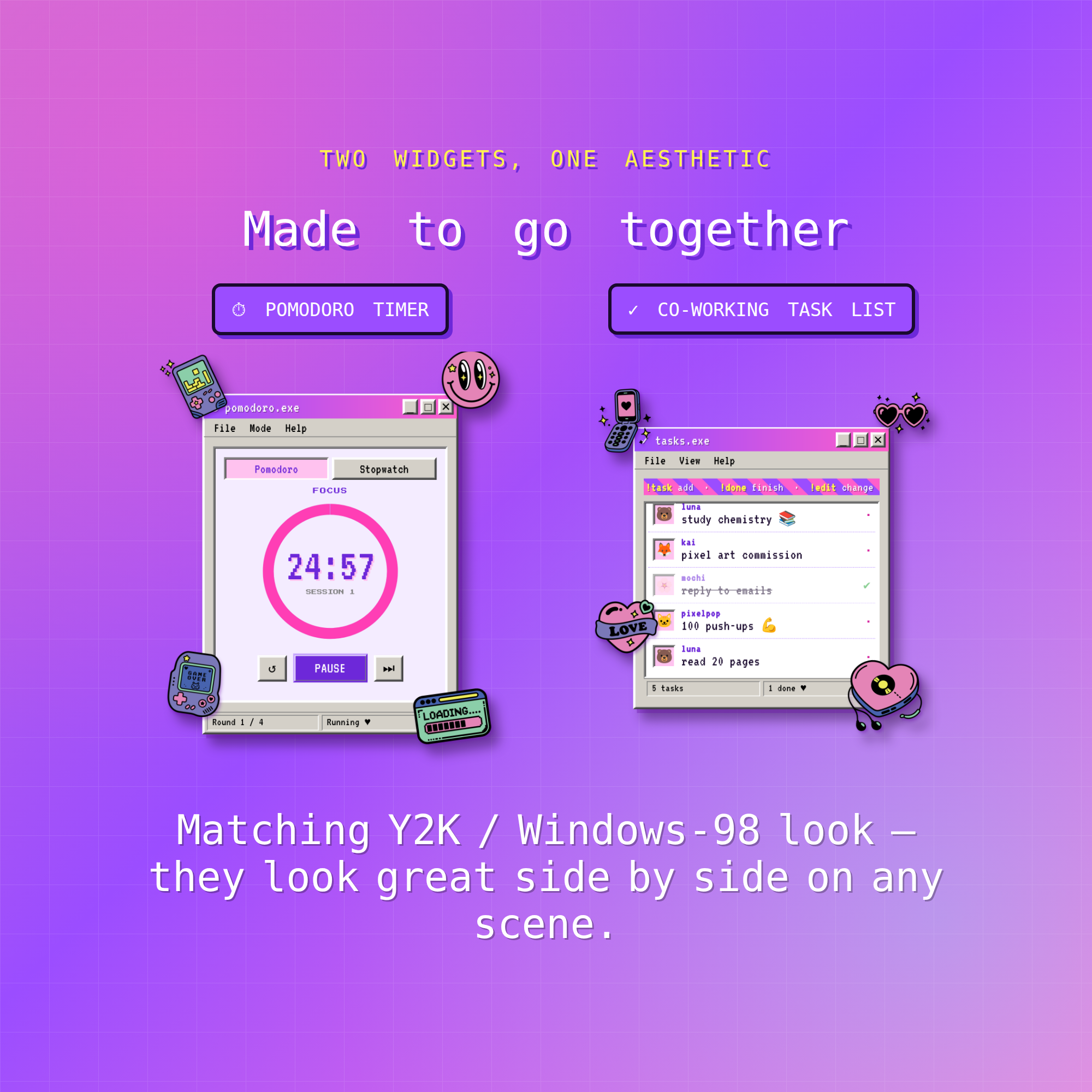
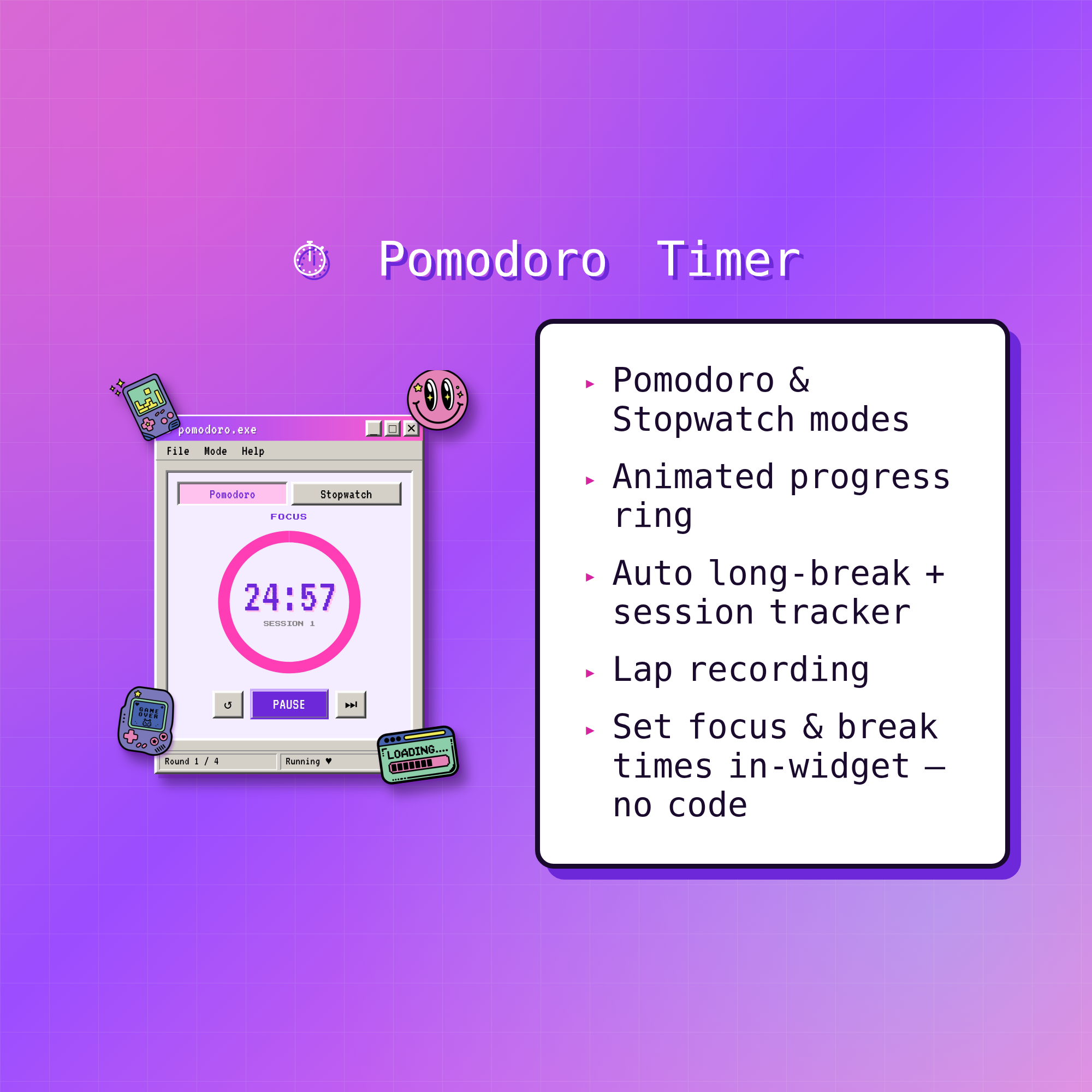
⏱ POMODORO TIMER
• Pomodoro + Stopwatch modes
• Animated progress ring + session tracker
• Automatic long breaks + lap recording
• Set your own focus & break times — no code
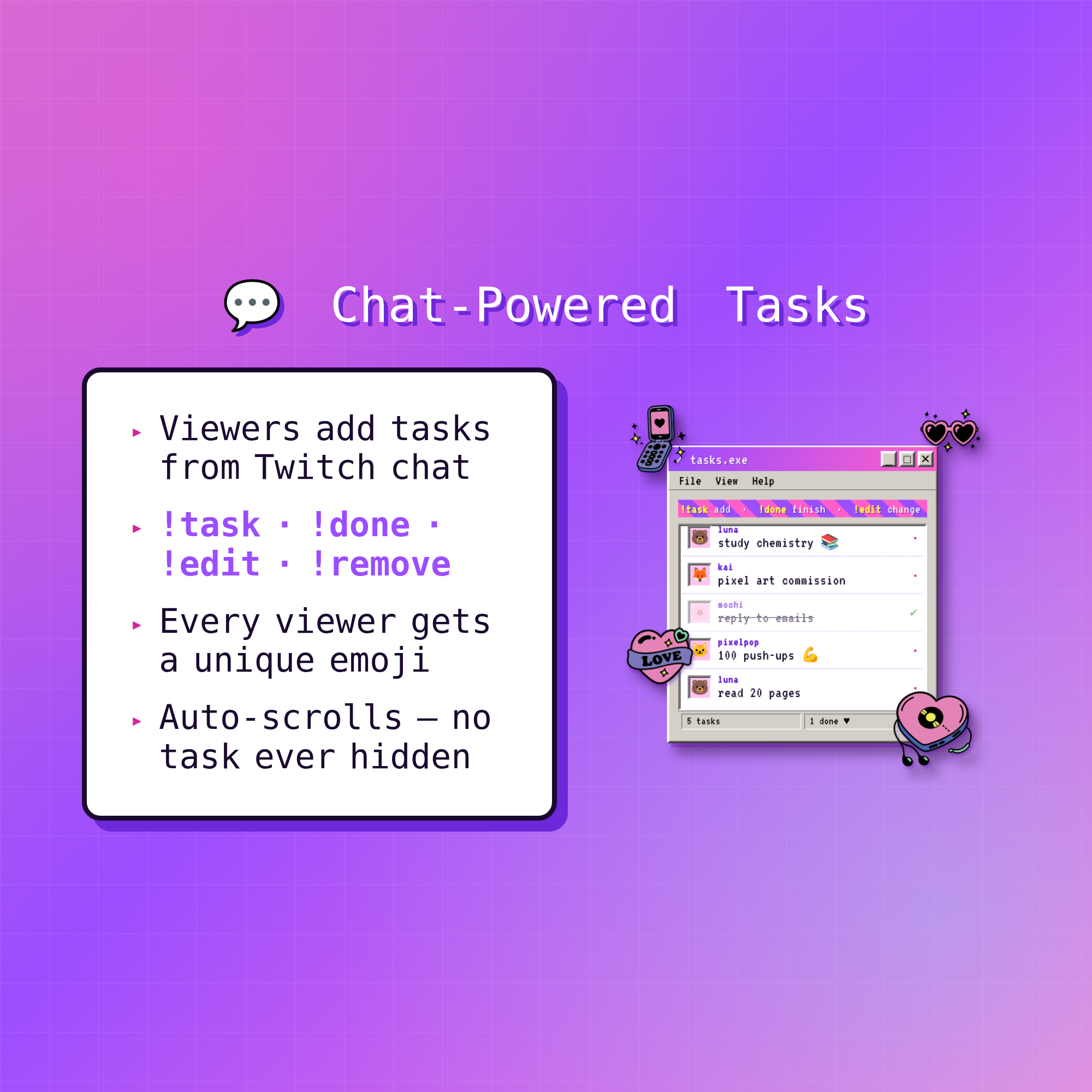
💬 CO-WORKING TASK LIST
• Viewers add tasks straight from Twitch chat: !task !done !edit !remove
• Every viewer gets their own cute emoji
• Auto-scrolls so no task is ever hidden
★ WHY YOU'LL LOVE IT ★
✓ Bold Y2K / Windows-98 look you won't find anywhere else
✓ Works WITHOUT StreamElements — drop straight into OBS (or use the SE version)
✓ Works with FREE OBS Studio + Streamlabs Desktop
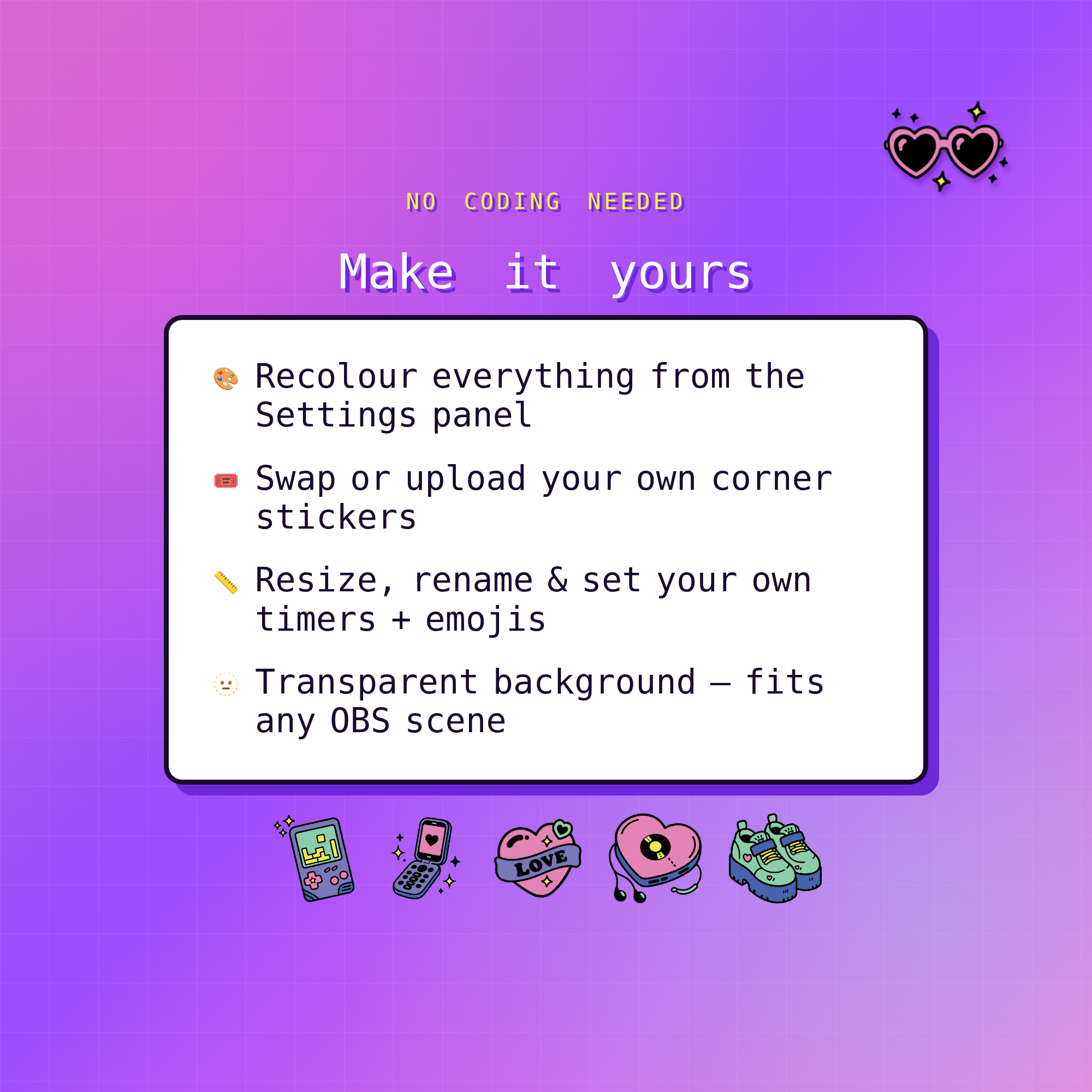
✓ Transparent background — fits any overlay scene
✓ Fully customizable: colors, timers, emojis, size & stickers — no coding
✓ No subscriptions, no monthly fees
✓ Original Y2K sticker pack drawn by our own designer
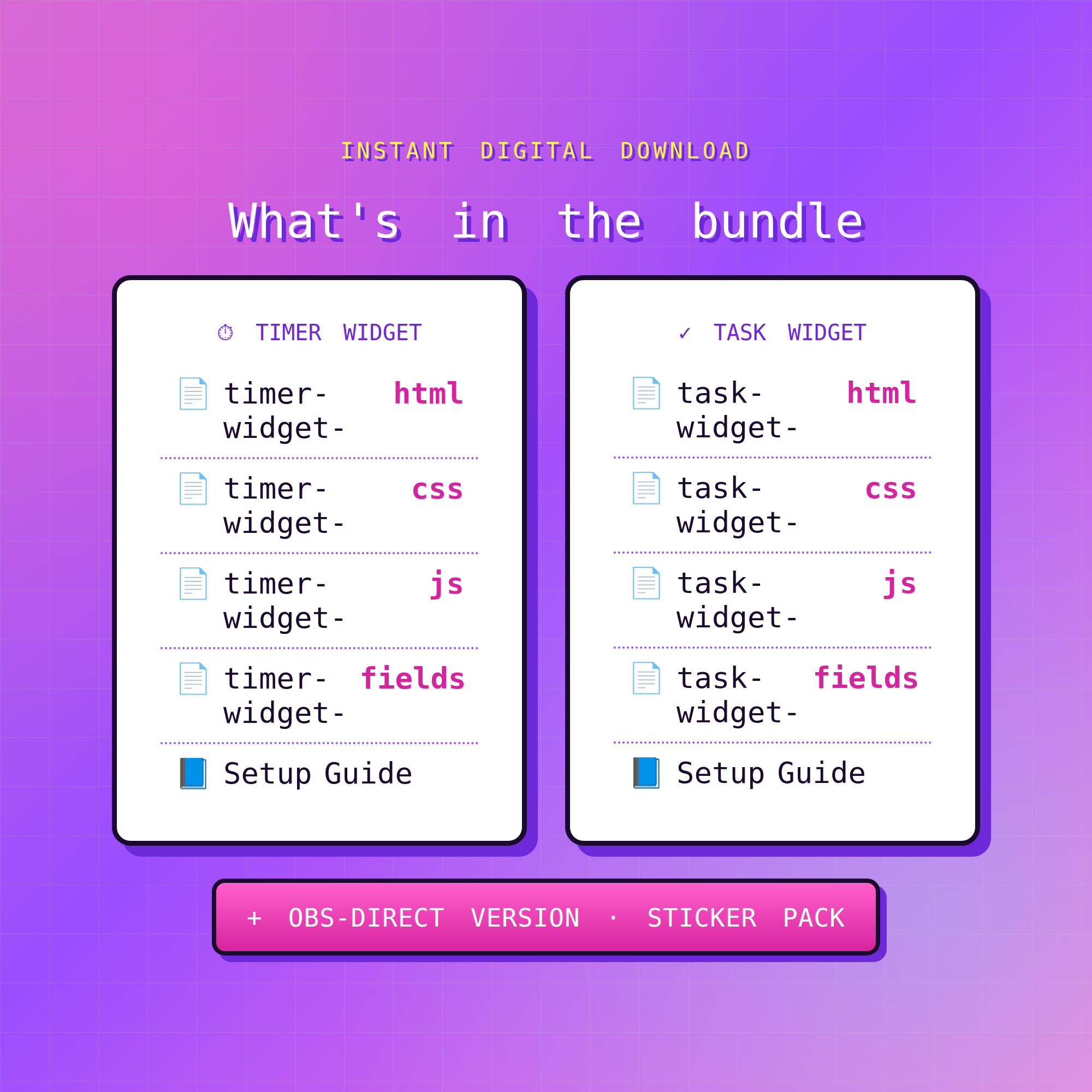
★ WHAT'S INCLUDED (instant download) ★
• No-StreamElements version — Pomodoro + Task List (HTML) + easy Settings pages
• StreamElements version — Pomodoro + Task List (HTML/CSS/JS/Fields)
• Matching Y2K sticker pack (PNG, transparent)
• Step-by-step Setup Guides (English) for both setups
★ SUPER EASY SETUP (no-StreamElements) ★
1. Open the Settings page & pick your colors, timers & channel
2. Copy your personalized widget URL
3. Add it as a Browser source in OBS — you're live! ✨
(Full illustrated guide for both setups included.)
★ REQUIREMENTS ★
• OBS Studio or Streamlabs Desktop (free)
• Internet connection (for fonts + Twitch chat)
• For the Task List: just your Twitch username
• (Optional) a free StreamElements account if you use the SE version
★ PLEASE NOTE ★
This is a DIGITAL DOWNLOAD for use in OBS / StreamElements — not a printable file or app. Because it's instant digital, this item is non-refundable.
Questions or need a hand setting up? Message me anytime — happy to help! 💜