About this widget
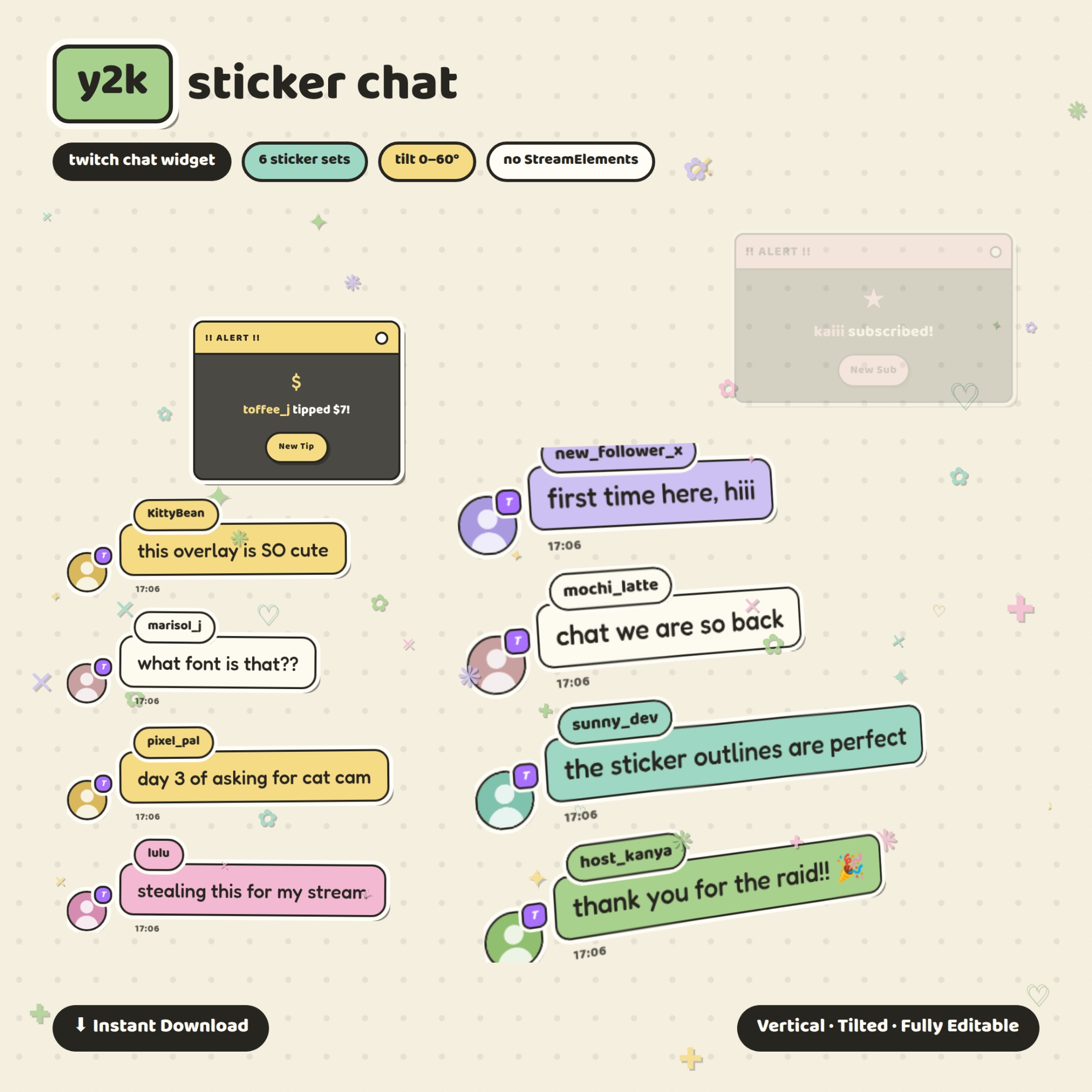
Y2K Sticker Chat — your Twitch chat as cream sticker cards with ink outlines, scattered sparkles and little retro popup alerts. It runs by itself: type your channel name, copy one link, paste it into OBS. No bot account, no login, no StreamElements, nothing to install and nothing to subscribe to.
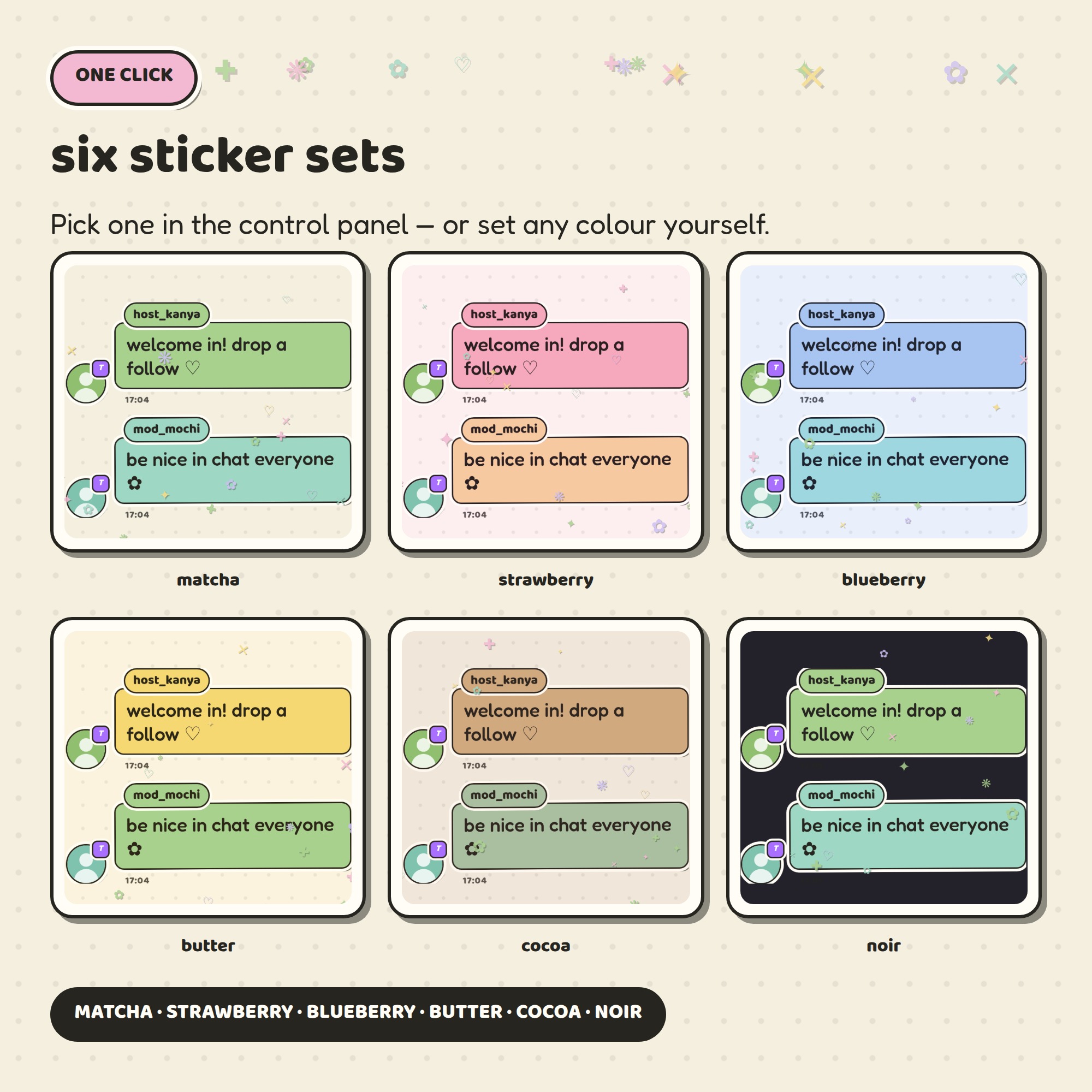
★ SIX STICKER SETS
matcha · strawberry · blueberry · butter · cocoa · noir
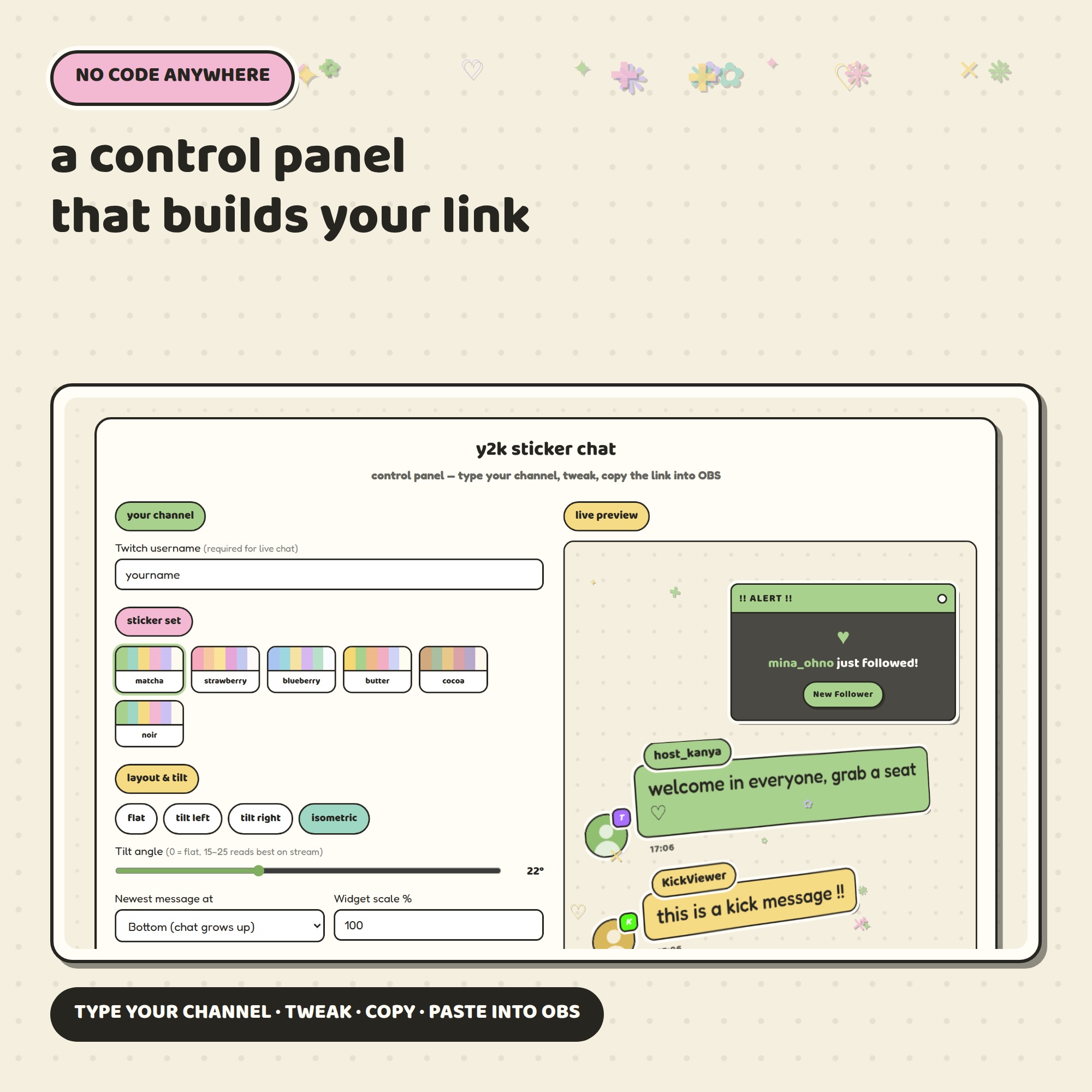
Switch with one click in the control panel — or set any colour you like, because each of the six chat roles has its own colour picker.
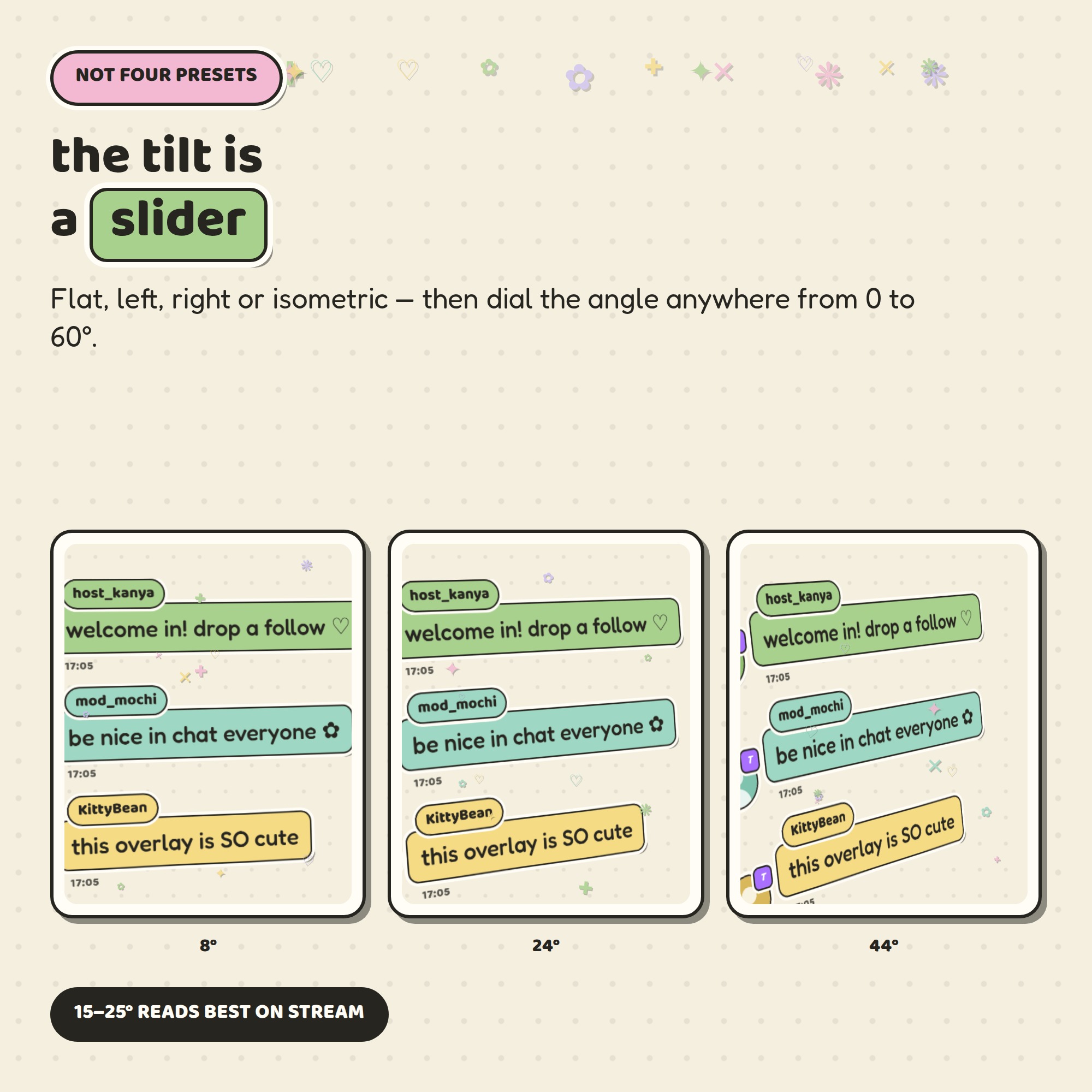
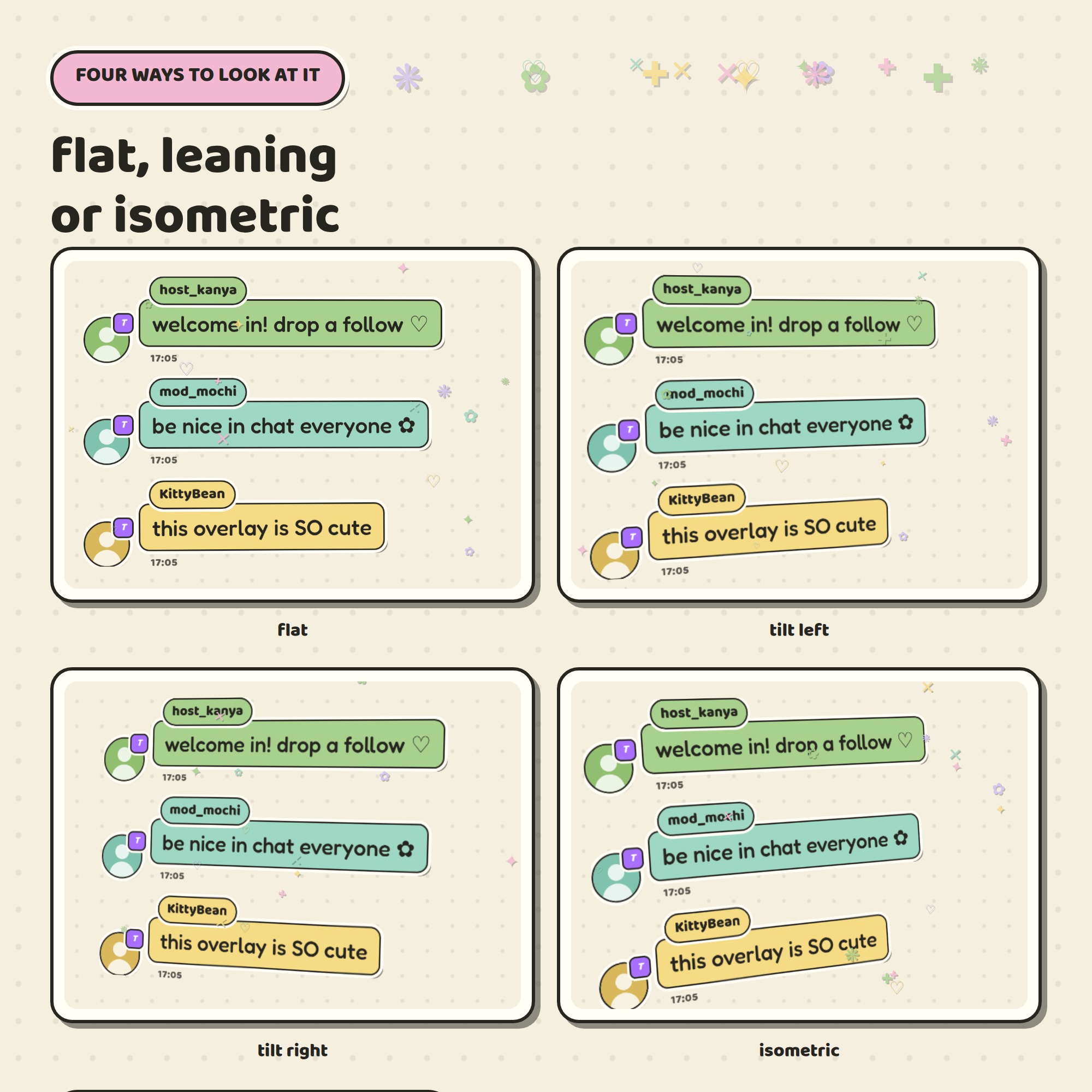
★ THE TILT IS A SLIDER, NOT A PRESET
Choose flat, tilt left, tilt right or isometric, then dial the angle anywhere from 0 to 60 degrees and watch the cards lean in the live preview. (15–25 degrees reads best on stream.) Most overlays give you two fixed views — this one gives you the whole dial.
★ WHAT IT DOES ON STREAM
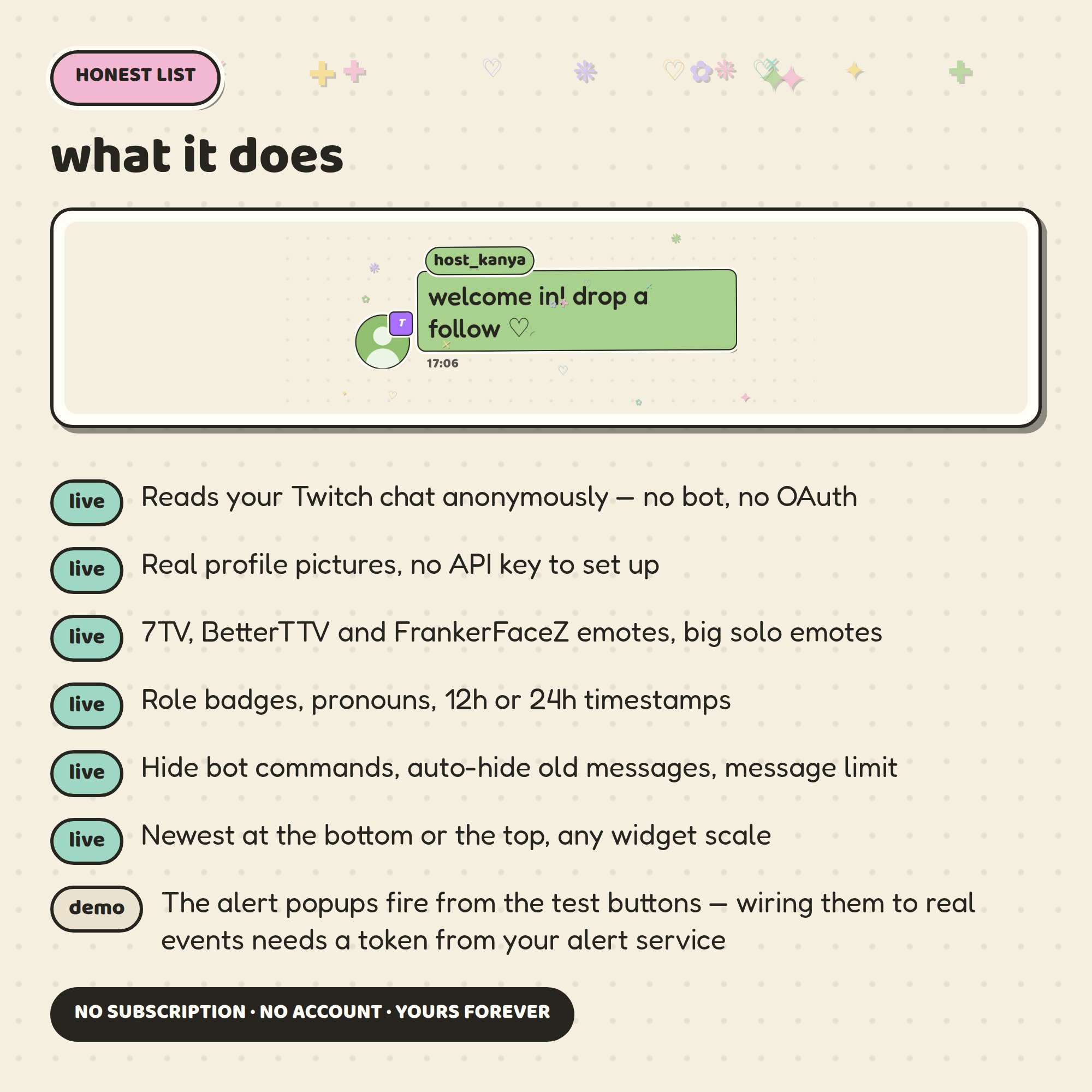
- Reads your live Twitch chat anonymously — no OAuth, no bot, no third-party account
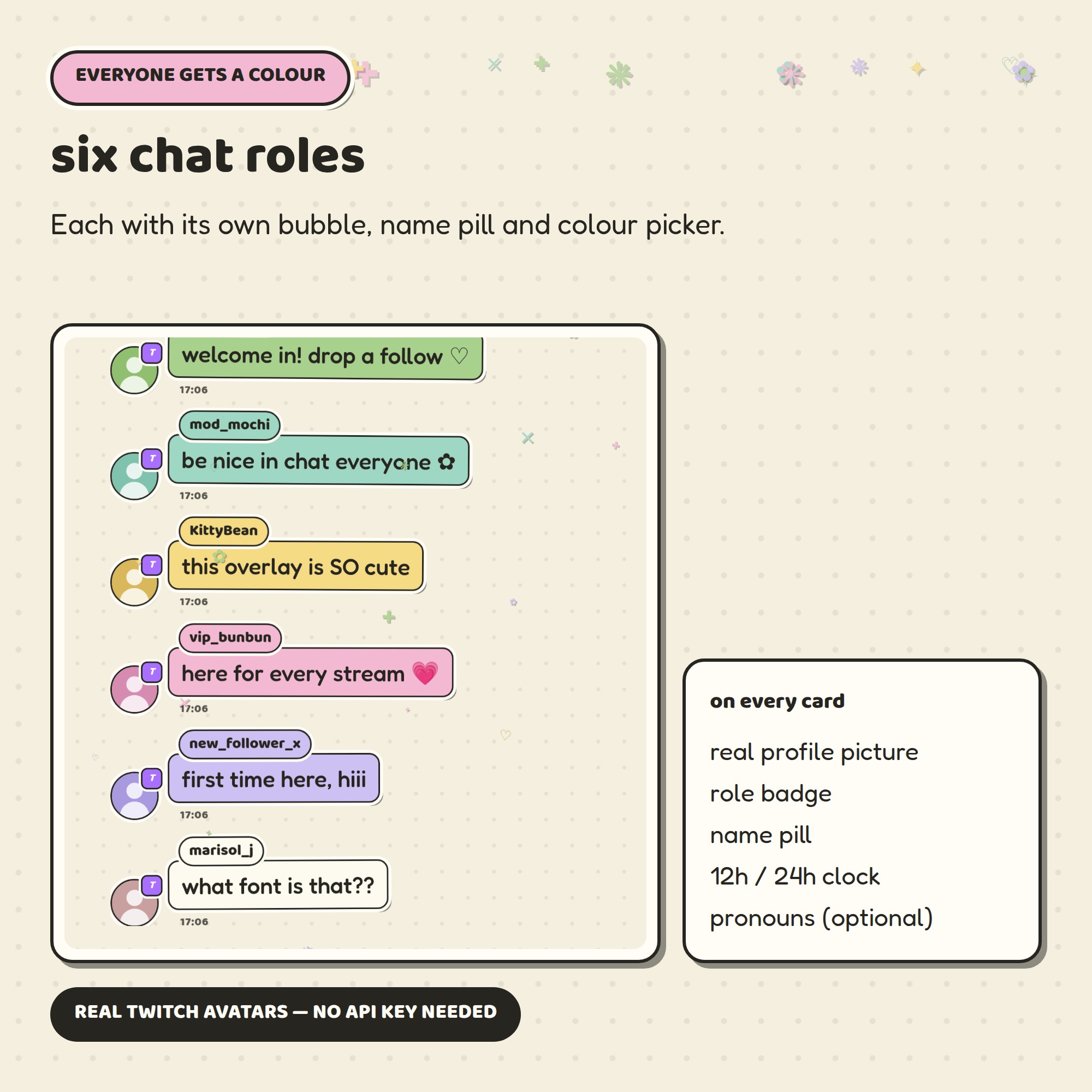
- Real Twitch profile pictures on every message, with no API key to set up
- 6 chat roles: broadcaster, moderator, subscriber, VIP, follower and regular chatter
- Twitch emotes plus 7TV, BetterTTV and FrankerFaceZ, with large solo emotes
- Role badges, pronouns, 12 hour or 24 hour timestamps
- Cozy wiggle animation and sparkle decorations, both switchable
- Newest message at the bottom or the top, any widget scale
- Hide bot commands, auto-hide old messages, limit how many stay on screen
★ RETRO POPUP ALERTS
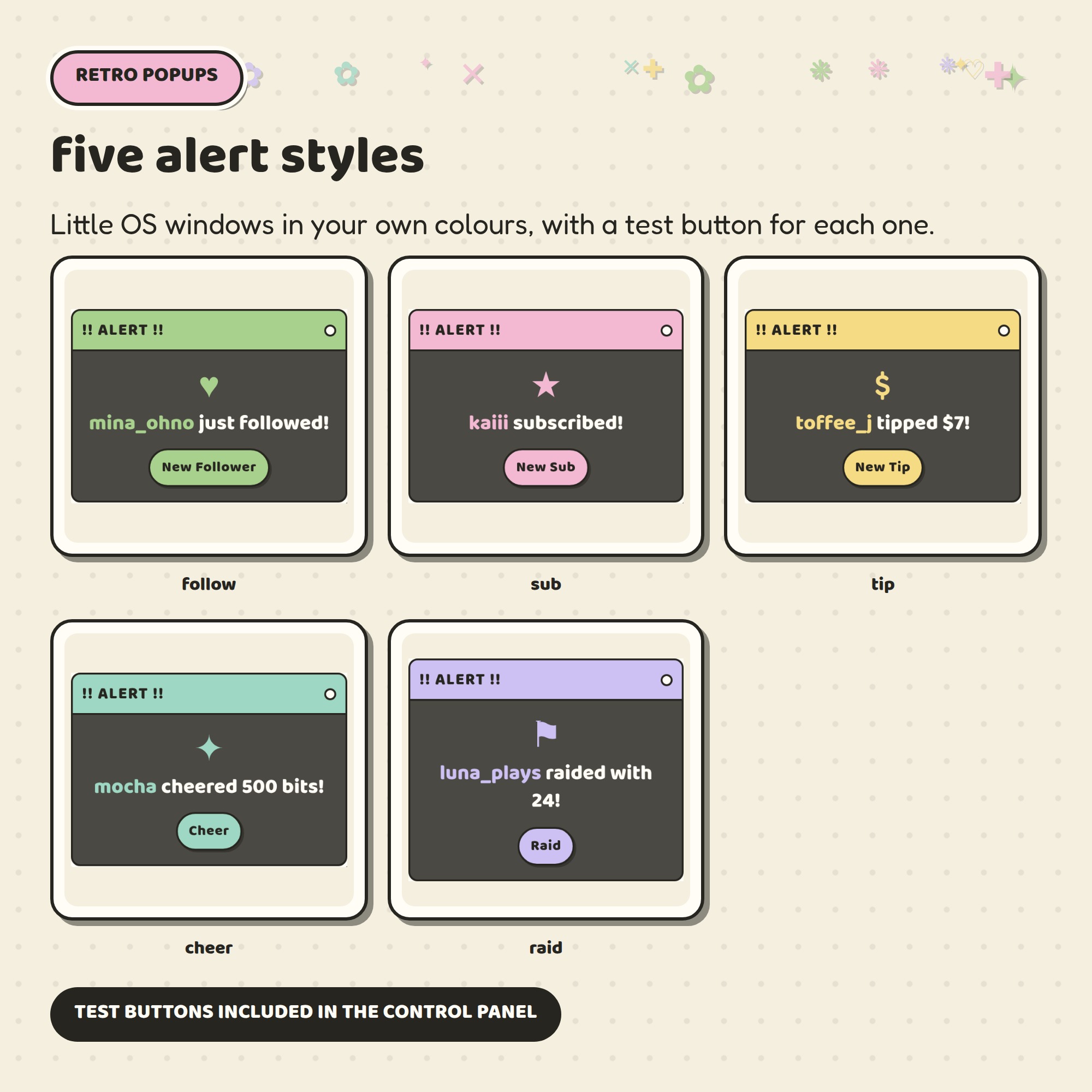
Five little OS-window alerts — follow, sub, tip, cheer and raid — styled in your chosen colours, with a test button for each one in the control panel so you can place them exactly where you want. Please note: the alerts fire from the test buttons and are there for you to style and position. Connecting them to real follow / sub / tip events needs a token from your own alert service.
★ A CONTROL PANEL, NOT A CODE FILE
Open settings.html, type your channel, click through the options and watch the preview change. Then press copy and paste the link into an OBS browser source. Everything is also a plain word in the link if you would rather type it yourself.
★ WHAT YOU GET (1 ZIP file)
- chat.html — the widget OBS points at
- settings.html — the control panel
- fonts/ — both rounded fonts, so it looks right offline too
- Setup-Guide.pdf — 5 illustrated pages
- README.txt — the short version
Works in OBS, Streamlabs and anything else with a browser source. This is a DIGITAL DOWNLOAD — nothing will be shipped. Use it on your own stream; please do not resell or redistribute the files.