About this widget
🪟 Y2K POP-UP WINDOWS CHAT BOX
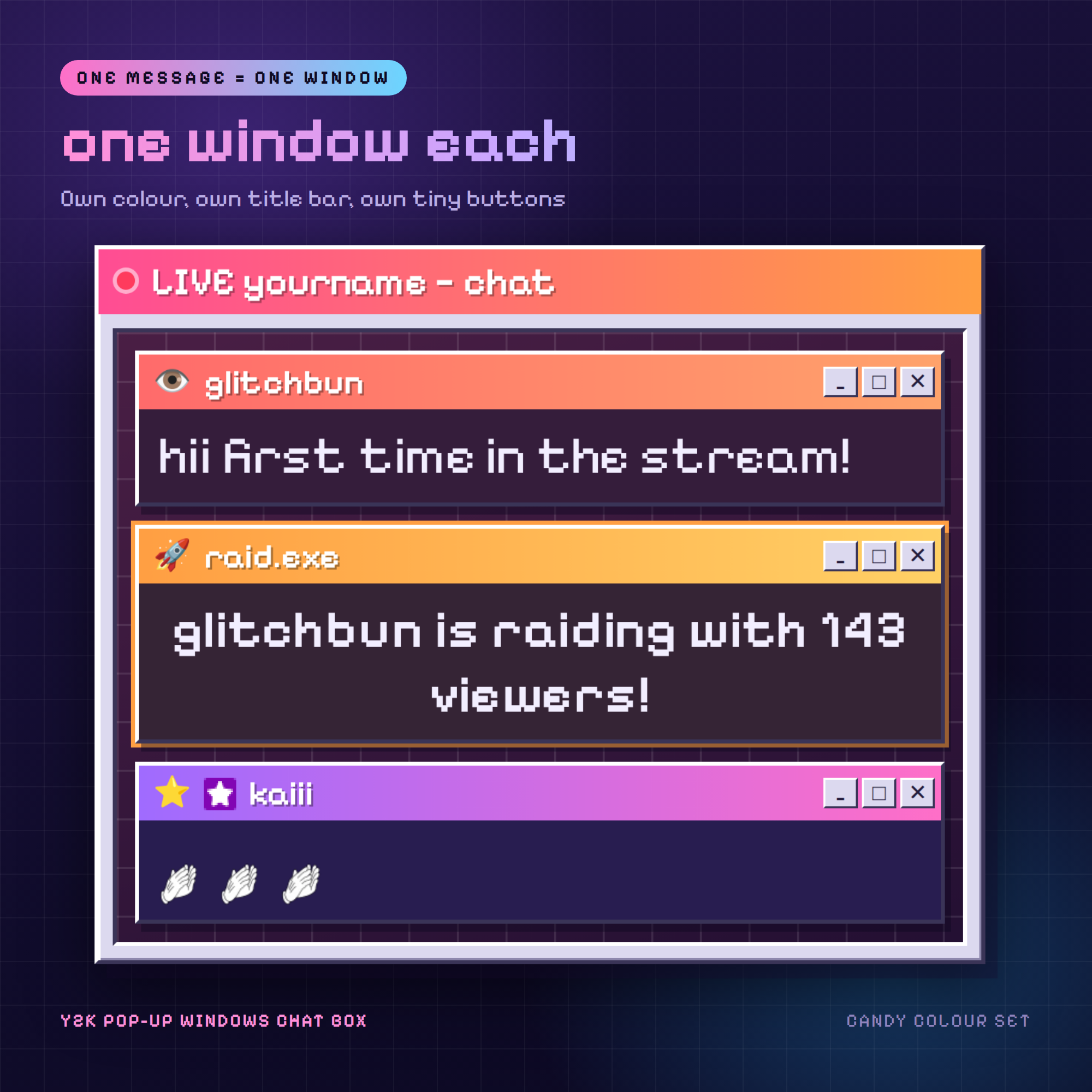
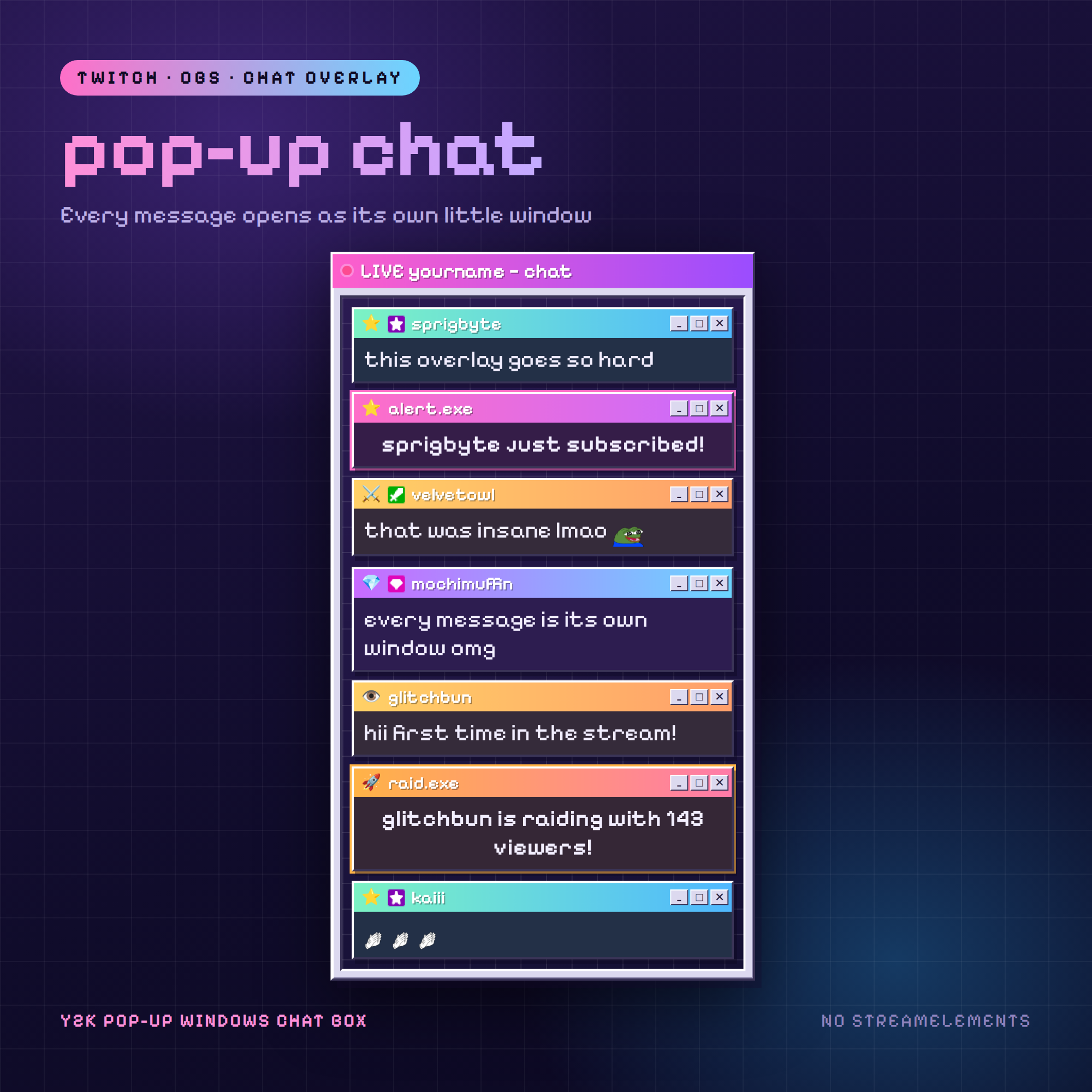
Every message your chat sends opens as its own little retro window —
own colour, own title bar, own tiny _ □ ✕ buttons. Your chat stops
being a grey list and turns into a cluttered 90s desktop.
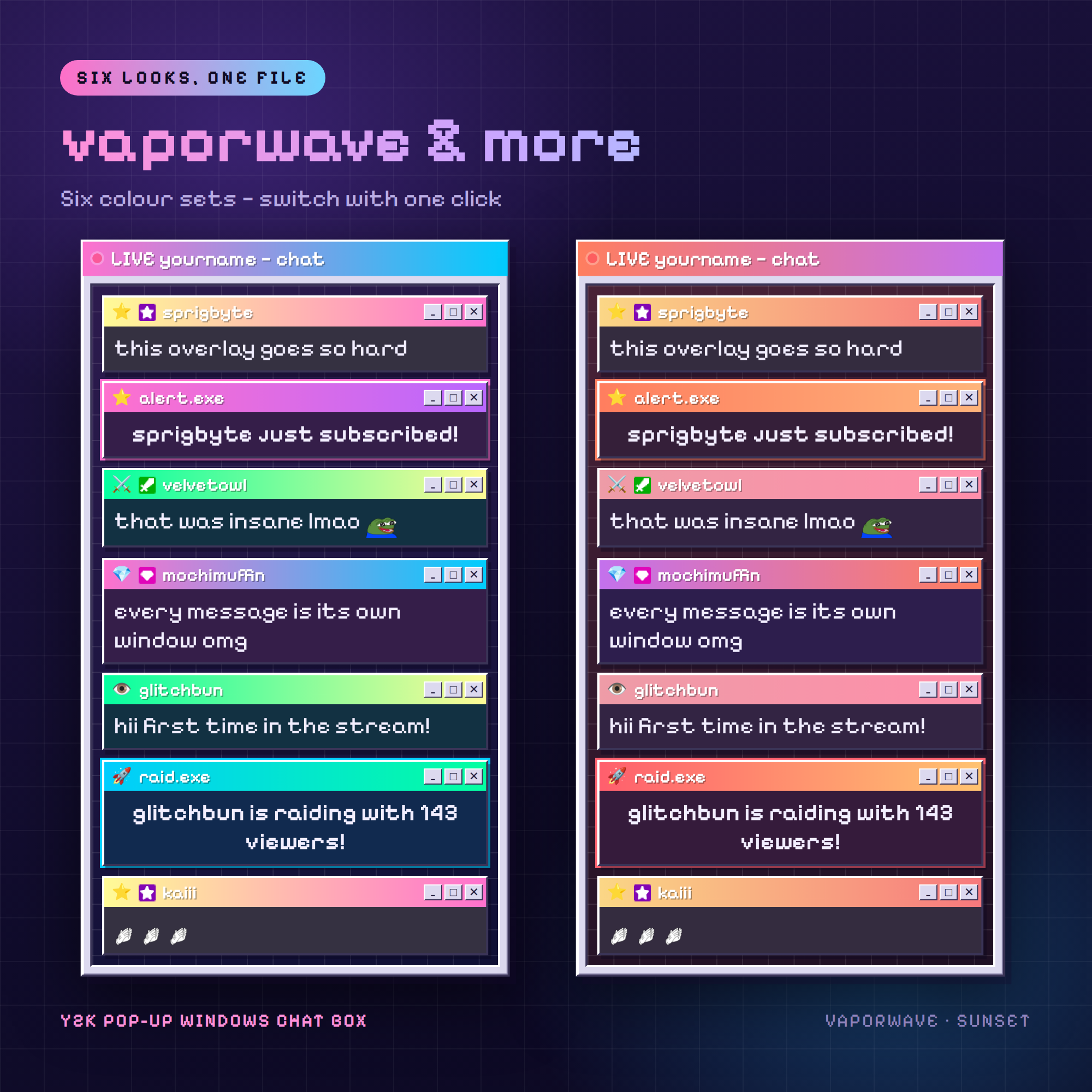
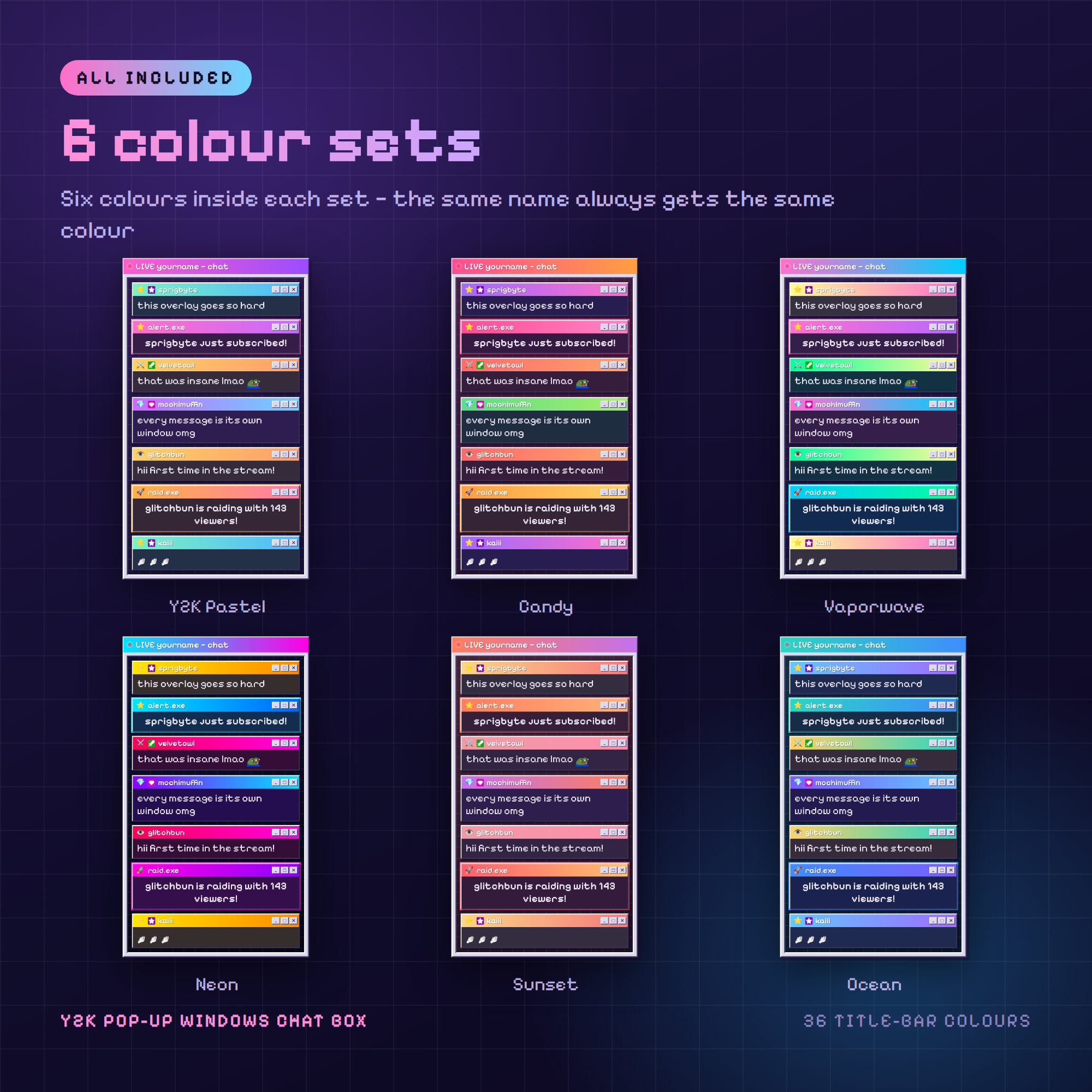
Six colour sets, six colours inside each one. The same chatter always
gets the same colour, so your regulars become recognisable at a glance.
WHAT MAKES THIS DIFFERENT
✦ NO STREAMELEMENTS. No Streamlabs, no bot, no login, no API key.
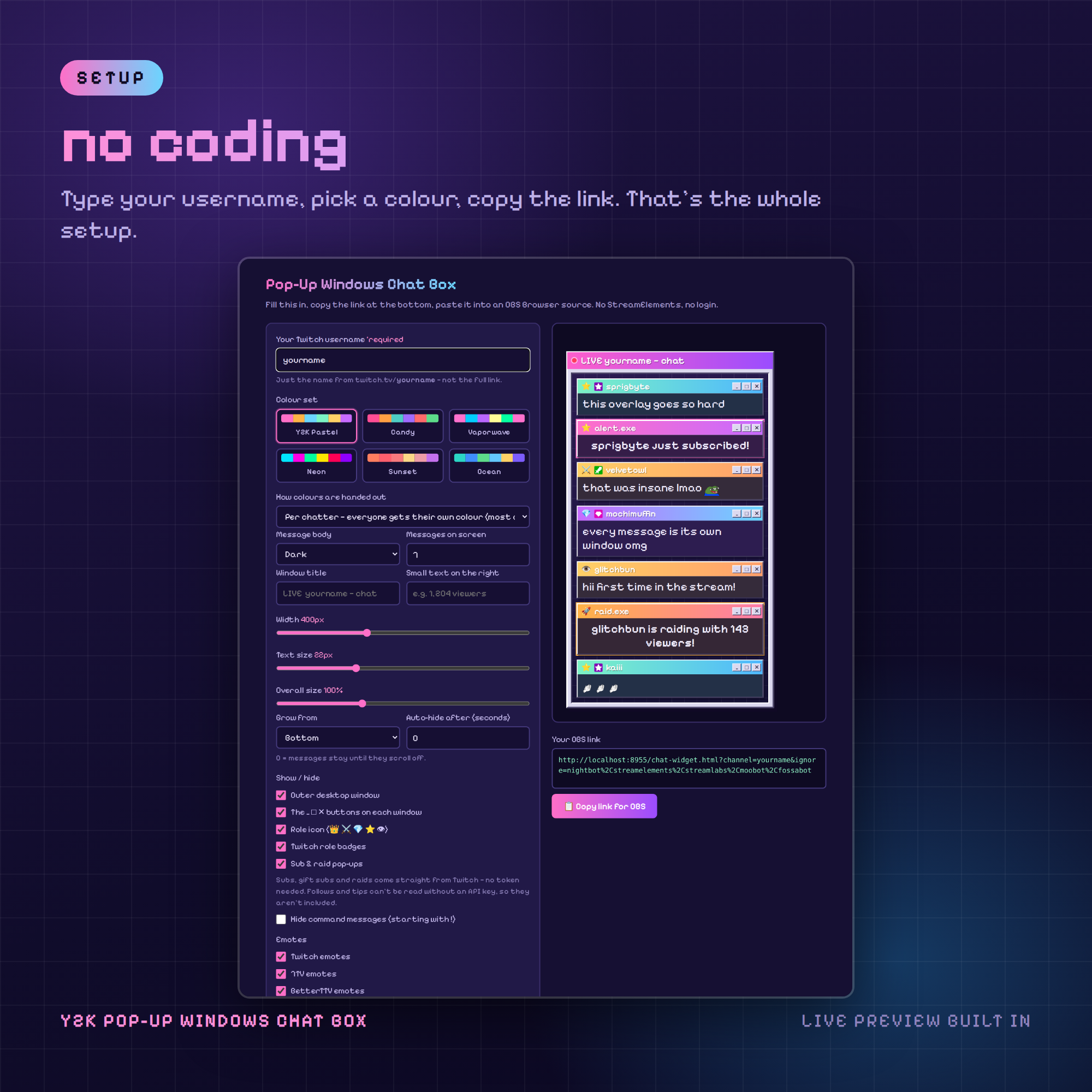
Type your Twitch username, copy the link, paste it into OBS. That's it.
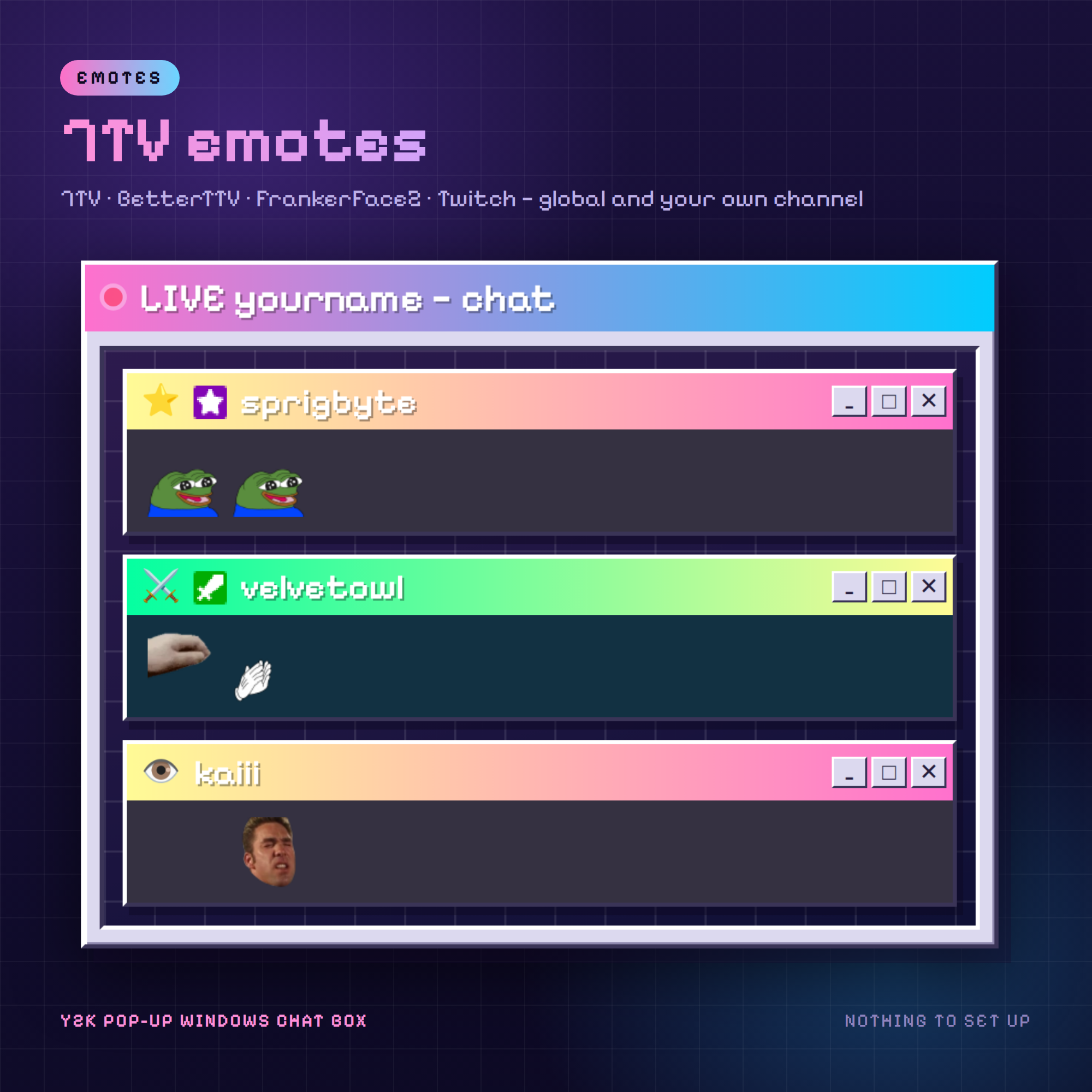
✦ 7TV, BETTERTTV AND FRANKERFACEZ EMOTES — global sets and your own
channel's, loaded automatically. Plus normal Twitch emotes, of course.
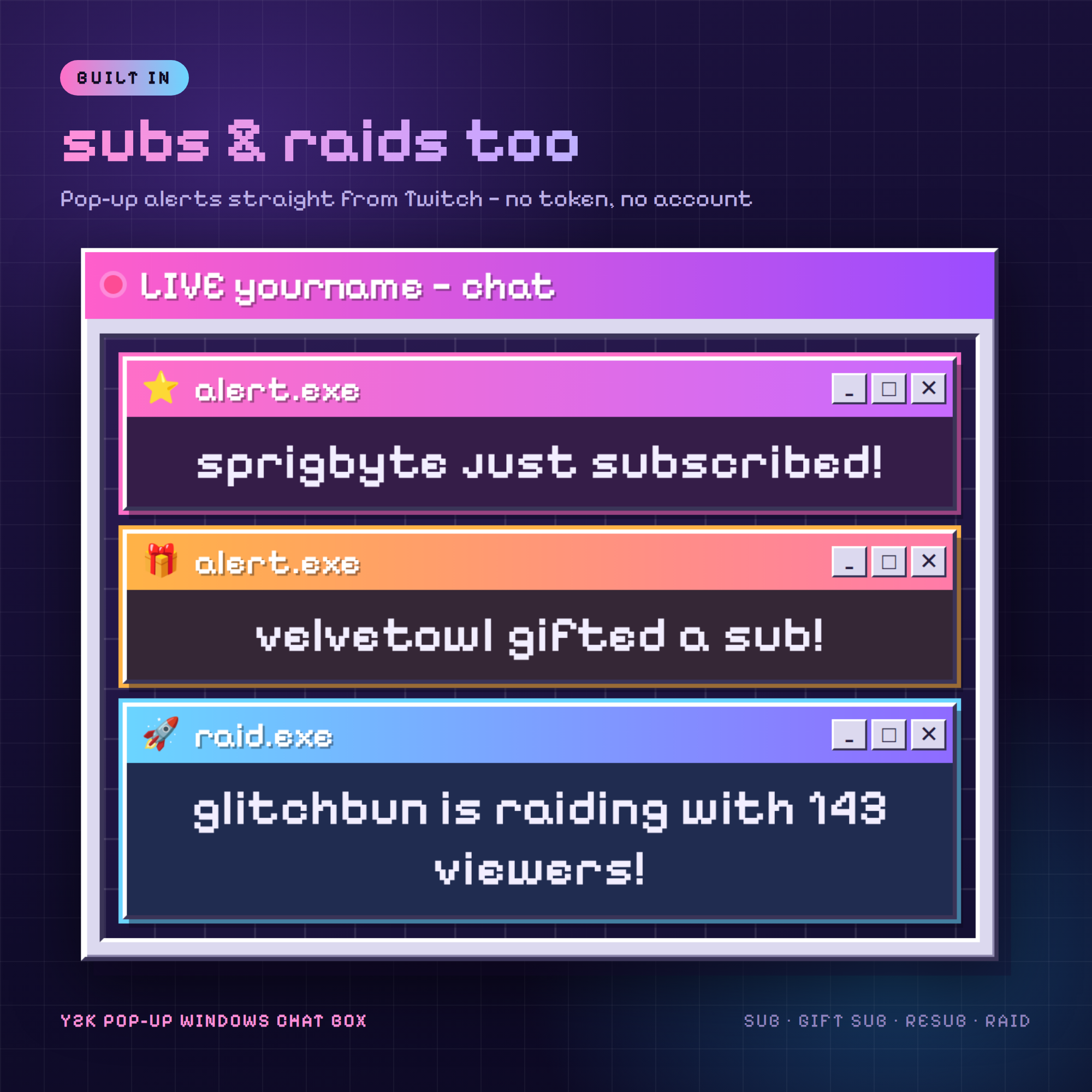
✦ SUB AND RAID POP-UPS. Subs, resubs, gift subs and raids appear as their
own alert windows — no token needed, because they come over Twitch's
ordinary chat connection.
6 COLOUR SETS
🩷 Y2K Pastel 🍬 Candy 💜 Vaporwave
⚡ Neon 🌅 Sunset 🌊 Ocean
36 title-bar colours in total. Switch sets with one click.
YOU CAN CHANGE
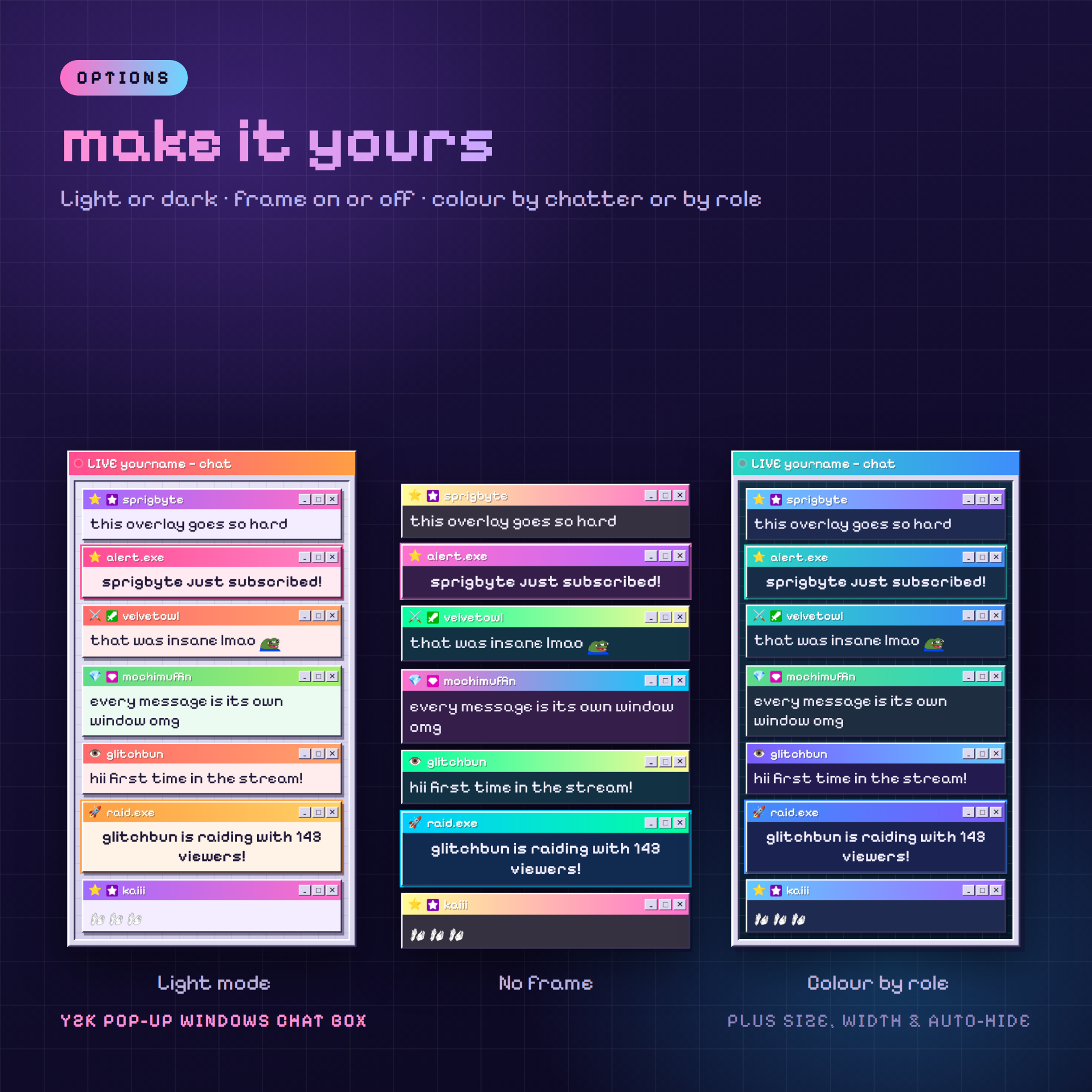
✎ Colour set, and how colours are handed out
(per chatter · per role · straight rainbow)
✎ Dark or light message bodies
✎ Outer desktop window on or off — go frameless over gameplay
✎ Window title and the small text beside it
✎ Width · text size · overall size · how many messages stay
✎ Grow from the bottom or the top
✎ Auto-hide messages after X seconds
✎ Role icons 👑 ⚔️ 💎 ⭐ 👁 and Twitch badges on or off
✎ Hide ! commands · ignore your chat bots
WHAT YOU GET (instant download)
• chat-widget.html — the overlay OBS loads
• chat-settings.html — point-and-click setup with a live preview
• HOW-TO-USE.txt — every option explained in plain English
• README.txt — 2-minute quick start
SETUP — ABOUT 2 MINUTES
1. Open chat-settings.html in your browser
2. Type your Twitch username, pick a colour set
3. Click "Copy link for OBS"
4. OBS → Sources → + → Browser → paste. Done 🎉
BEFORE YOU BUY — HONEST NOTE
Follow alerts and tip alerts are NOT included. Twitch does not release
follows without an authorised API key, and tips live inside
StreamElements / Streamlabs / Ko-fi. This overlay stays login-free on
purpose, so it shows subs, gift subs, resubs and raids only. If you
want follows and tips too, run a separate alert widget alongside it —
they don't conflict.
REQUIREMENTS
• OBS Studio, Streamlabs Desktop, or anything with a Browser source
• An internet connection (fonts, badges and emotes load online)
• A Twitch account — that's all. No other service needed.
TERMS
Personal and commercial streaming use, including monetised channels.
Please don't resell, share or redistribute the files.
Questions? Message me any time — happy to help 💜