About this widget
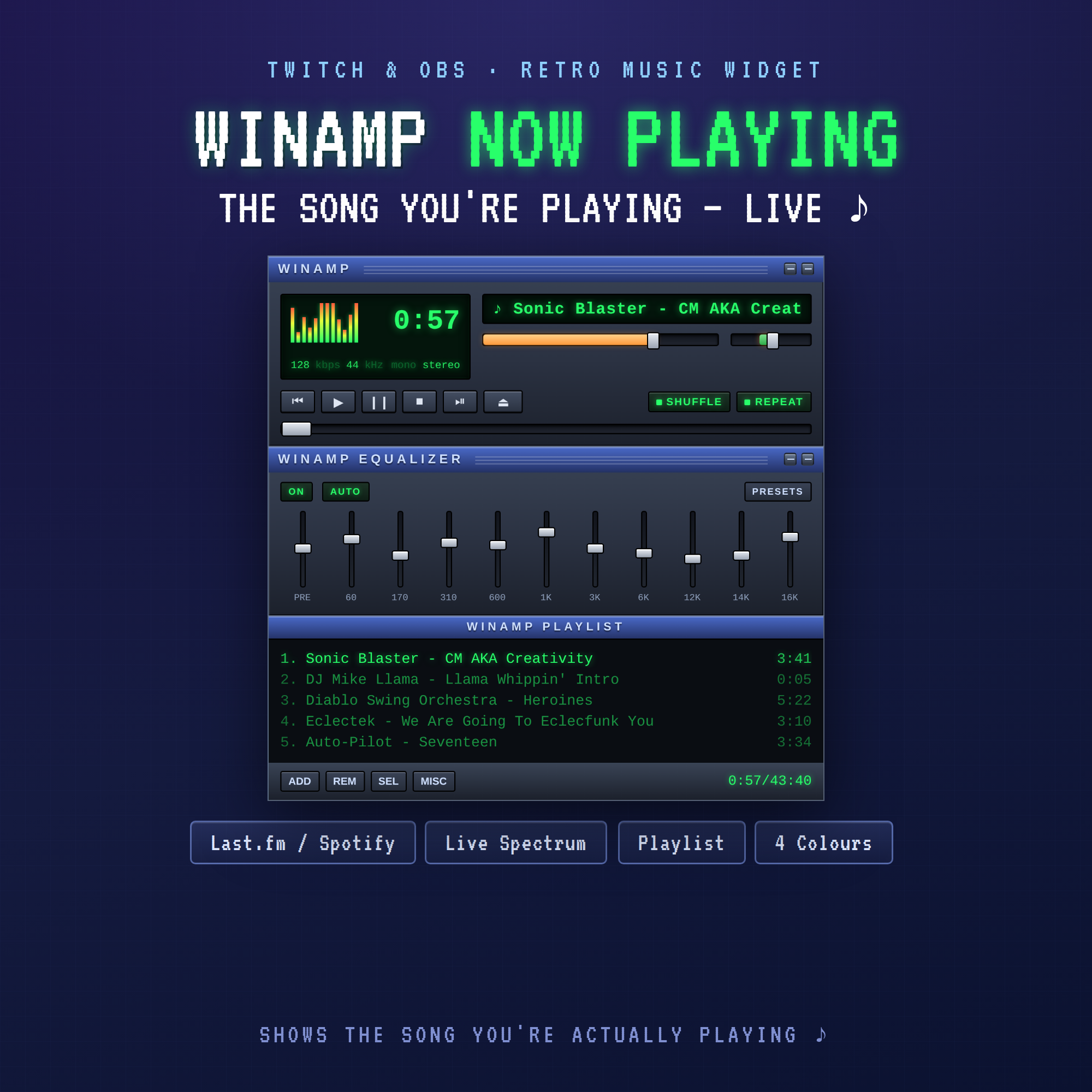
♪ WINAMP NOW PLAYING WIDGET ♪
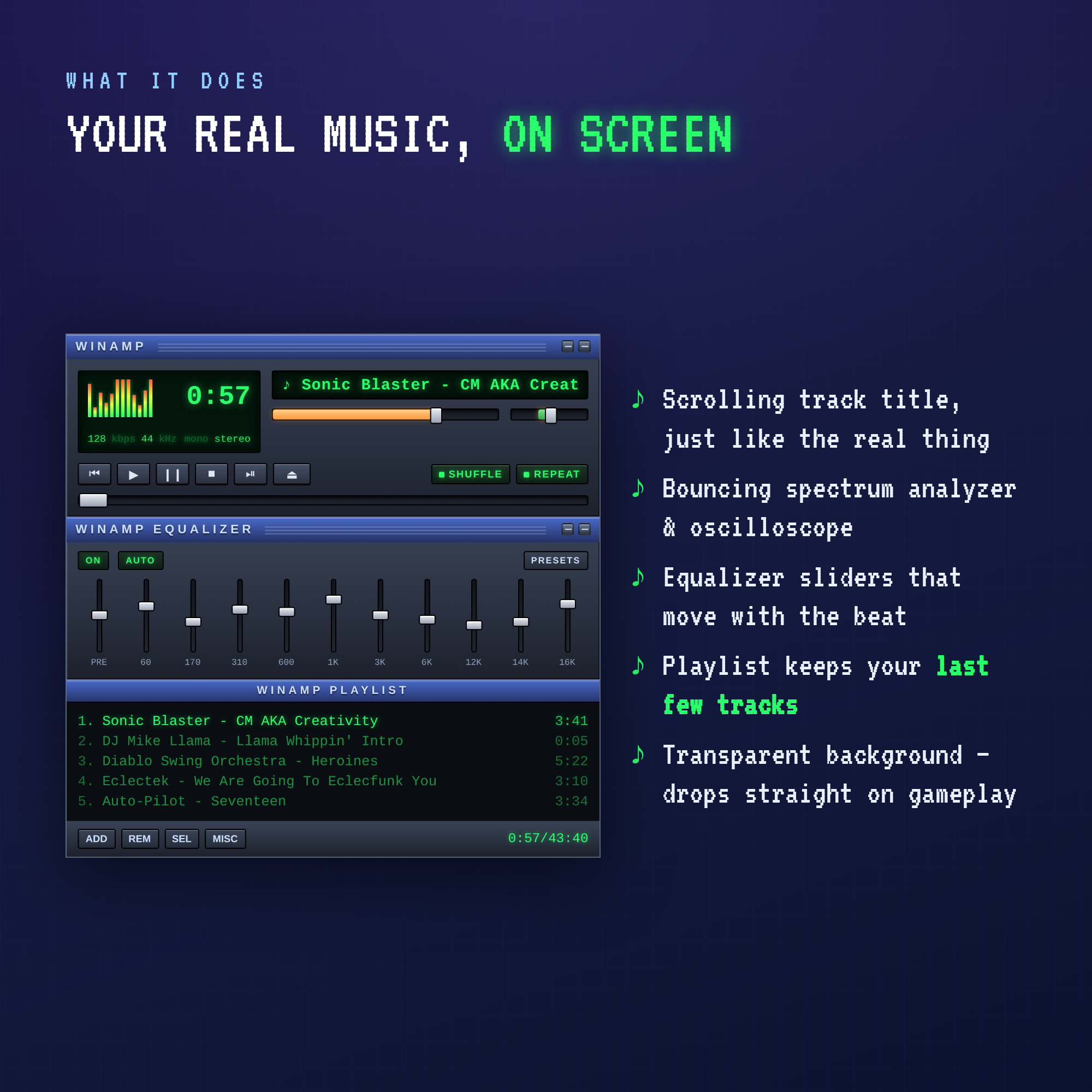
A late-90s media player, right on your stream — and it shows the song you're ACTUALLY playing. Scrolling track title, bouncing spectrum, equalizer sliders and a live playlist of your last few tracks. Pure retro-desktop nostalgia while you game, draw or chat.
WHAT IT DOES
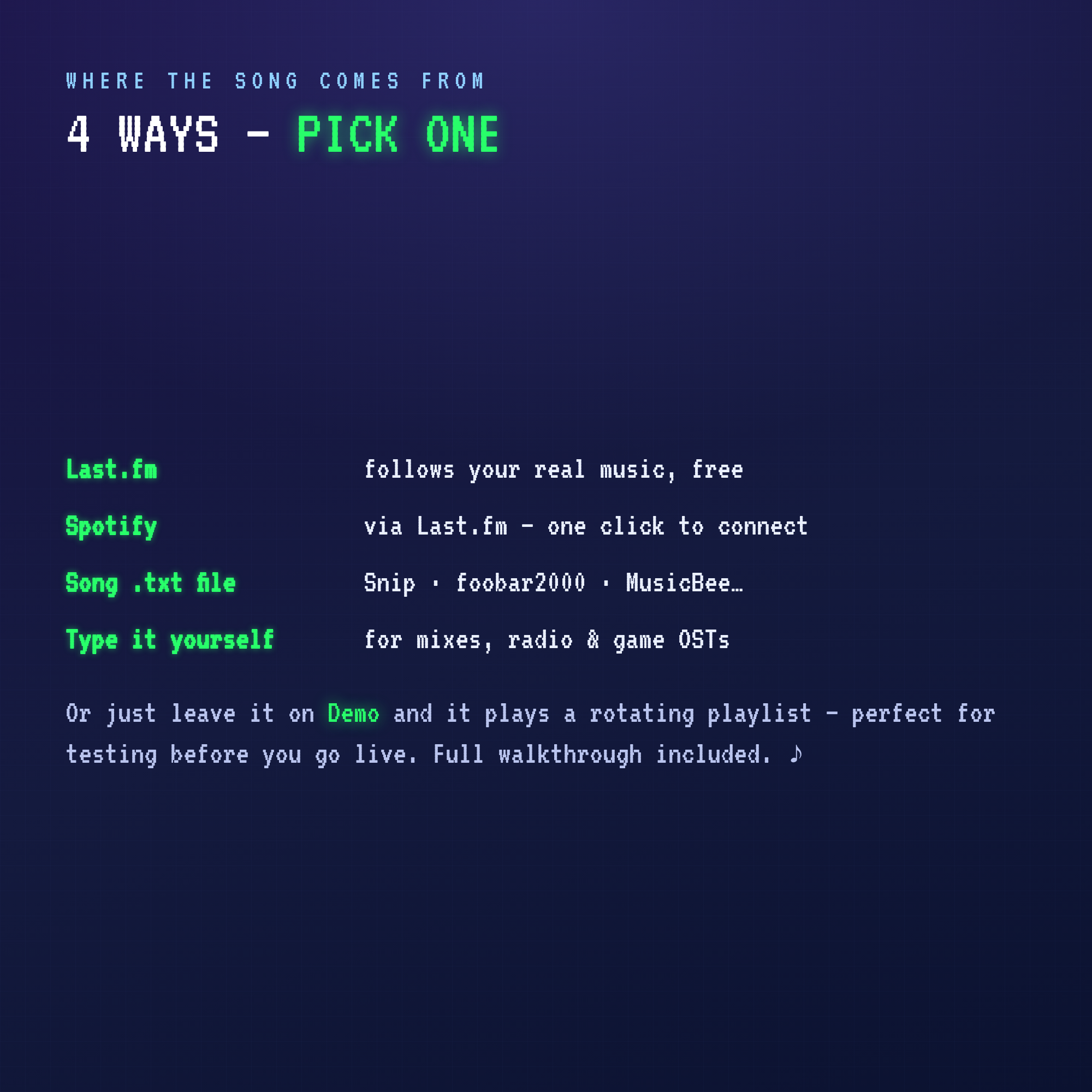
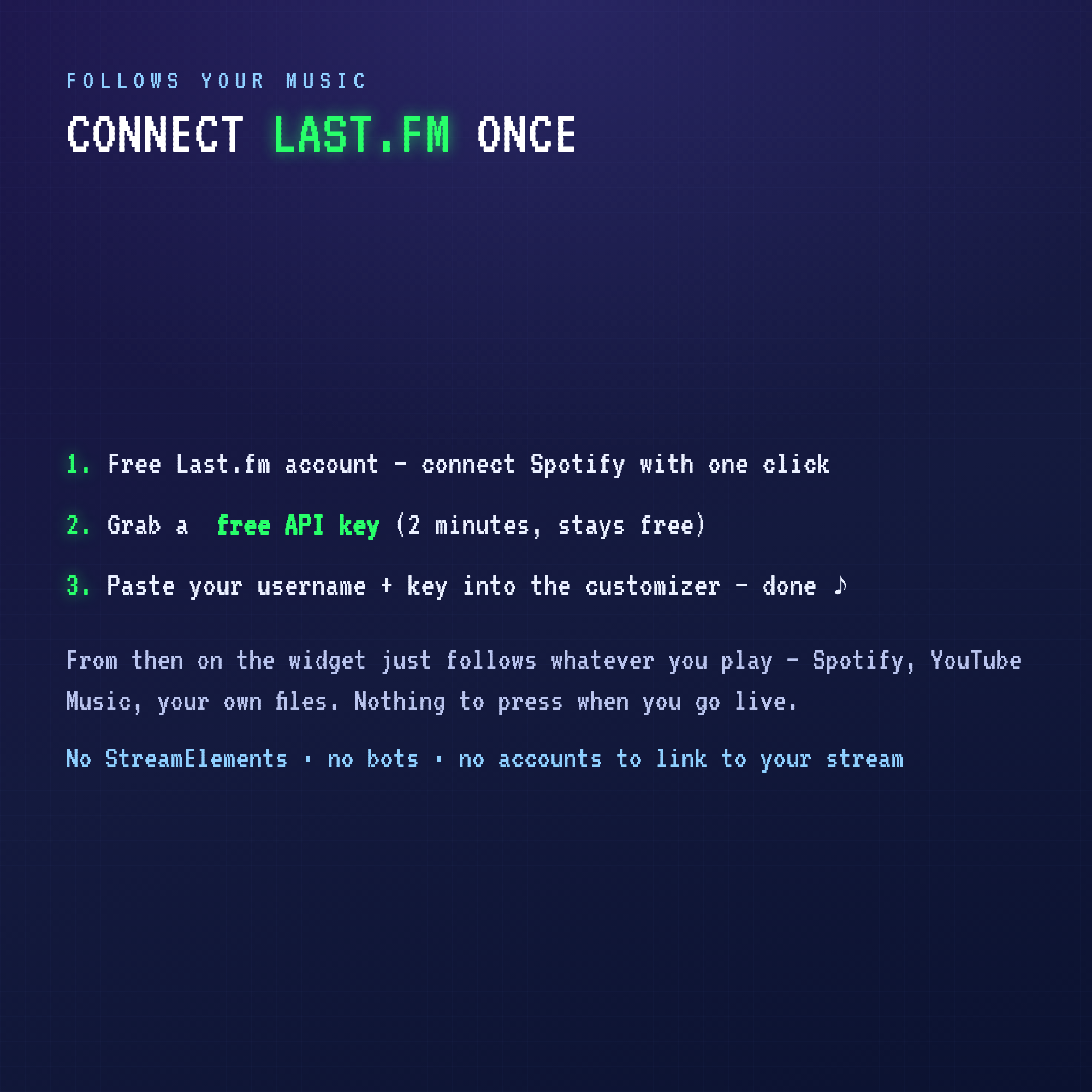
• REAL NOW-PLAYING — connect Last.fm (free) and it follows whatever you listen to: Spotify, YouTube Music, your own files. Nothing to press when you go live.
• CLASSIC PLAYER LOOK — scrolling marquee title, spectrum analyzer, time readout, seek bar, shuffle & repeat lights.
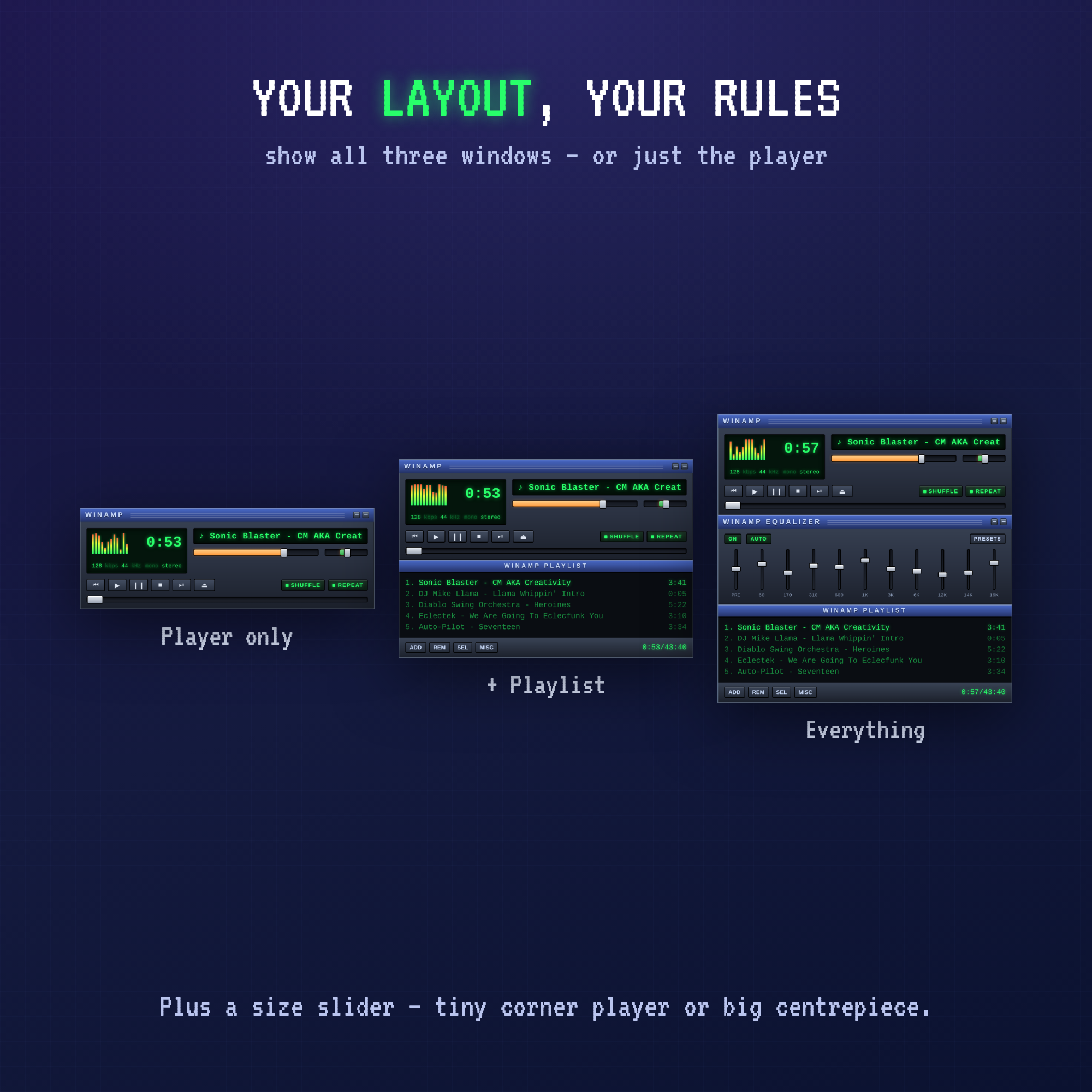
• EQUALIZER + PLAYLIST — two extra windows that stack under the player, with your recent tracks and a live running time.
• TRANSPARENT BACKGROUND — drops straight onto your gameplay or camera, no boxes, no borders.
4 WAYS TO FEED IT (pick one in the customizer)
• Last.fm — follows your real music, free
• Spotify — via Last.fm, one click to connect
• Song .txt file — works with Snip, foobar2000, MusicBee & friends
• Type it yourself — perfect for long mixes, radio or a game soundtrack
Plus a Demo mode with a rotating playlist so you can test it before you go live.
WHAT YOU GET
• Winamp Now Playing widget — one single HTML file
• Point-and-click customizer with a live preview
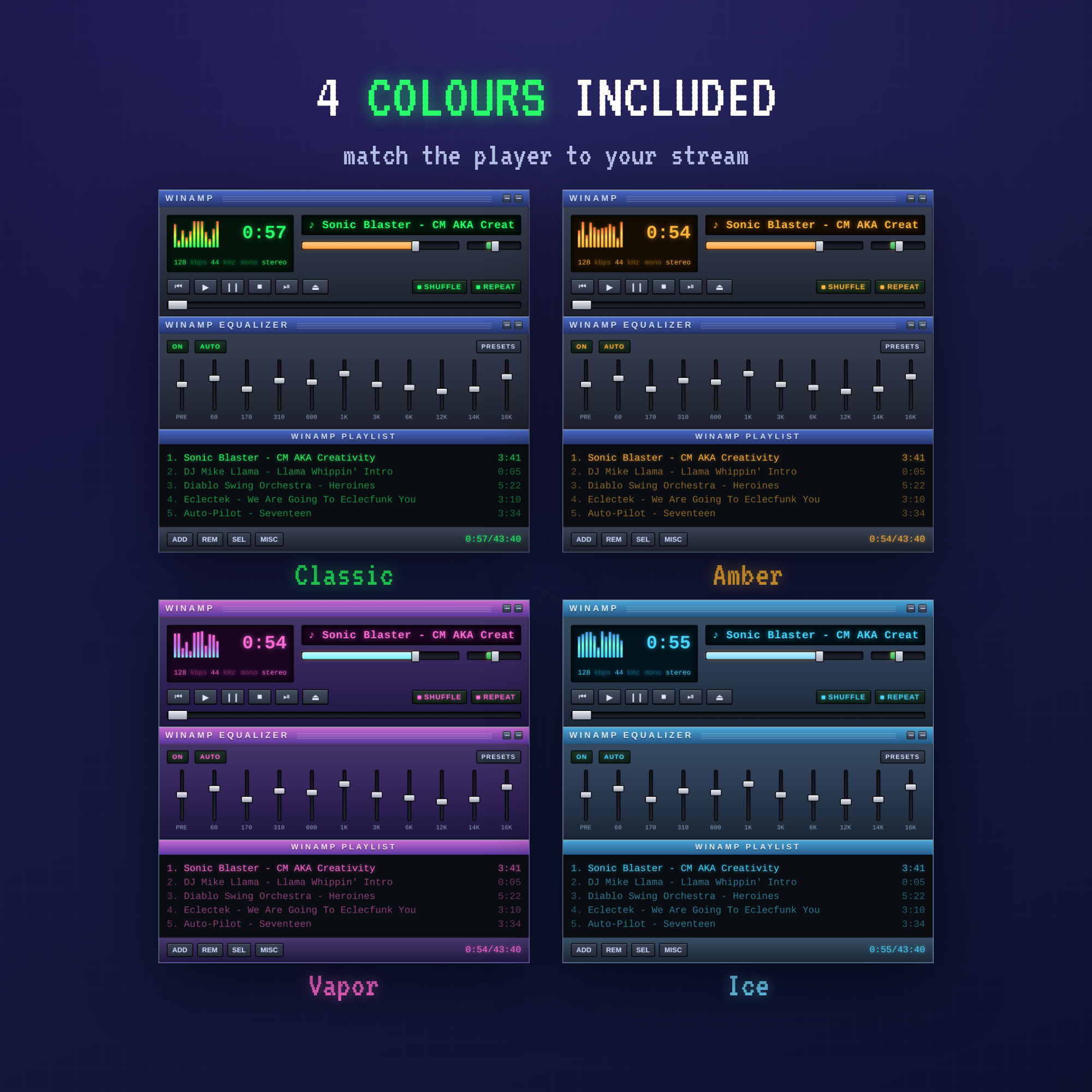
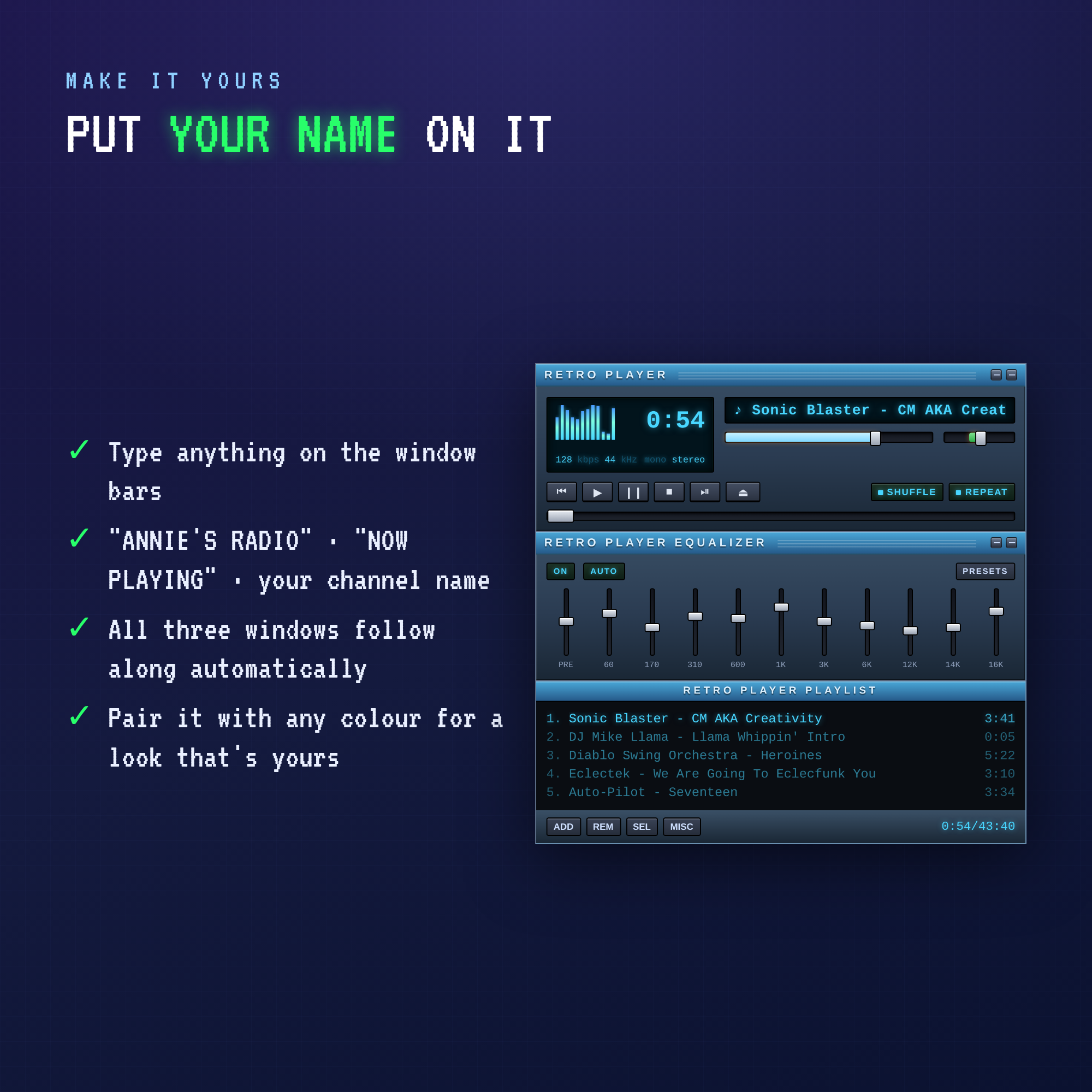
• 4 colorways — Classic (green), Amber, Vapor (pink) & Ice (blue)
• 3 layouts — player only · player + playlist · everything
• Size slider — tiny corner player or big centrepiece
• Rename the window bars to anything (your channel, "NOW PLAYING", your name)
• Step-by-step guide, including how to get your free Last.fm key
• Instant download
SUPER EASY SETUP
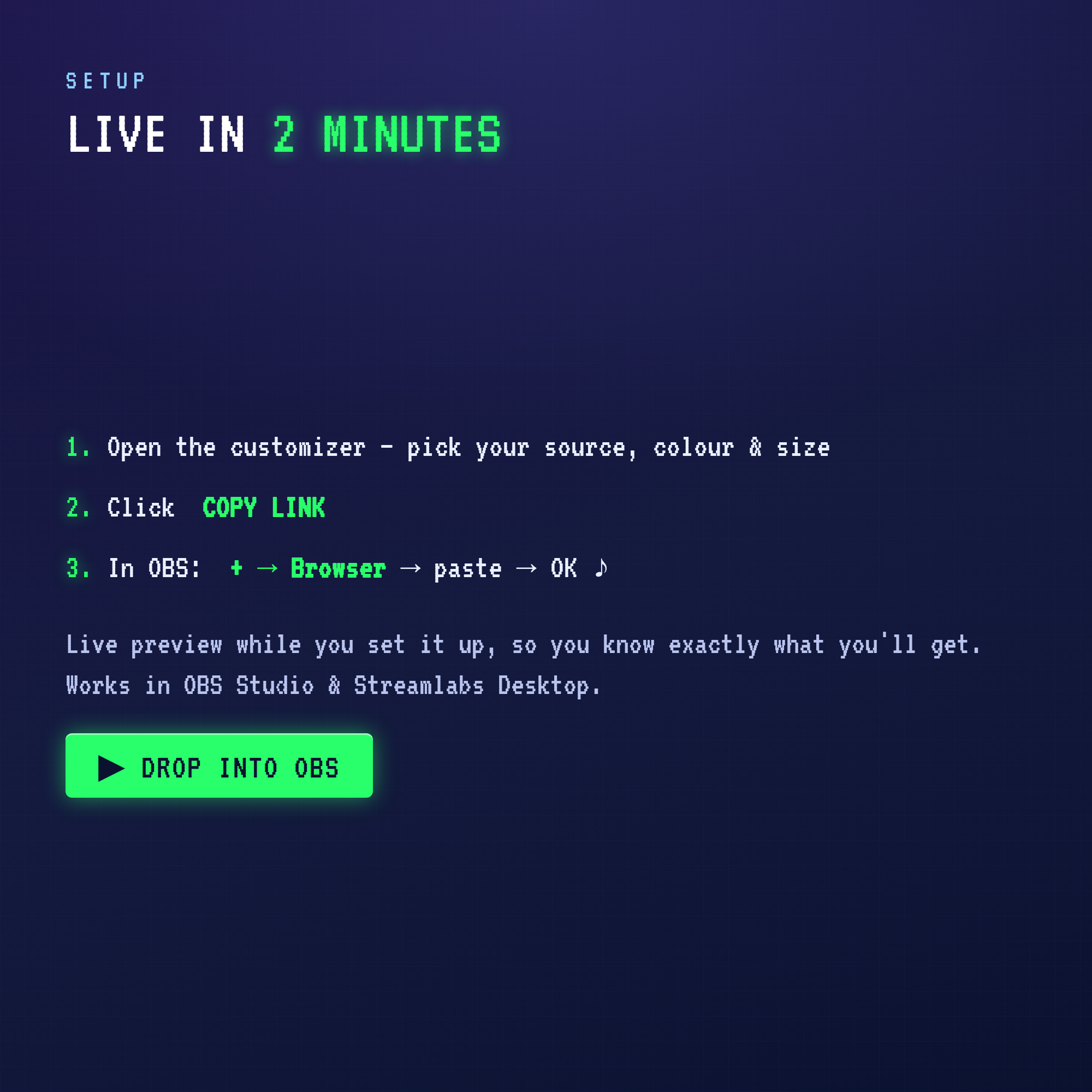
Open the customizer, pick your music source & colour, click Copy Link — then paste it into an OBS Browser Source. NO StreamElements, no bots, no accounts to link to your stream. Works in OBS Studio & Streamlabs Desktop.
⚠️ This is a DIGITAL product — no physical item will be shipped.
TERMS
For use on your own streaming channels. Please don't resell or redistribute the files. Thank you for supporting a small shop! ♪