About this widget
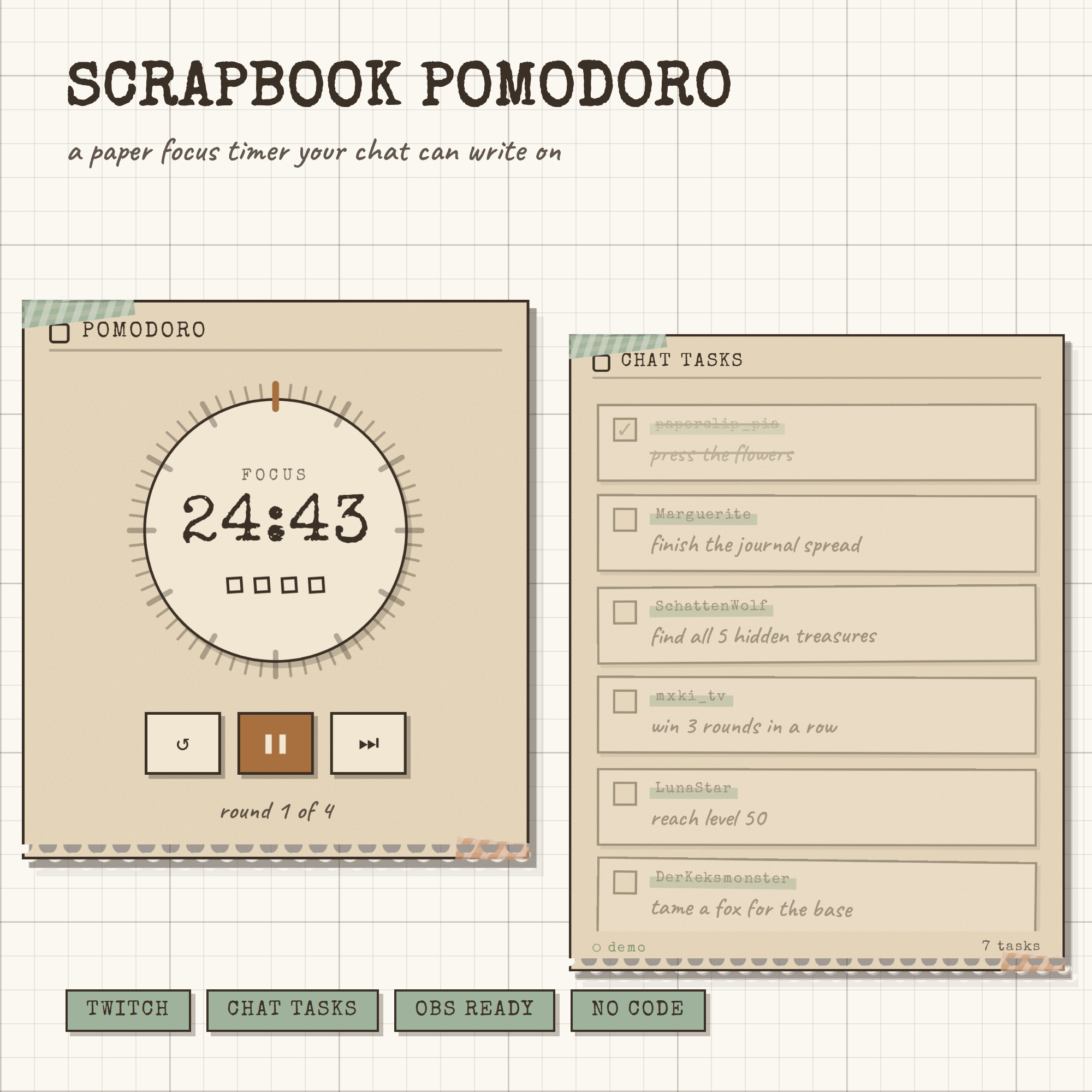
SCRAPBOOK POMODORO — a paper focus timer your chat can write on
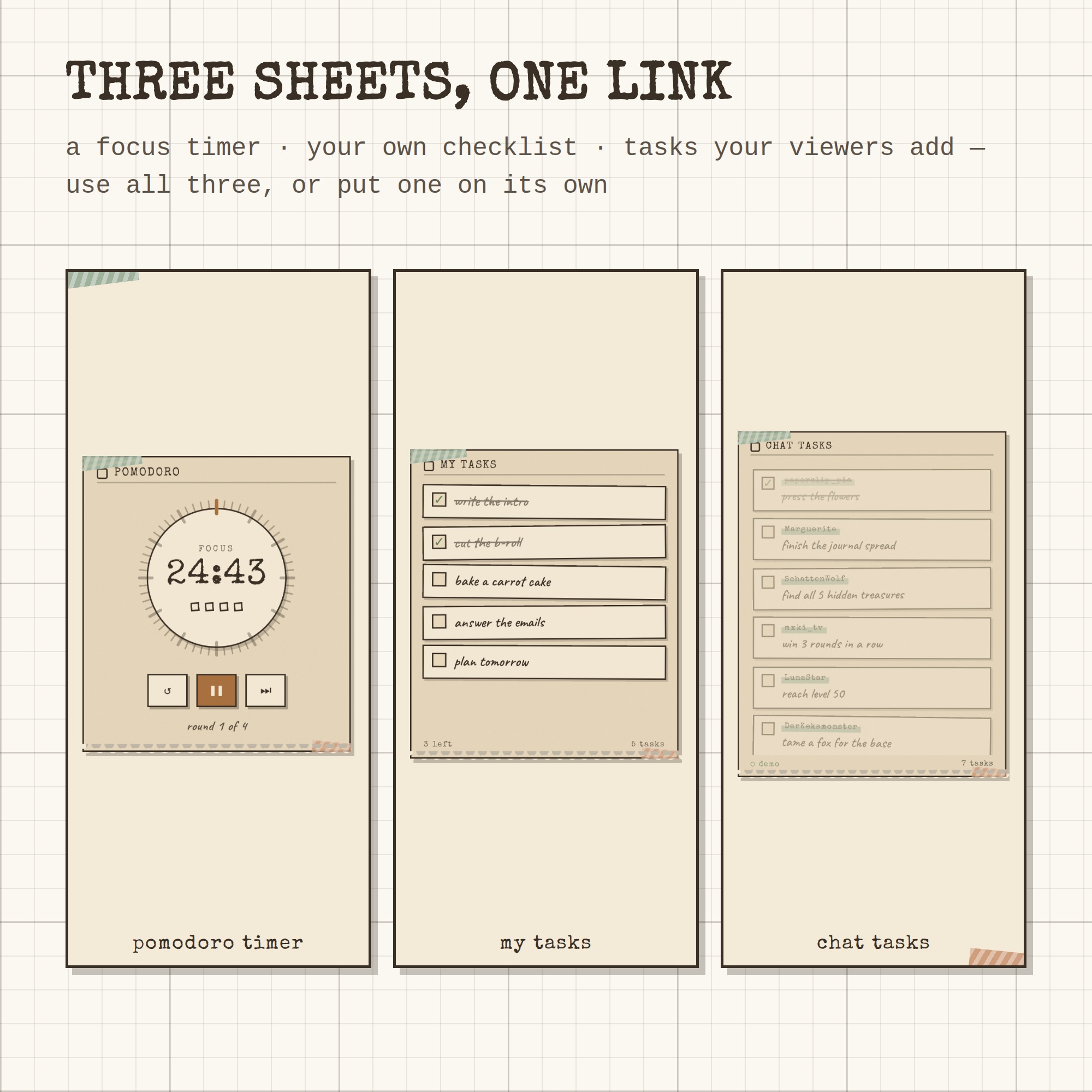
Three sheets of kraft paper taped to your stream: a pomodoro timer, your own checklist, and a list your viewers fill in themselves. One link into OBS and it runs by itself — no bot account, no StreamElements, no login, no monthly fee.
★ THE TIMER
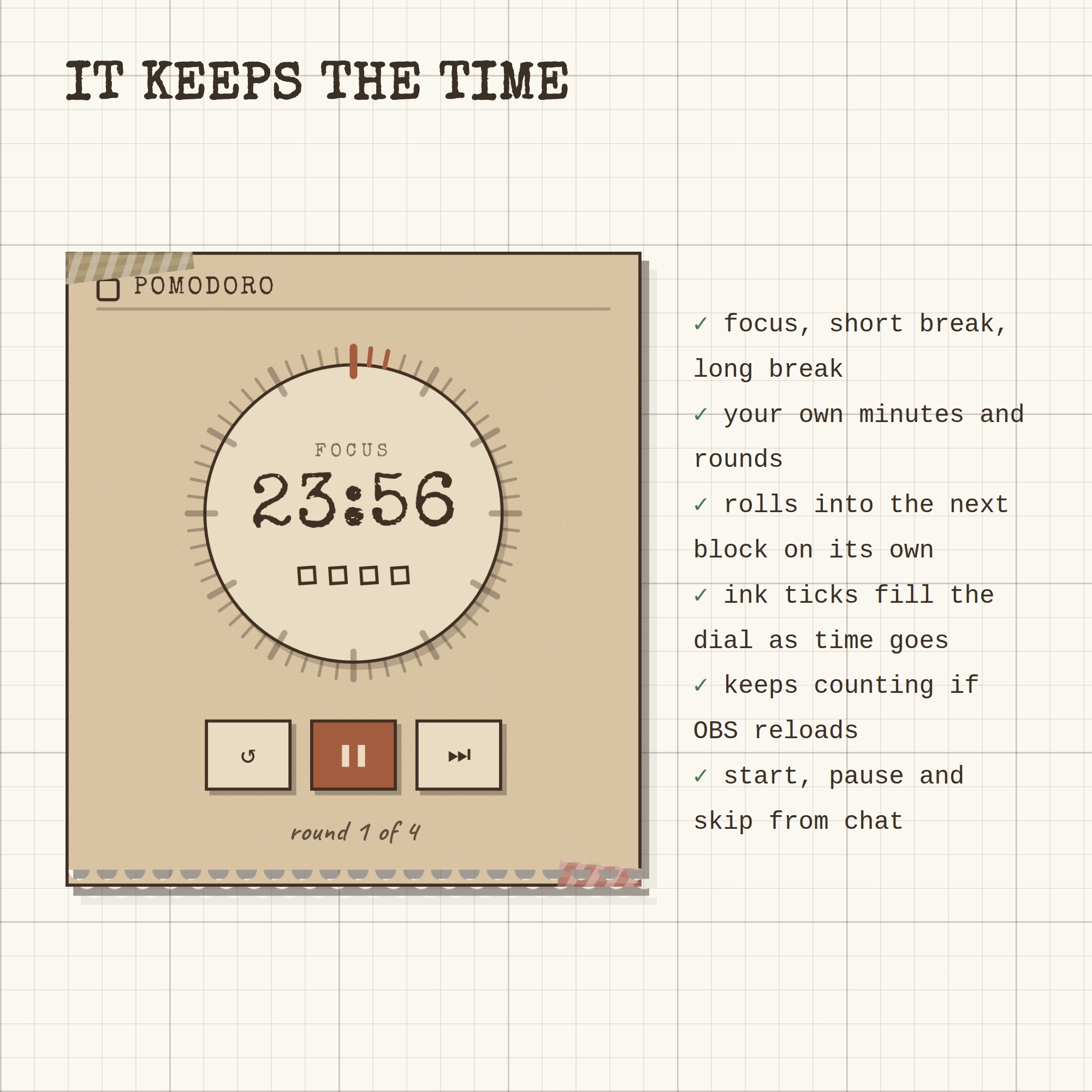
Focus, short break and long break with your own minutes and rounds. Ink ticks fill the dial as the time goes, and it keeps counting even if OBS reloads the source. It can roll straight into the next block on its own.
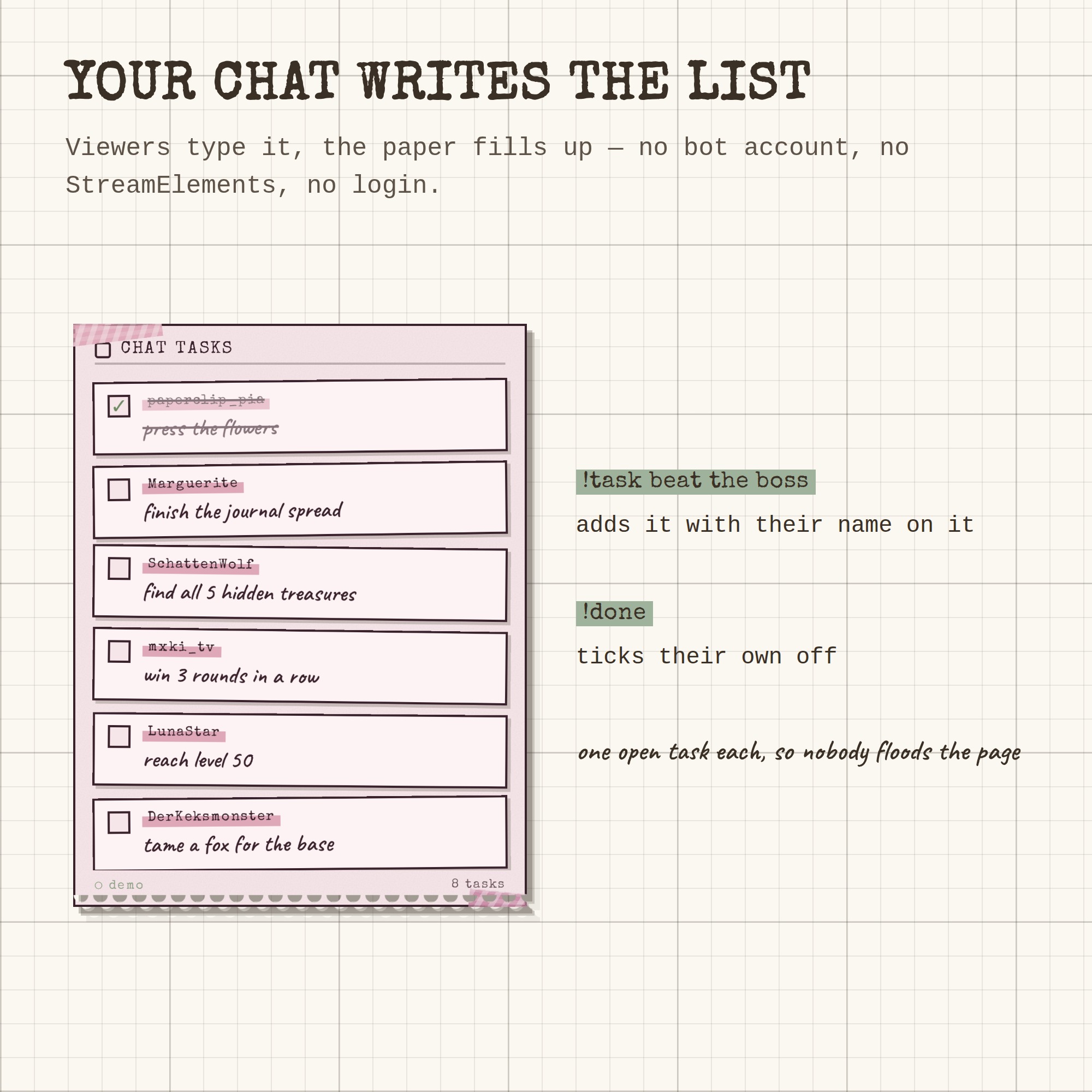
★ YOUR CHAT WRITES THE LIST
Viewers type !task beat the boss and it lands on the page with their name on it. !done ticks their own off. One open task each, so nobody can flood the sheet.
★ YOU AND YOUR MODS RUN IT FROM CHAT
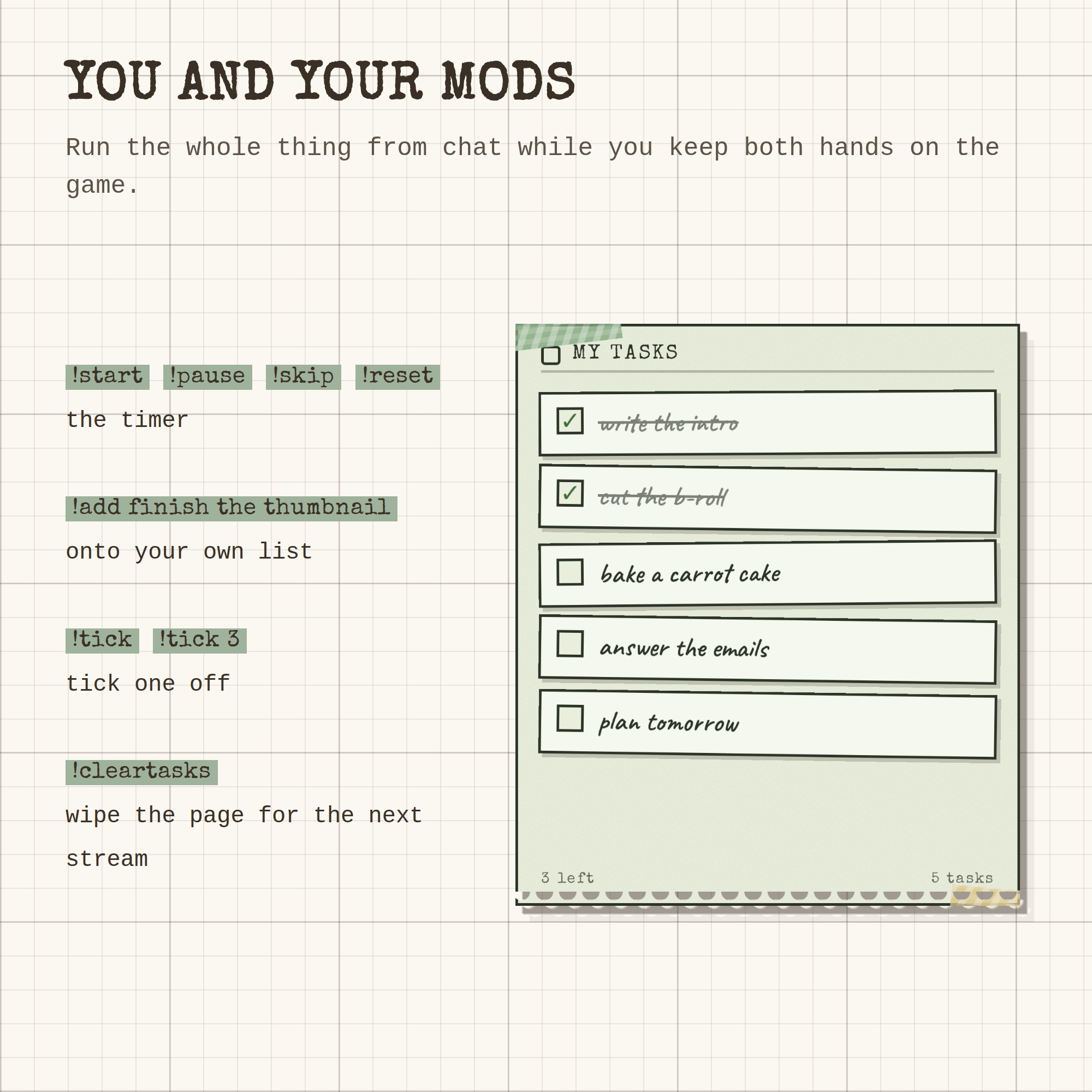
!start !pause !skip !reset for the timer · !add for your own checklist · !tick to tick one off · !cleartasks to wipe the page for the next stream. Hands stay on the game.
★ THREE SHEETS, OR THREE SOURCES
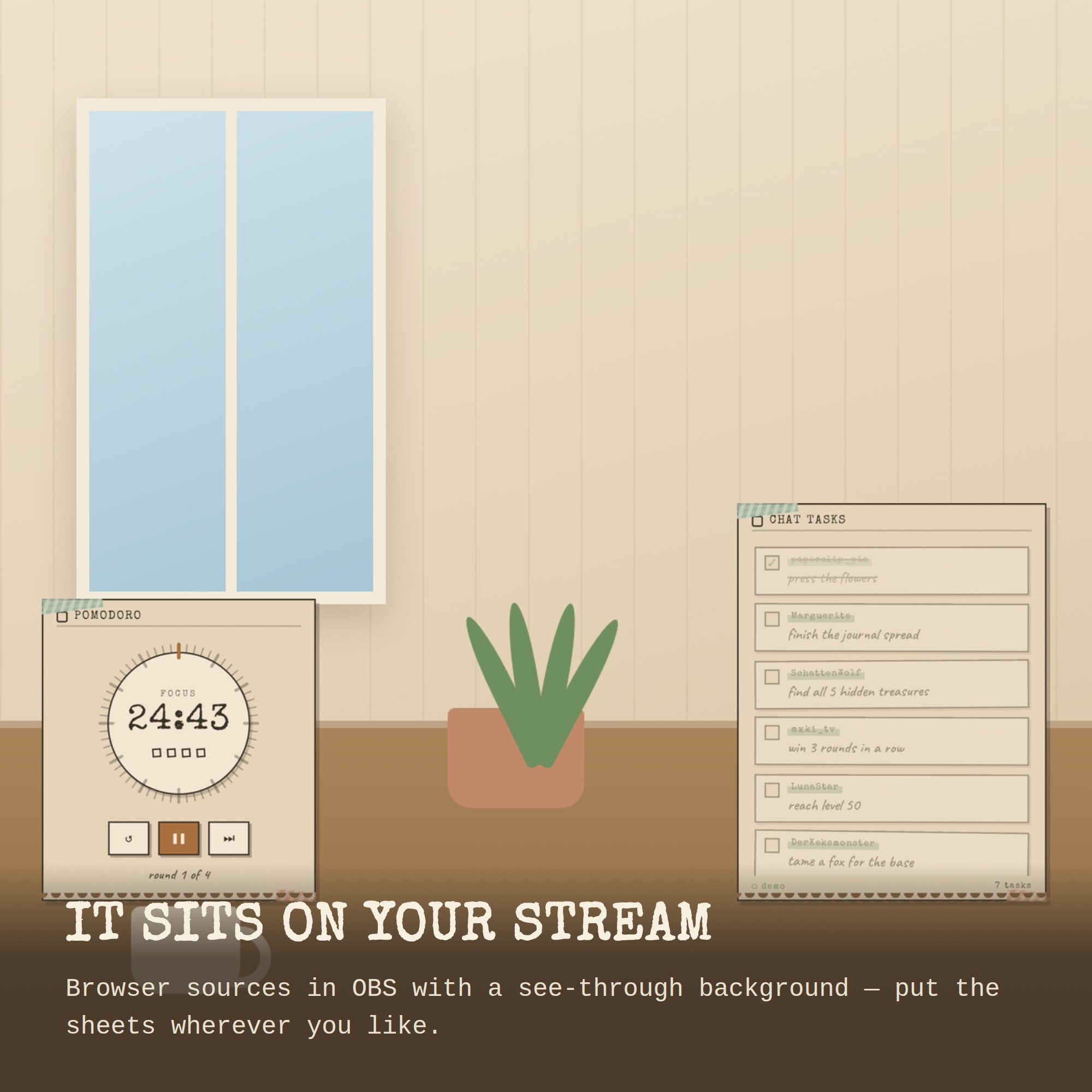
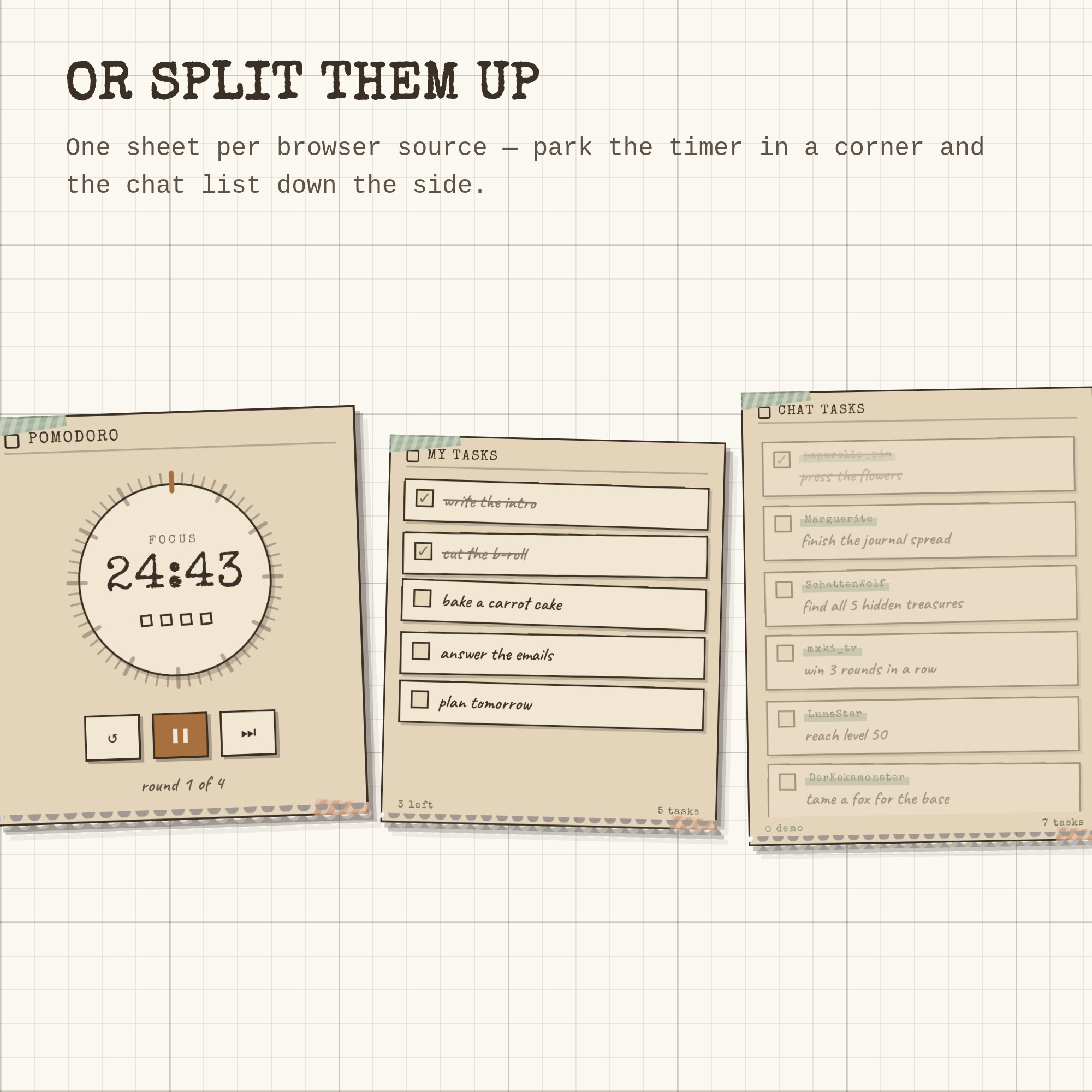
Use all three on one page, or give each sheet its own browser source and place them anywhere in your scene — timer in the corner, chat list down the side.
★ 7 PAPER PACKS + 8 COLOUR PICKERS
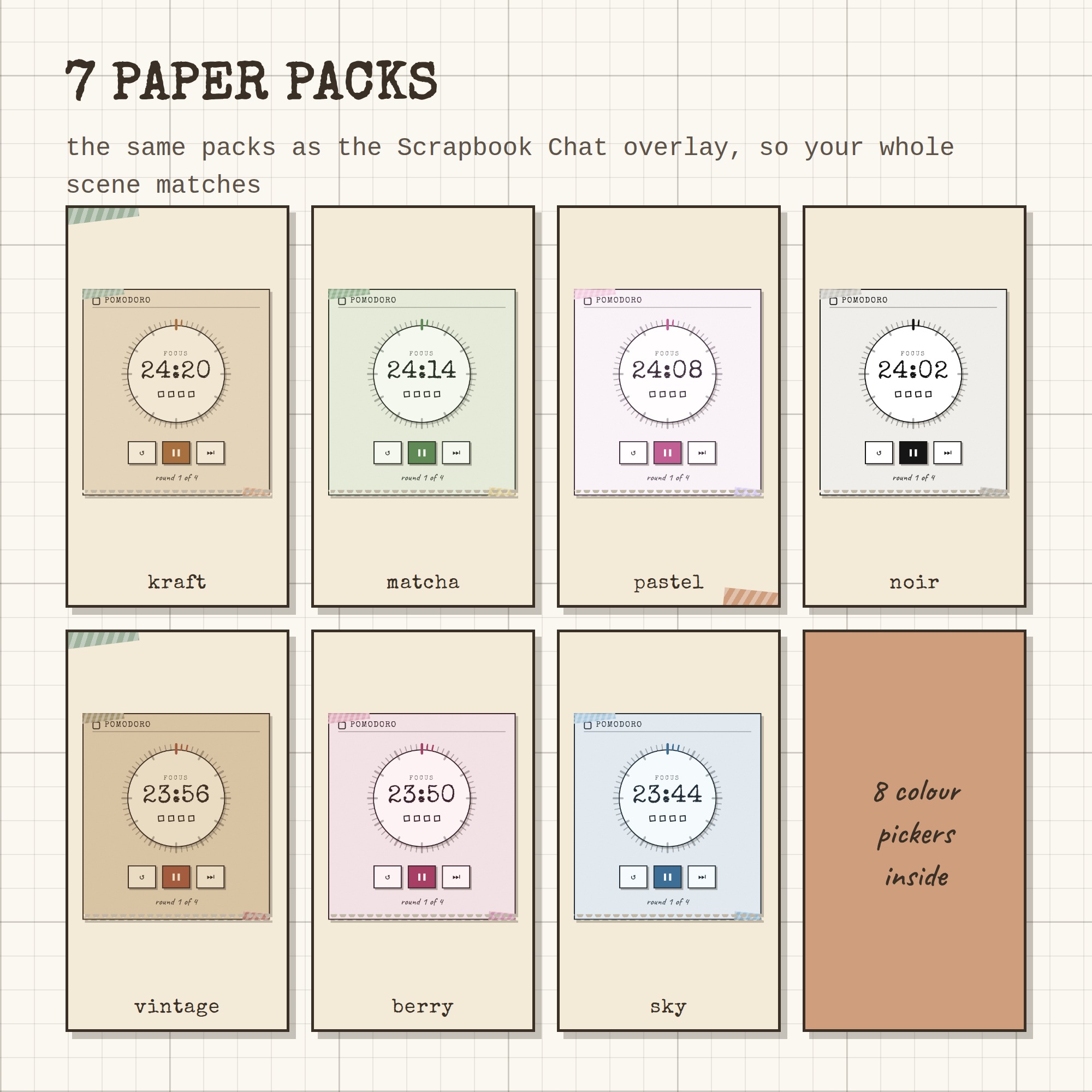
kraft · matcha · pastel · noir · vintage · berry · sky — the same packs as the Scrapbook Chat overlay, so a whole scene can be built from one palette. Every colour underneath can still be changed by hand.
★ WHAT YOU GET (1 ZIP)
- pomo.html — the widget OBS loads, with the fonts baked in
- settings.html — a tap-and-preview control panel that writes your link (with test buttons)
- Setup-Guide.pdf — illustrated, 5 pages, every command explained
- README.txt — the two minute version
- A free widget from the shop, plus a link to try every overlay live
★ HOW IT WORKS
1. Unzip and open settings.html
2. Type your channel name, set your minutes, pick a paper
3. Press COPY THE LINK
4. In OBS: + → Browser → paste → set the size → done
Works with OBS Studio, Streamlabs and any browser source, on Windows and Mac. Nothing to install.
This is a DIGITAL DOWNLOAD — nothing will be shipped. Single-buyer licence for your own channels, including monetised streams; please do not resell or redistribute the files.