About this widget
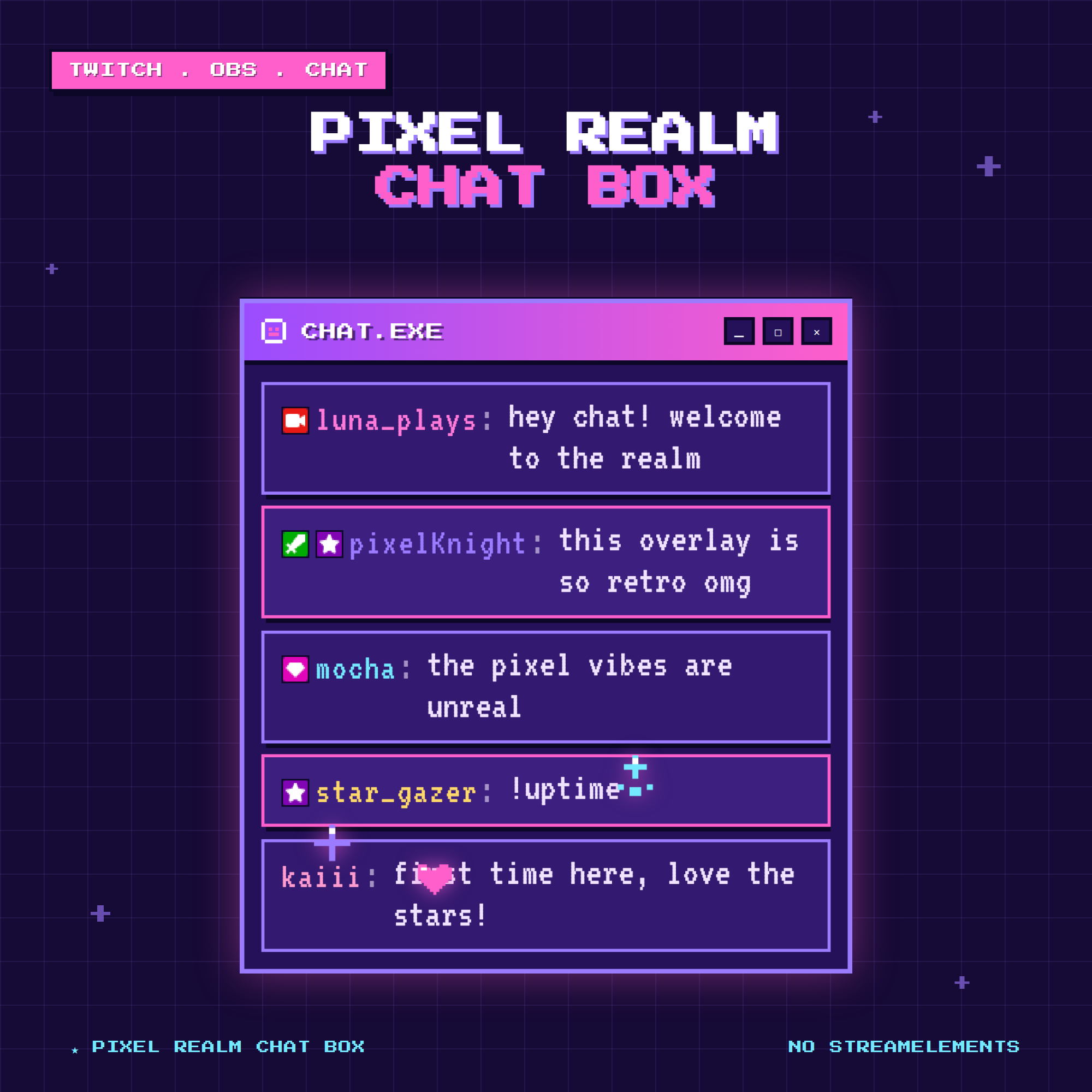
🎮 Pixel Realm Chat Box Overlay — animated Twitch chat widget for OBS
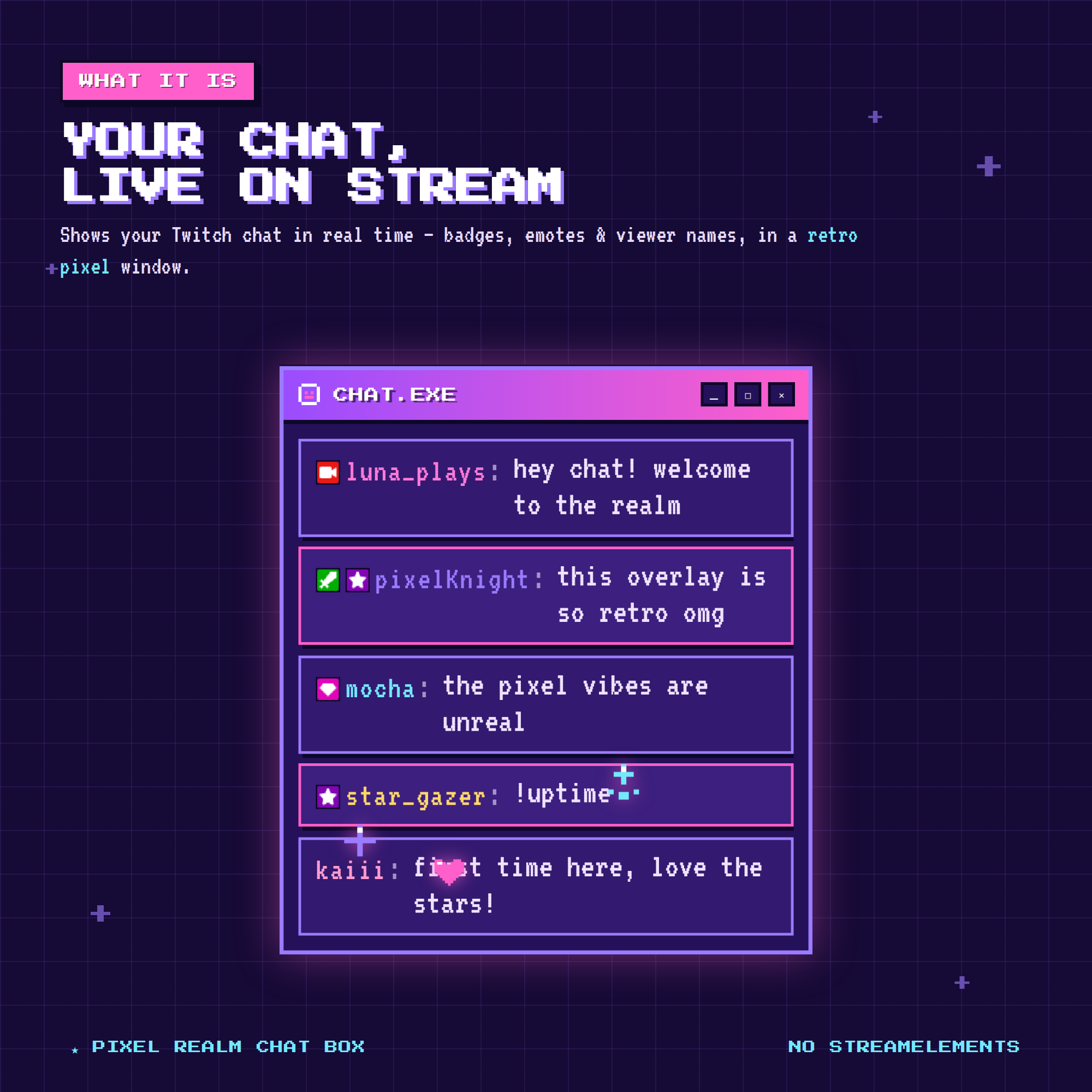
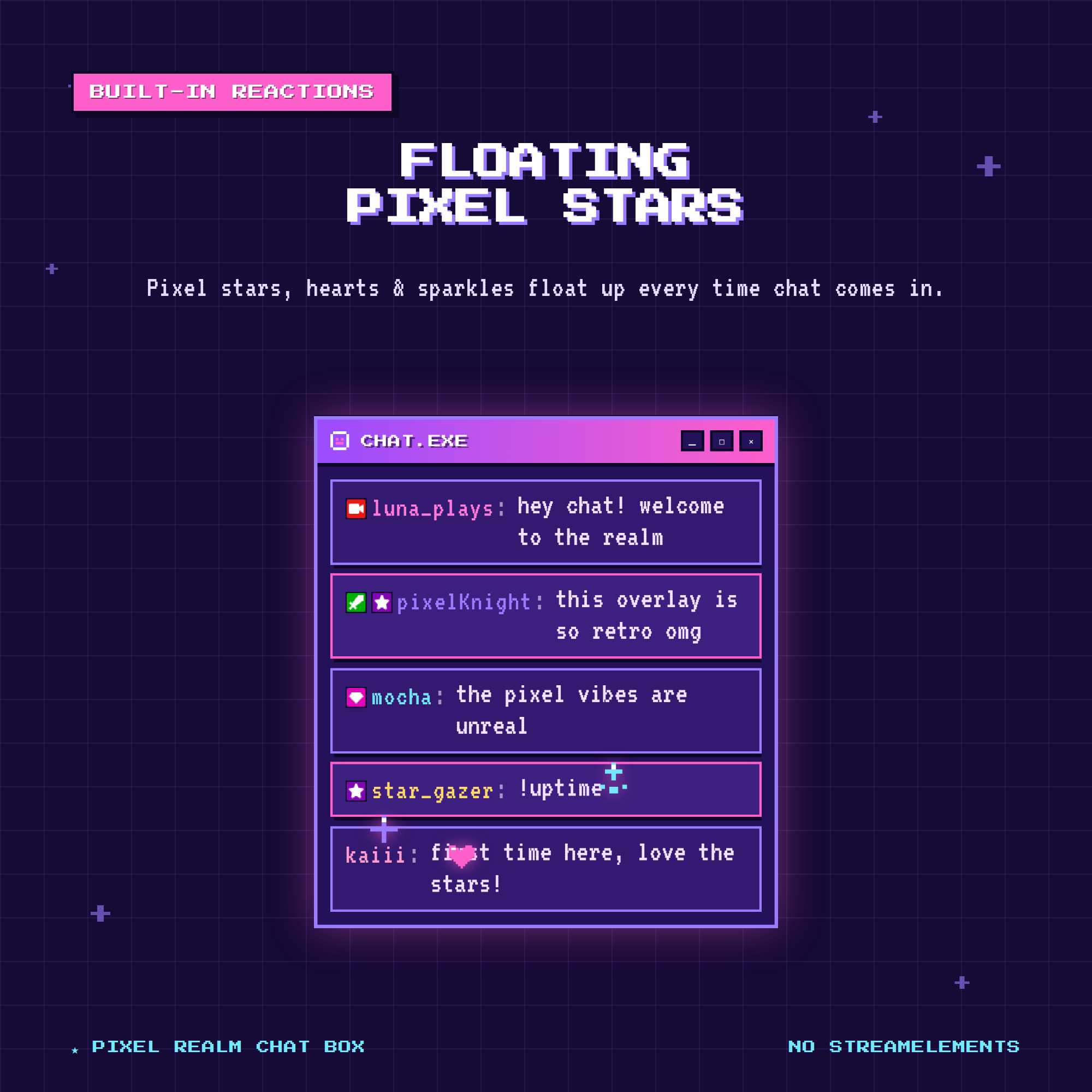
A retro pixel-art chat box that shows your Twitch chat live on stream — with pixel stars, hearts & sparkles that float up when people chat. Set up in under a minute.
★ NO STREAMELEMENTS NEEDED ★
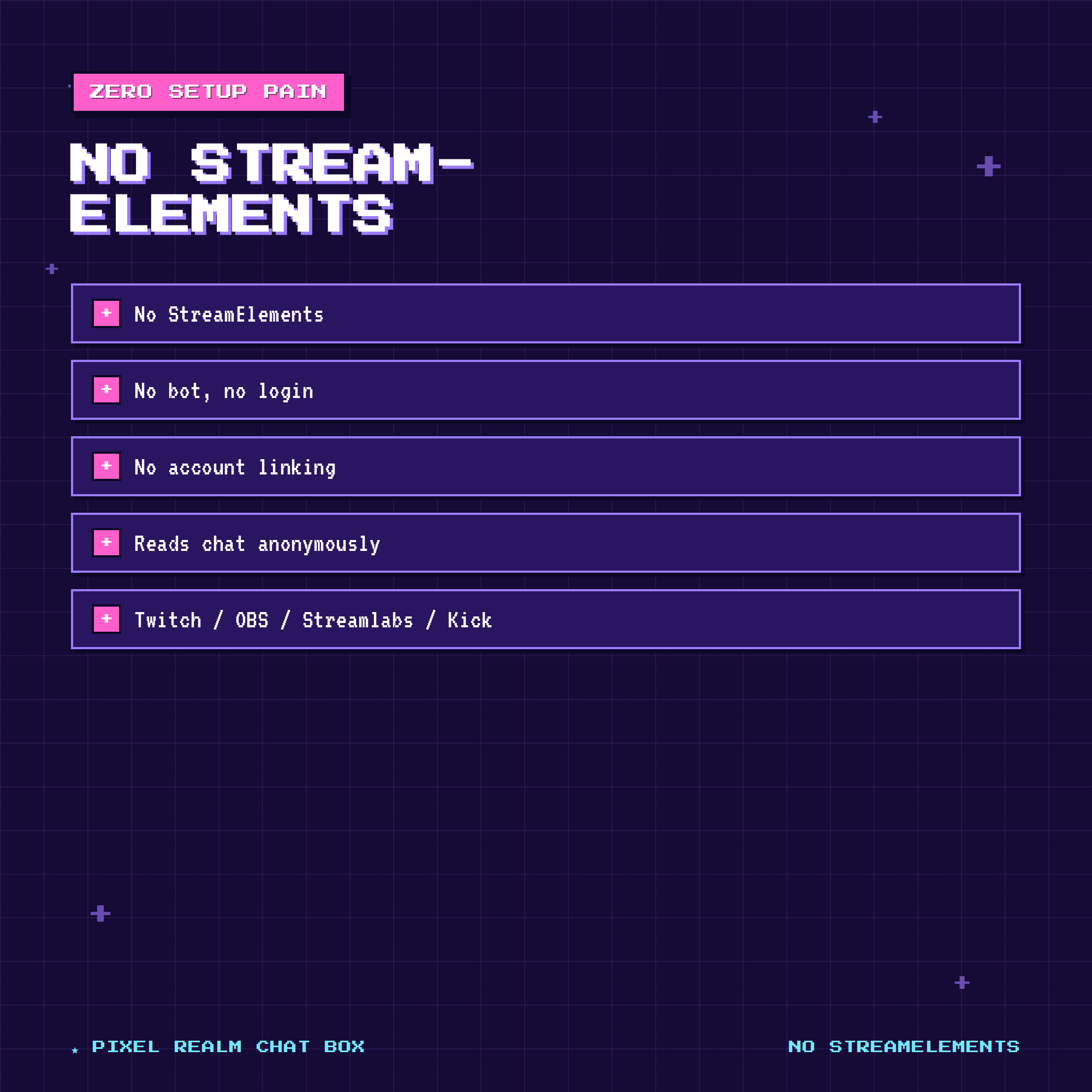
Most chat widgets make you set up a StreamElements account and a chat bot. This one does NOT. It reads your Twitch chat anonymously — no login, no bot, no account linking. Just paste your link into an OBS Browser Source and you're live.
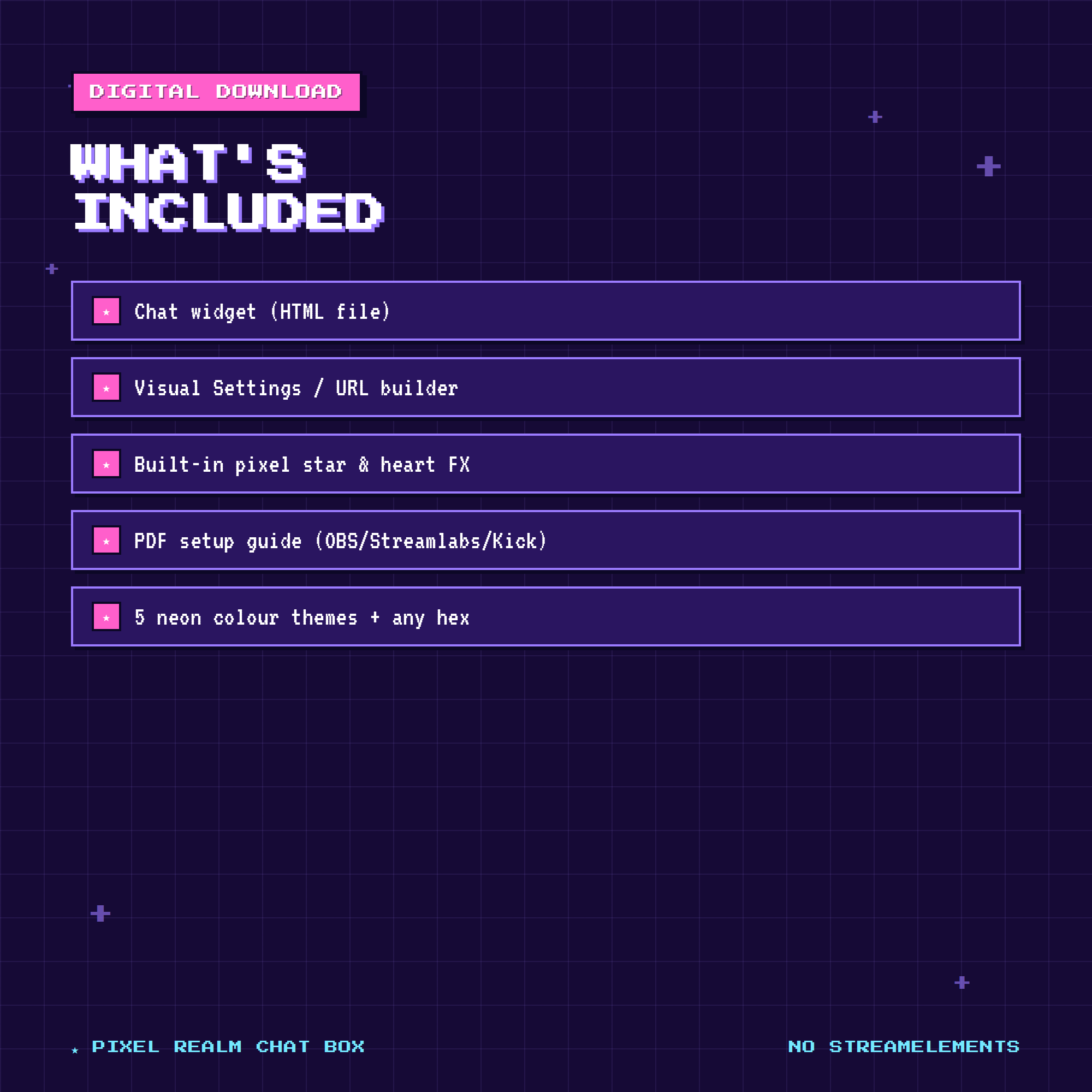
✦ WHAT YOU GET (instant digital download, 1 ZIP)
• chat-widget.html — the overlay you add to OBS
• chat-settings.html — a visual builder that makes your link (no code!)
• Built-in pixel star & heart reactions
• PDF setup guide (OBS · Streamlabs · Kick)
✦ FEATURES
• Live Twitch chat with role badges & Twitch emotes
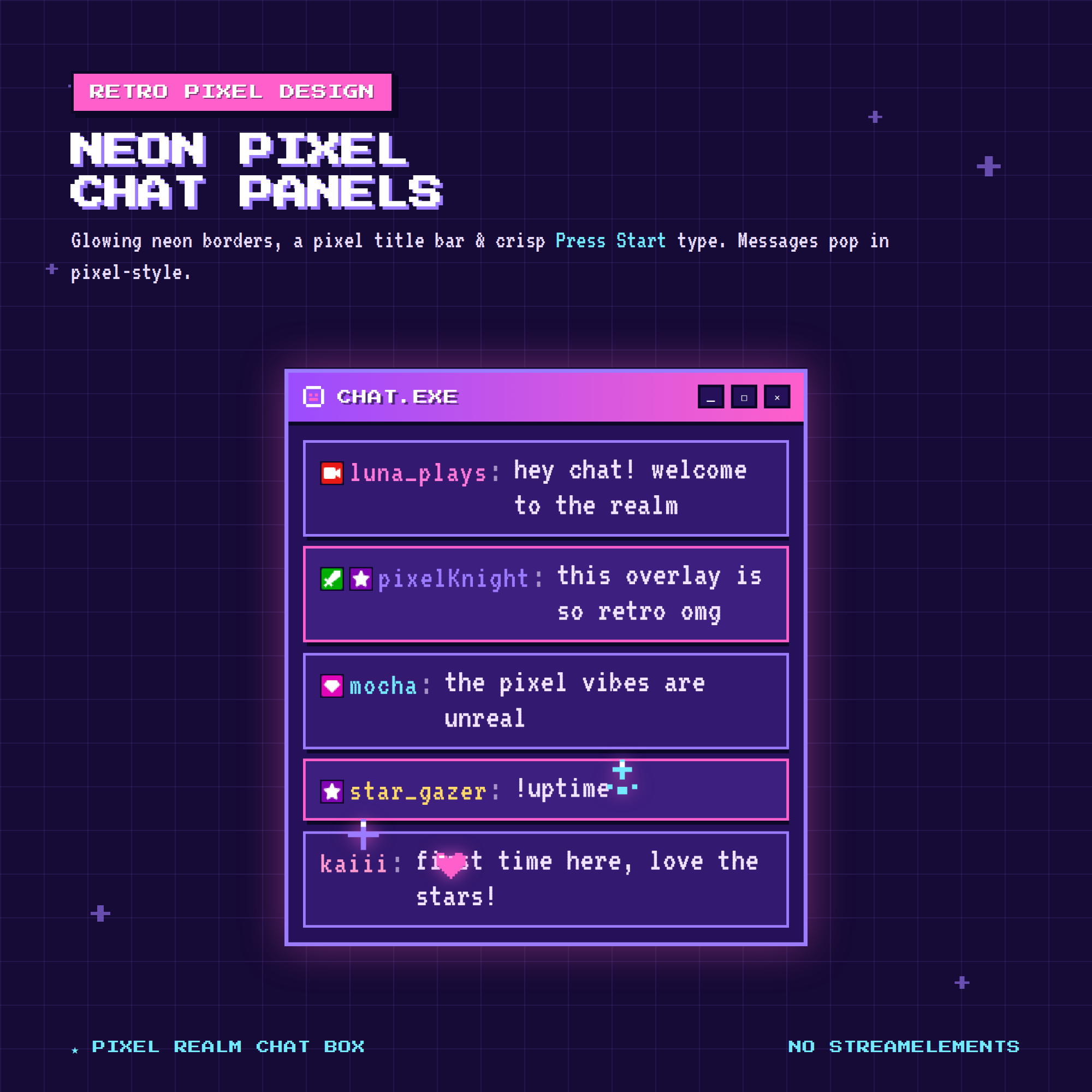
• Retro pixel-art design — glowing neon borders, pixel title bar & Press Start type
• Messages pop in pixel-style, oldest drop off automatically
• Pixel stars, hearts & sparkles float up when chat pops off
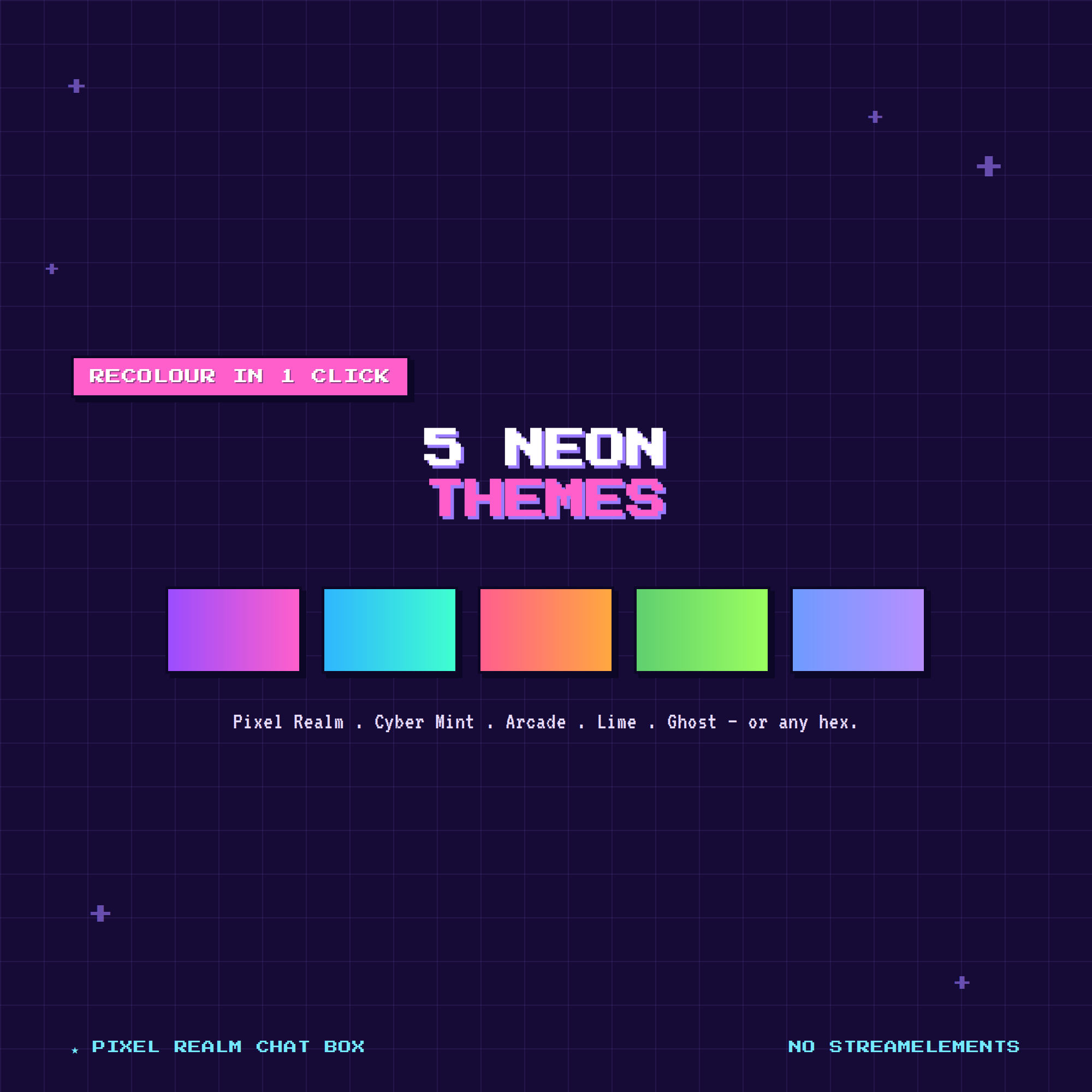
• 5 neon colour themes: Pixel Realm · Cyber Mint · Arcade Sunset · Lime Pop · Ghost Blue — or any hex
• Adjustable text size, max messages, auto-hide, align top/bottom
• Hide commands & ignore bots (Nightbot, StreamElements…)
✦ WORKS WITH
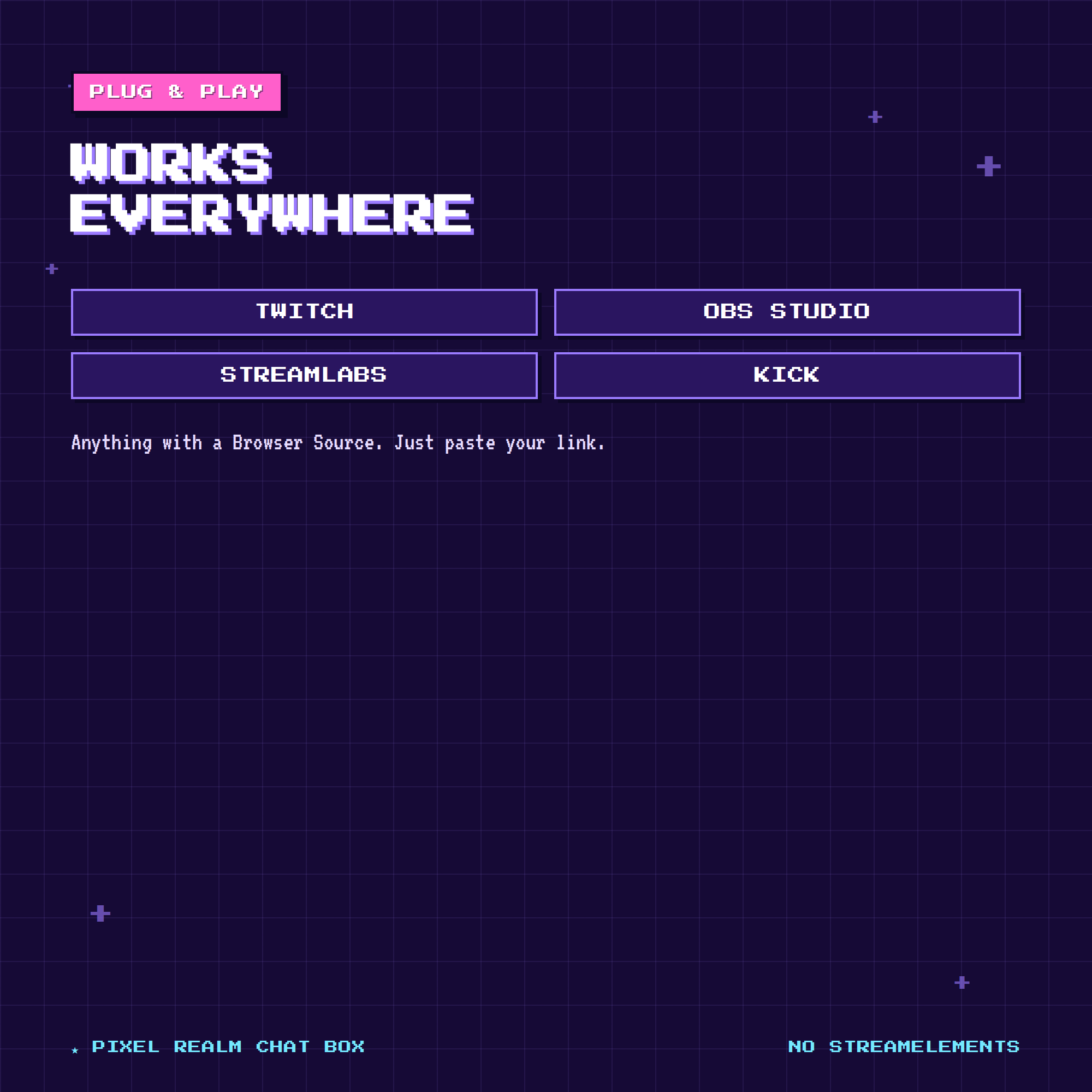
Twitch · OBS Studio · Streamlabs Desktop · Kick — anything with a Browser Source.
✦ EASY SETUP (under a minute)
1. Open the settings page & type your Twitch name
2. Copy your OBS link
3. Paste it into an OBS Browser Source — done!
✦ CUSTOMIZE EVERYTHING
No coding needed. The visual builder lets you set your channel, neon theme, text size, FX, auto-hide and more — with a live preview as you go.
— TERMS —
For personal & commercial streaming use on your own channels. Please don't resell, share, or redistribute the files. Thank you for supporting a small shop! 🎮