About this widget
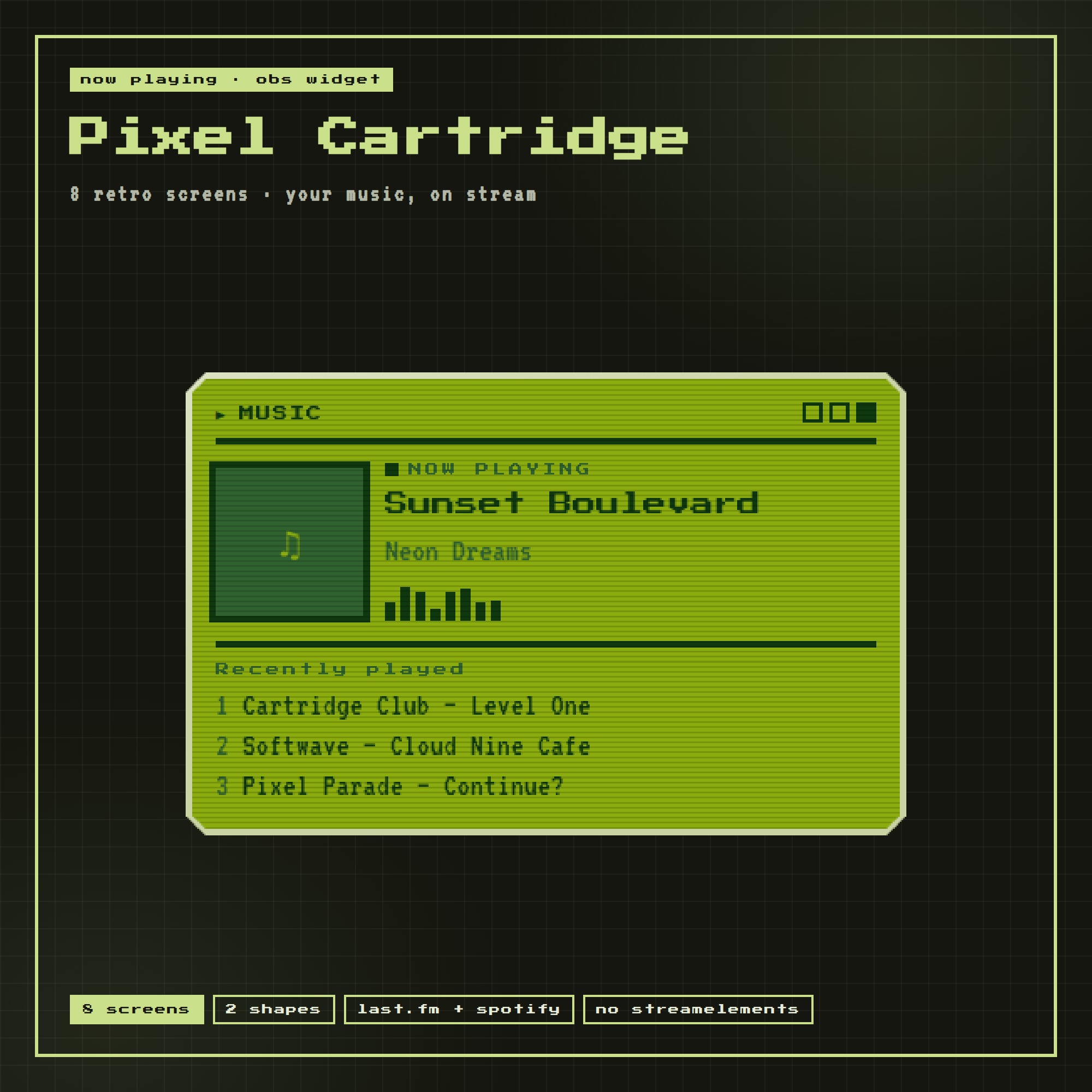
PIXEL CARTRIDGE — your music on stream, inside a little handheld screen
A now-playing widget that runs by itself. Pick a screen, tell it where your music comes from, copy one link into OBS. No bot account, no StreamElements, no login, no monthly fee.
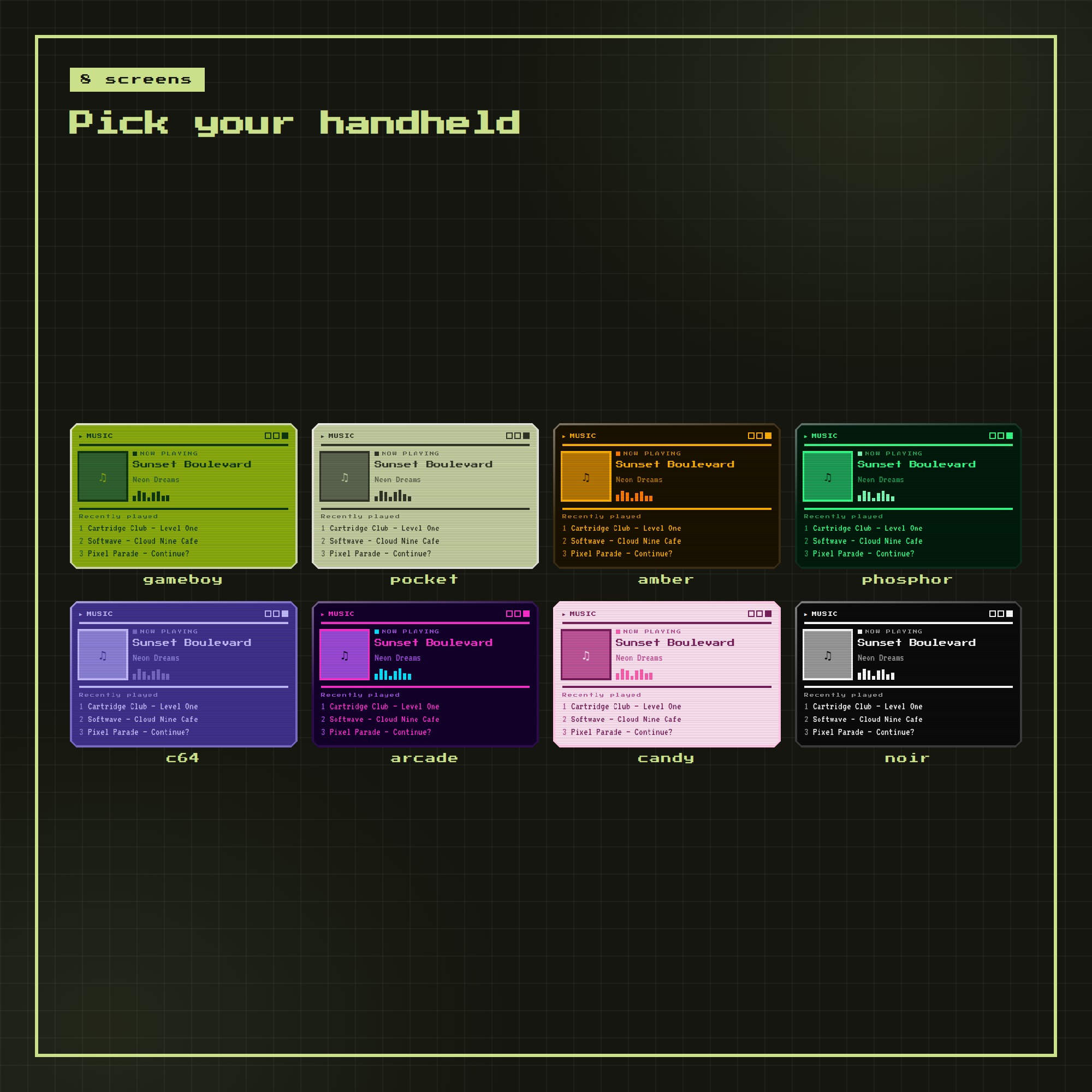
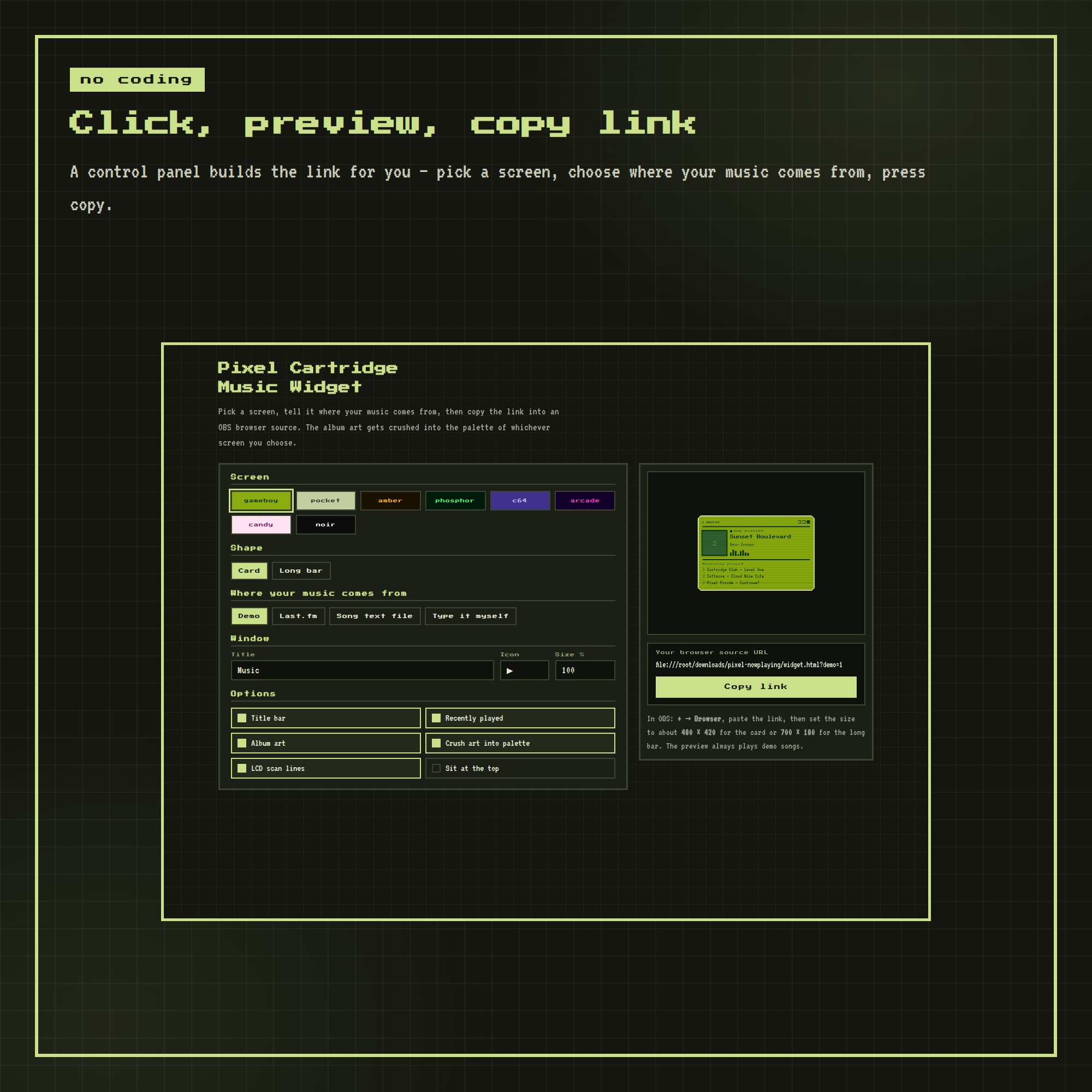
★ 8 RETRO SCREENS
gameboy · pocket · amber · phosphor · c64 · arcade · candy · noir — one click each in the control panel.
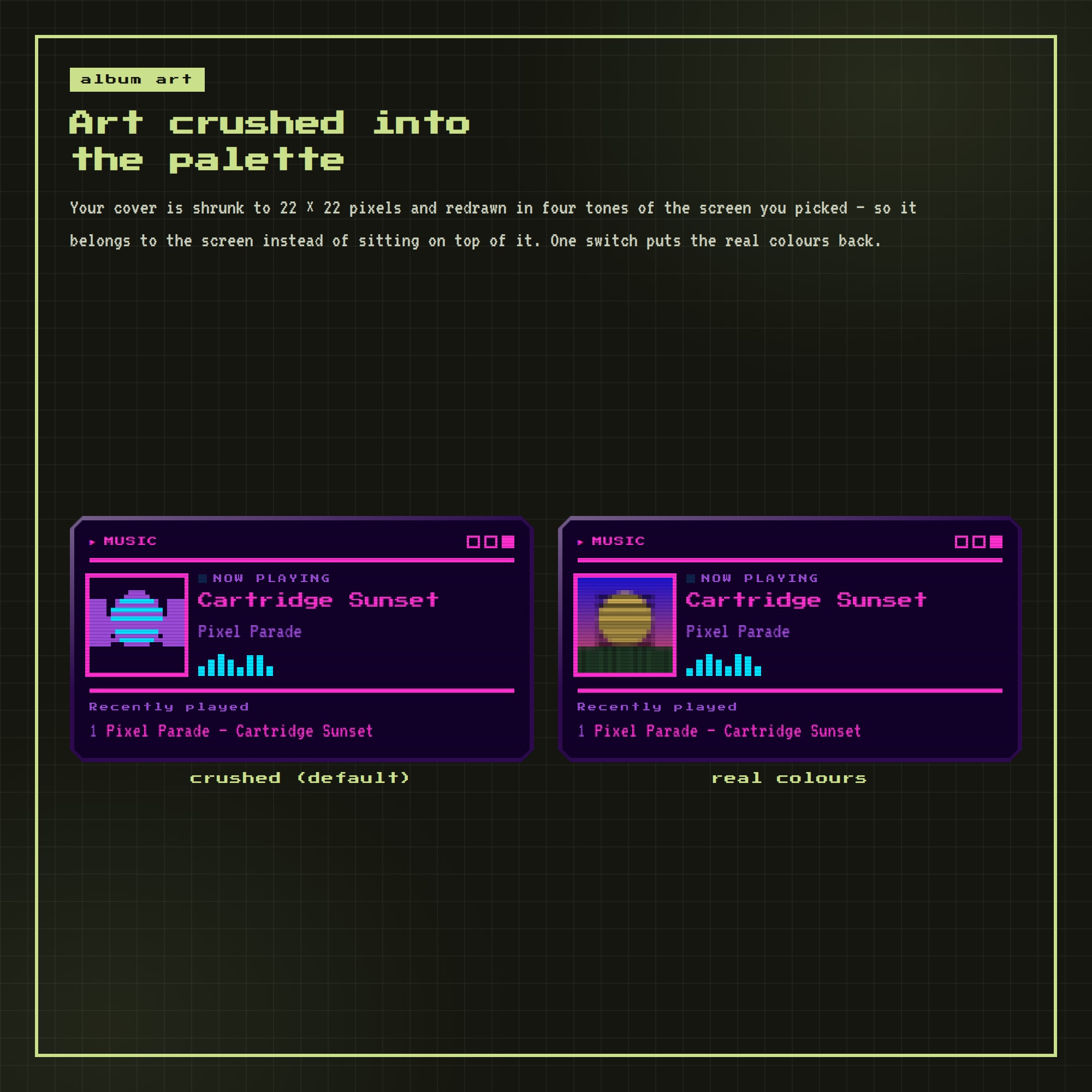
★ ALBUM ART CRUSHED INTO THE PALETTE
Your cover is shrunk to 22 x 22 pixels and redrawn in four tones of the screen you picked, so it belongs to the screen instead of sitting on top of it. One switch puts the real colours back.
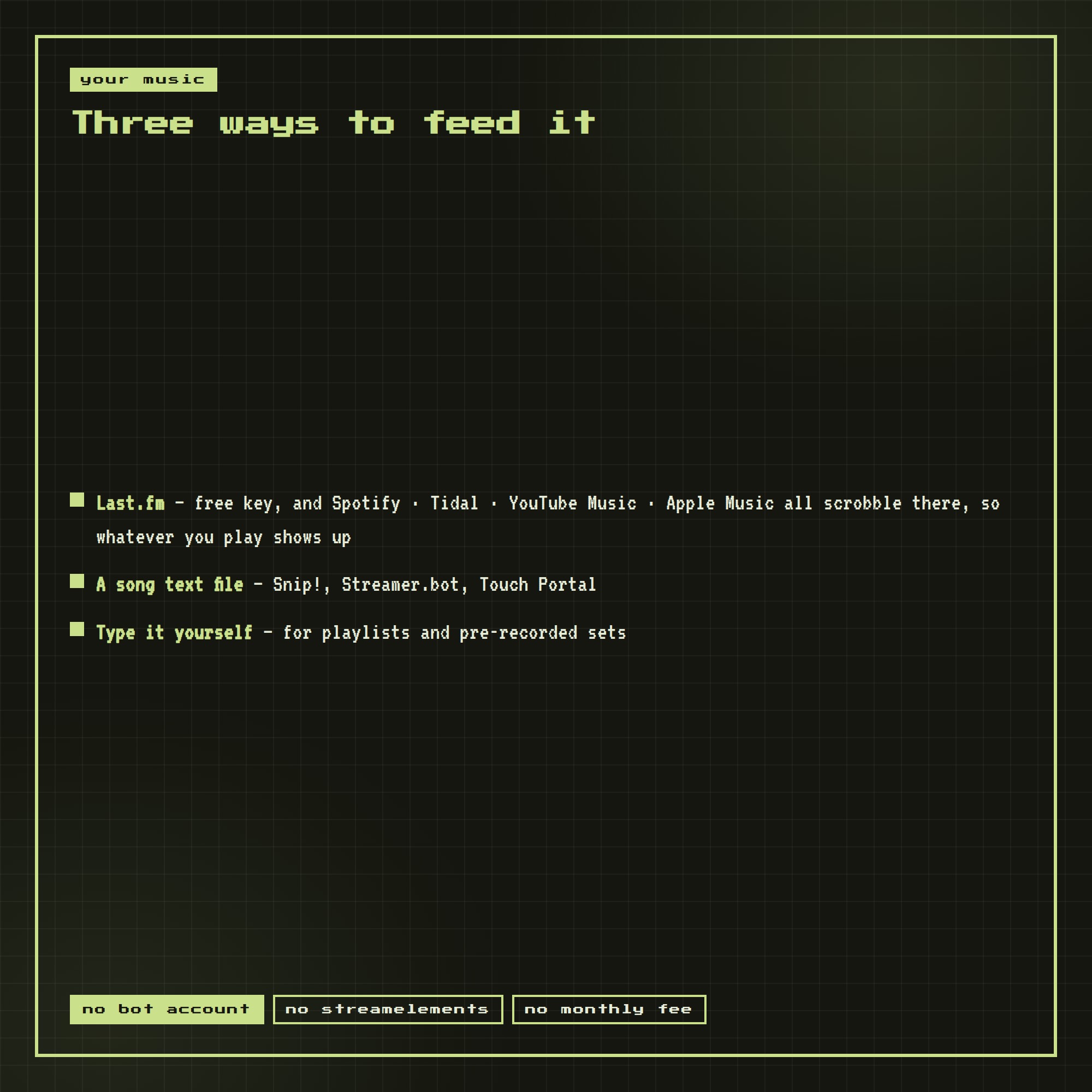
★ THREE WAYS TO FEED IT
- Last.fm (free key) — Spotify, Tidal, YouTube Music and Apple Music all scrobble there, so whatever you play shows up
- A song text file from Snip!, Streamer.bot or Touch Portal
- Or type the song yourself for playlists and pre-recorded sets
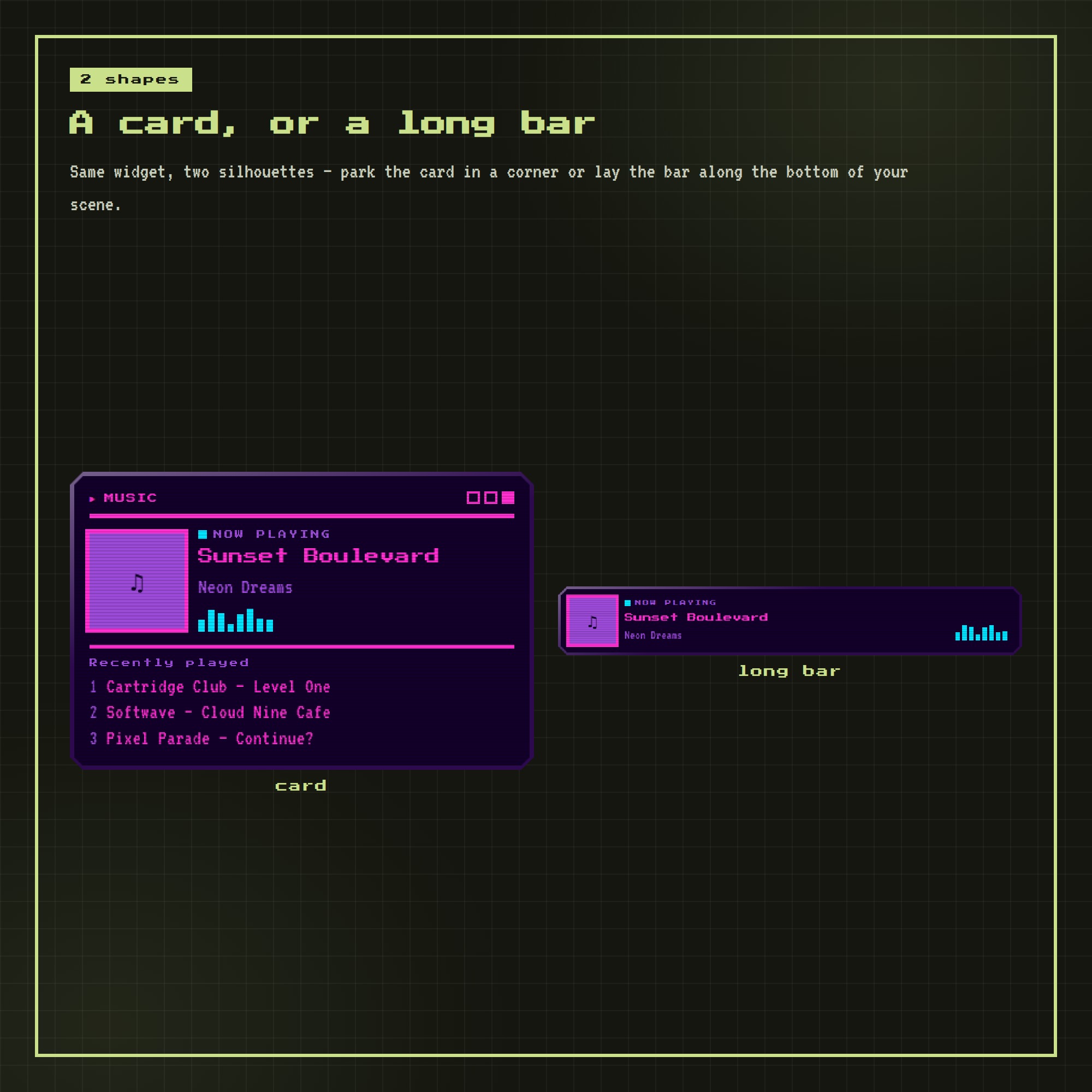
★ TWO SHAPES
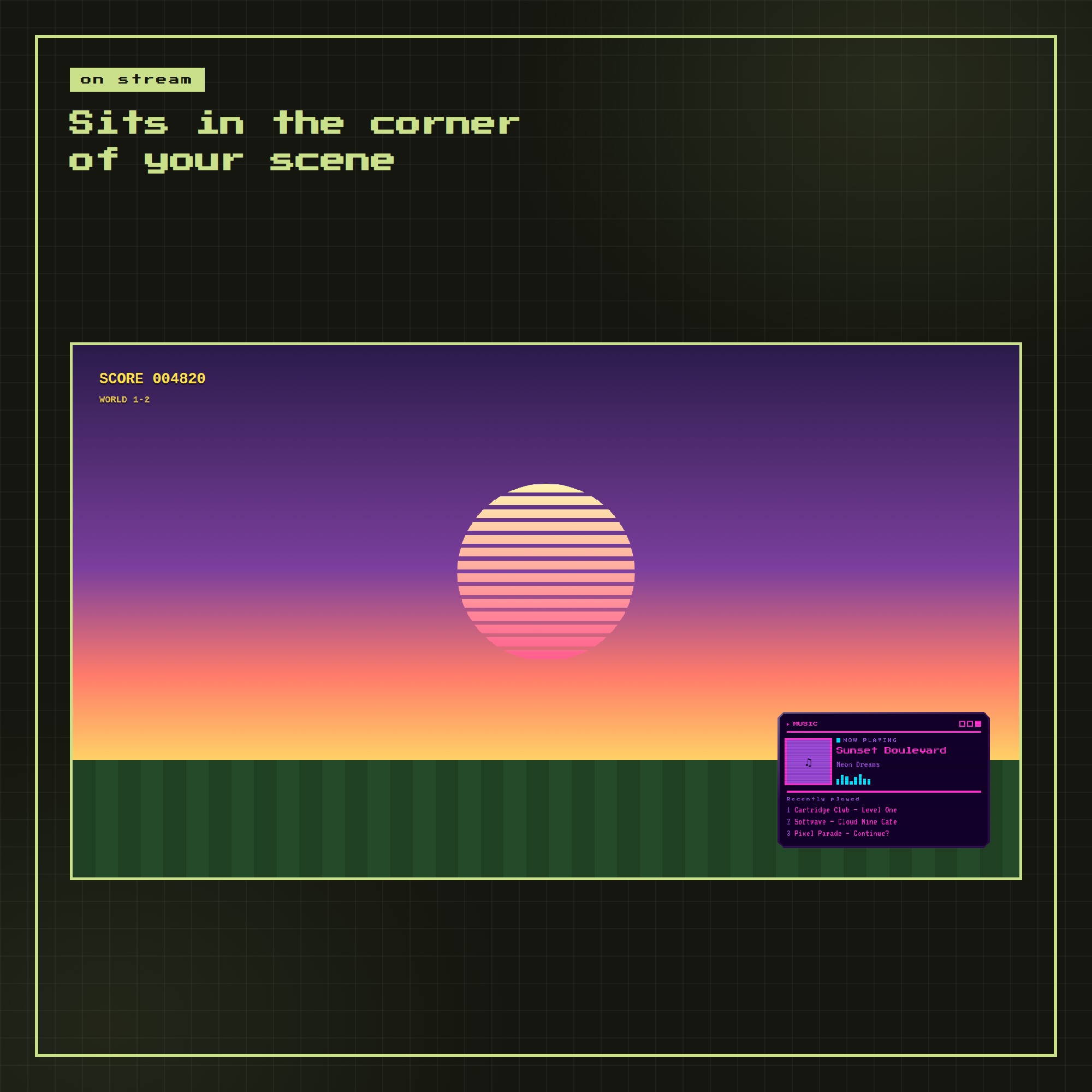
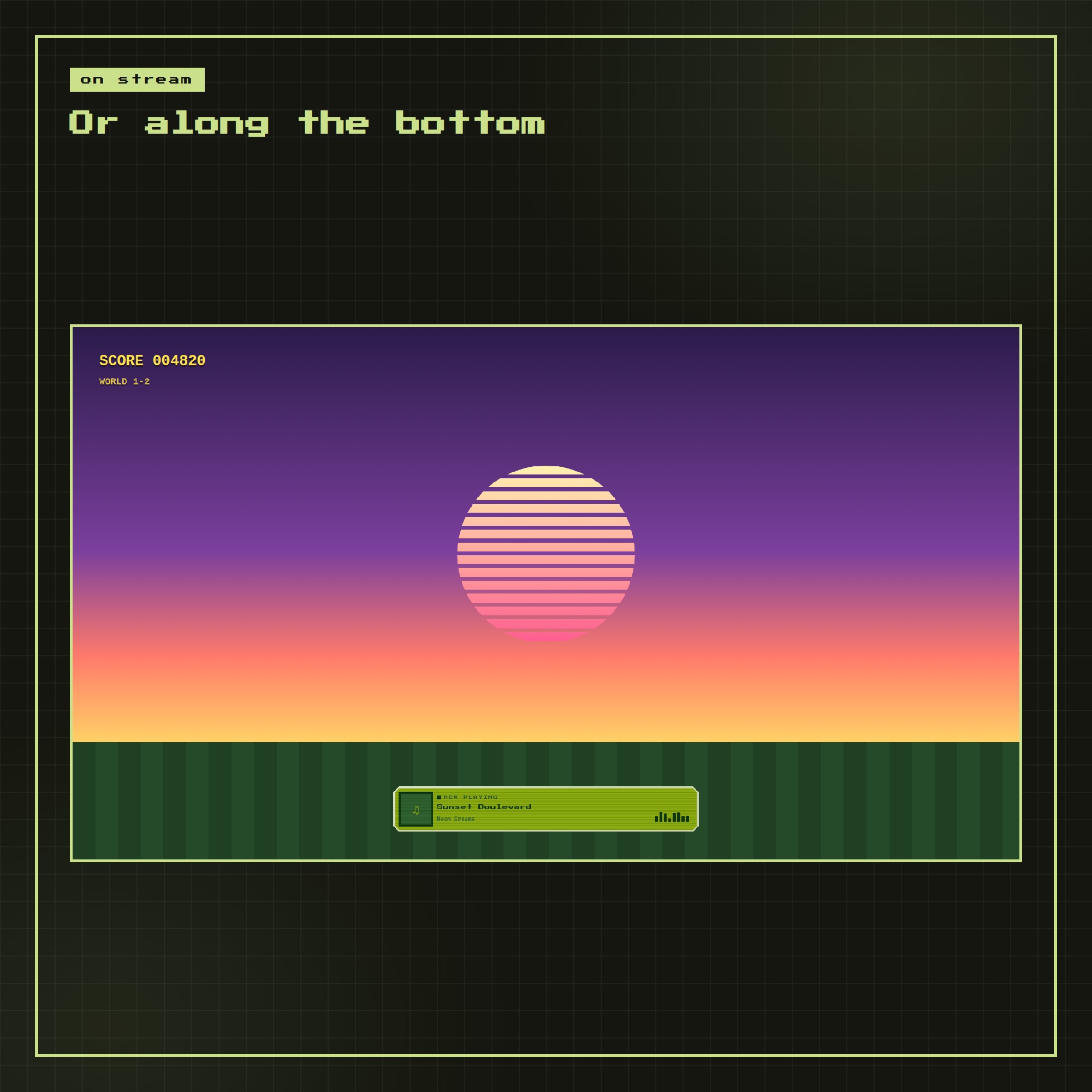
A card for the corner of your scene, or a long bar along the bottom. Hide the title bar or the recently-played list, resize it, move it to the top.
★ WHAT YOU GET (1 ZIP)
- widget.html — the widget OBS loads
- settings.html — a click-and-preview control panel that writes your link
- Setup-Guide.pdf — illustrated, step by step
- README.txt — the two minute version
- A free widget from the shop, plus a link to try every overlay live
★ HOW IT WORKS
1. Unzip and open settings.html
2. Pick a screen and your music source
3. Press COPY LINK
4. In OBS: + → Browser → paste → size 480 x 420 → done
Works with OBS Studio, Streamlabs and any browser source, on Windows and Mac. The pixel font is inside the file, so nothing needs installing.
This is a DIGITAL DOWNLOAD — nothing will be shipped. Single-buyer licence for your own channels, including monetised streams; please do not resell or redistribute the files.