About this widget
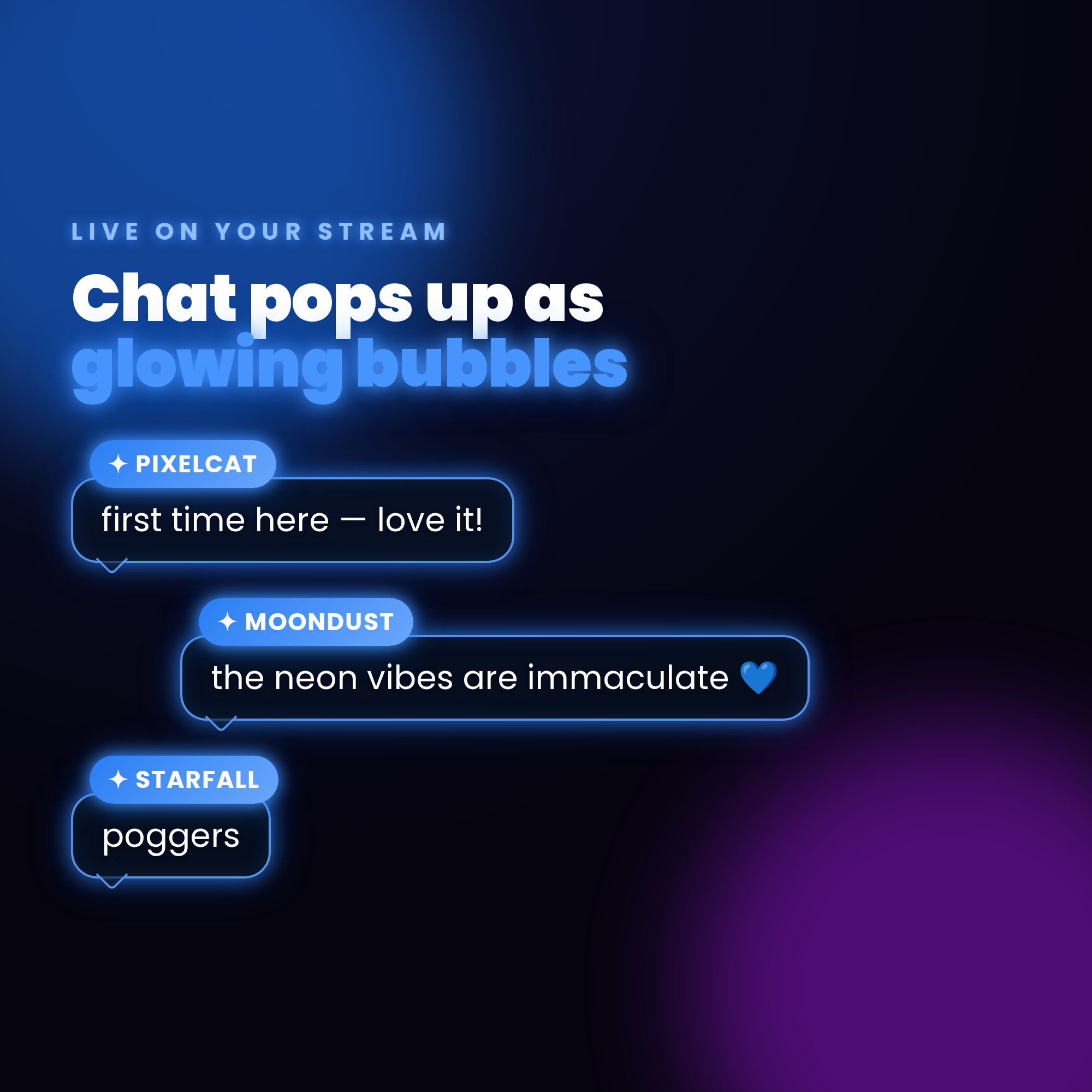
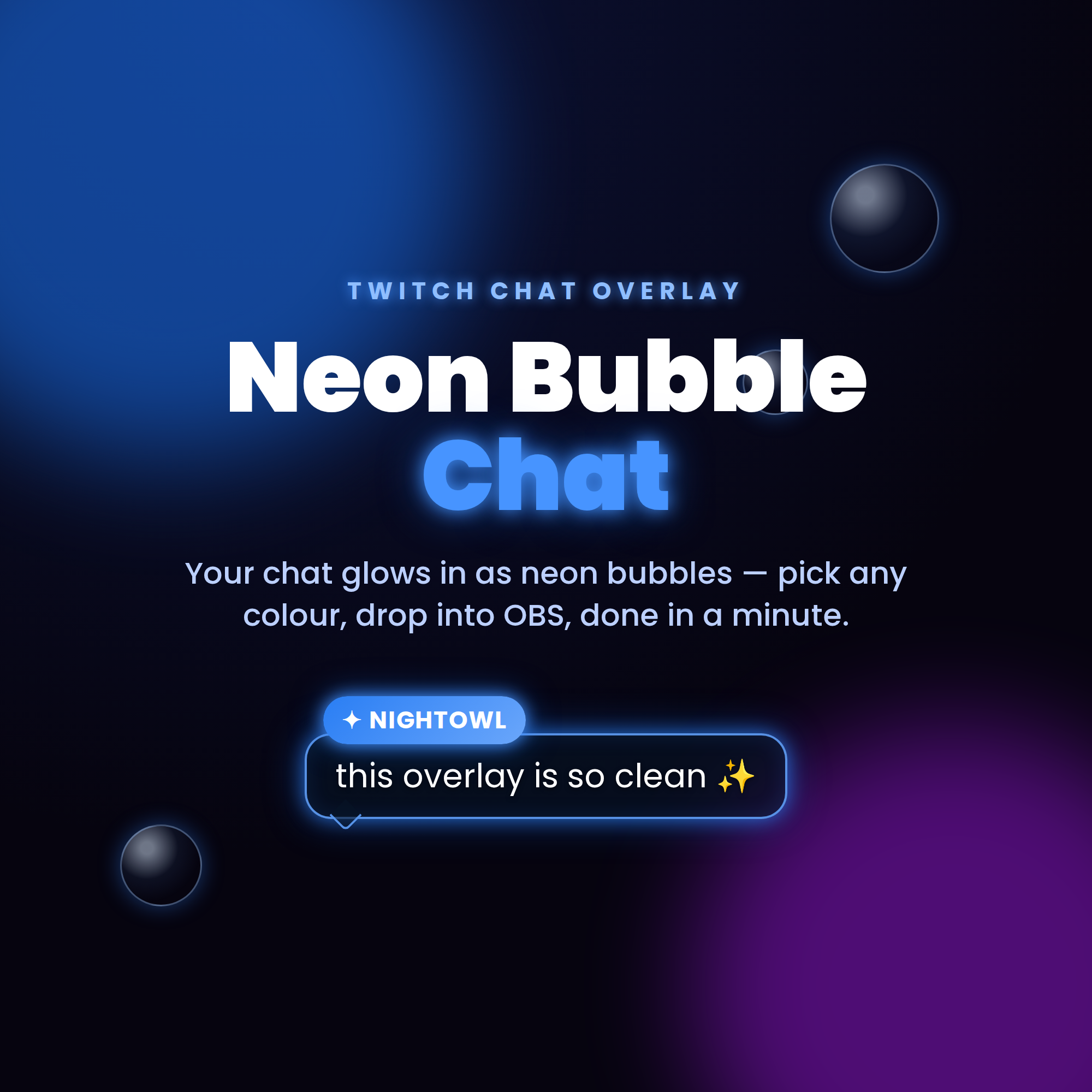
🫧 Neon Bubble Chat — turn your Twitch chat into glowing neon bubbles on stream
Every message pops up as a glowing bubble with the viewer's name on a neon tag, soft sparkles, and dreamy bubbles drifting up behind it. Pick ANY glow colour with one slider. Set up in under a minute — no coding.
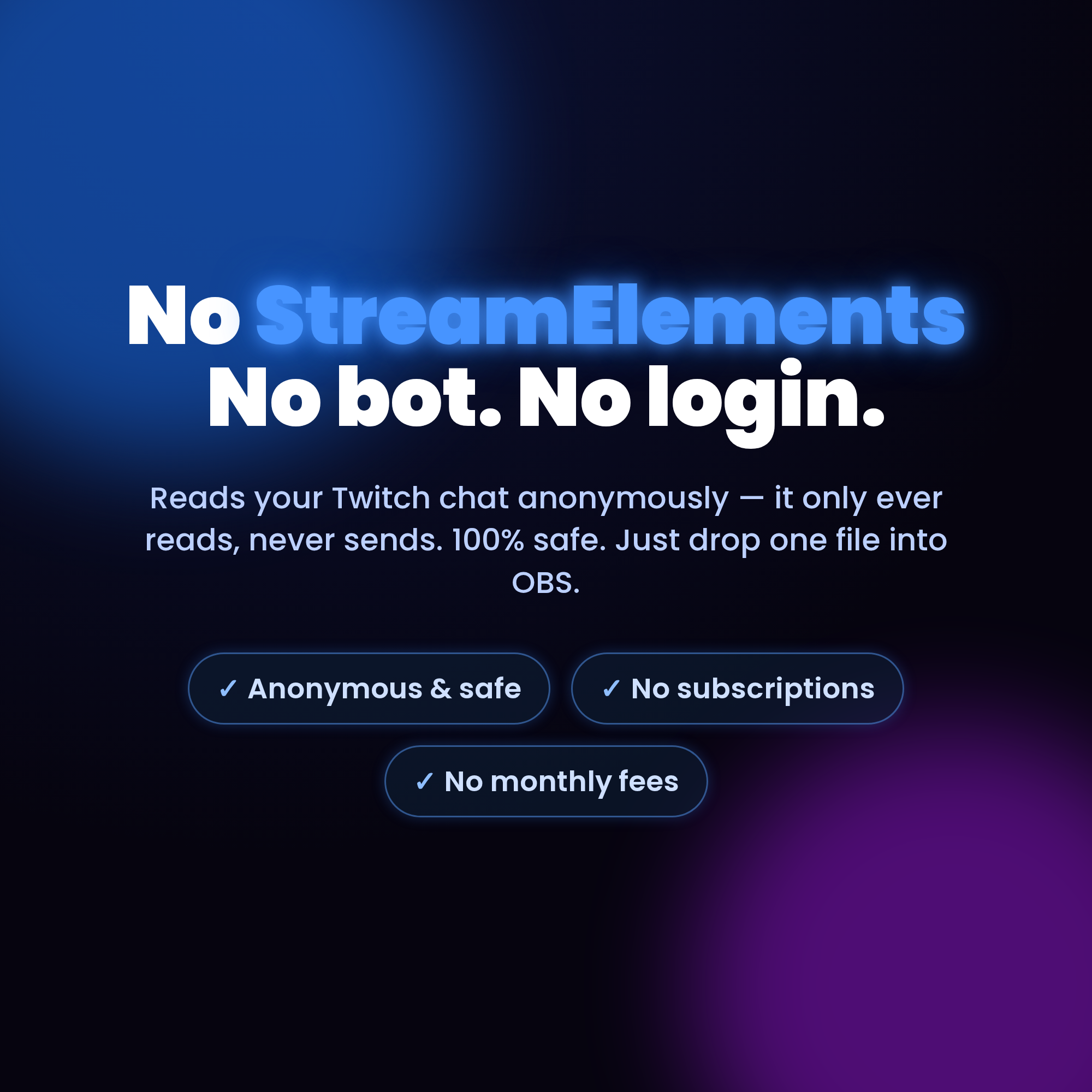
★ NO STREAMELEMENTS NEEDED ★
Just drop one HTML file into an OBS Browser source. No account, no bot, no login. It reads your Twitch chat anonymously (it only reads — never sends — so it's 100% safe), and a friendly Settings page builds your link for you with a live preview.
★ WHAT IT DOES ★
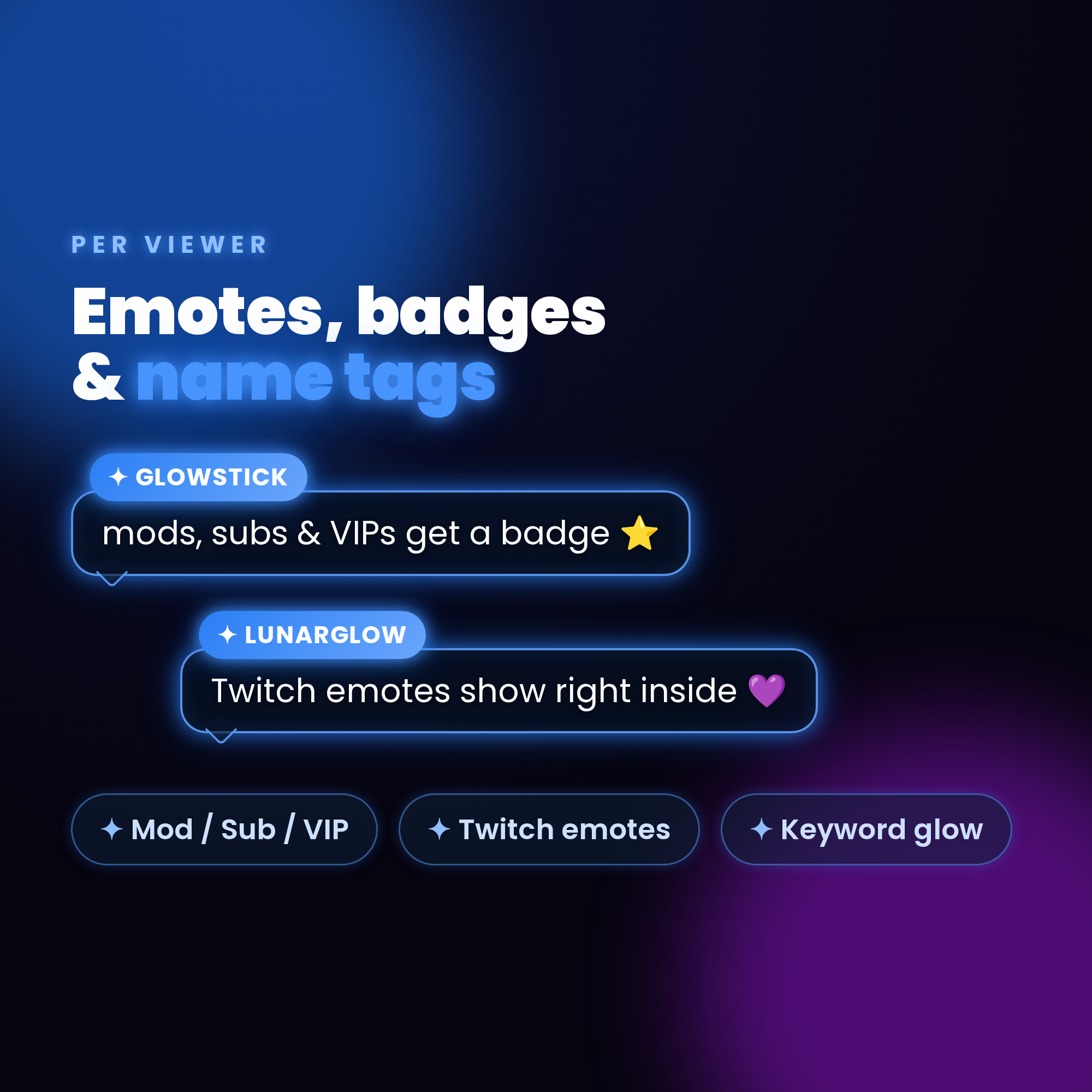
• Each chat message glows in as a neon bubble with a name tag + sparkles
• Soap bubbles drift gently up the background (toggle on/off)
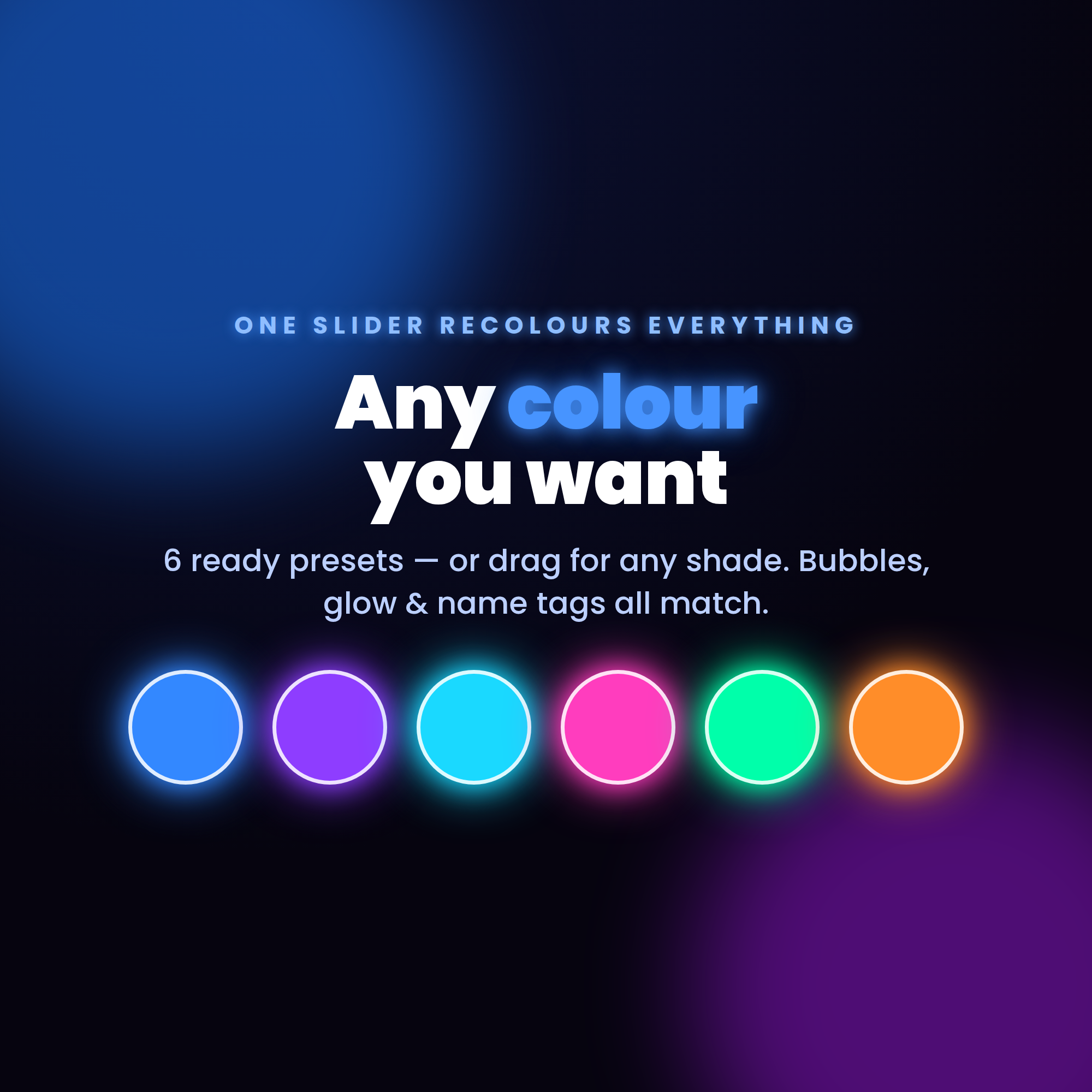
• ONE colour slider recolours everything — bubbles, glow, name tags
• 6 ready presets: Electric Blue, Violet, Cyan, Hot Pink, Aqua Green, Sunset — or any shade you want
• Twitch emotes render right inside the bubble
• Broadcaster, mod, VIP & sub badges show by each name
★ FULLY CUSTOMIZABLE ★
✓ Any glow colour (preset or slider)
✓ Floating bubbles & twinkle sparkles on/off
✓ Highlight keywords (like "raid" or "discord") so they glow gold
✓ Max messages on screen, font size & overall scale
✓ Auto-hide messages after X seconds (or keep them)
✓ Align newest message bottom or top
✓ Hide !commands + ignore bots to keep it clean
✓ Works with FREE OBS Studio + Streamlabs Desktop
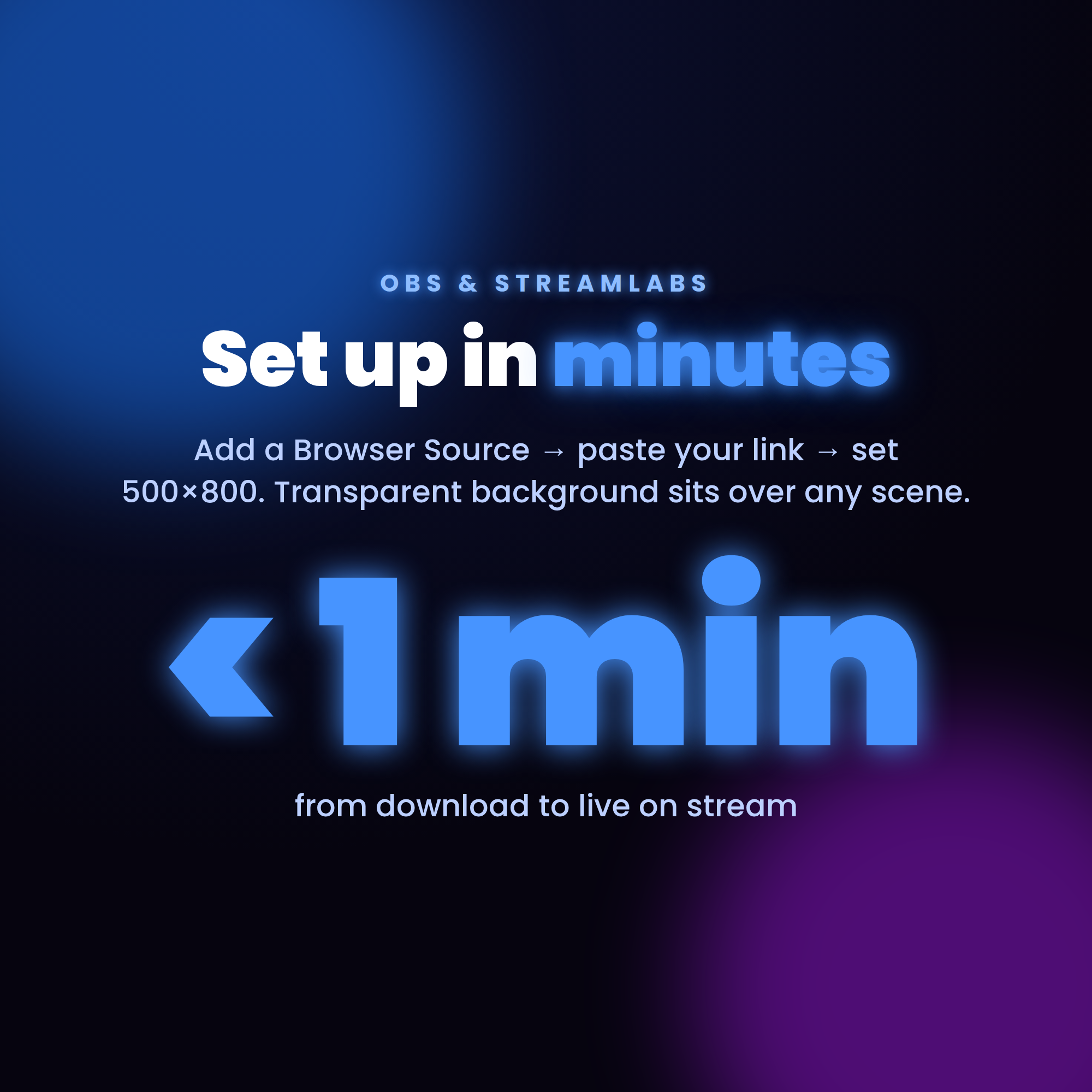
✓ Transparent background — sits over any scene
✓ No subscriptions, no monthly fees
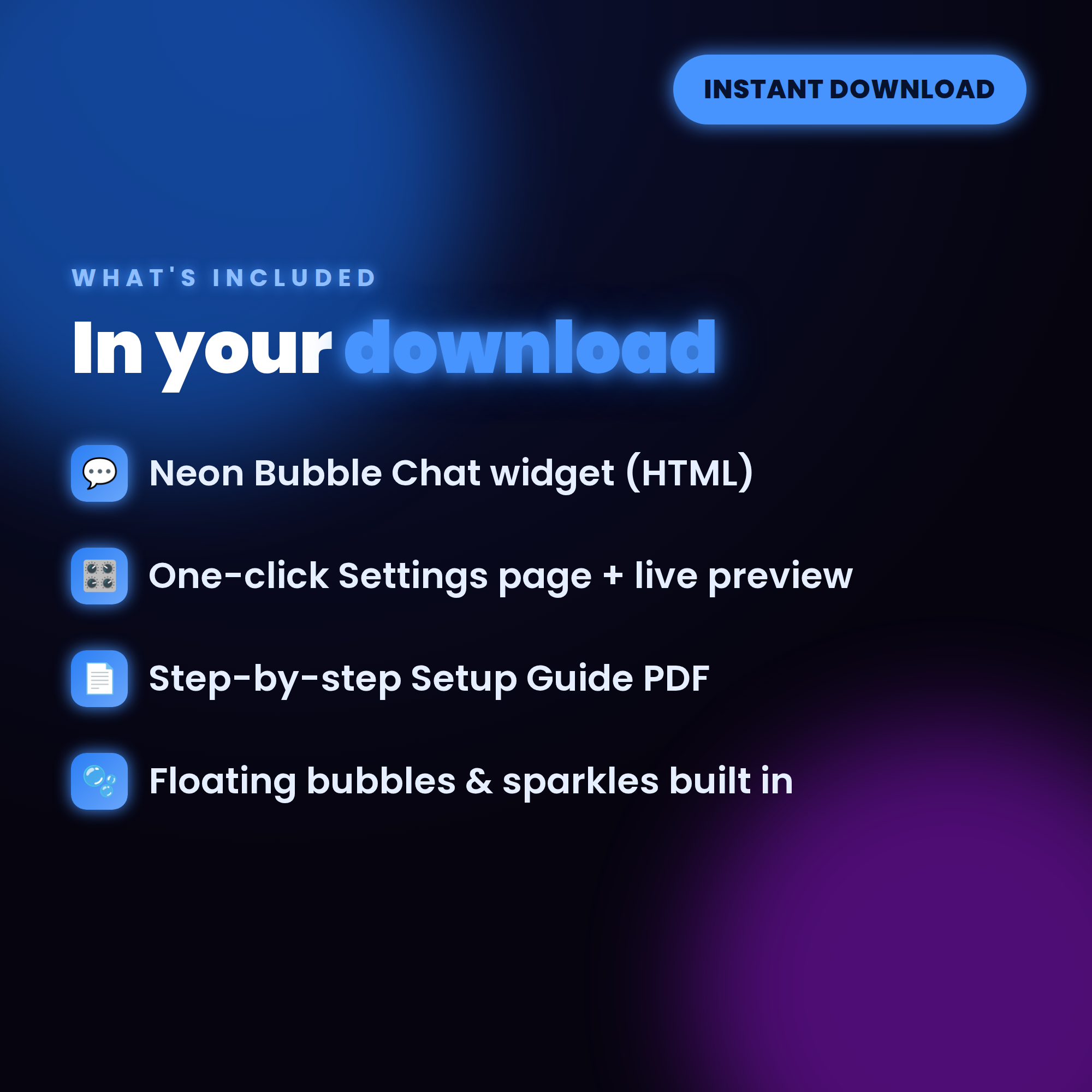
★ WHAT'S INCLUDED (instant download) ★
• Neon Bubble Chat widget (HTML)
• One-click Settings page with live preview
• Step-by-step Setup Guide PDF + every option explained
★ SUPER EASY SETUP ★
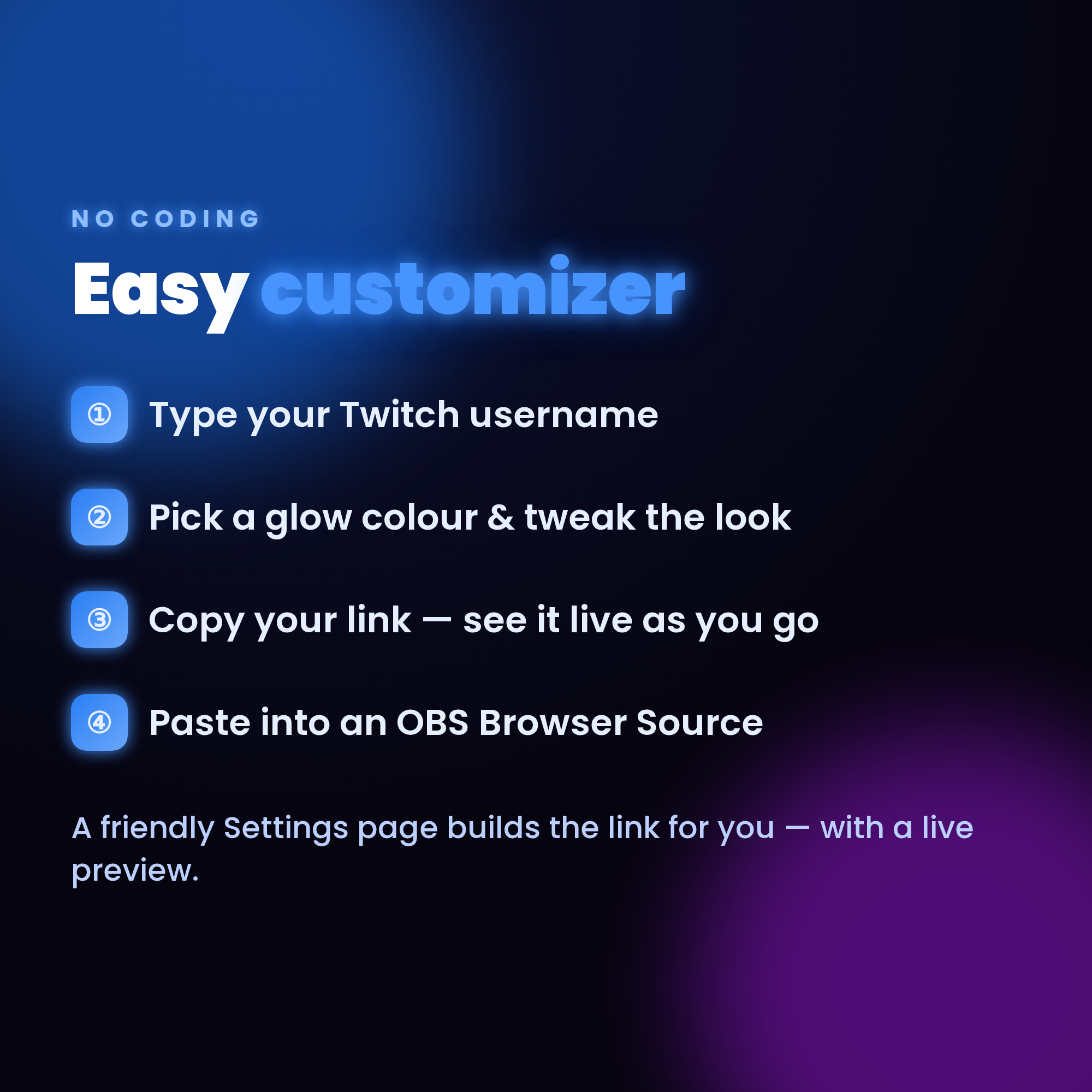
1. Open the Settings page & type your channel
2. Pick a glow colour, tweak the look, then copy your link
3. Add it as a Browser source in OBS — your chat glows live! ✨
★ REQUIREMENTS ★
• OBS Studio or Streamlabs Desktop (free)
• Internet connection (for fonts, emotes + Twitch chat)
• Your Twitch username
★ PLEASE NOTE ★
DIGITAL DOWNLOAD for use in OBS — not a printable file or app. Instant digital, so this item is non-refundable.
Questions or need a hand? Message me anytime — happy to help! ✨