About this widget
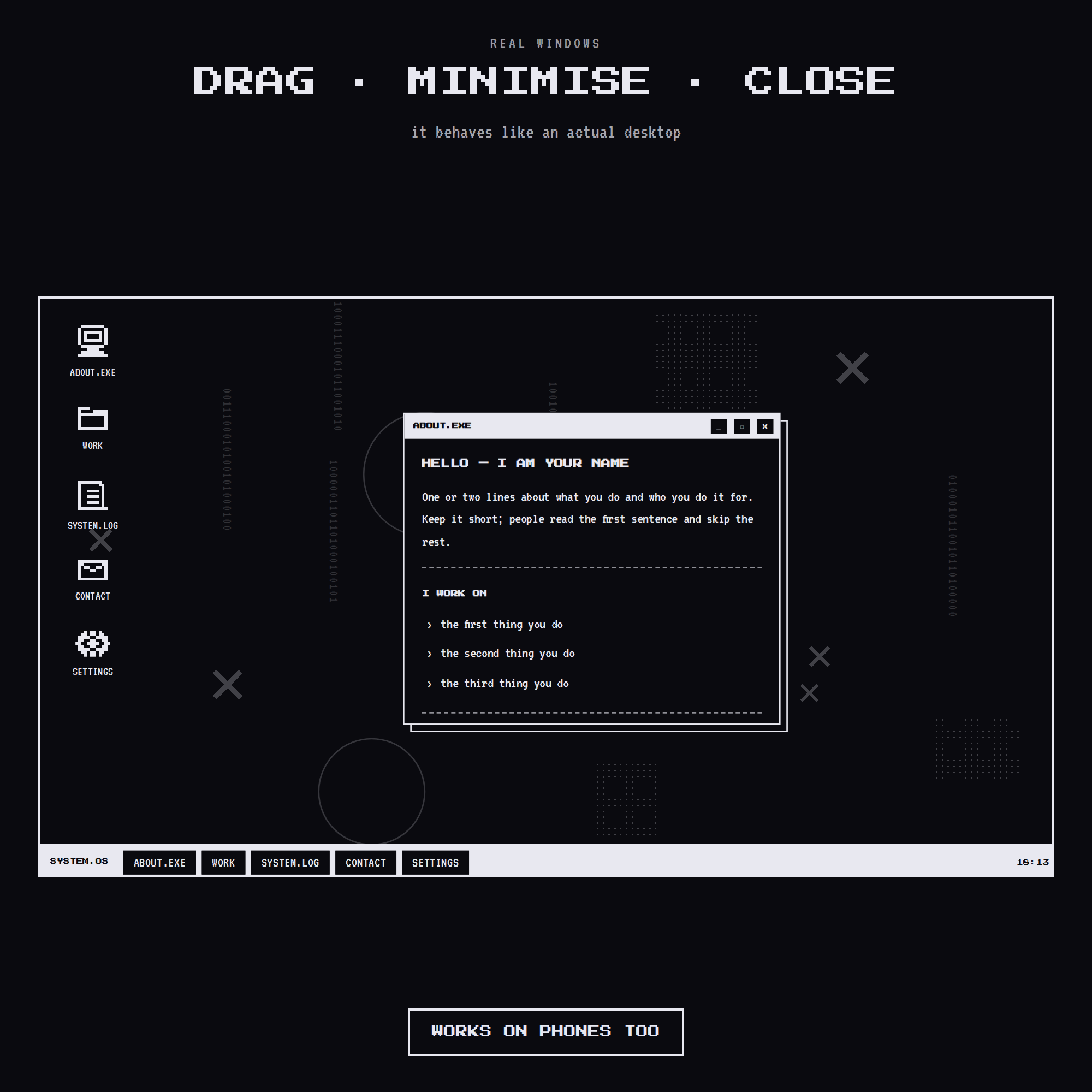
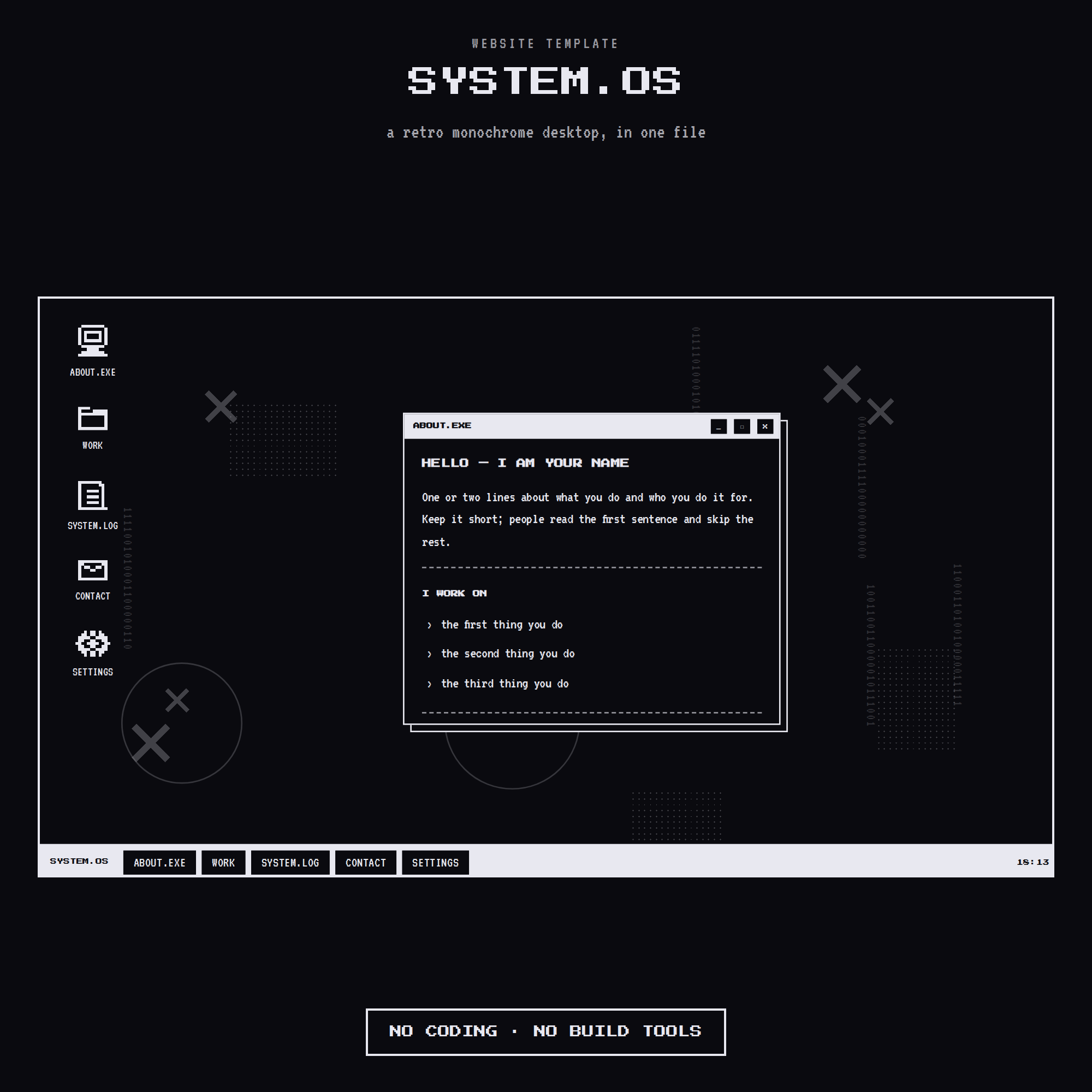
🖥️ SYSTEM.OS — a retro monochrome desktop, as a website. Real windows you can drag, minimise and close, a task bar with a live clock, and five colour modes. One HTML file. No build tools, no framework, no subscription.
★ WHY THIS ONE IS DIFFERENT
Most retro templates are a picture of a computer. This one behaves like one. Visitors click an icon, a window opens. They drag it. They close it. They pick their own colour. It is the kind of site people remember and send to a friend.
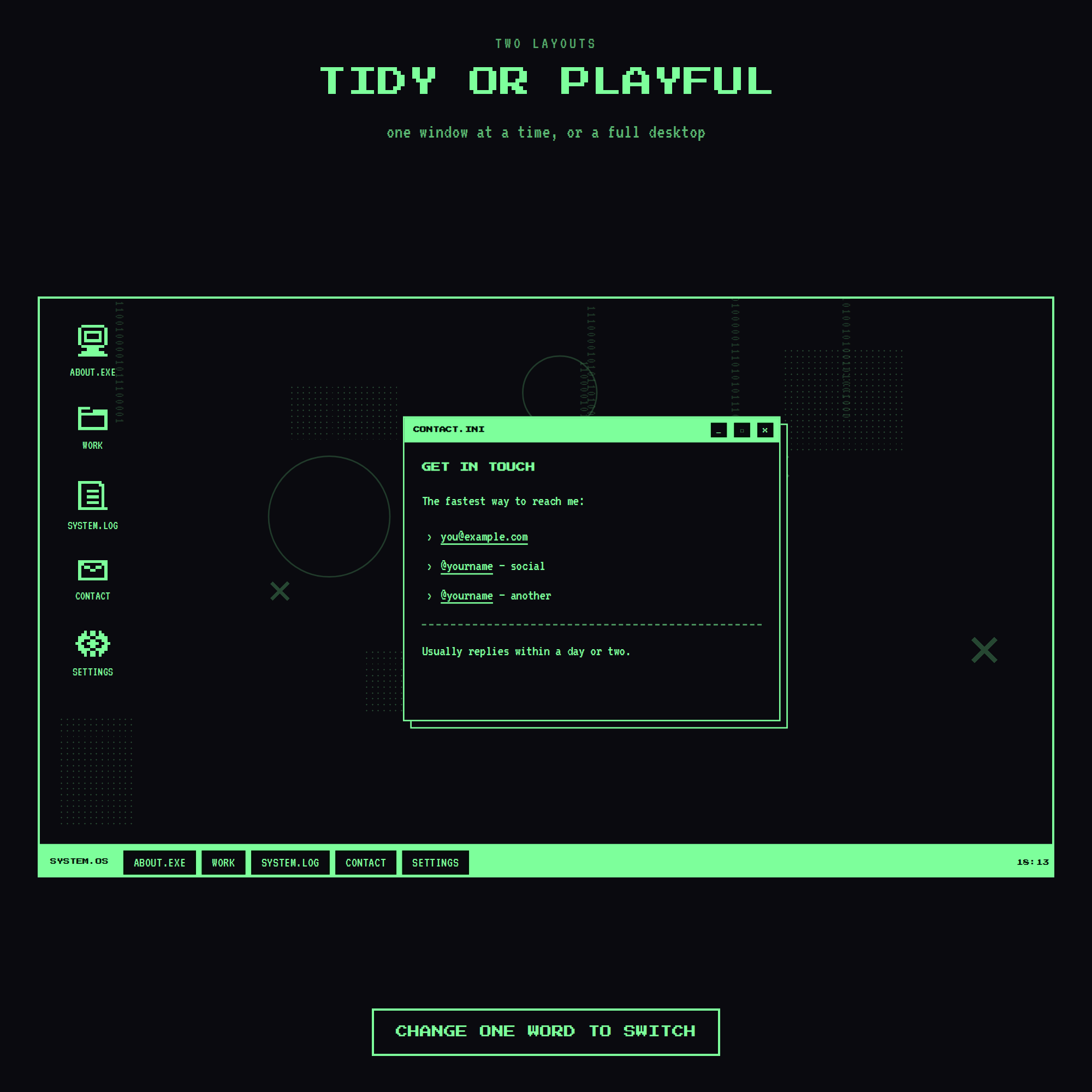
★ TWO LAYOUTS, ONE WORD TO SWITCH
• "single" — one window at a time, centred and tidy. Best when you want people to actually read your work.
• "desktop" — windows pile up like a real desktop. More playful.
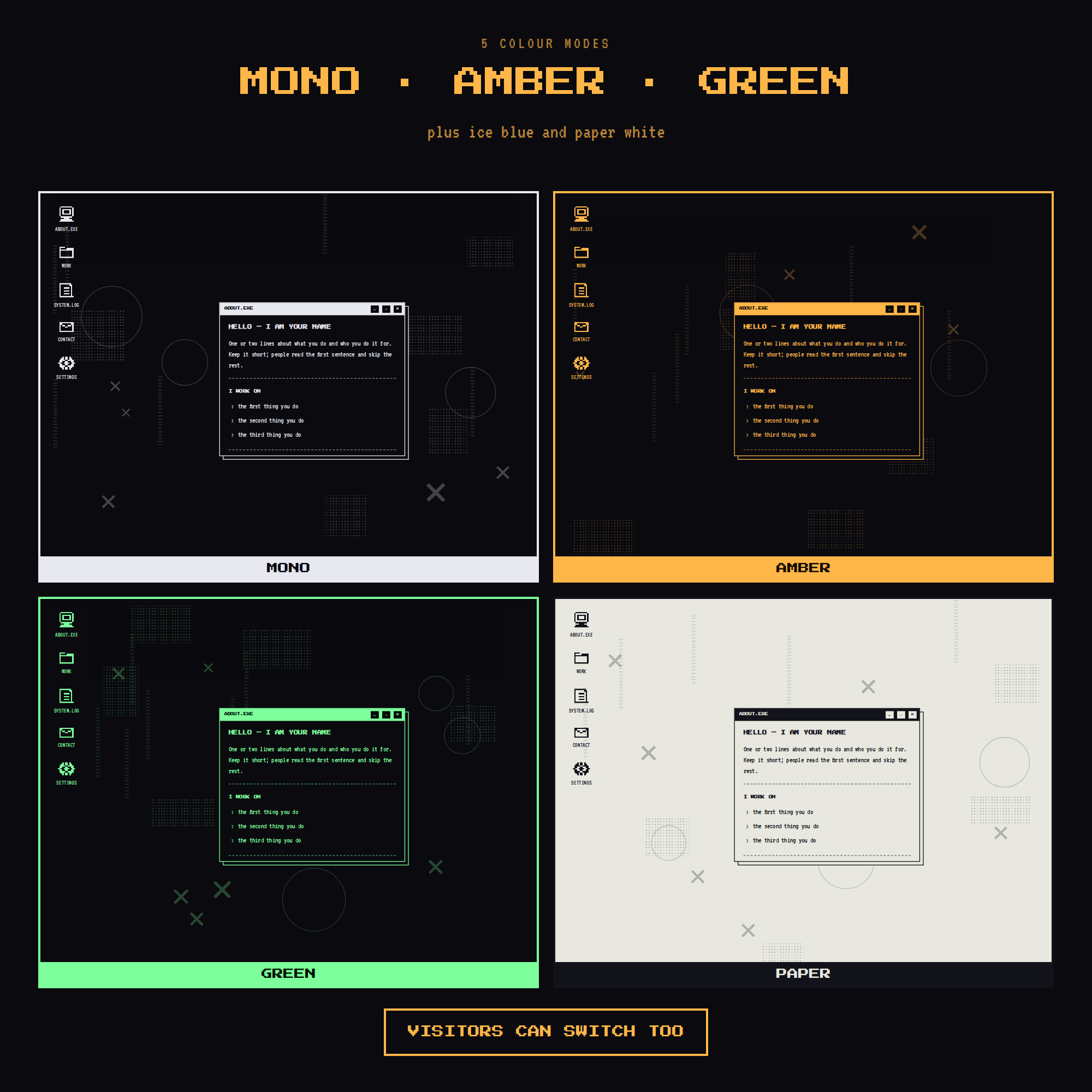
★ 5 COLOUR MODES
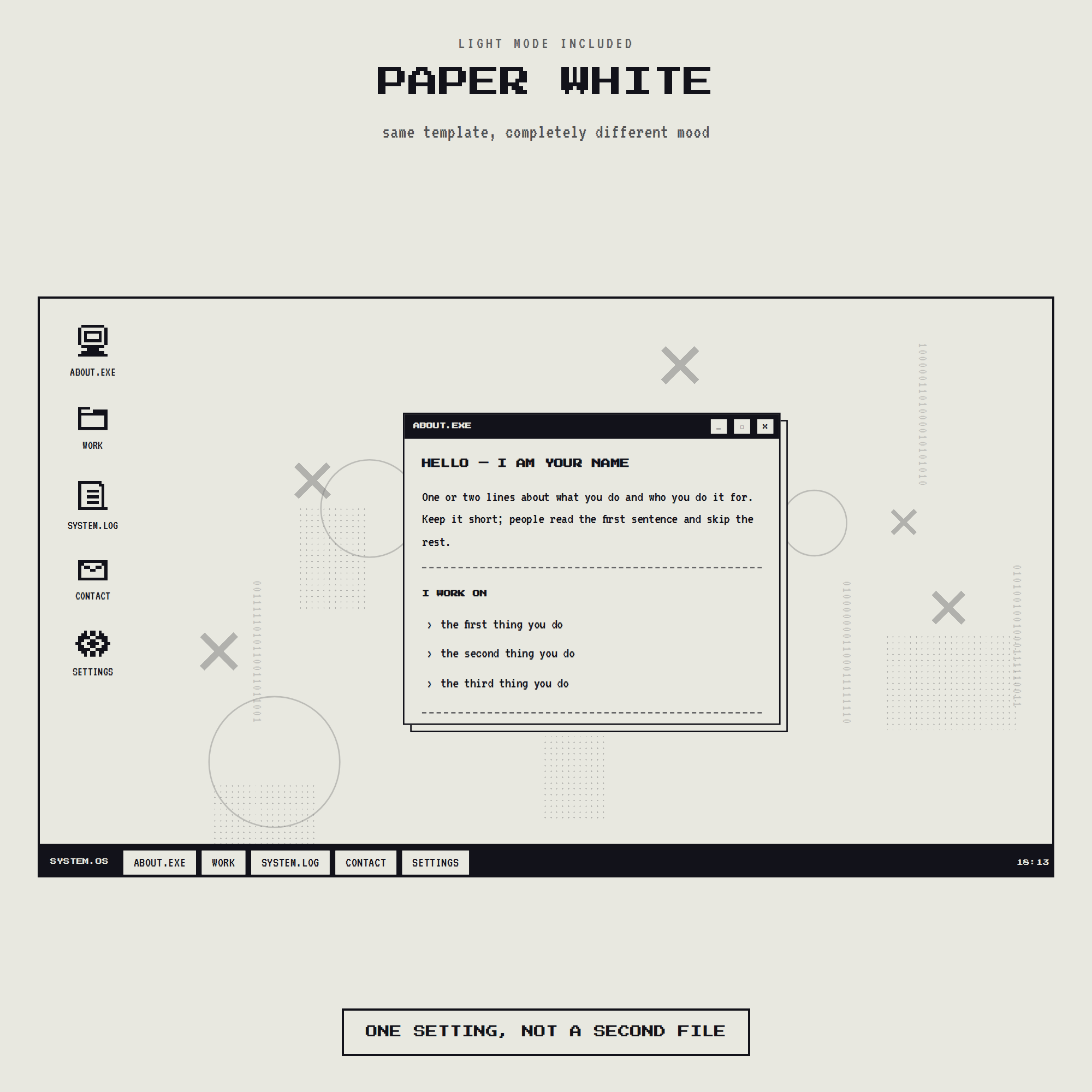
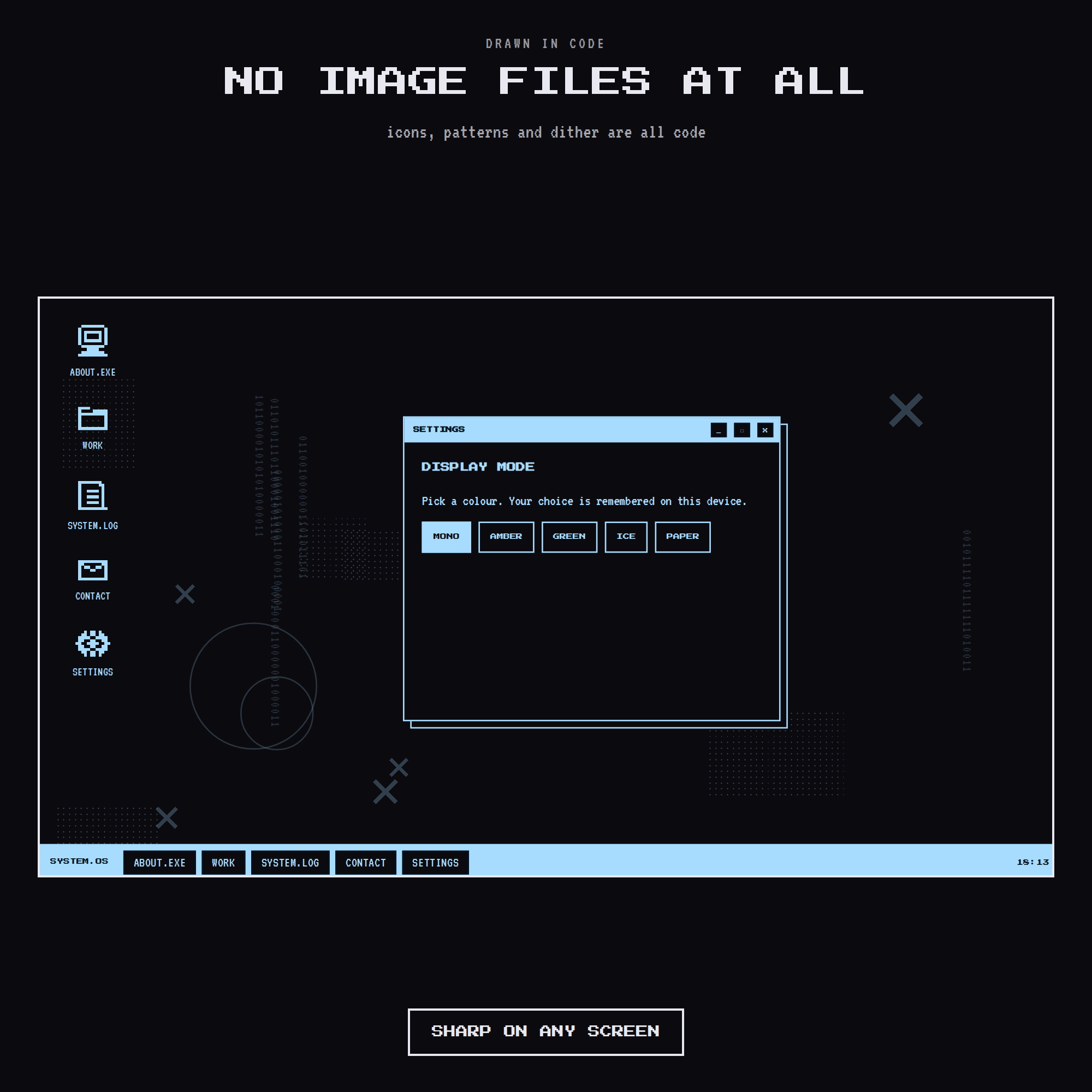
Mono white-on-black · Amber old monitor · Green classic terminal · Ice pale blue · Paper black-on-white.
Set the one you want, and your visitors can switch too. Their choice is remembered.
★ WHAT IS INSIDE
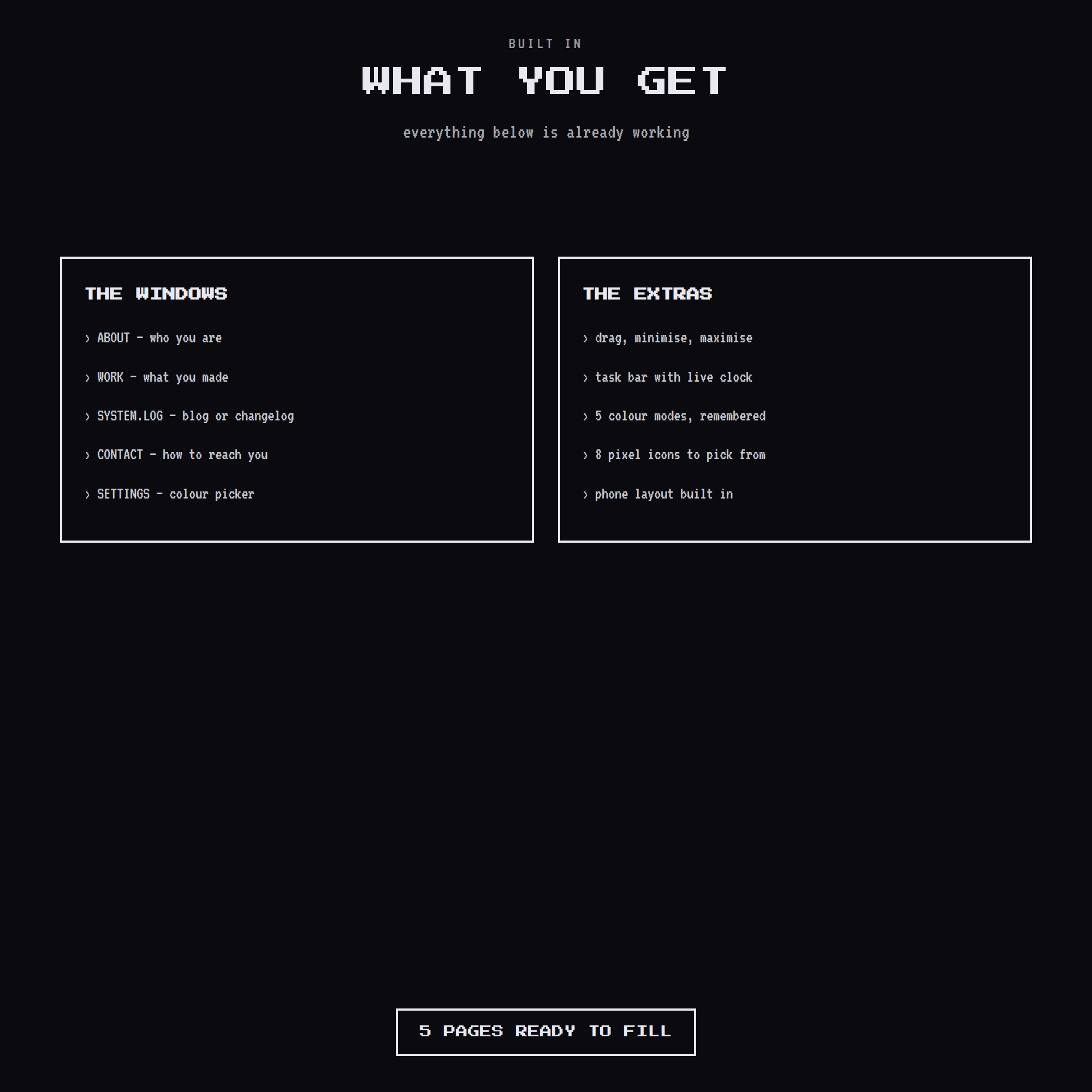
• ABOUT — who you are
• WORK — a clean list of projects with years
• SYSTEM.LOG — a blog, changelog or now-page
• CONTACT — email and socials
• SETTINGS — the colour picker
• 8 pixel icons to choose from
• Task bar with a working clock
• A phone layout that stacks the windows down the page
★ EVERYTHING IS DRAWN IN CODE
No image files at all. Icons, dither patterns, binary columns — all code, so it stays sharp on any screen and the whole site loads instantly.
★ EDITING IS ONE BLOCK
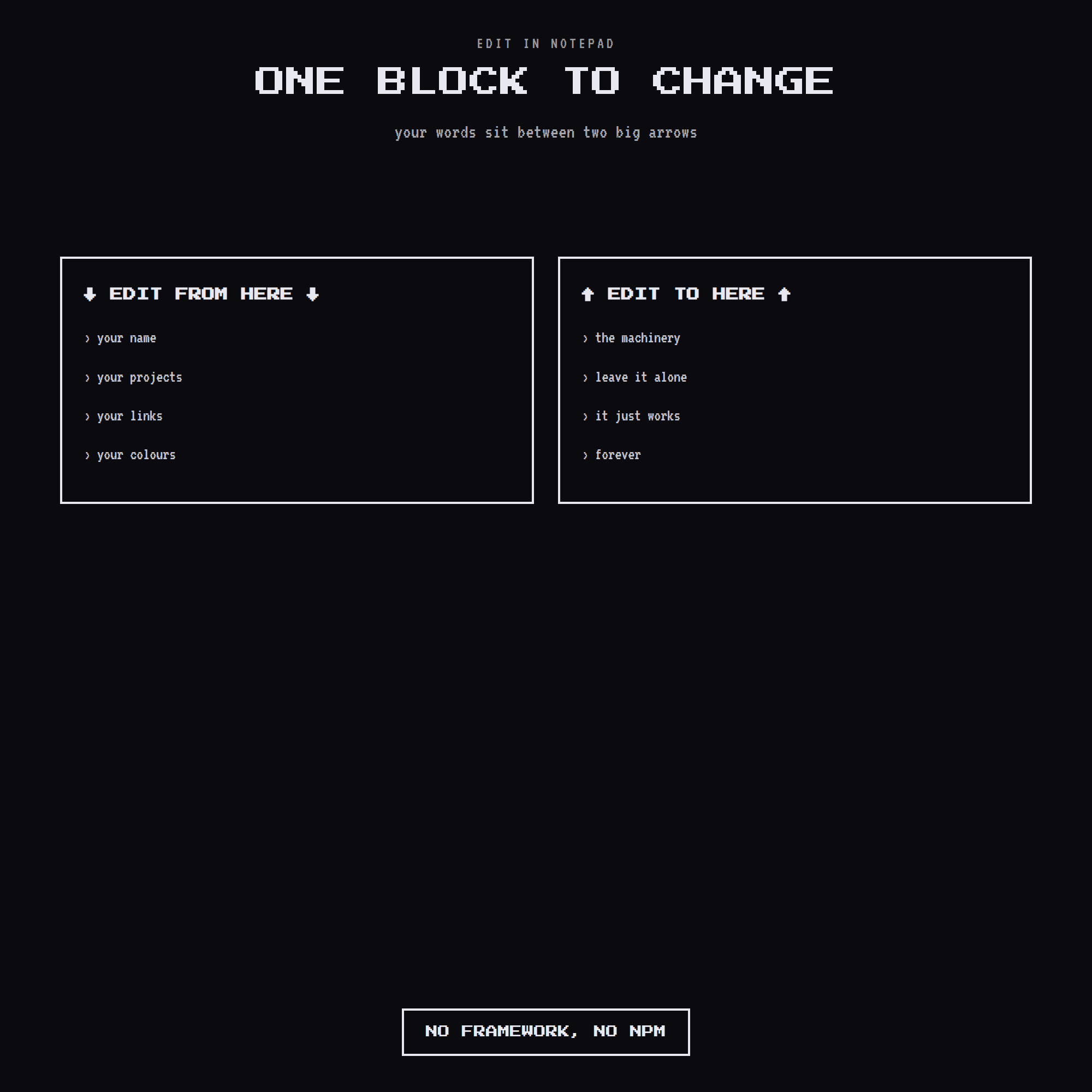
Open it in Notepad. Everything you change sits between two big arrows that say EDIT FROM HERE and EDIT TO HERE. Change the words, save, refresh. To add a page, copy a block. To remove one, delete it.
★ PUTTING IT ONLINE
Drag the folder onto Netlify Drop and you are live in about five minutes, free. GitHub Pages, Cloudflare Pages, Vercel or your own hosting all work too. No database, no server.
★ INSTANT DIGITAL DOWNLOAD
One HTML file, two open-licence fonts, and a plain-English guide. Nothing is shipped.
Questions or want a different colour? Message me — happy to help.