About this widget
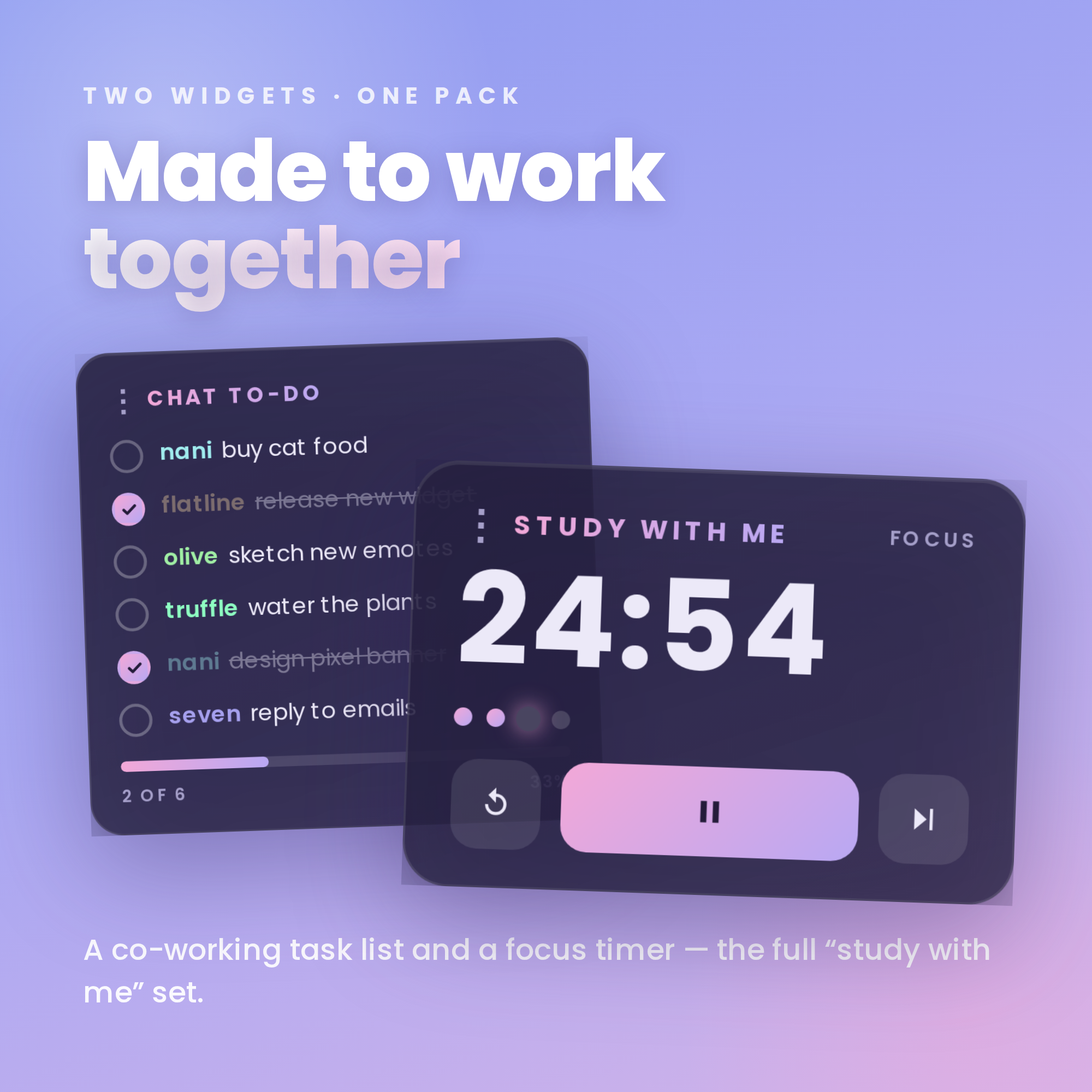
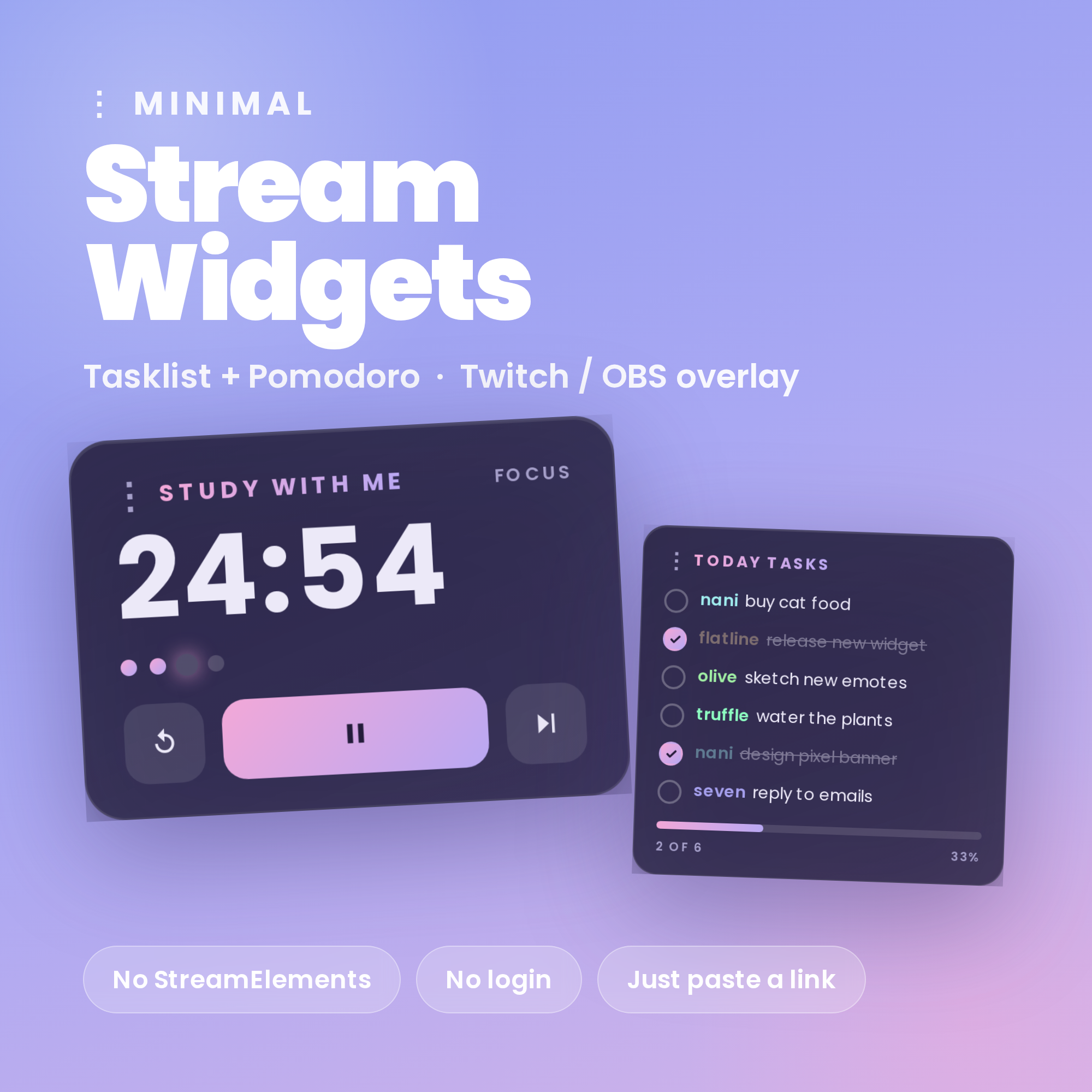
✨ Minimal Stream Widgets — Pomodoro Timer + Co-Working Task List
Clean, soft-periwinkle widgets for your Twitch stream — set up in under a minute, no coding.
★ NO STREAMELEMENTS NEEDED ★
The easy way: just drop one HTML file into an OBS Browser source. No account, no bot, no login. The Task List reads your Twitch chat anonymously, and a friendly Settings page builds your link for you with a live preview.
★ WHAT YOU GET (2 widgets) ★
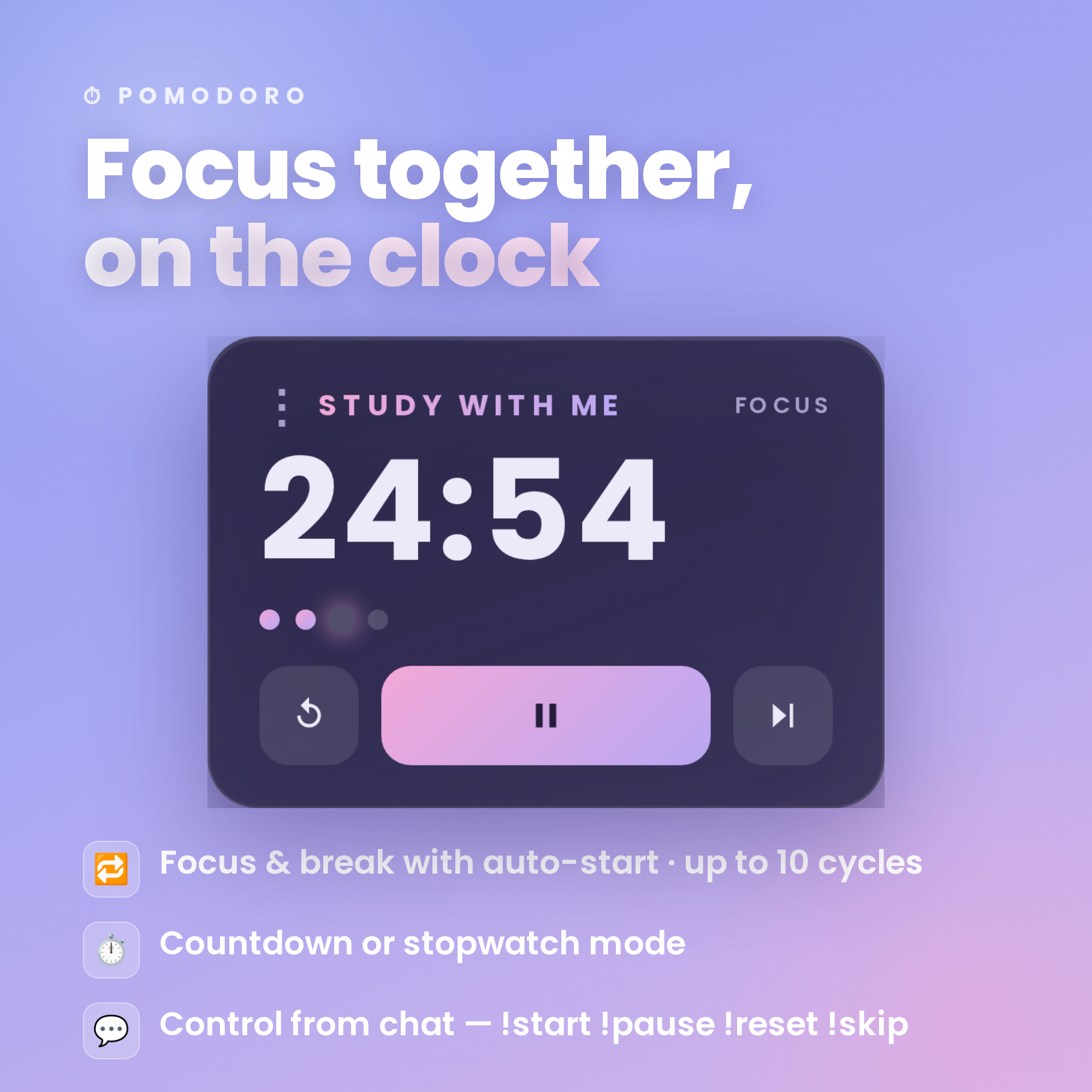
⏱ POMODORO TIMER
• Focus & break timer with manual or auto-start
• Countdown or stopwatch mode
• Up to 10 pomodoro cycles per session
• Control it from chat: !start !pause !reset !skip
• Set your own focus & break times — no code
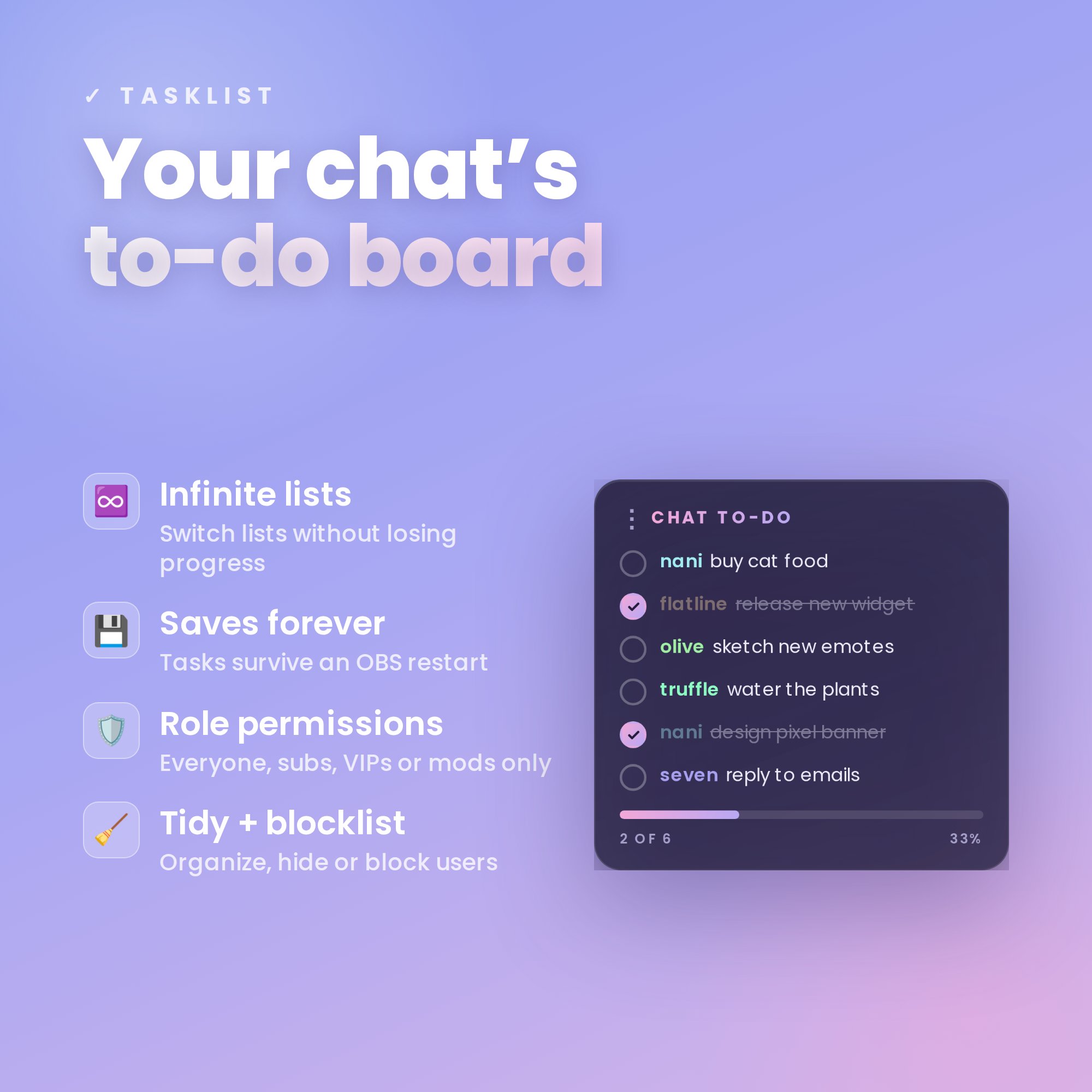
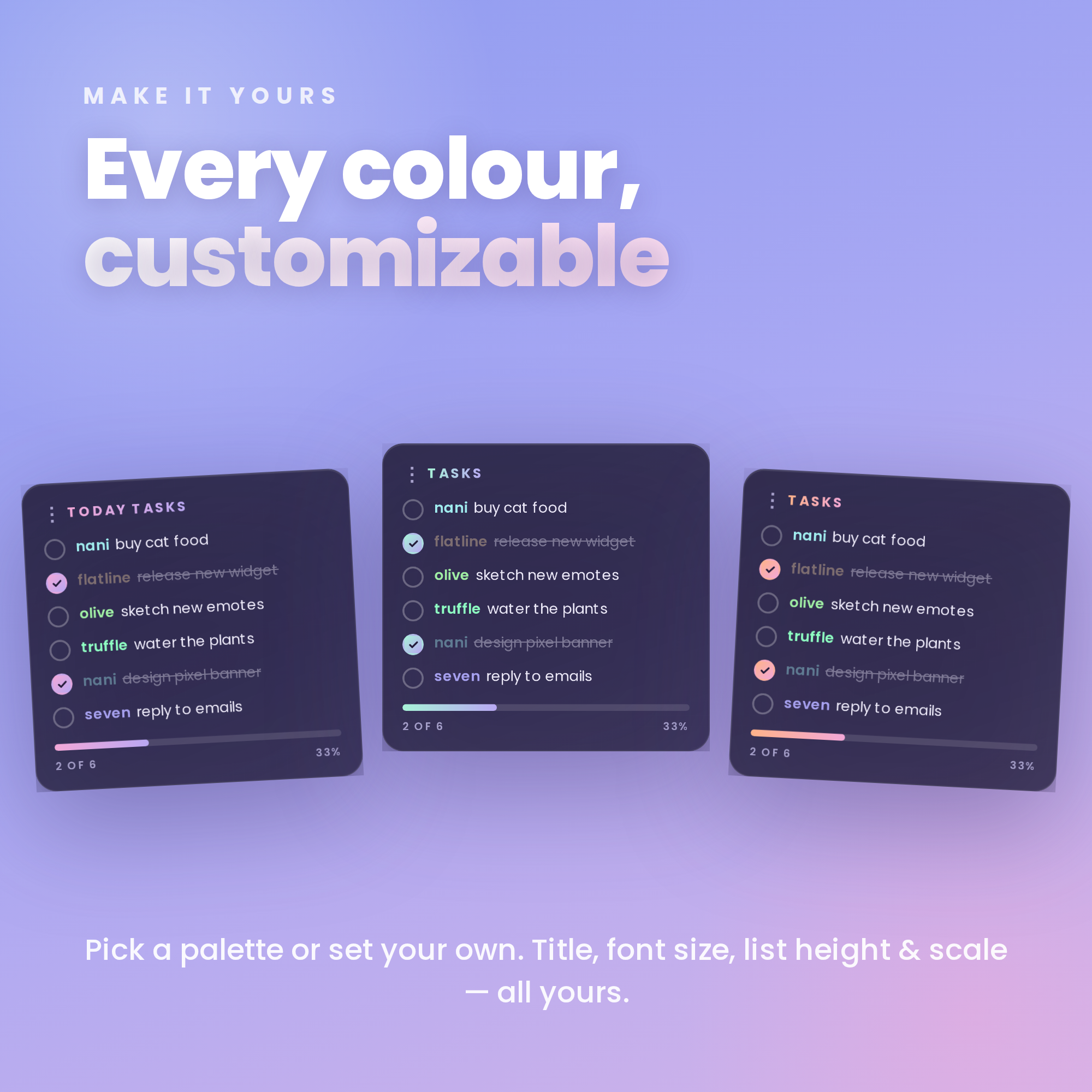
✓ CO-WORKING TASK LIST
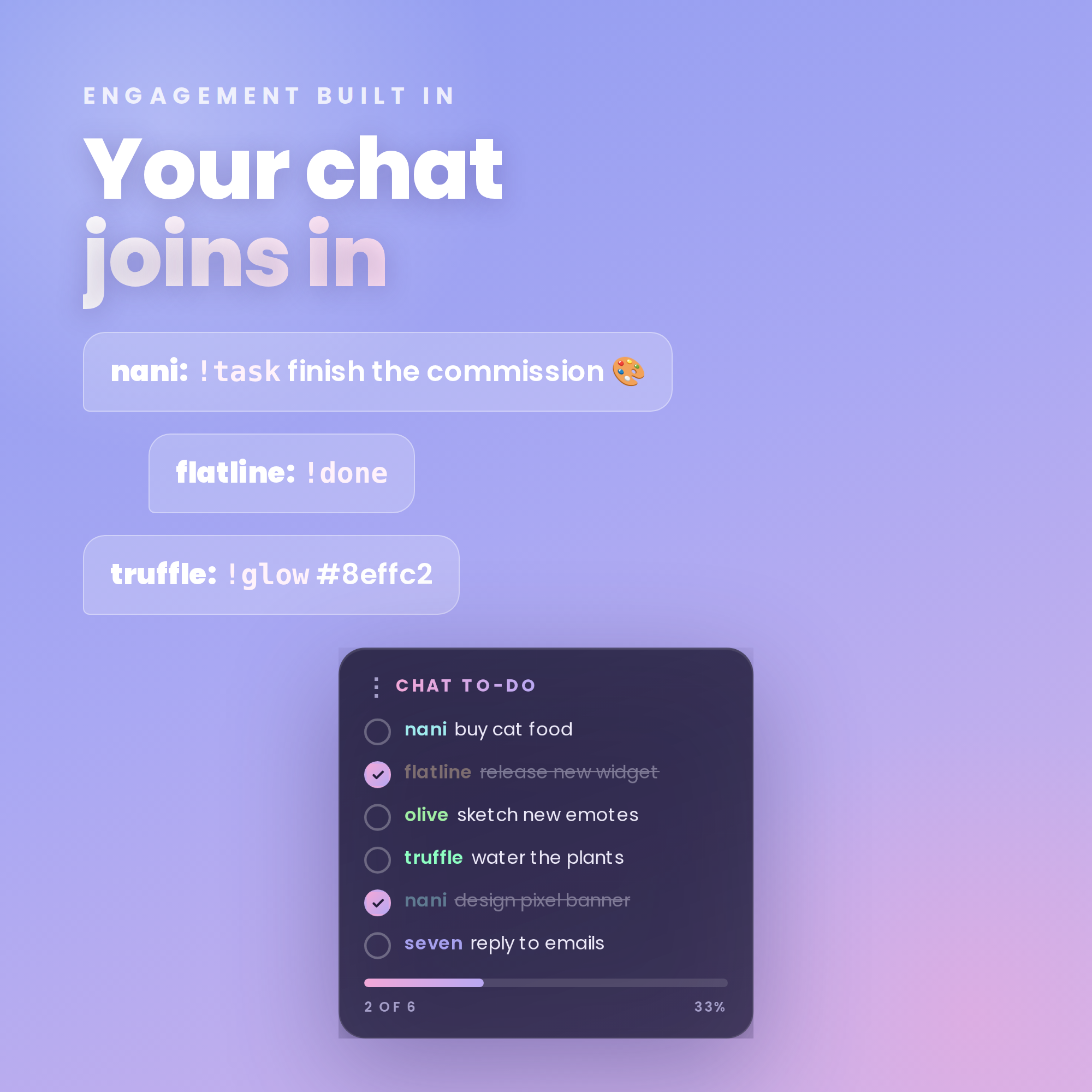
• Viewers add tasks straight from Twitch chat: !task !done !edit !remove
• Saves forever — your lists survive an OBS restart
• Infinite lists — switch between them without losing progress
• Role permissions: everyone, subs, VIPs or mods only
• Choose how completed tasks show: strike, sink or hide
• Blocklist + lock the list whenever you like
• Viewers can add a glowing colour to their name with !glow
★ WHY YOU'LL LOVE IT ★
✓ Clean minimal glassmorphism look — fits any stream
✓ Works WITHOUT StreamElements — drop straight into OBS
✓ Works with FREE OBS Studio + Streamlabs Desktop
✓ Transparent background — sits over any scene
✓ Fully customizable: colours, titles, font & list size — no coding
✓ No subscriptions, no monthly fees
★ WHAT'S INCLUDED (instant download) ★
• Tasklist widget (HTML)
• Pomodoro timer widget (HTML)
• One-click Settings page with live preview (builds your OBS link)
• Step-by-step Setup Guide PDF + every chat command
★ SUPER EASY SETUP ★
1. Open the Settings page & pick your channel, colours & options
2. Copy your personalized widget link
3. Add it as a Browser source in OBS — you're live! ✨
(Full guide included.)
★ REQUIREMENTS ★
• OBS Studio or Streamlabs Desktop (free)
• Internet connection (for fonts + Twitch chat)
• For the Task List: just your Twitch username
★ PLEASE NOTE ★
This is a DIGITAL DOWNLOAD for use in OBS — not a printable file or app. Because it's instant digital, this item is non-refundable.
Questions or need a hand setting up? Message me anytime — happy to help! ✨