About this widget
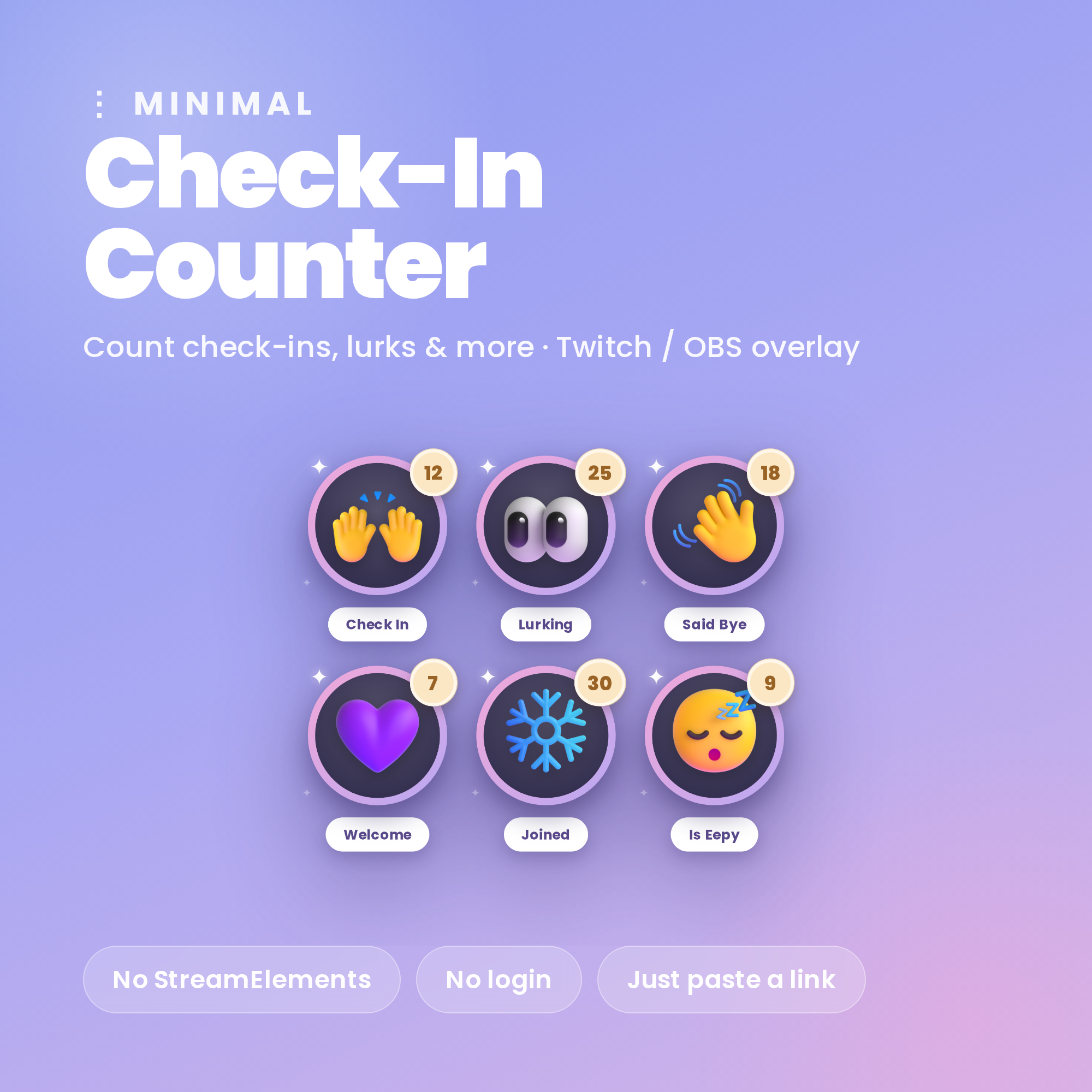
✨ Minimal Check-In Counter — a cute counter widget for Twitch
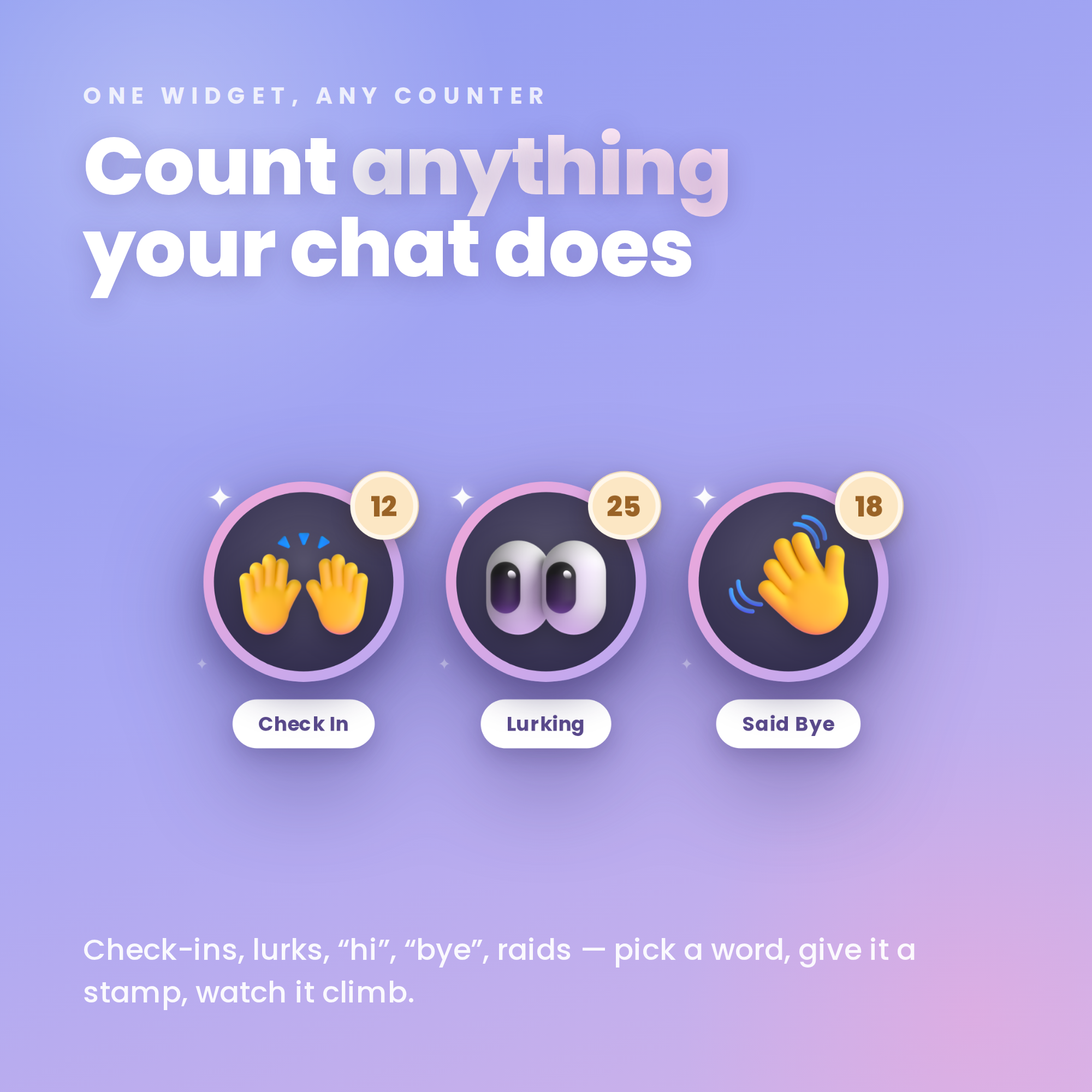
Count how many viewers check in, lurk, say hi — anything! Clean soft-periwinkle design, set up in under a minute, no coding.
★ NO STREAMELEMENTS NEEDED ★
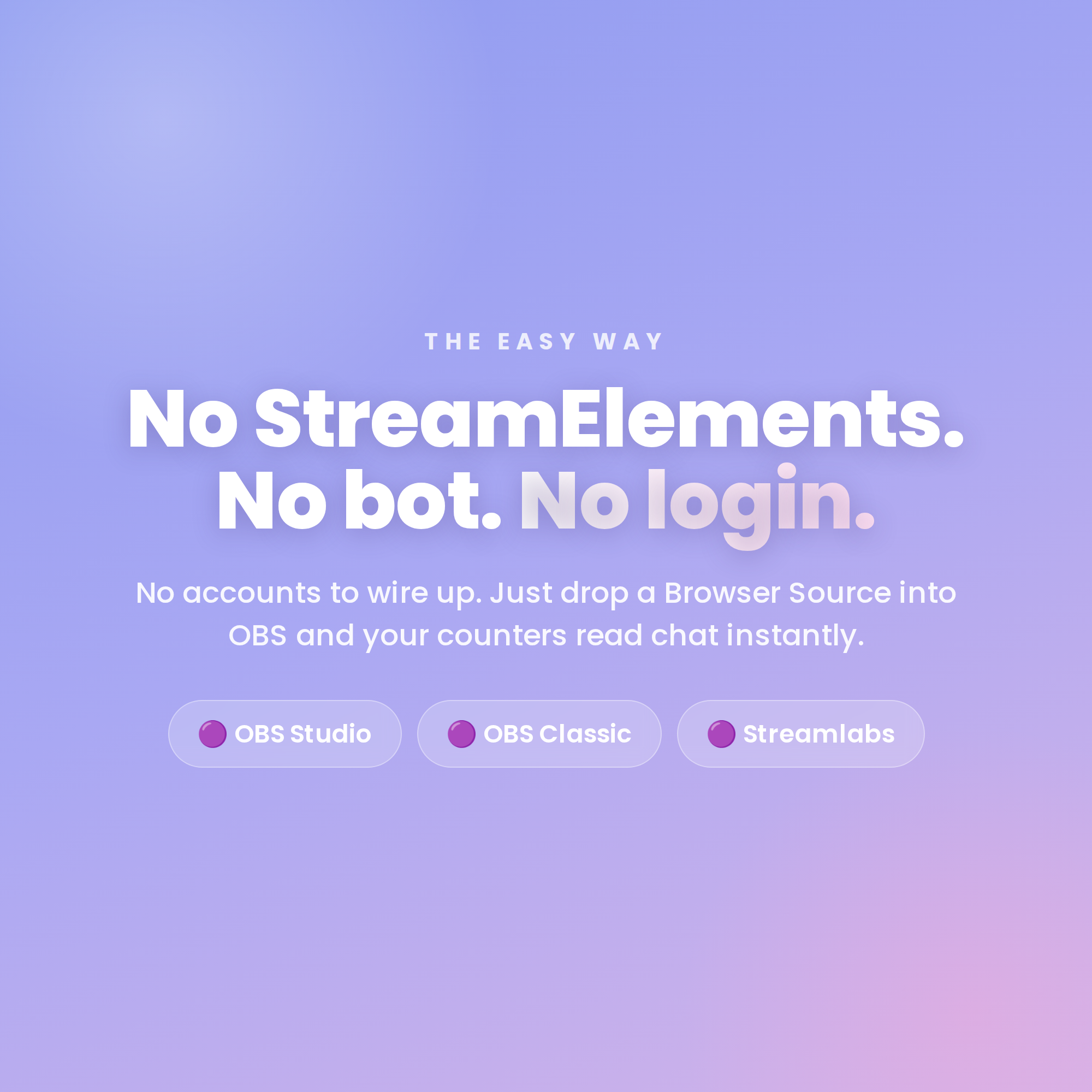
Just drop one HTML file into an OBS Browser source. No account, no bot, no login. It reads your Twitch chat anonymously, and a friendly Settings page builds your link for you with a live preview.
★ WHAT IT DOES ★
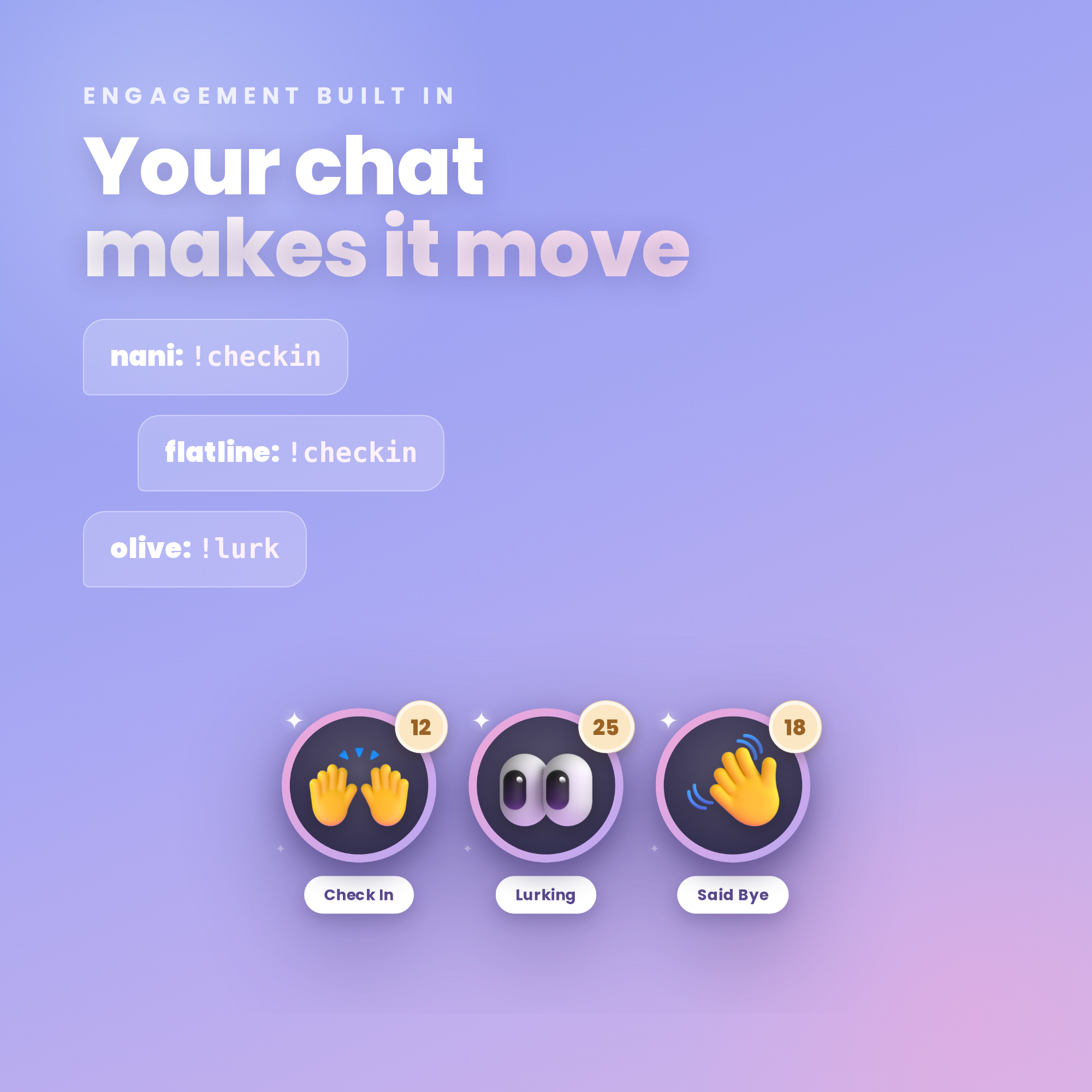
• Viewers type a word in chat (e.g. !checkin) → the counter ticks up live
• Make as many counters as you like — Check In, Lurking, Said Hi, Said Bye…
• Connect each to a command or a chat keyword
• Counts unique viewers (or every use — your choice)
★ COUNT & RESET MODES ★
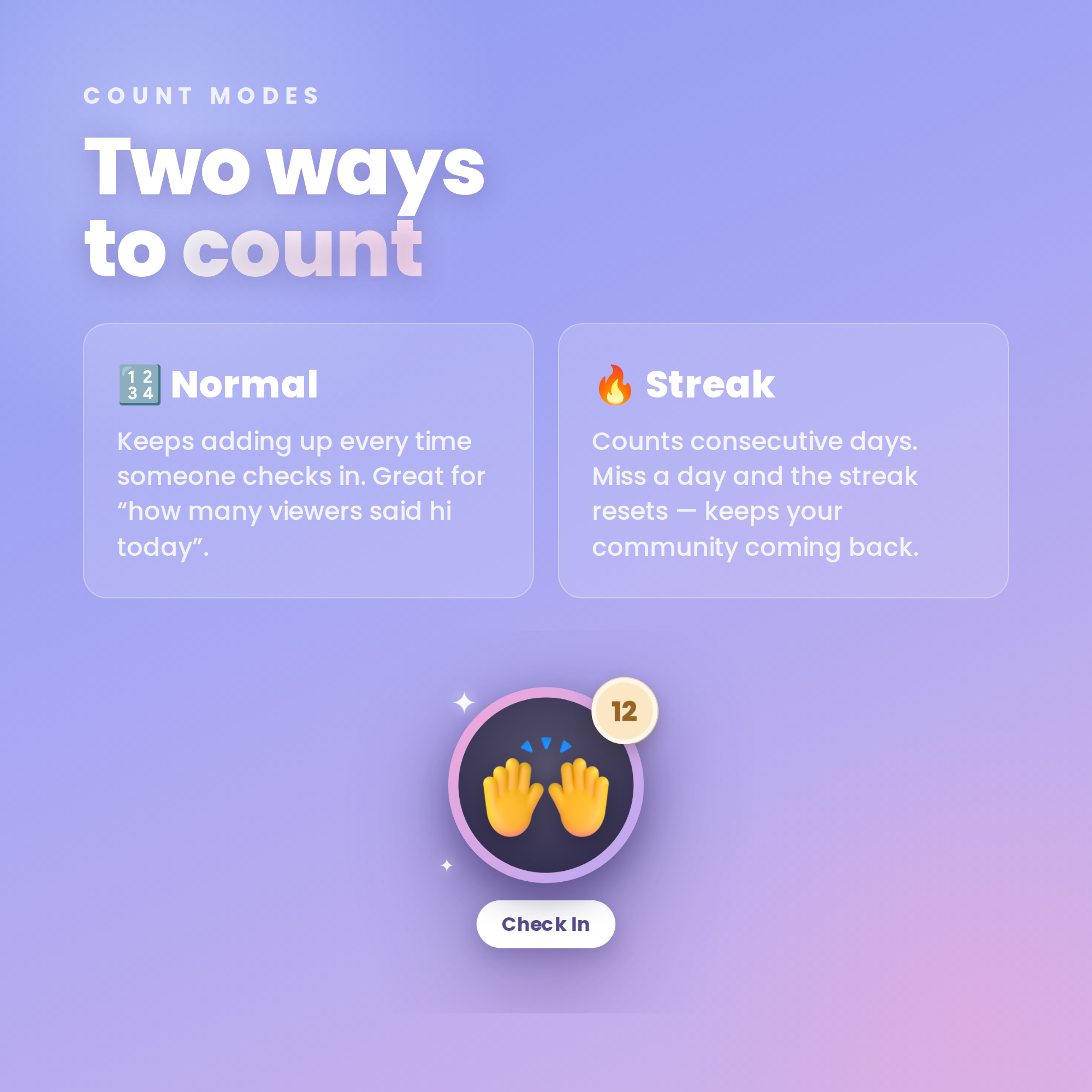
• Normal count — keeps adding up
• Streak count — counts consecutive days, resets if a day is missed
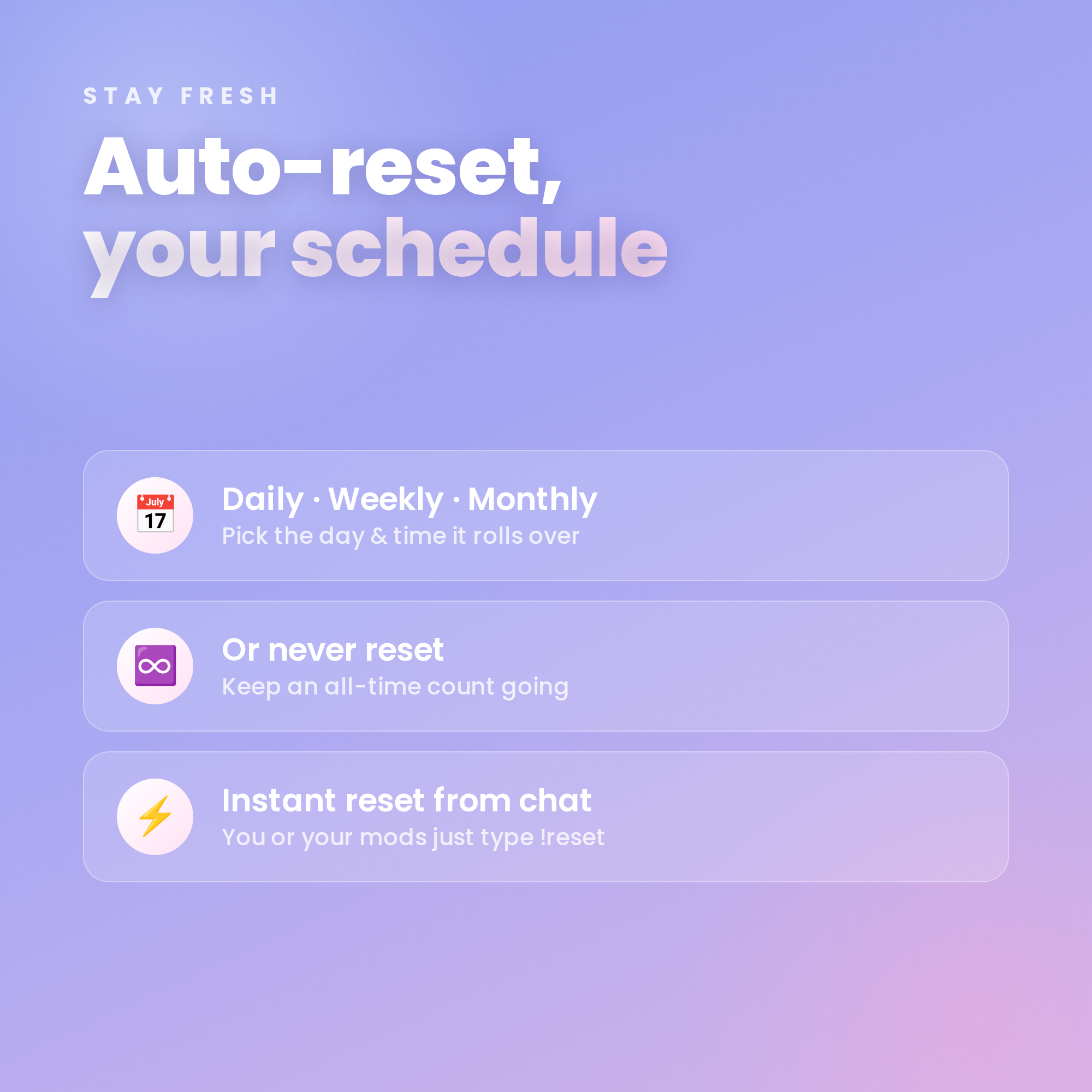
• Auto-reset daily, weekly, monthly… or never
• You & your mods can reset instantly with !reset
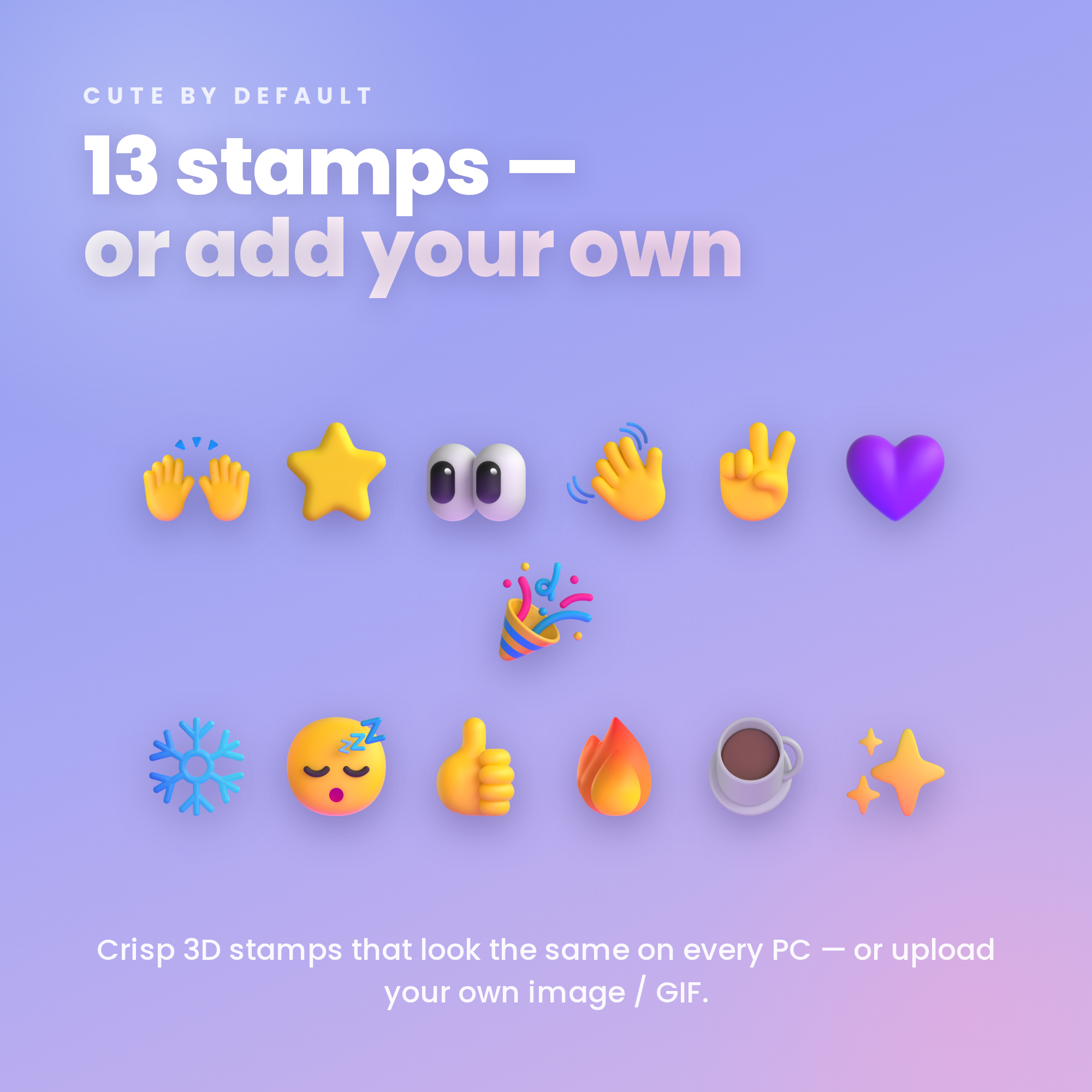
★ 13 CUTE 3D STAMPS (or add your own) ★
Hands, star, eyes, wave, peace, heart, party, snow, sleep, like, fire, coffee, sparkles — crisp 3D art that looks the same on every PC. Prefer your own look? Add any image or GIF.
★ FULLY CUSTOMIZABLE ★
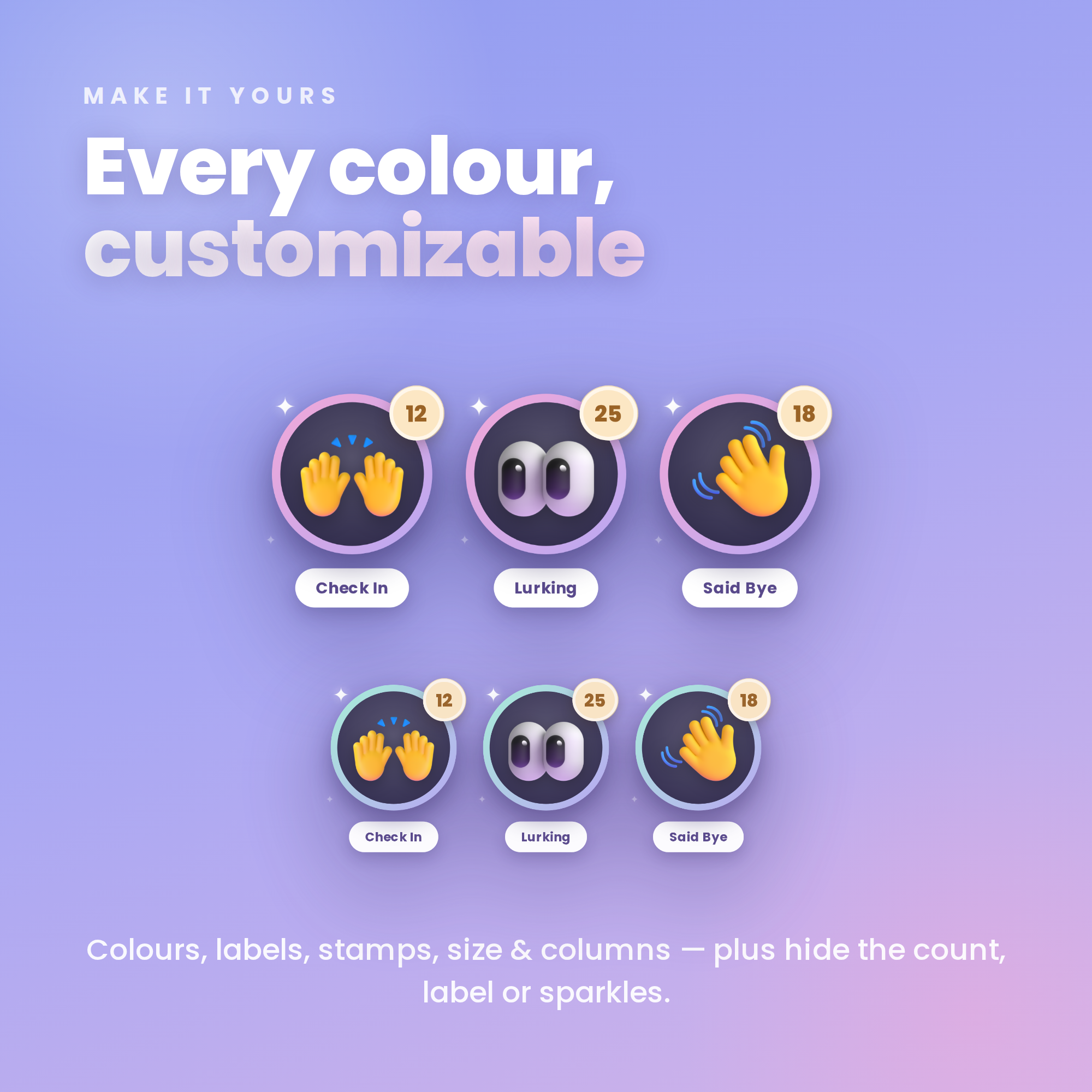
✓ All colours + widget size + columns
✓ Labels & trigger words
✓ Hide the count, label or sparkles
✓ Permissions: everyone, subs, VIPs or mods
✓ Optional chime sound
✓ Works with FREE OBS Studio + Streamlabs Desktop
✓ Transparent background — sits over any scene
✓ No subscriptions, no monthly fees
★ WHAT'S INCLUDED (instant download) ★
• Check-In Counter widget (HTML)
• One-click Settings page with live preview
• 13 cute 3D stamp images
• Step-by-step Setup Guide PDF + every command
★ SUPER EASY SETUP ★
1. Open the Settings page & add your channel + counters
2. Copy your personalized link
3. Add it as a Browser source in OBS — you're live! ✨
★ REQUIREMENTS ★
• OBS Studio or Streamlabs Desktop (free)
• Internet connection (for fonts + Twitch chat)
• Your Twitch username
★ PLEASE NOTE ★
DIGITAL DOWNLOAD for use in OBS — not a printable file or app. Instant digital, so this item is non-refundable. Stamp art: Microsoft Fluent Emoji (MIT License).
Questions or need a hand? Message me anytime — happy to help! ✨