About this widget
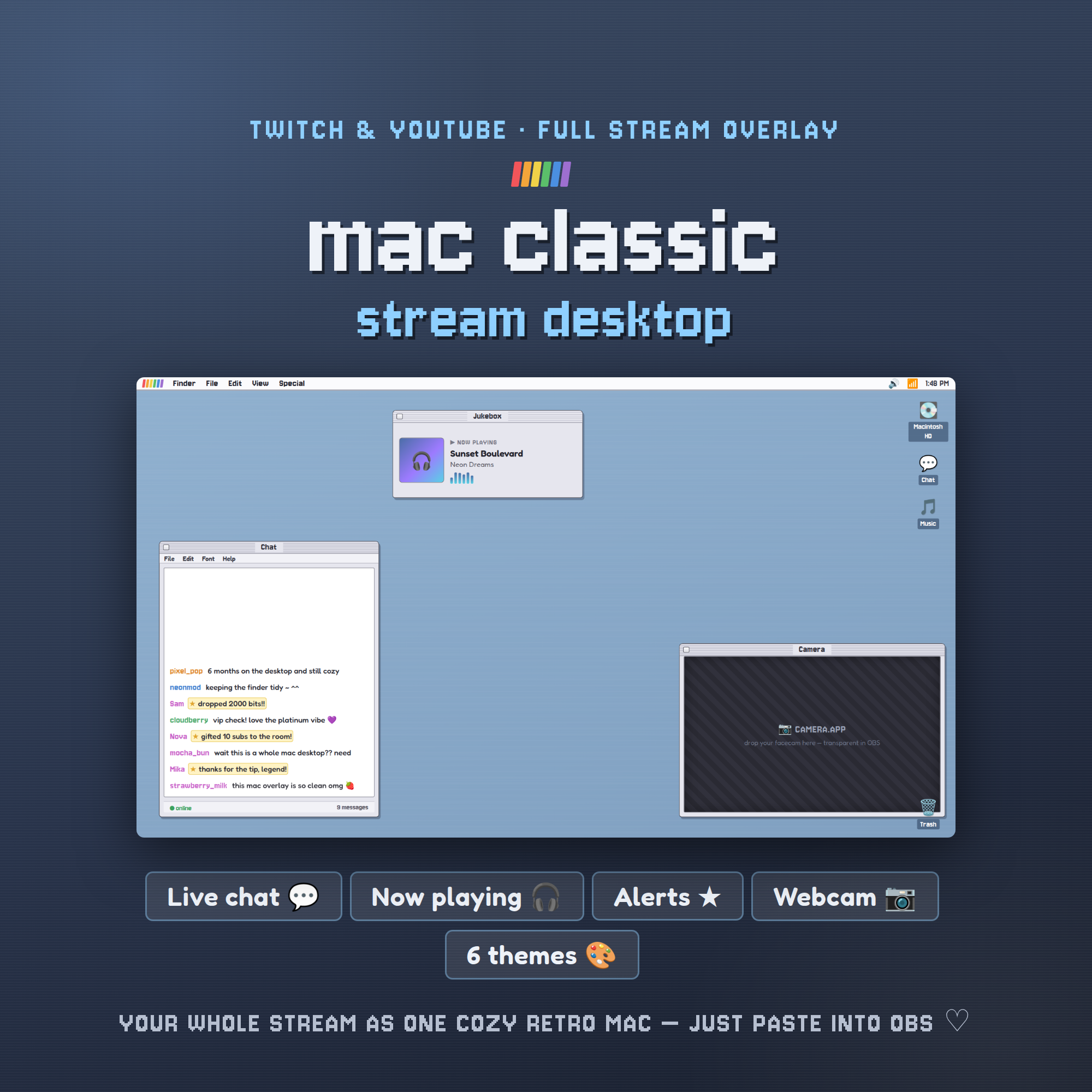
🍎 MAC CLASSIC STREAM DESKTOP — your whole stream as one cozy retro computer screen 🍎
Turn your Twitch or YouTube layout into a nostalgic classic-Mac desktop. One overlay gives you a live chat window, a now-playing jukebox, chat alerts, a webcam frame, desktop icons and a real working menu-bar clock — all in that crunchy platinum pixel look. Drops straight into OBS.
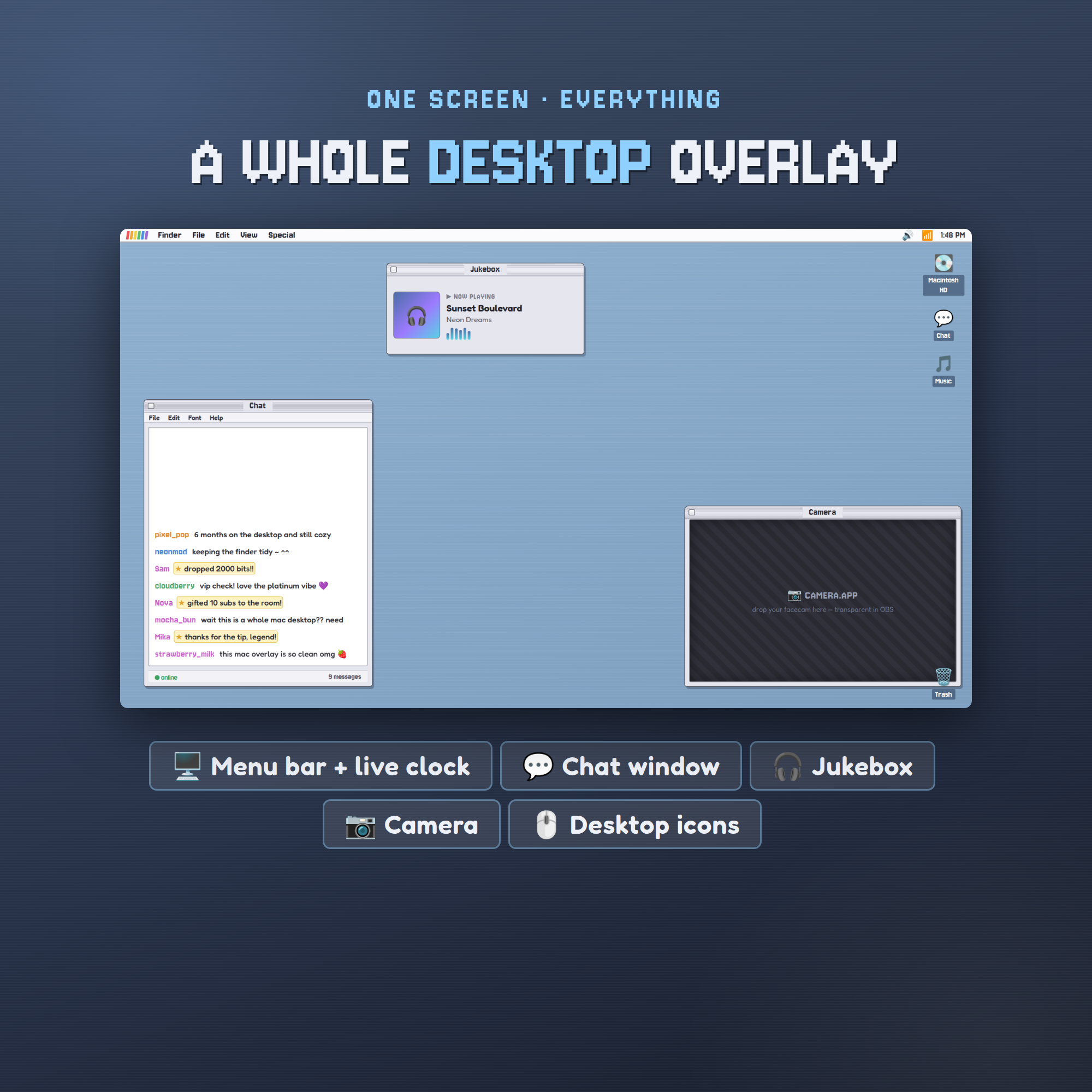
🖥️ A WHOLE DESKTOP IN ONE LINK
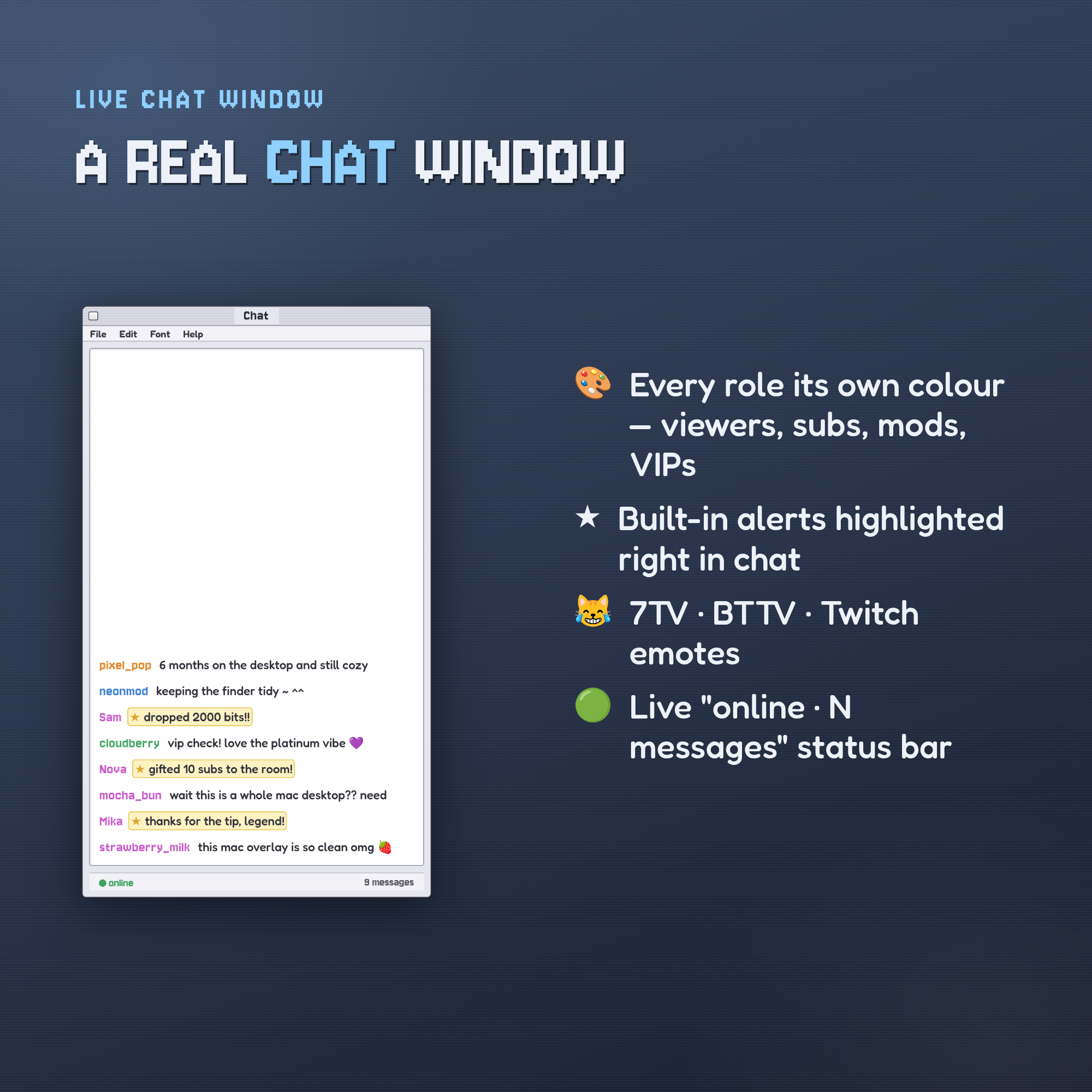
• Live chat window — roles, alerts & emotes right on the page
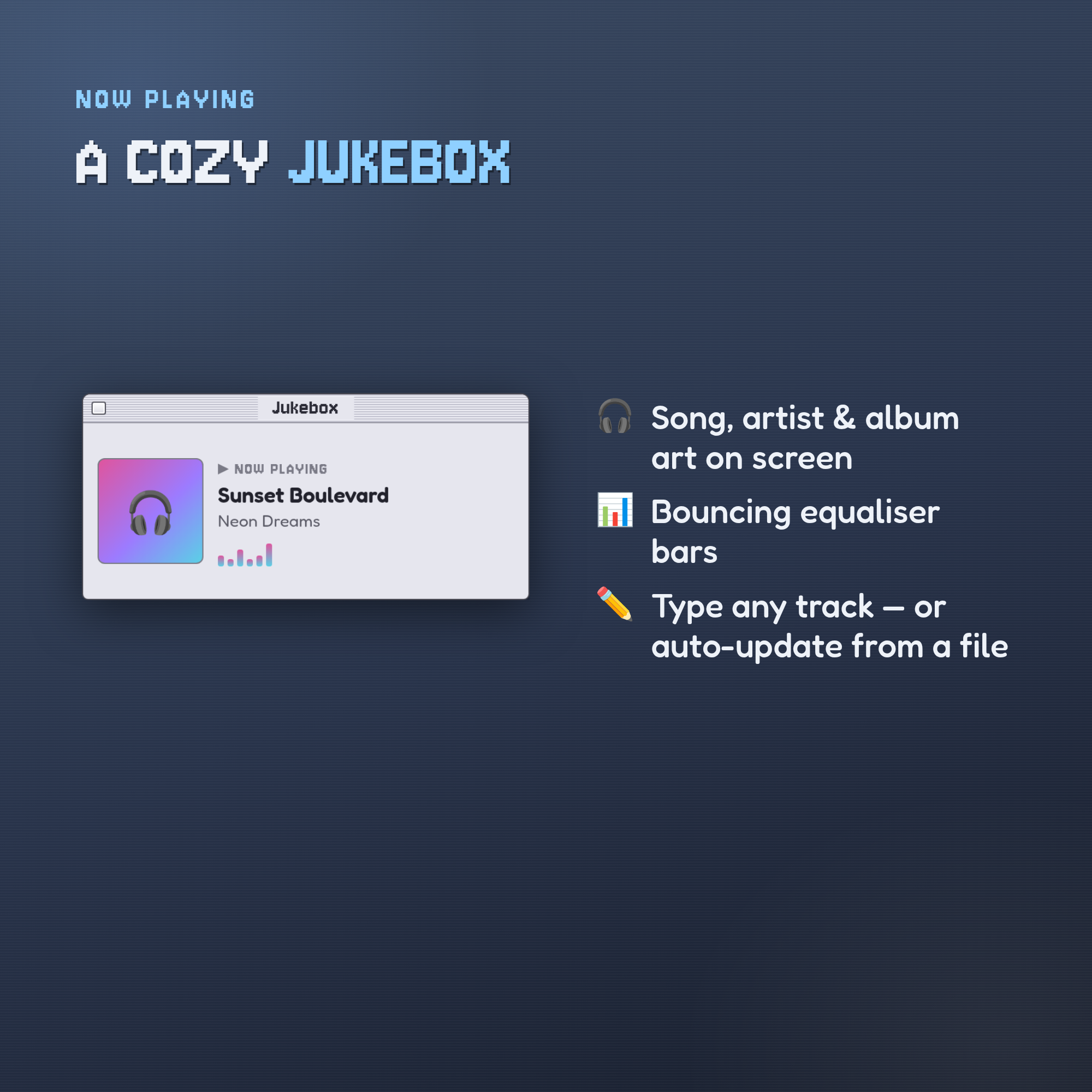
• Jukebox — song, artist, album art & bouncing equaliser
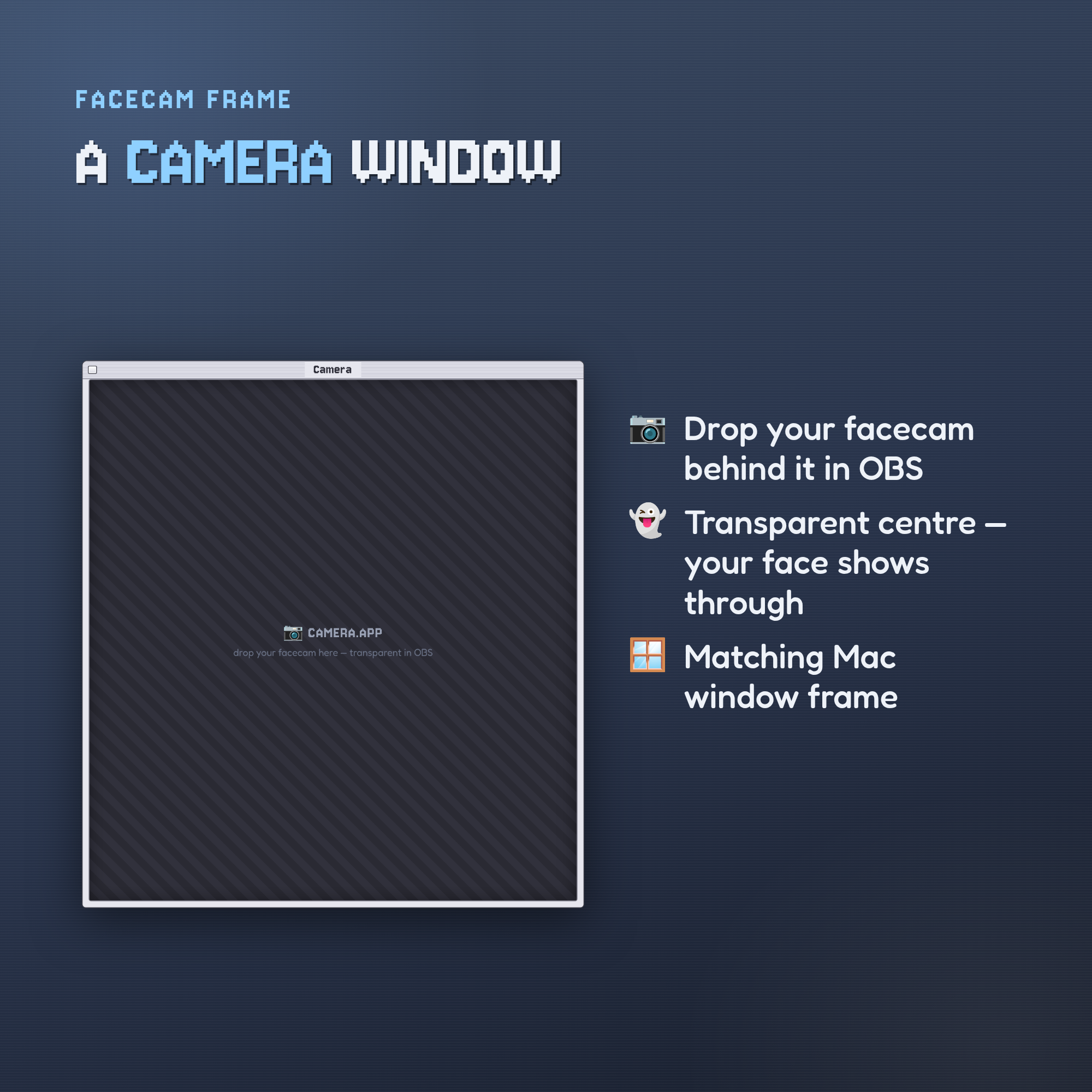
• Camera window — transparent centre for your facecam
• Menu bar with a live clock + cute desktop icons
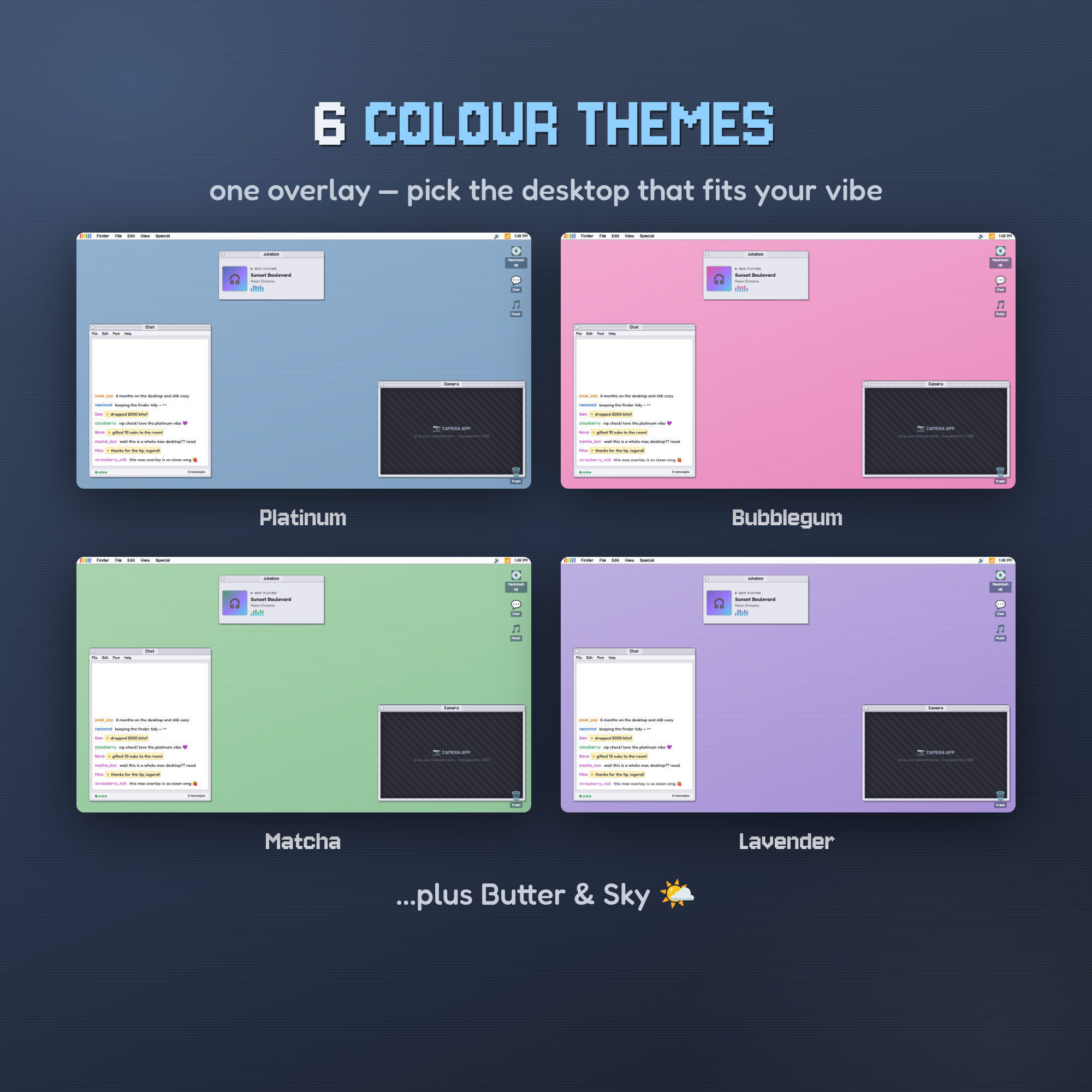
🎨 6 COLOUR THEMES
• Platinum · Bubblegum · Matcha · Lavender · Butter · Sky
• Recolour the whole desktop to match your channel
🪟 USE IT YOUR WAY
• Full desktop — one Browser Source becomes your entire layout, OR
• Single windows — add just the Chat, Music or Camera on its own
💬 A REAL CHAT WIDGET
• Every role its own colour — viewers, subs, mods, VIPs
• Built-in alerts highlighted in chat (bits, tips, gifted subs…)
• 7TV · BTTV · Twitch emotes, live online/message status
🎨 EASY — NO CODING, NO STREAMELEMENTS
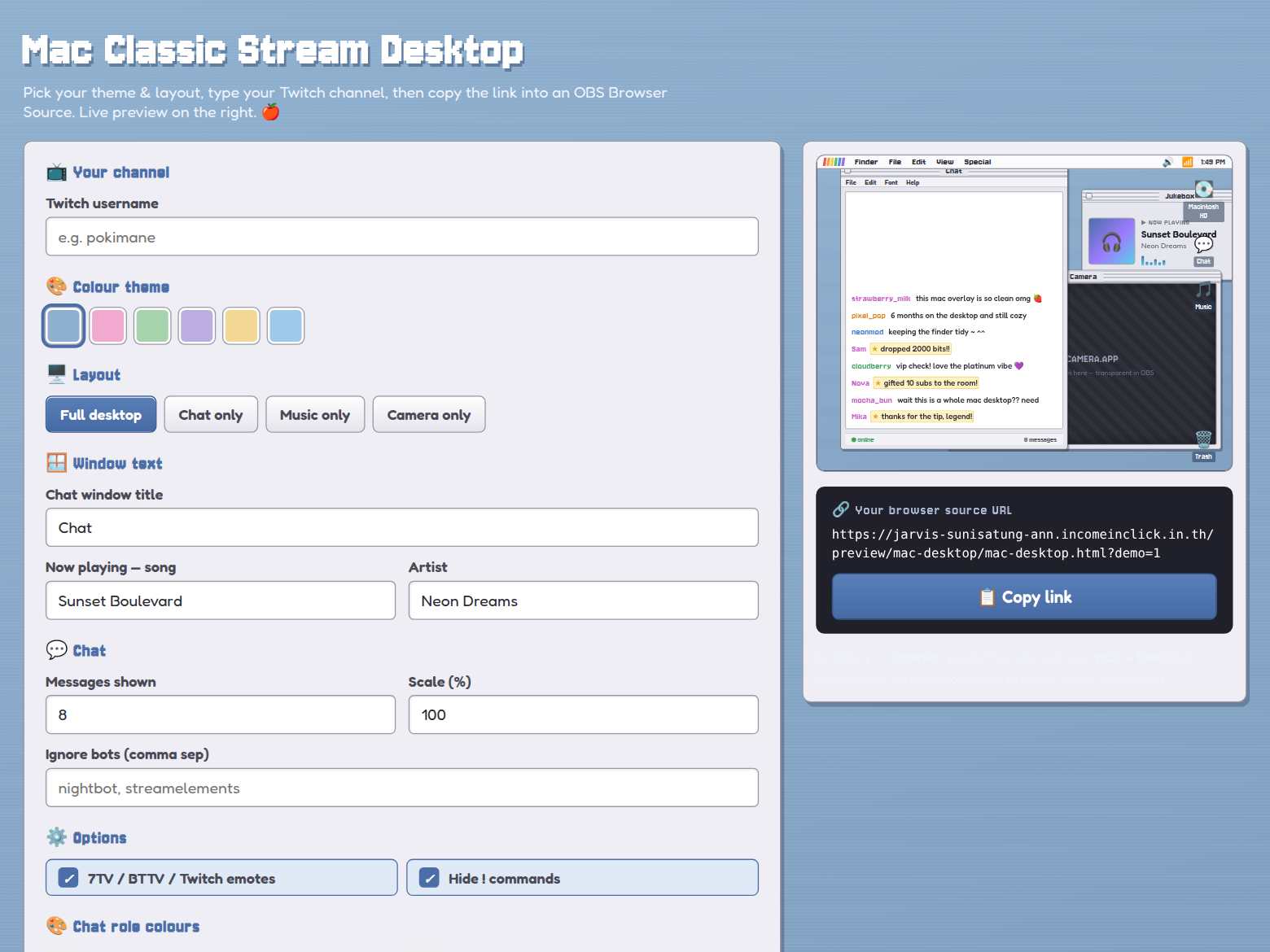
• Open the included Customizer, pick your look, type your channel
• Click Copy link → paste into an OBS Browser Source → you're live
📦 YOU GET
• The full desktop overlay + single-window modes (HTML)
• A live visual Customizer (build your link)
• A step-by-step Setup Guide (PDF) + README
Works with OBS Studio · Streamlabs Desktop · any Browser Source. Twitch chat works out of the box.
💛 Personal & commercial streaming use on your own channels. Please do not resell or redistribute the files.
Made by ChicGraphics888