About this widget
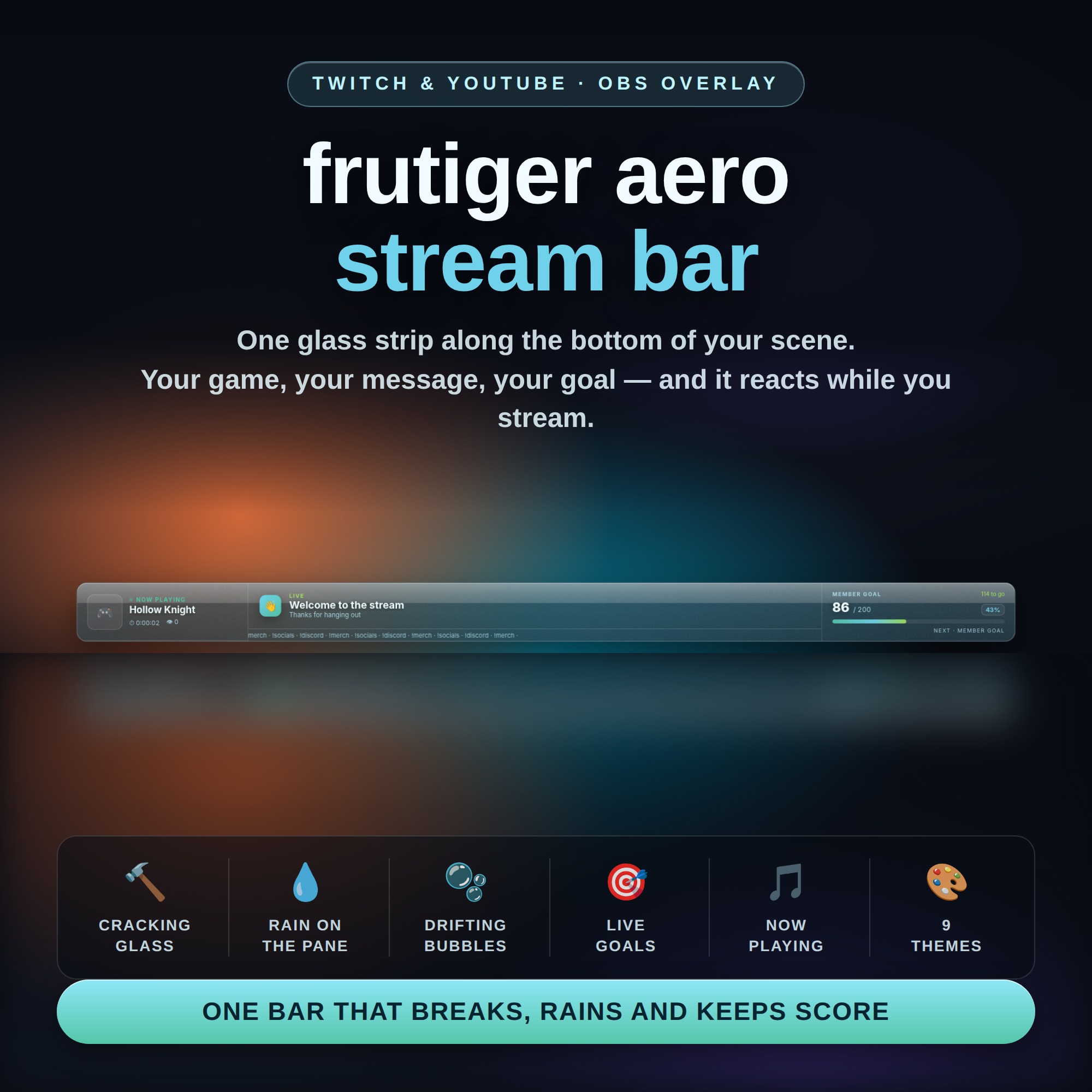
One glass bar along the bottom of your scene that shows what you are playing, what you want to say, and how your goal is doing — and it reacts while you stream. No login. No third-party overlay account. Paste one link into OBS and you are on air.
★ THE PART NOBODY ELSE HAS
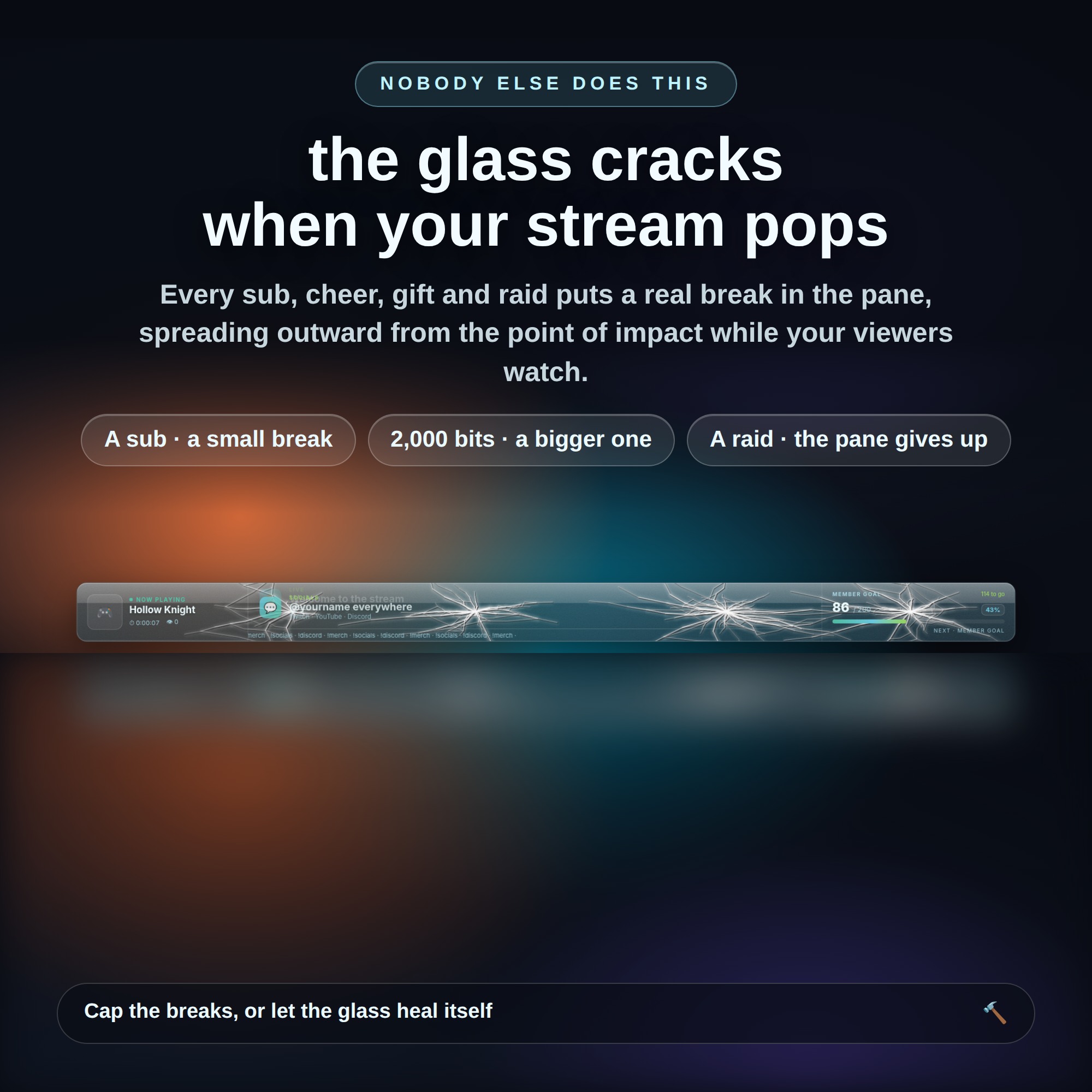
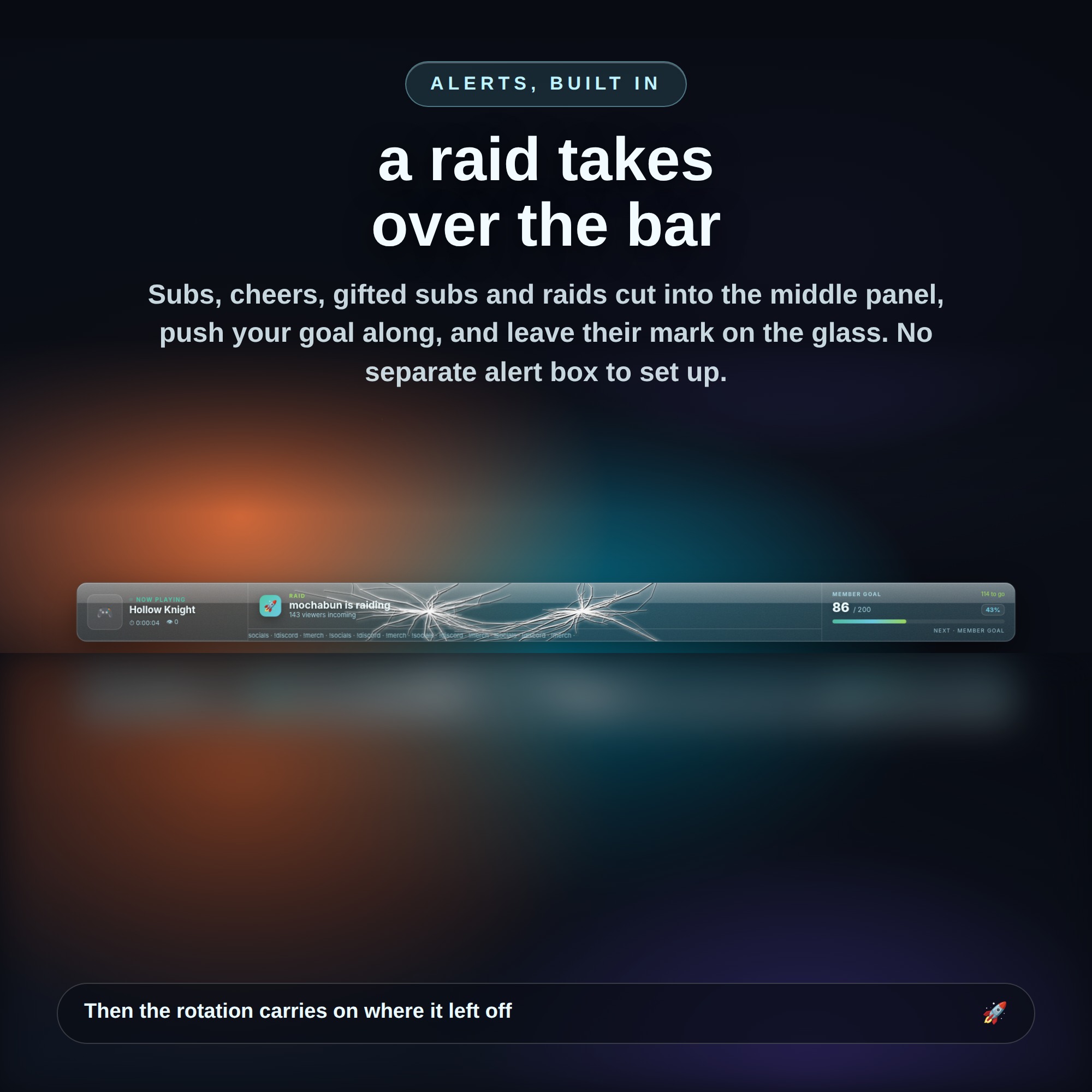
The bar is real glass, and your stream damages it. Every sub, cheer, gifted sub and raid puts a break in the pane, and the crack spreads outward from the point of impact while your viewers watch. Bigger events break more glass — a raid with 500 people shatters more than a raid with twenty. Set how many breaks may sit on screen at once, or let the glass slowly heal itself between them.
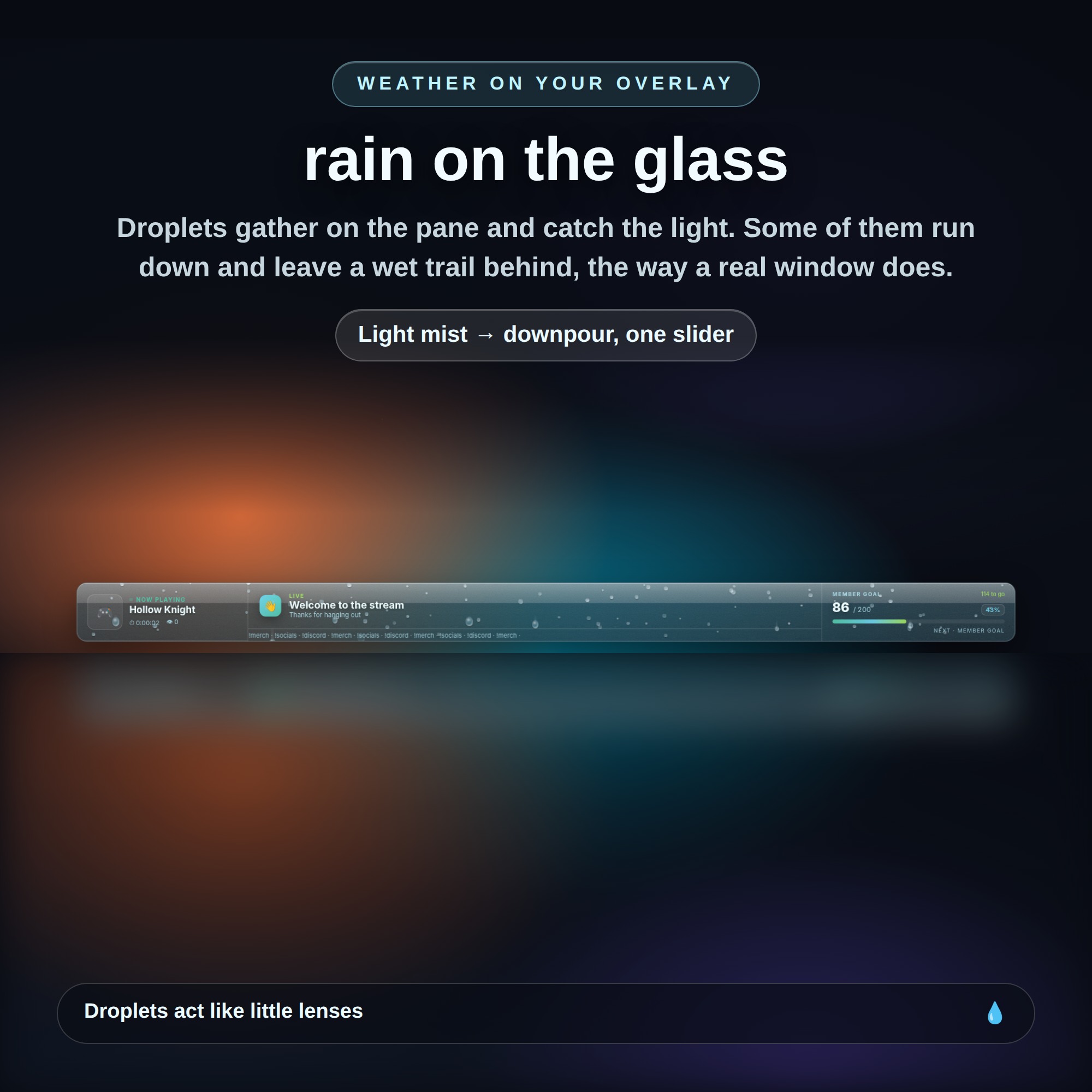
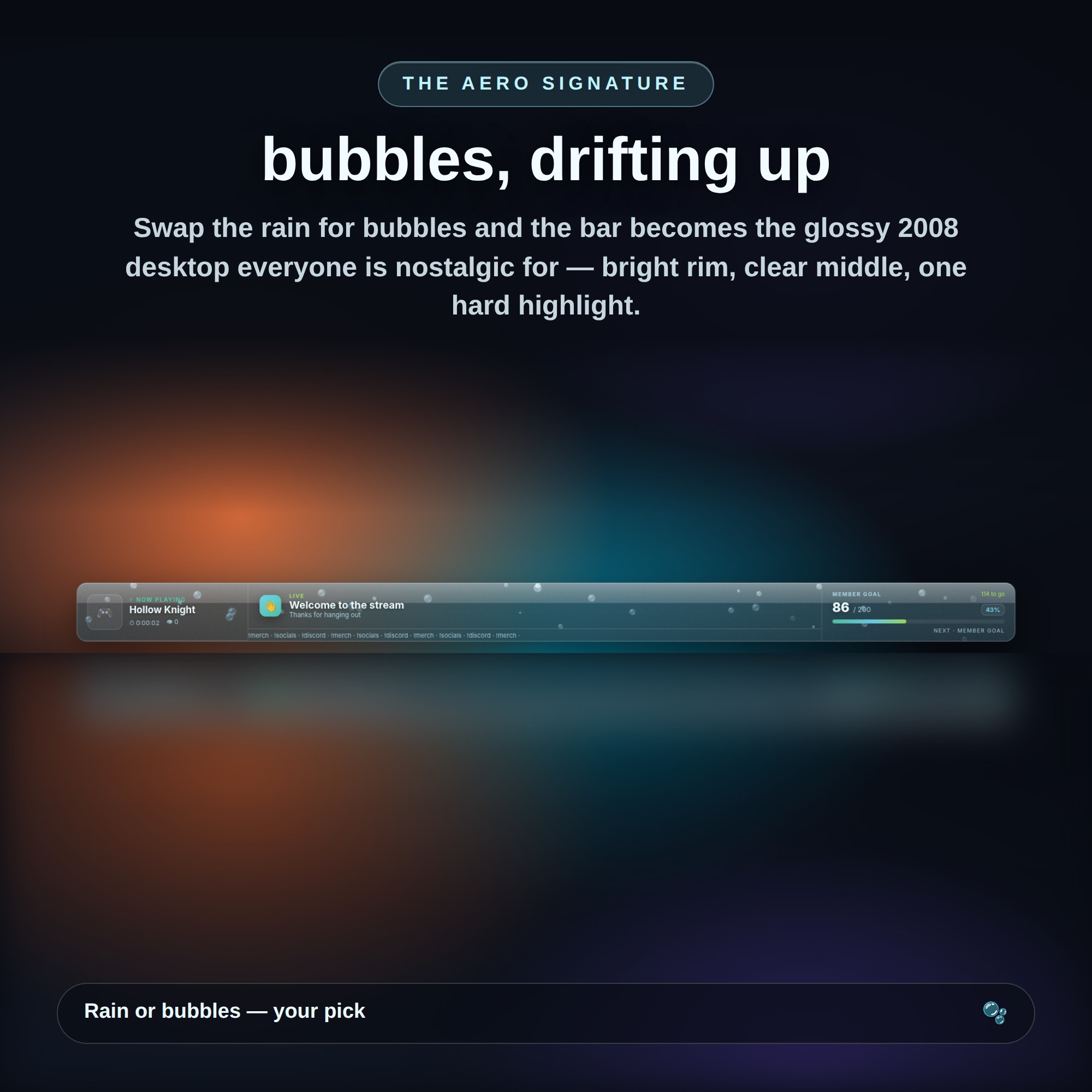
You can also put weather on it. Raindrops gather on the pane, catch the light, and some of them run down and leave a wet trail behind. Or switch to bubbles drifting upward for the full glossy 2008 look.
★ WHAT THE BAR SHOWS
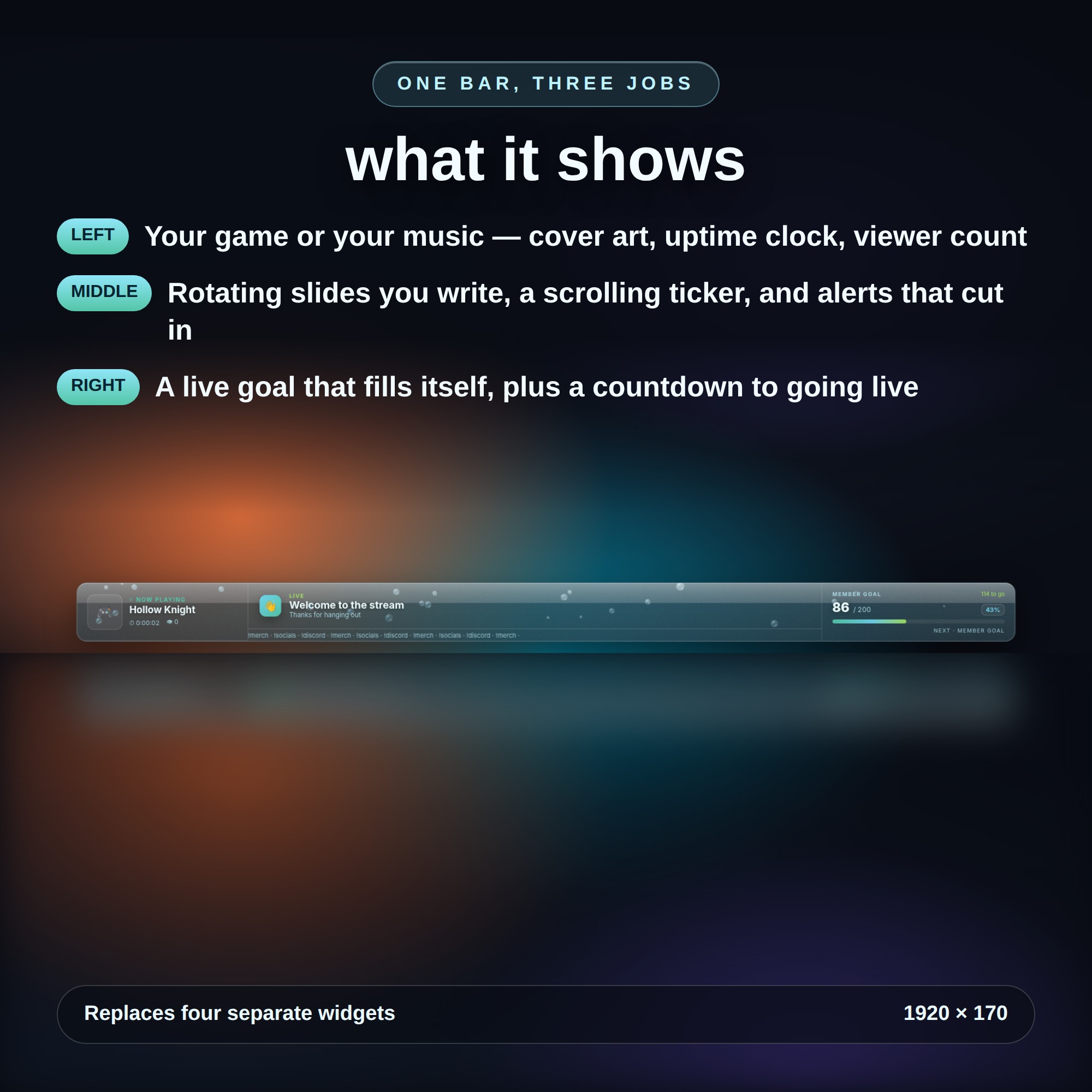
- LEFT: your game or your music, with cover art, an uptime clock and viewer count
- MIDDLE: rotating slides you write, a scrolling ticker, and alerts that cut in and take the panel
- RIGHT: a live goal that fills itself, plus a countdown to going live
★ NO ACCOUNT NEEDED
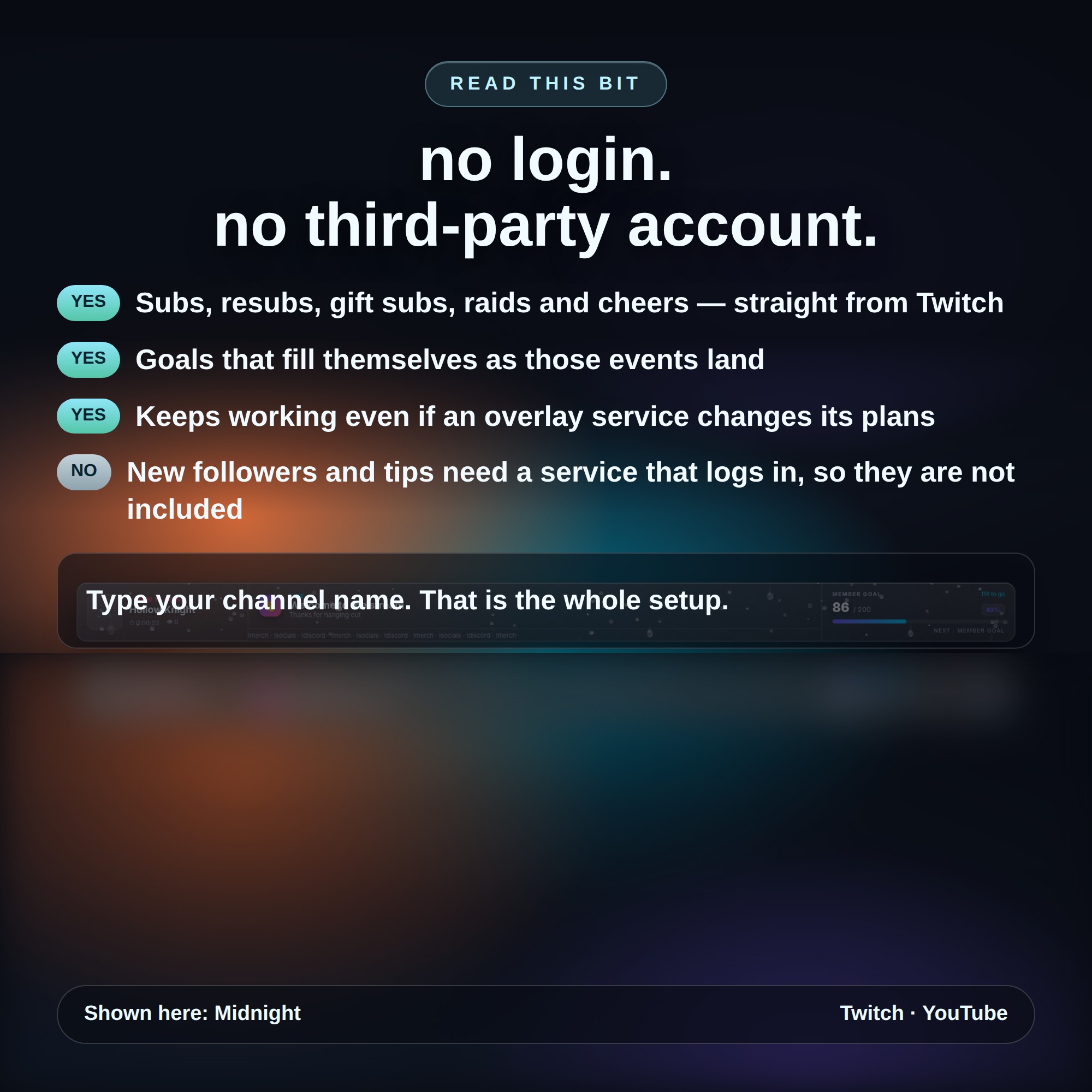
New subs, resubs, gifted subs, raids and cheers are read straight from Twitch. You type your channel name and that is the entire setup — no sign-up, no token, and nothing that stops working if a third-party overlay service changes its plans.
Please read: new followers and tips cannot be read without a service that logs in for you, so this widget does not include them rather than half-promising them.
★ MAKE IT YOURS
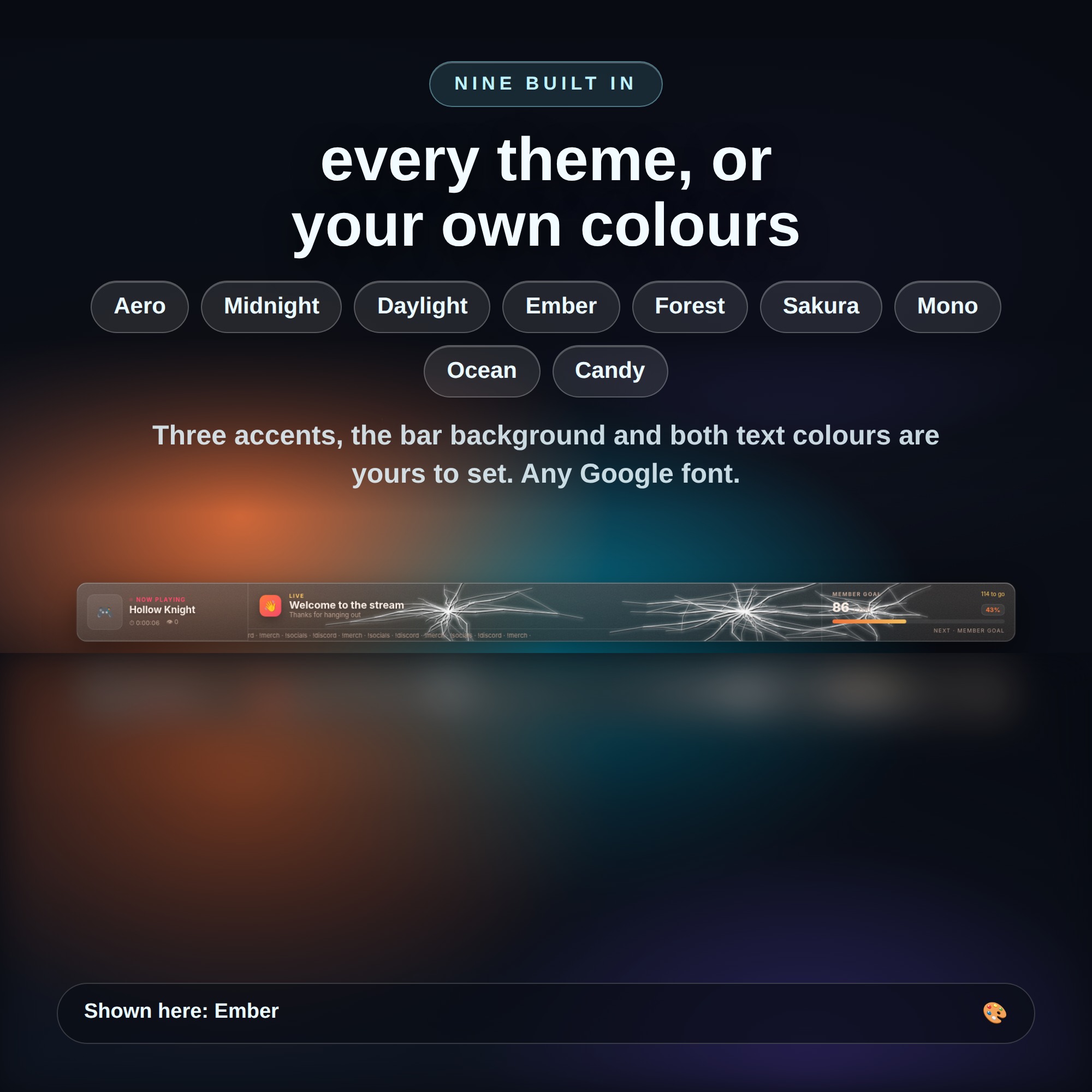
- 9 built-in themes, or set your own colours
- Clarity, frost and a readability dial that dims a busy scene so your text never gets lost
- Bar width, scale, corner radius, top or bottom of the screen
- Rotation speed, your own slides, your own ticker text
- Automatic game cover art from a Steam App ID
★ WHAT YOU GET (1 ZIP)
- bar.html — the overlay OBS points at
- settings.html — a visual panel with every dial, no code
- streamelements-fields.json — for anyone who does use StreamElements
- HOW-TO-USE.txt in plain English
★ HOW TO INSTALL
1. Unzip and open settings.html
2. Type your Twitch channel name and pick your look
3. Press Copy link
4. OBS → Sources → + → Browser → paste. Set it to 1920 x 170.
Works in OBS Studio and Streamlabs Desktop on Twitch and YouTube scenes.
This is a DIGITAL DOWNLOAD — nothing will be shipped. For use on your own channel; please do not resell or redistribute the files.