super cute , i had a bit of a issue with understanding how it works but Tida from Chicgraphics was super helpful, HIGHLY RECOMENDED
About this widget
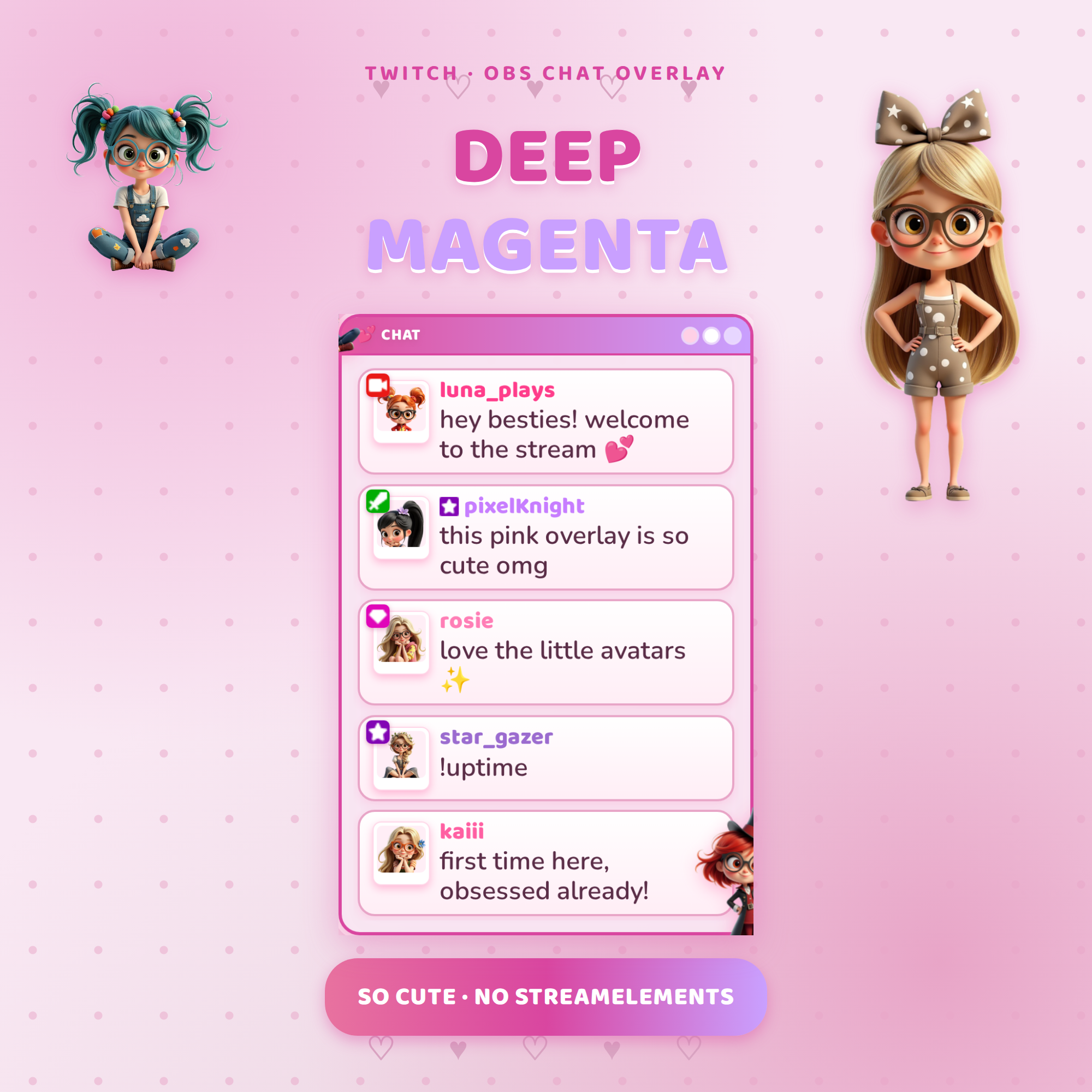
💜 Deep Magenta Chat Box — animated Twitch chat widget for OBS
A rich magenta chat overlay with adorable cuties and rising hearts that shows your Twitch chat live on stream — with floating cutie reactions when people chat. Set up in under a minute.
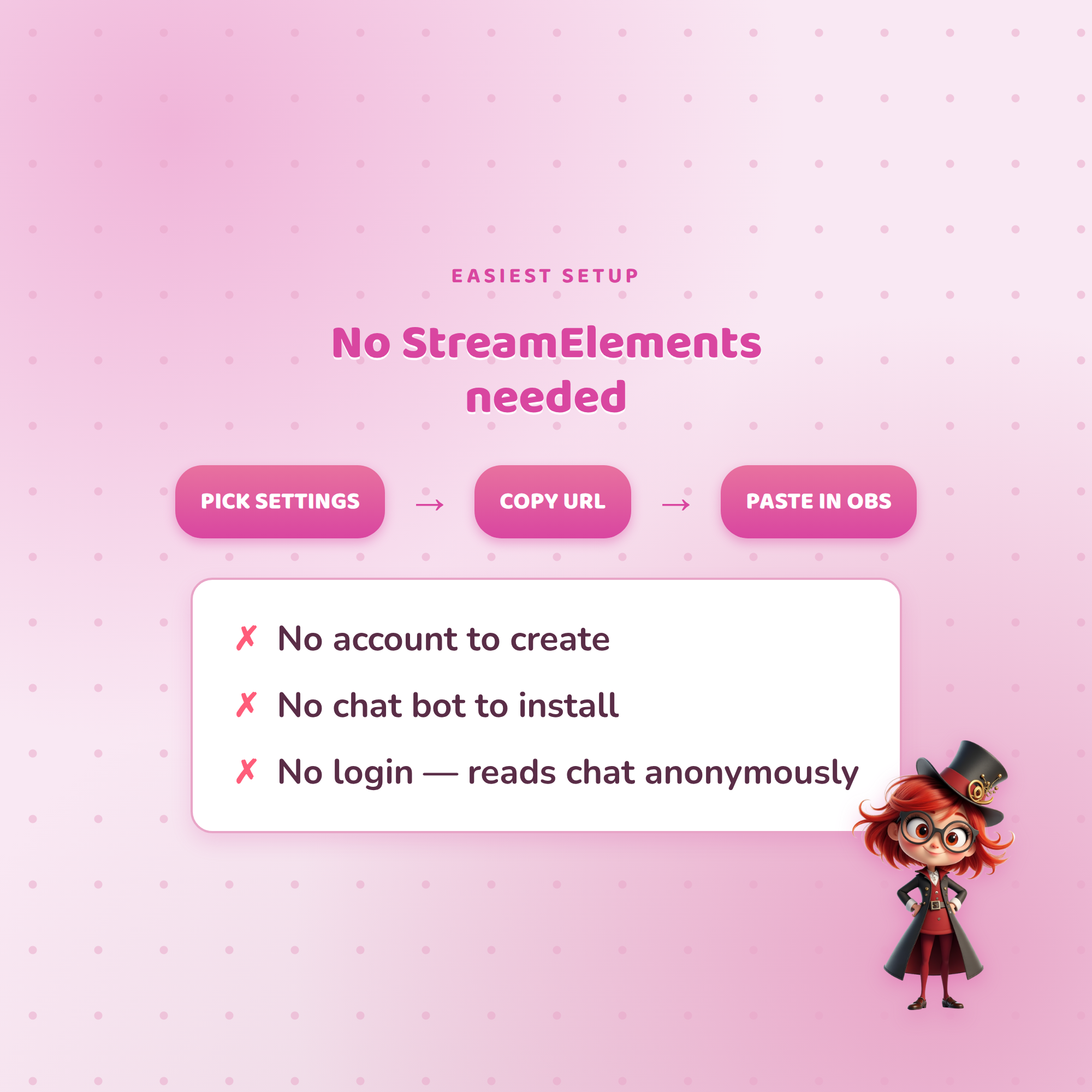
★ NO STREAMELEMENTS NEEDED ★
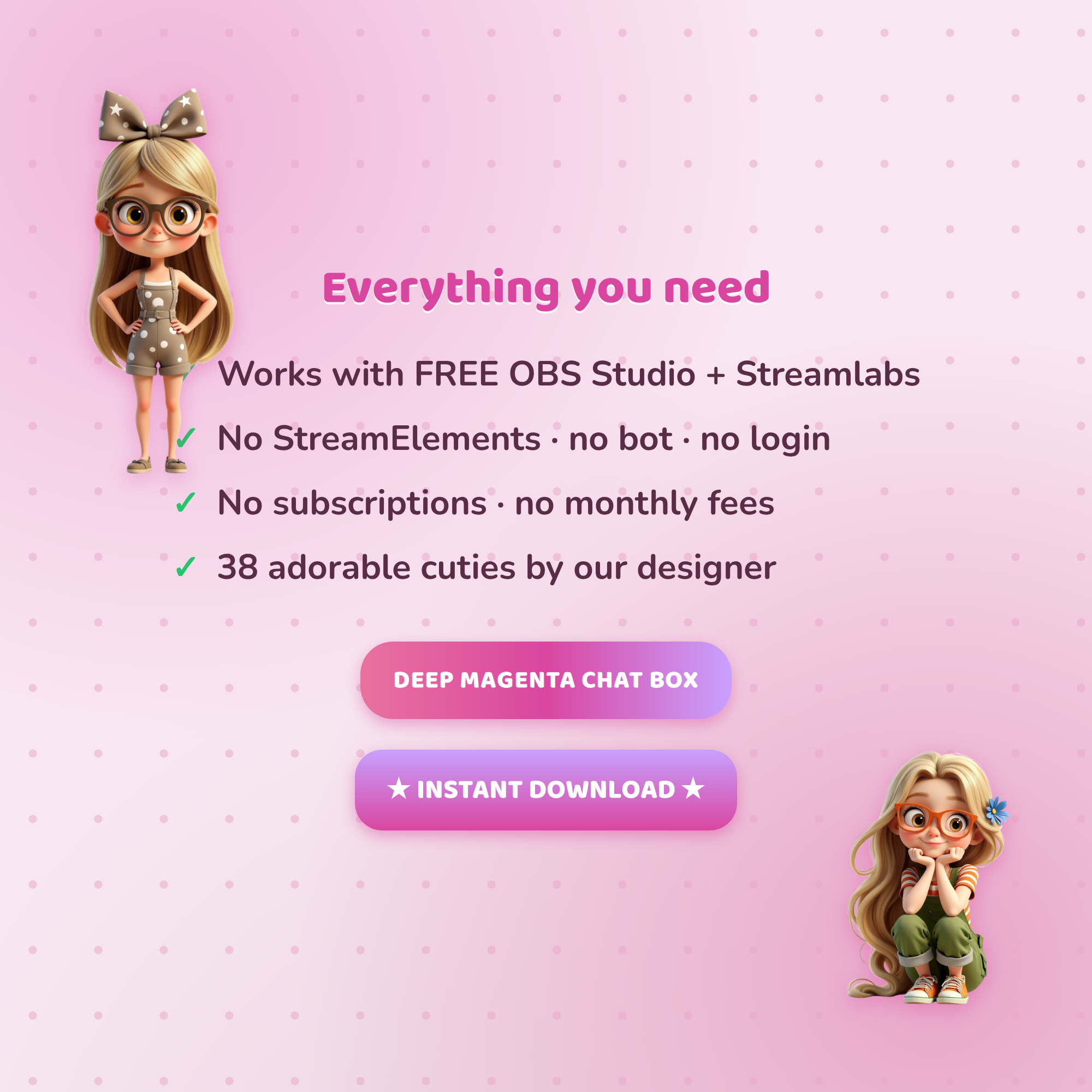
Most chat widgets make you set up a StreamElements account and a chat bot. This one does NOT. It reads your Twitch chat anonymously and drops straight into an OBS Browser source. No account, no bot, no login — just paste one link.
★ WHAT IT DOES ★
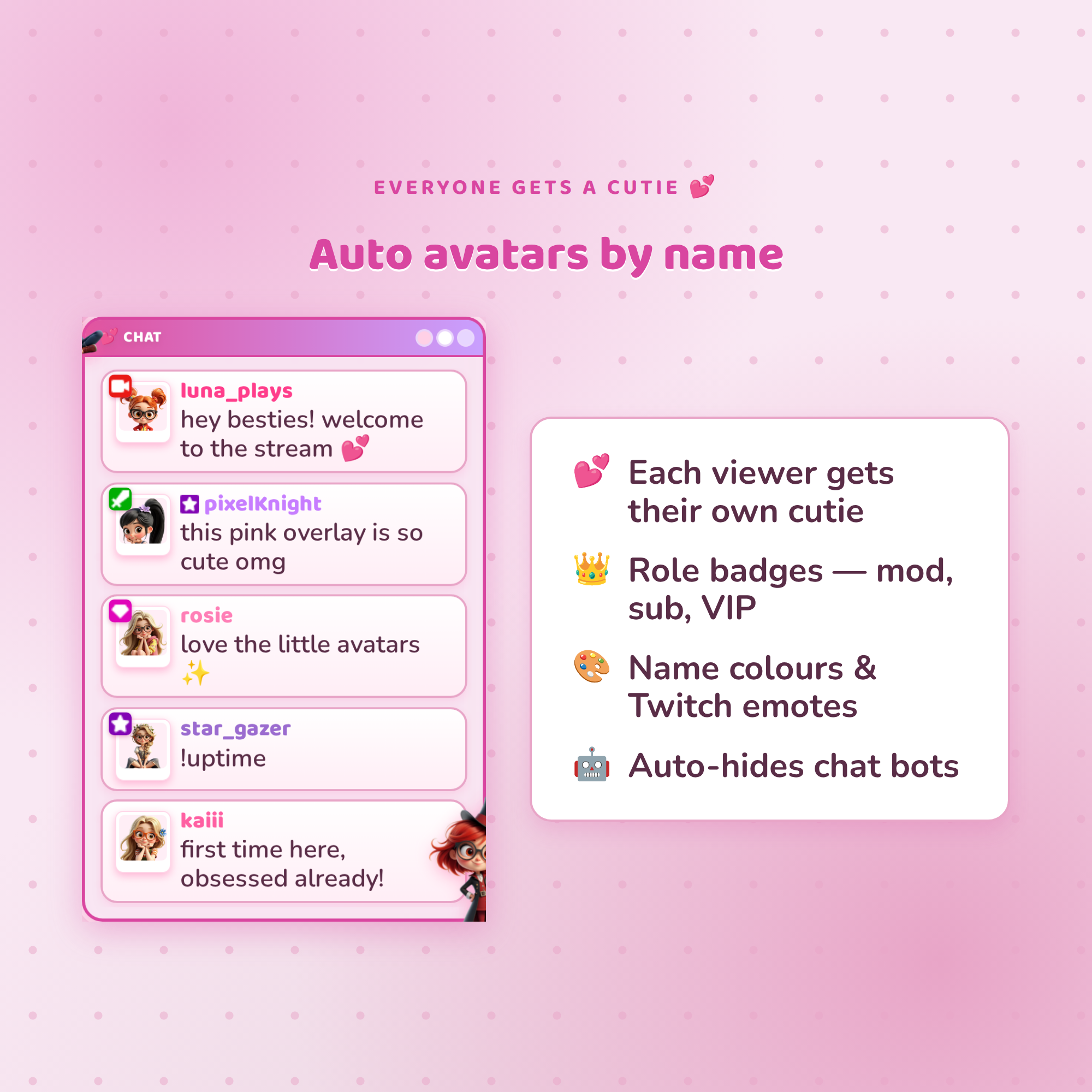
💬 Shows live Twitch chat with role badges (mod / sub / VIP), each viewer's name colour, and Twitch emotes — all automatic
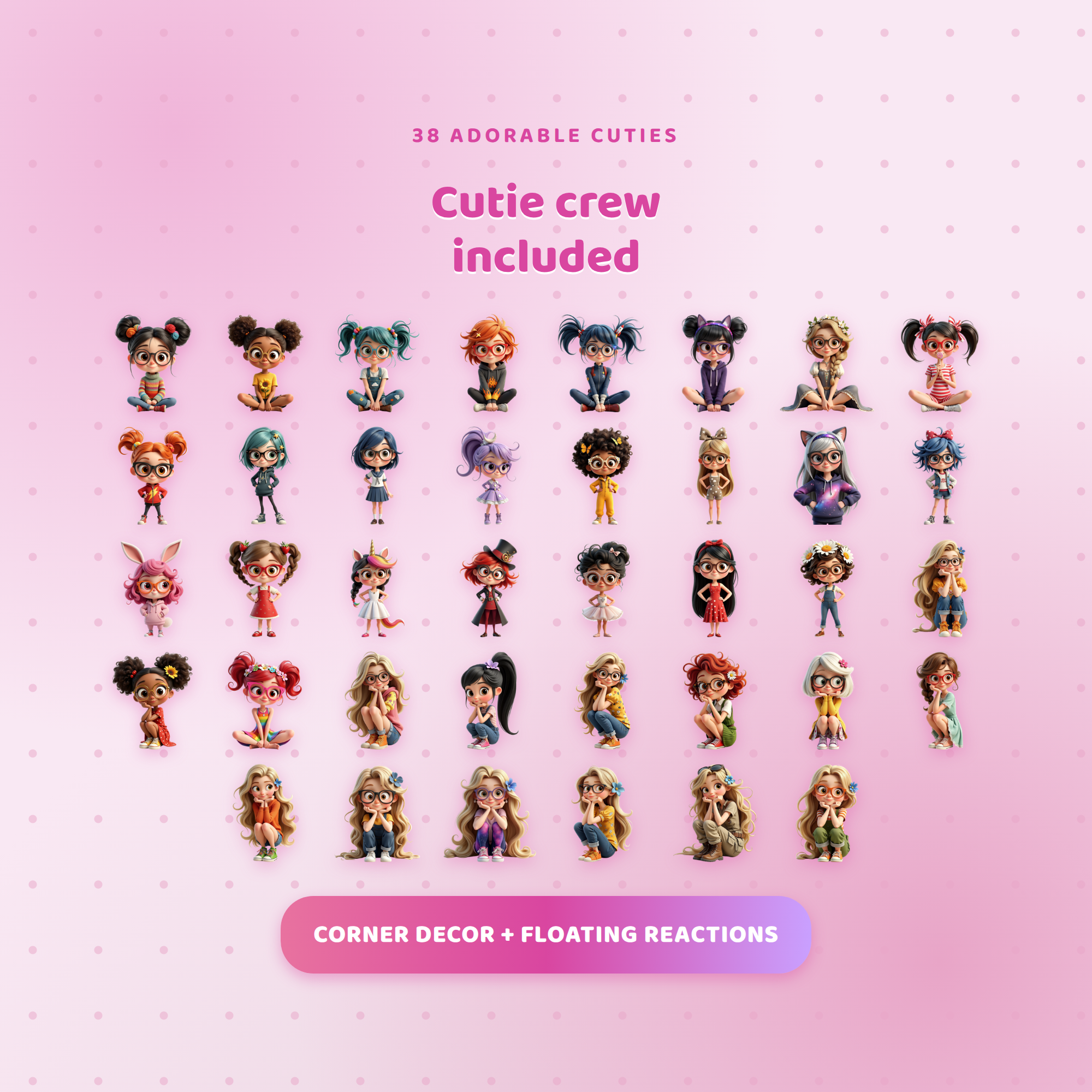
💜 Auto cutie avatars — every viewer gets their OWN character (assigned by username, same one every time) shown in a cute polaroid frame with their role badge
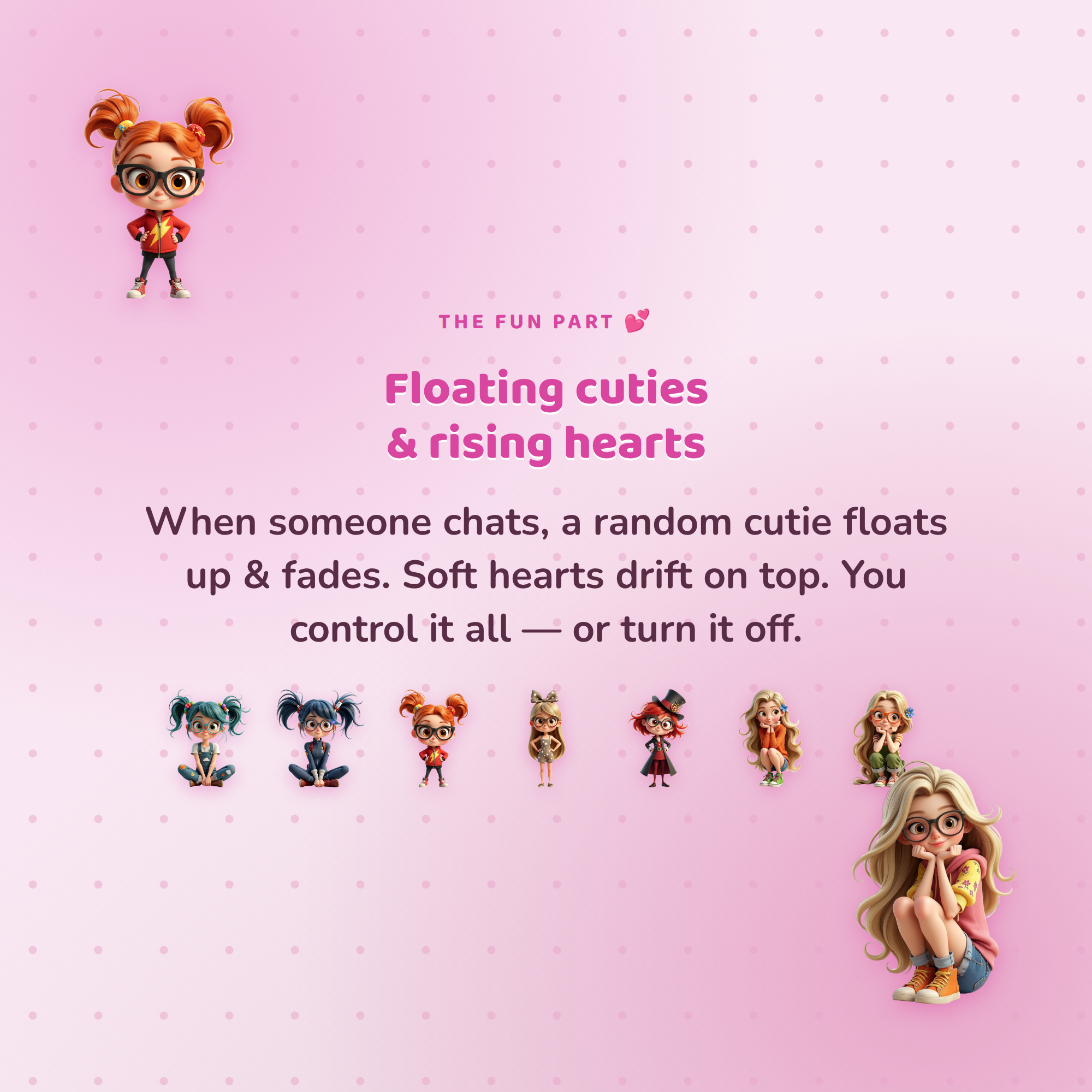
💜 Floating cutie reactions — a random cutie floats up & fades when someone chats (you set how often, or turn it off)
🩷 Rising hearts with a soft magenta glow (toggle on/off)
🤖 Auto-hides chat bots (ignore list)
★ READABLE ON ANY SCENE ★
The soft cream chat panel keeps your messages easy to read over bright OR dark scenes — no washed-out text.
★ FULLY CUSTOMIZABLE (no coding) ★
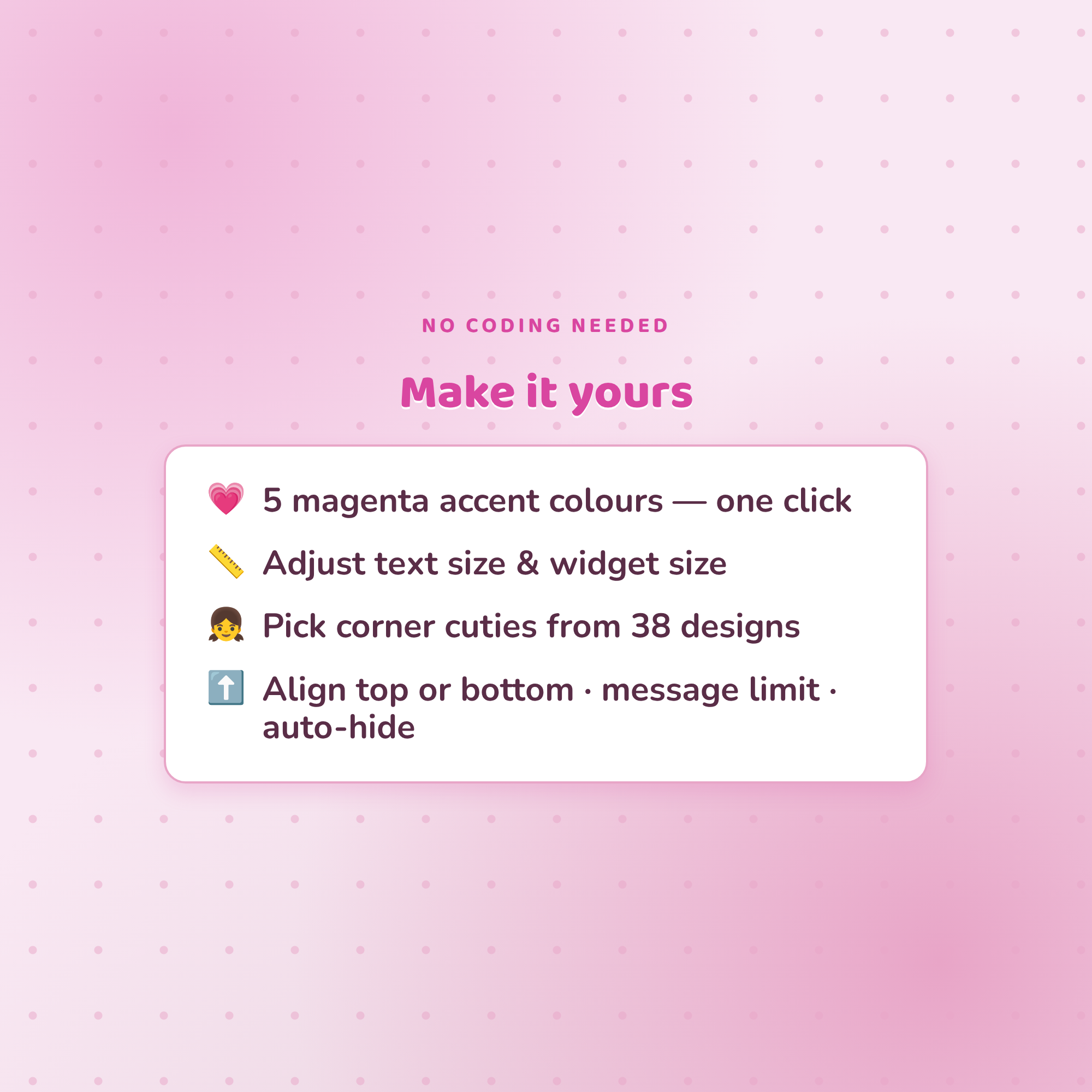
✓ 5 accent colours — deep magenta, lavender, coral, hot pink, berry
✓ Adjustable text size & widget size (easy to read on stream)
✓ Show/hide badges & emotes
✓ Align messages top or bottom · message limit · auto-hide old messages
✓ Pick your corner cuties from 38 designs
✓ A friendly Settings page builds your link for you + live preview
★ WHAT'S INCLUDED (instant download) ★
• Chat Box widget (HTML) + easy Settings page
• 38 original cutie characters (PNG) — for avatars, corners + floating reactions
• Step-by-step Setup Guide (English)
★ SUPER EASY SETUP ★
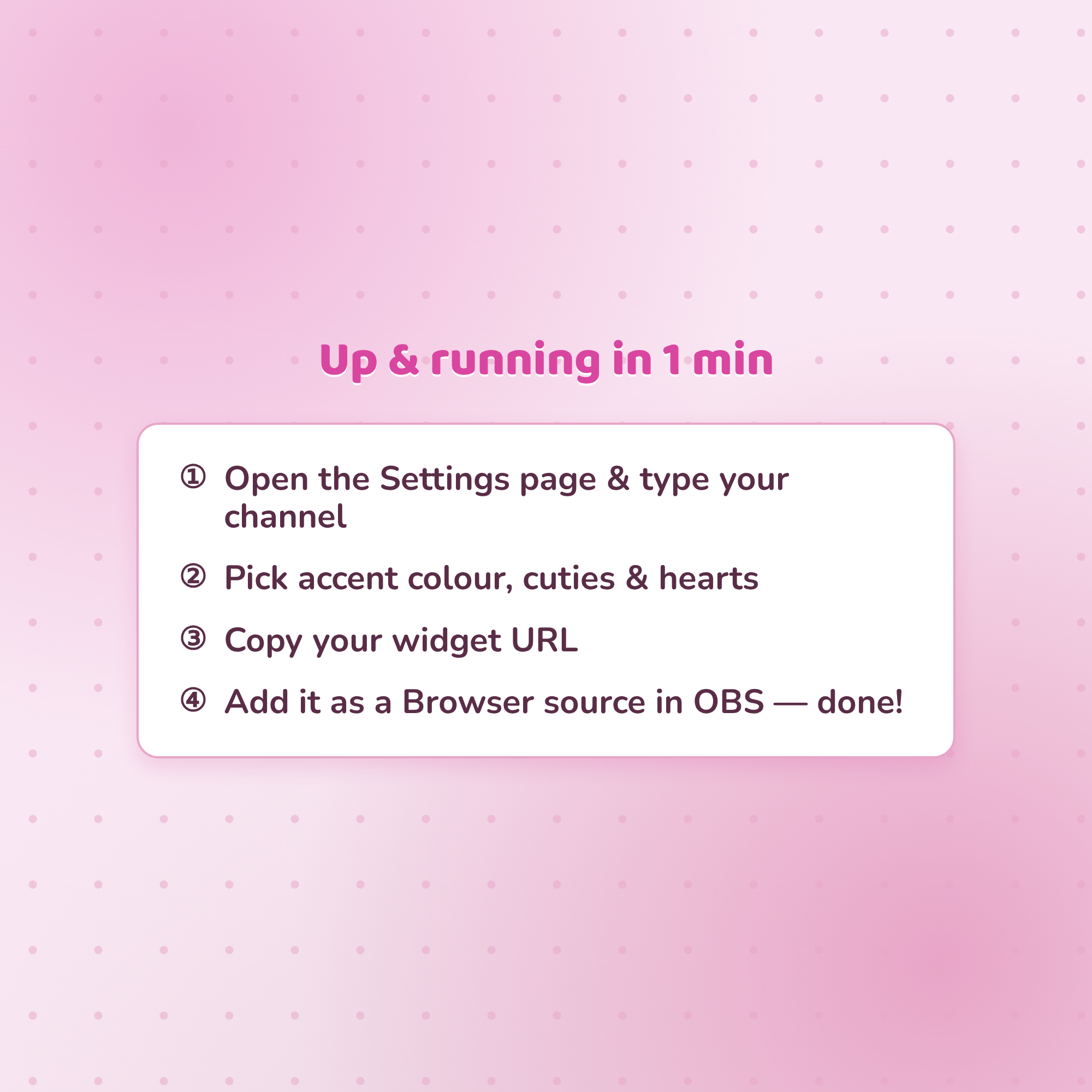
1. Open the Settings page & type your Twitch username
2. Pick your accent colour, cuties & hearts
3. Copy your widget URL
4. Add it as a Browser source in OBS — you're live! ✨
★ REQUIREMENTS ★
• OBS Studio or Streamlabs Desktop (free)
• Internet connection (for fonts, badges, emotes & chat)
• Your Twitch username
★ PLEASE NOTE ★
This is a DIGITAL DOWNLOAD for use in OBS — not a printable file or app. Because it's instant digital, this item is non-refundable.
Questions or need a hand? Message me anytime — happy to help! 💜