About this widget
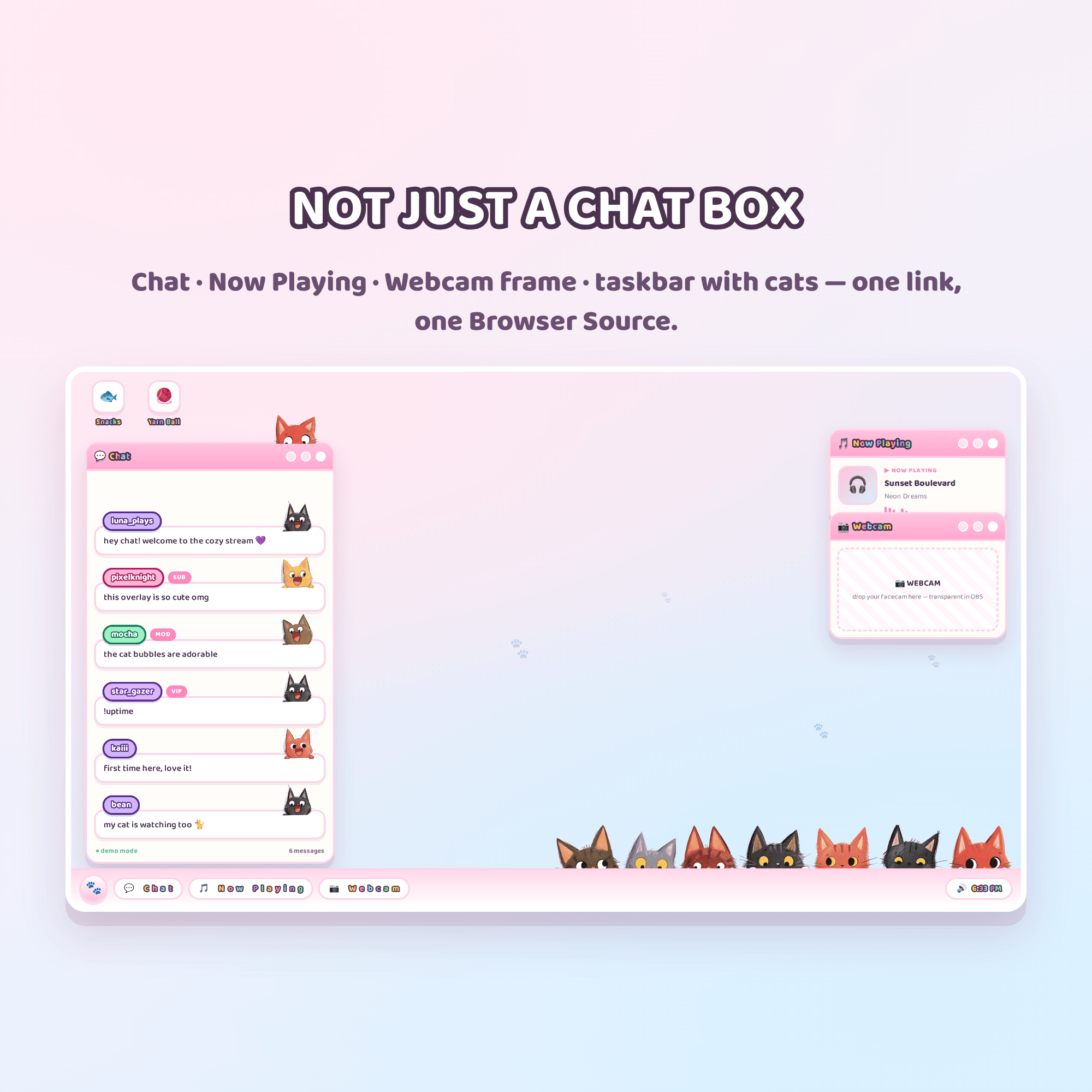
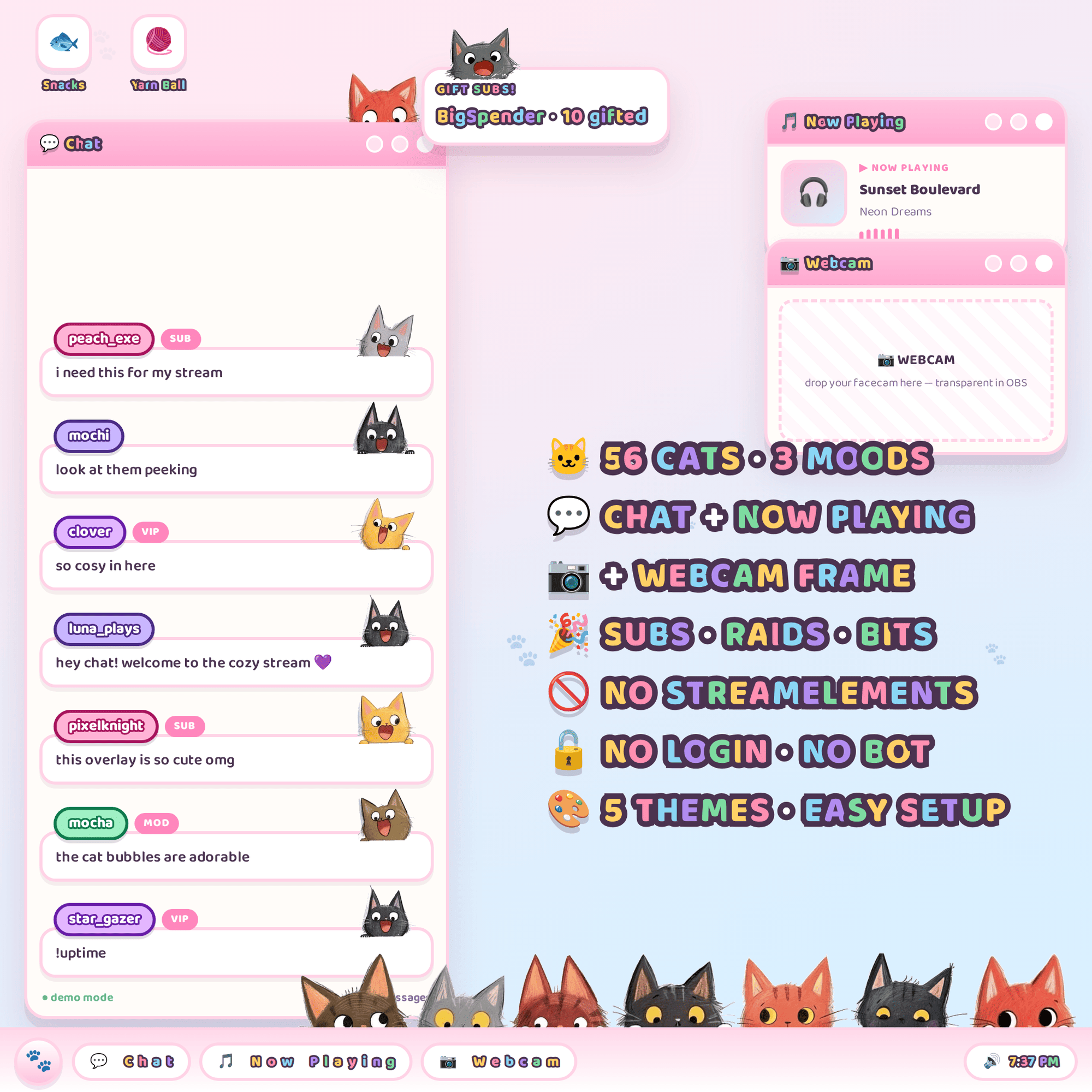
🐱 CAT STREAM DESKTOP — a whole cosy desktop for your stream, run by cats
Little kitties peek over the edge of every window, sit in a row along your taskbar, and pop up to say something every single time someone chats. It's a full stream layout — chat, now playing and a webcam frame — not just one widget.
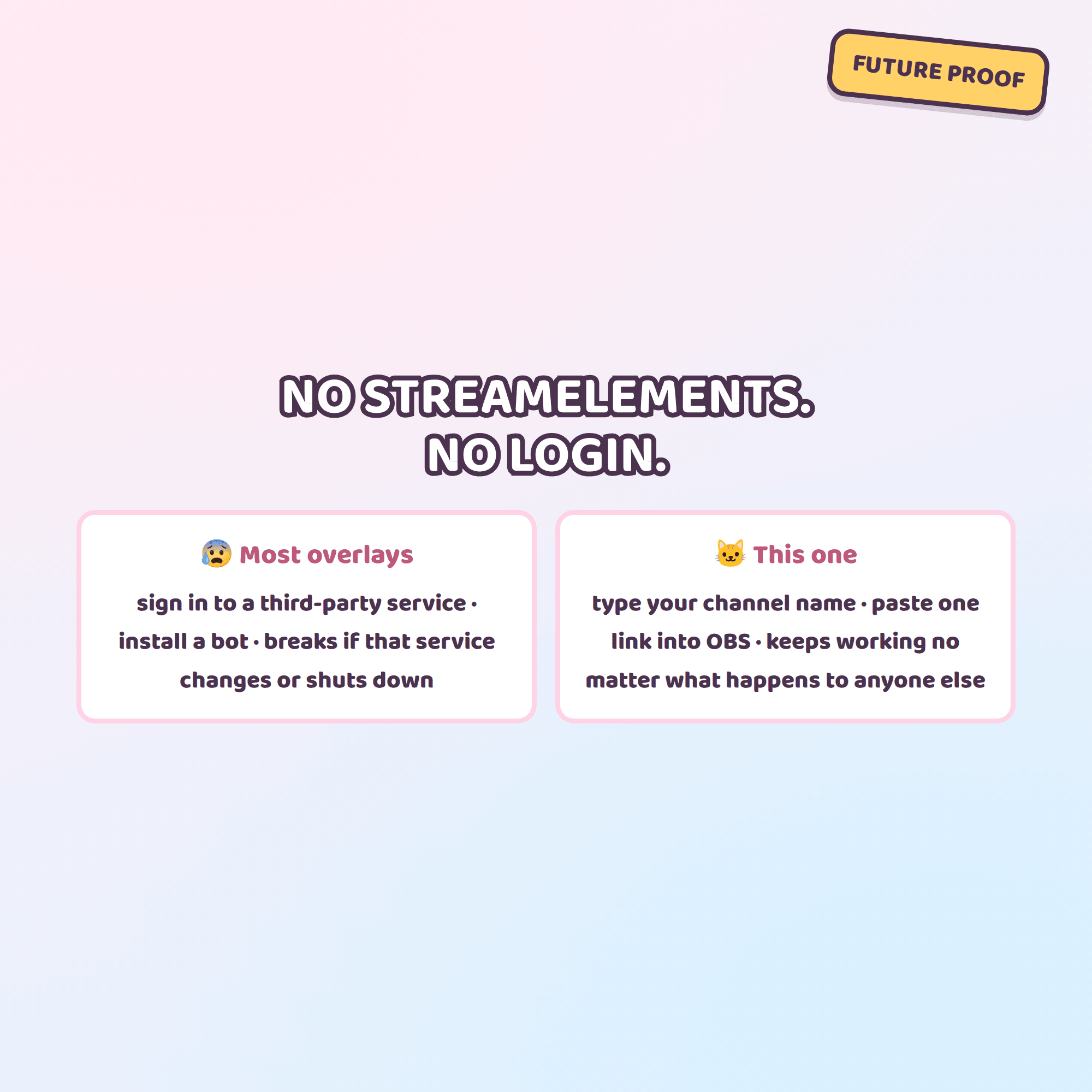
★ NO STREAMELEMENTS NEEDED ★
It reads your Twitch chat directly and anonymously. No account to link, no bot, no login, nothing to install. That also means it keeps working even if StreamElements (or any other service) changes or shuts down.
✦ WHAT YOU GET (instant download, 1 ZIP)
• desktop.html — the overlay you drop into OBS
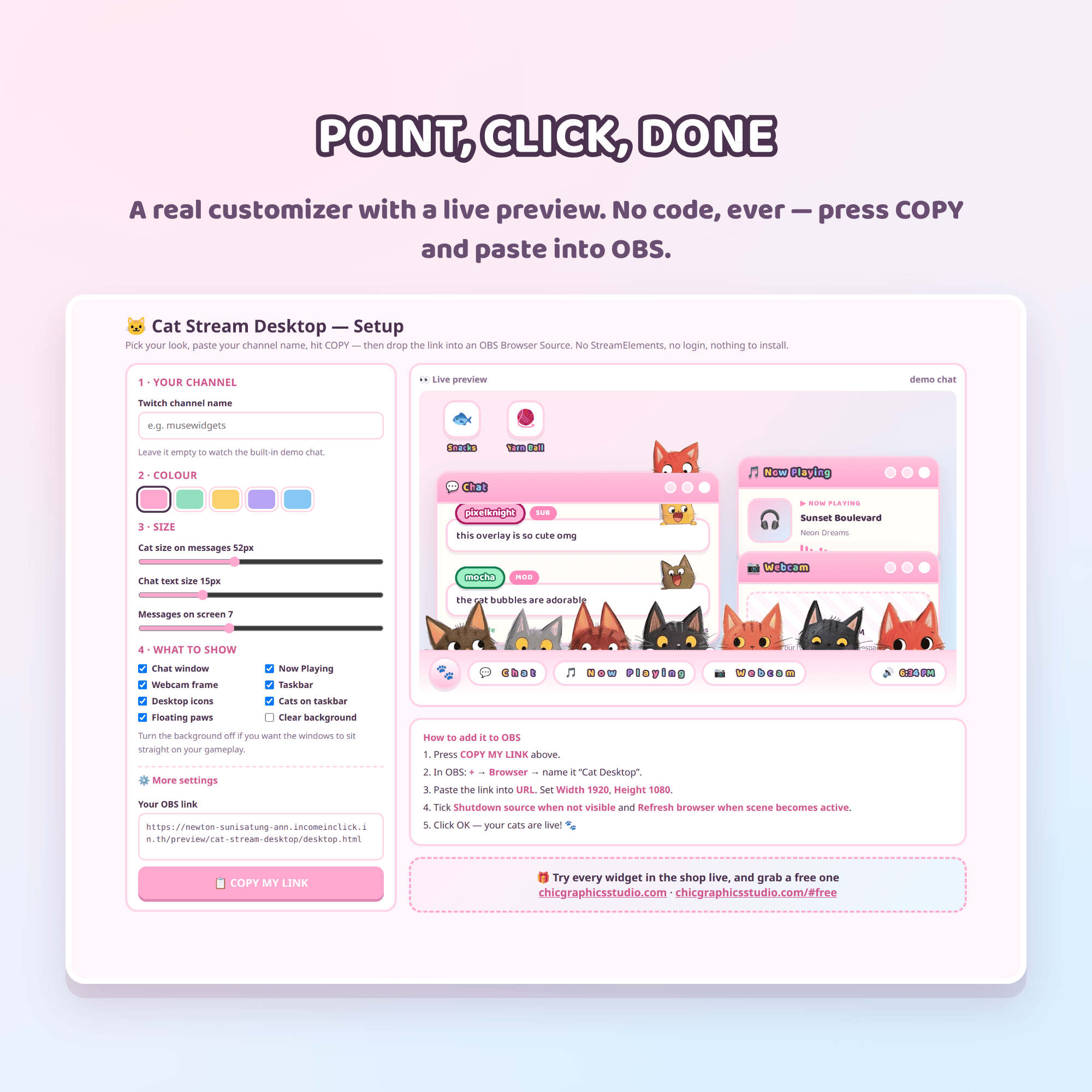
• settings.html — a point-and-click customizer with a LIVE preview
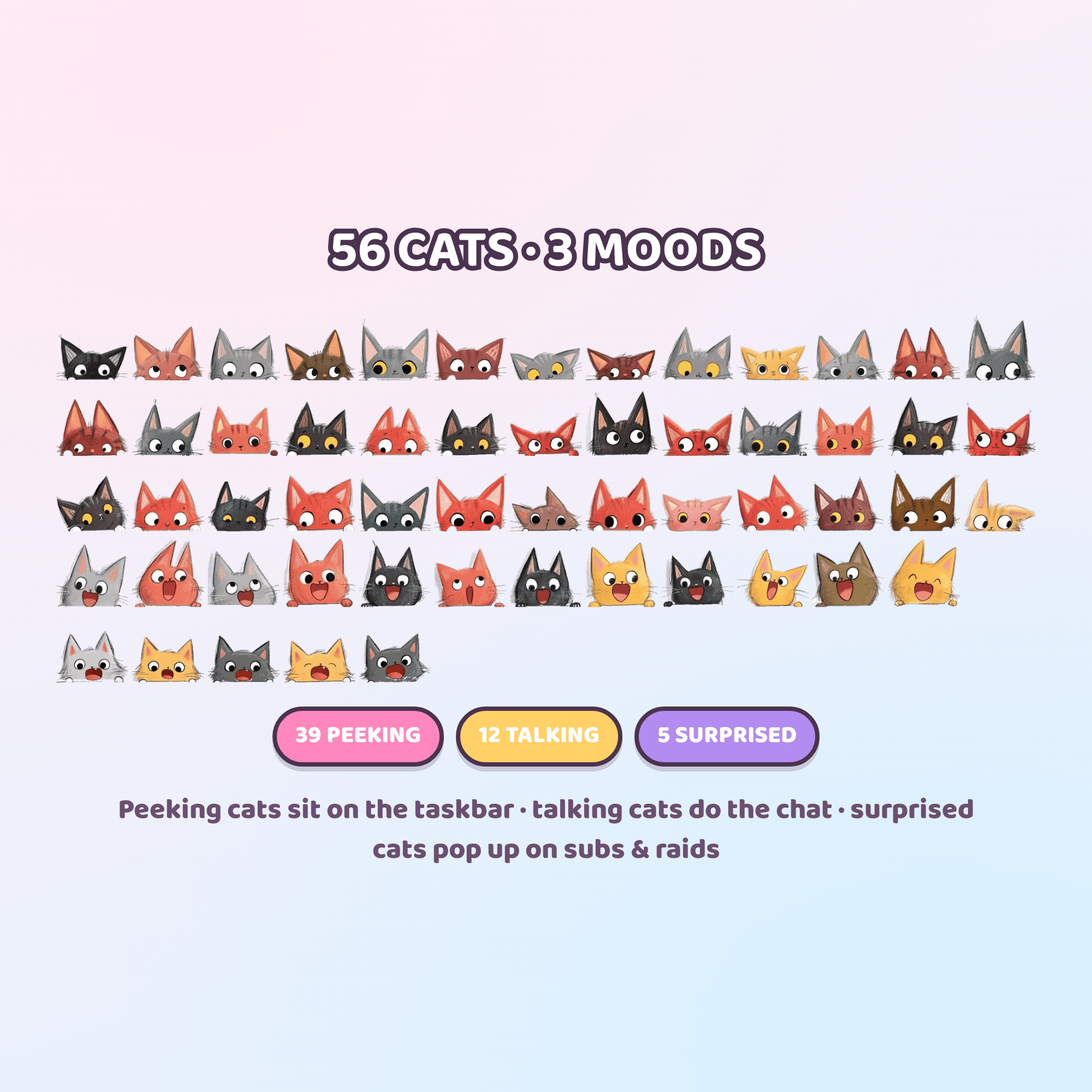
• 56 hand-illustrated cats in 3 moods
• README with step-by-step setup
• A free-widget card, on me 🎁
✦ THE CATS
• 39 peeking kitties — along the taskbar and window edges
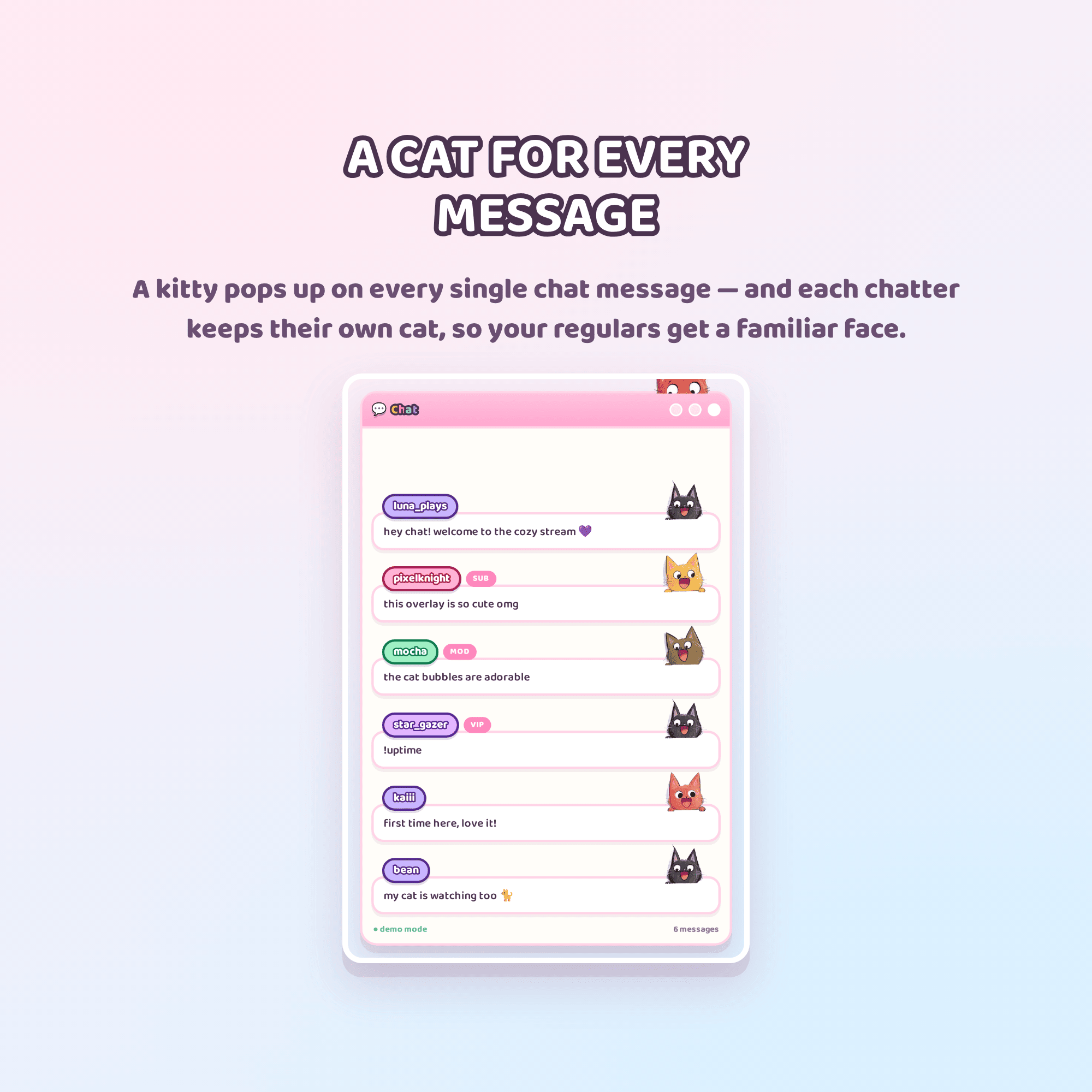
• 12 talking kitties — one pops up on every chat message
• 5 surprised kitties — for sub / gift / raid alerts
Every chatter keeps their own cat, so your regulars get a familiar little face.
Prefer your own art? Drop your PNGs in the cats folder and they show up instead.
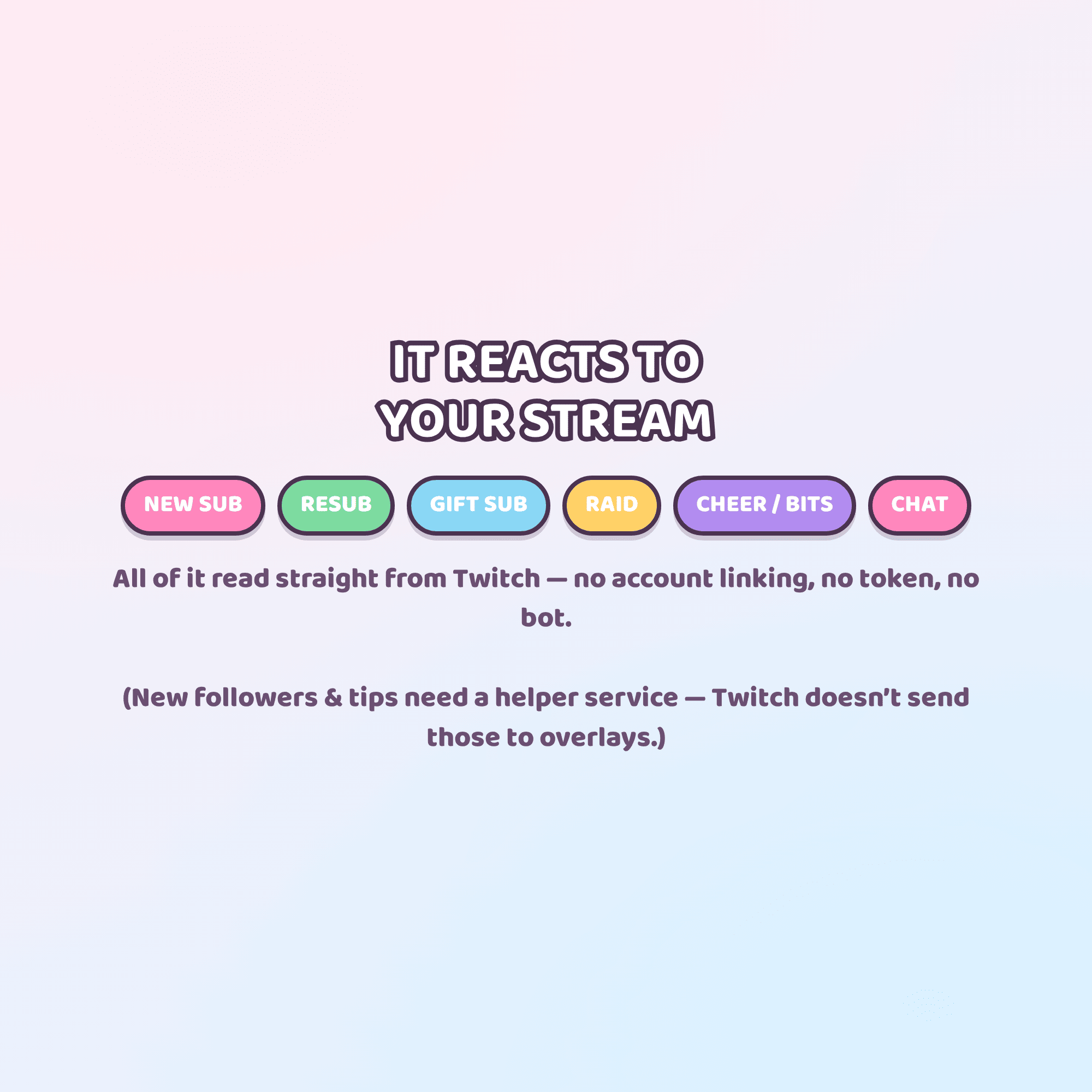
✦ IT REACTS TO YOUR STREAM
Reads straight from Twitch: chat messages · new subs · resubs · gifted subs · raids · cheers (bits)
(New followers and tips need a helper service — Twitch doesn't send those to overlays.)
✦ MAKE IT YOURS — no code, ever
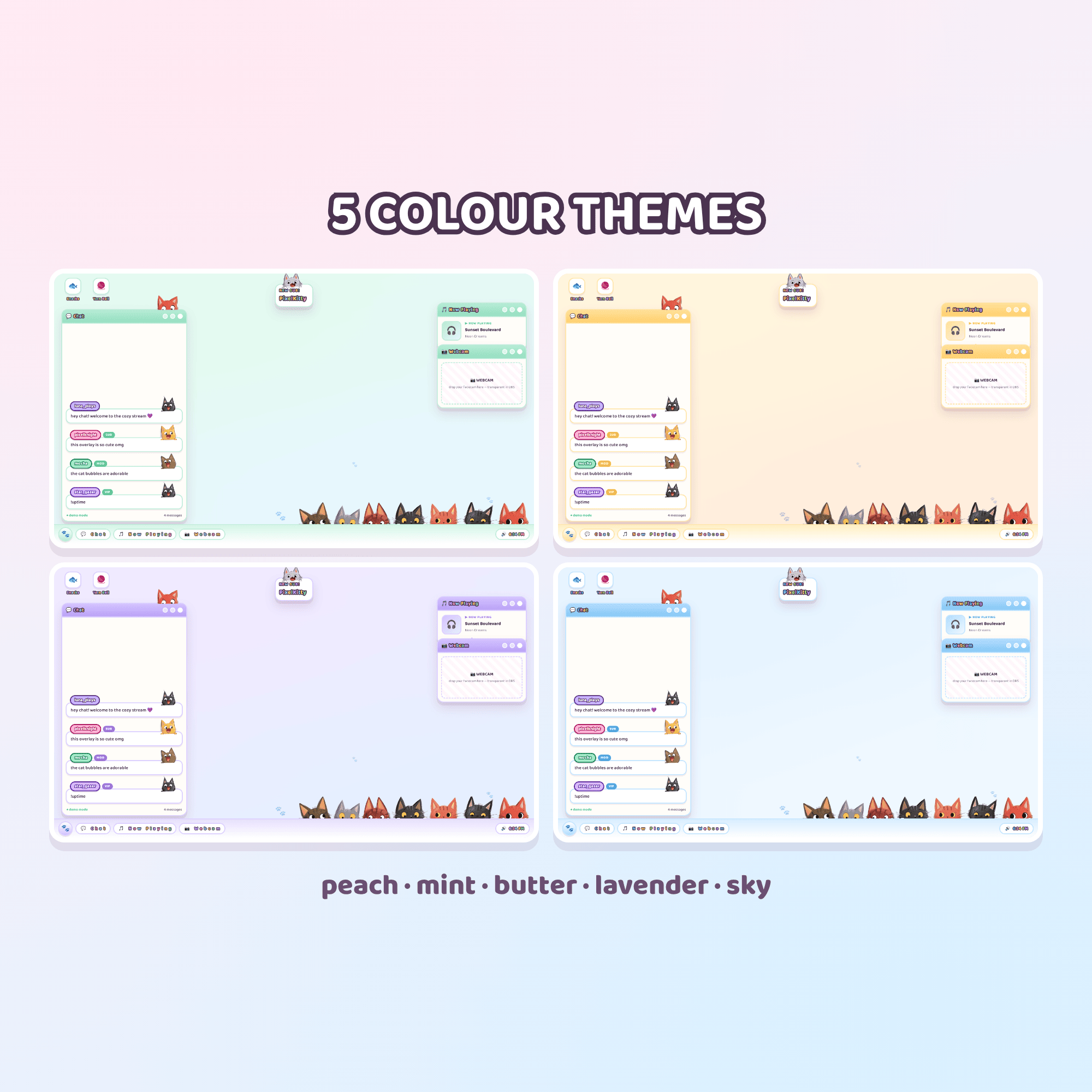
• 5 colour themes (peach · mint · butter · lavender · sky)
• Cat size, text size, how many messages stay up
• Show or hide: chat · now playing · webcam frame · taskbar · desktop icons · cats on the taskbar · floating paws · background
• Rename the windows, round the corners, thicken or dash the outlines
• Hide !commands and ignore bots
✦ EASY SETUP (about 3 minutes)
1. Unzip the folder
2. Open settings.html, type your channel name, pick your colours
3. Press COPY MY LINK
4. Paste it into an OBS Browser Source at 1920 x 1080 — you're live! 🎉
✦ WORKS WITH
Twitch · OBS Studio · Streamlabs Desktop — anything with a Browser Source.
⚠️ This is a DIGITAL product — no physical item will be shipped.
ℹ️ The cat artwork was created with AI assistance, then hand-edited and cut.
— TERMS —
For personal & commercial streaming use on your own channels. Please don't resell, share or redistribute the files. Thank you for supporting a small shop! 🐾