About this widget
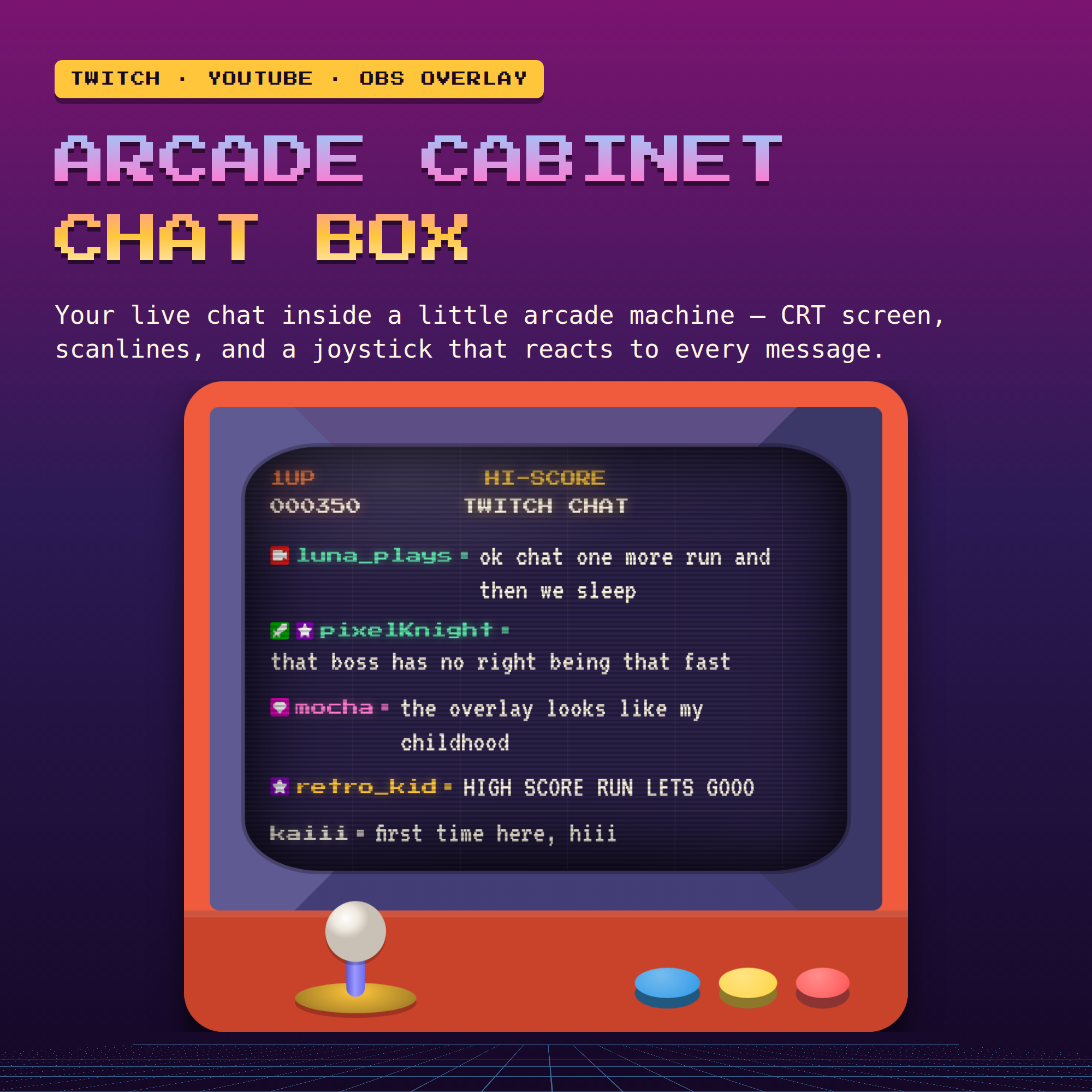
🕹️ ARCADE CABINET CHAT BOX — your live Twitch chat inside a little arcade machine
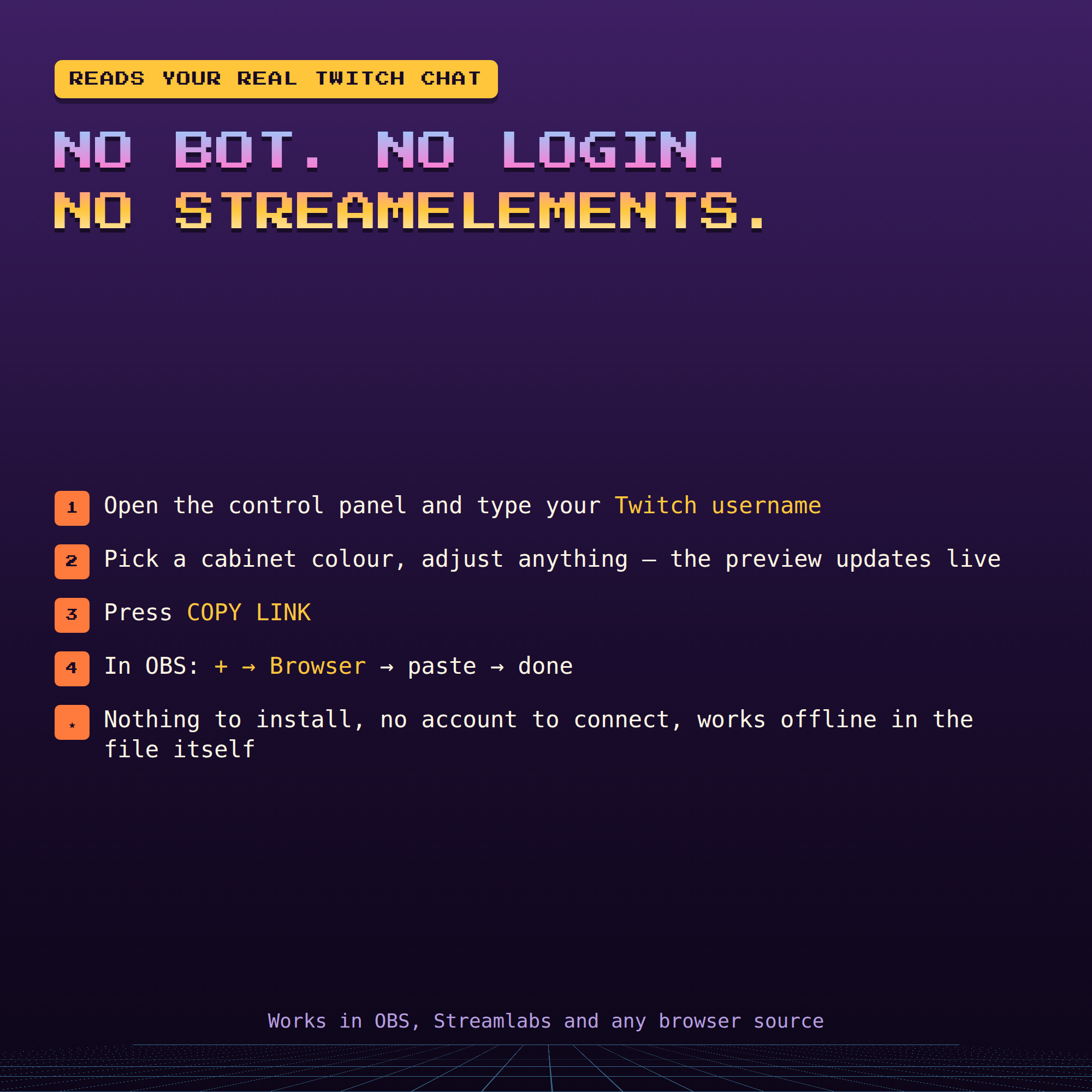
A chat overlay that runs by itself. Type your channel name, copy one link, paste it into OBS. No bot account, no StreamElements, no login, no coding — and nothing loads from the internet except your chat.
★ WHAT MAKES IT FUN
- A real cabinet: curved CRT screen, scanlines, blinking INSERT COIN and a 1UP score that counts up with every message
- The joystick flicks left and right and the buttons press as chat comes in
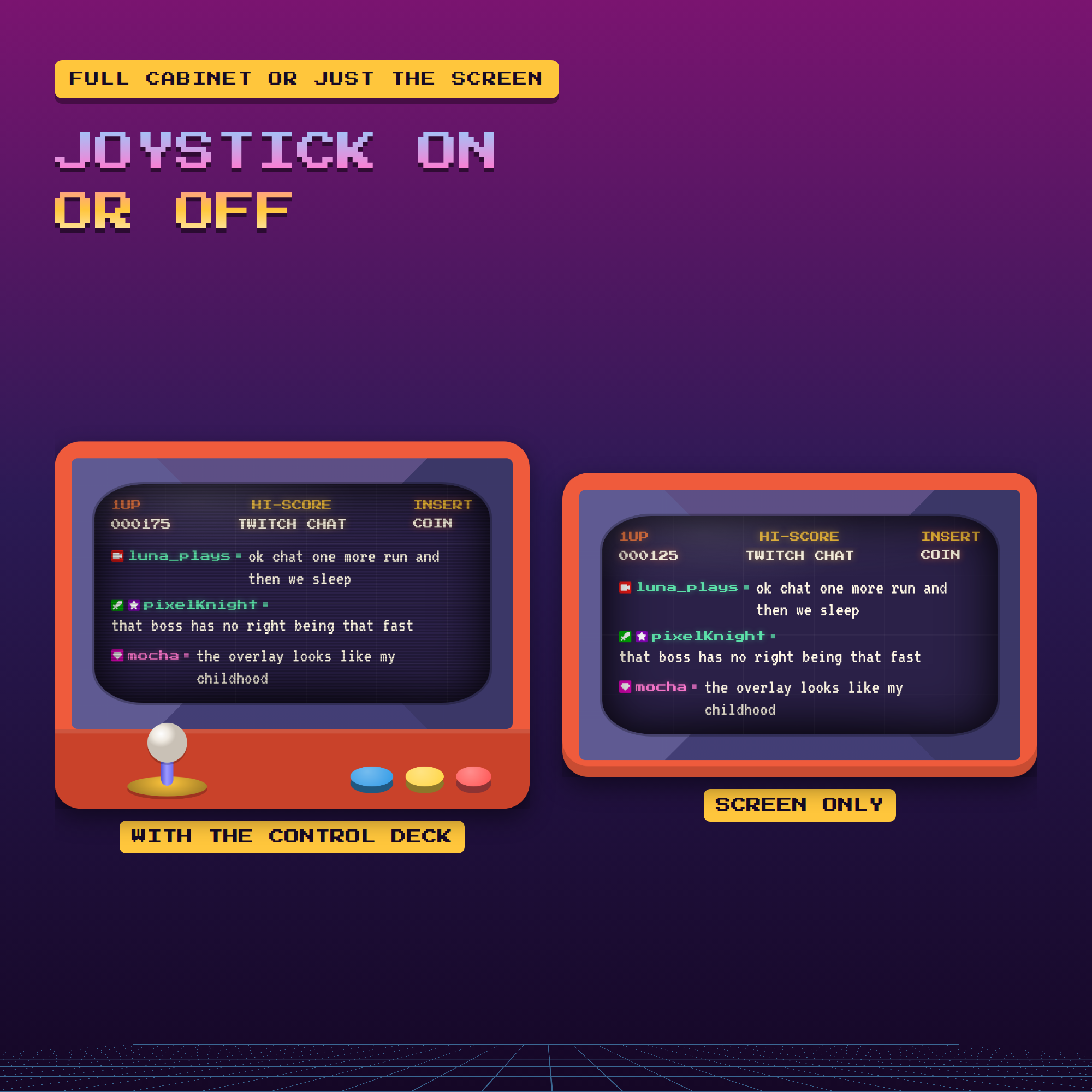
- Prefer it plain? Switch the joystick deck, the scanlines and the blink off and keep just the screen
★ 6 CABINET COLOURS
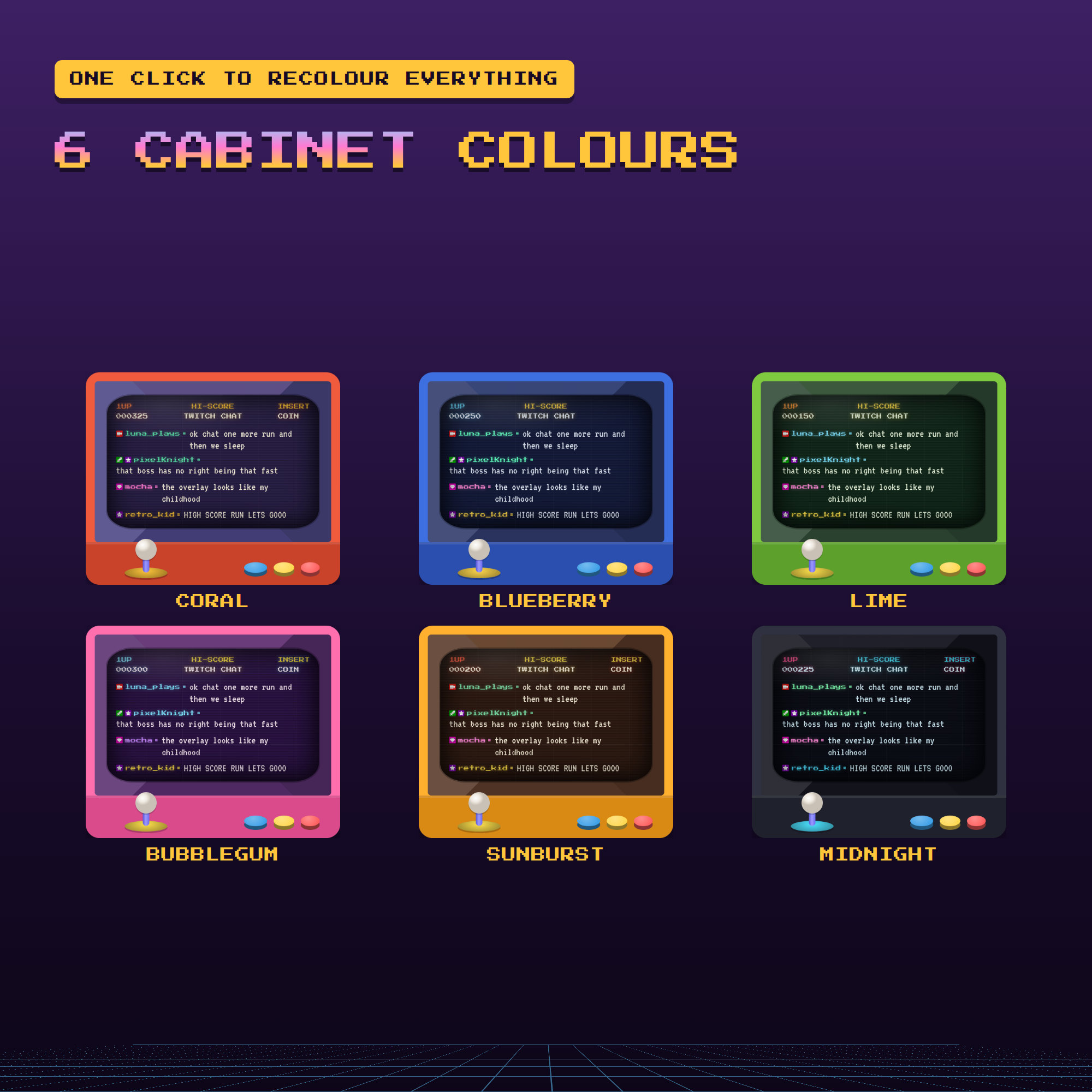
coral · blueberry · lime · bubblegum · sunburst · midnight — or mix your own, every part has its own colour setting
★ BUILT FOR REAL CHAT
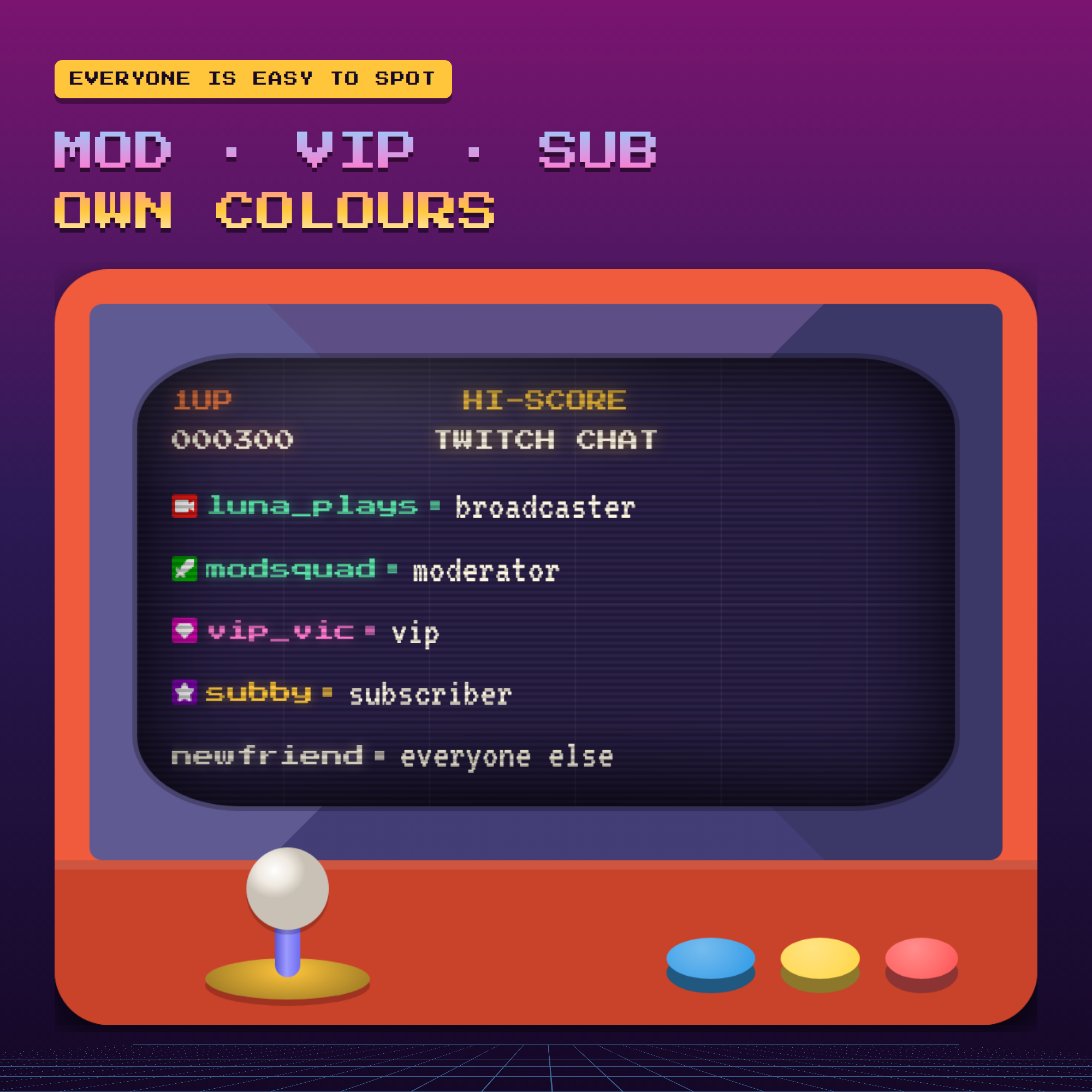
- Broadcaster, mod, VIP and sub each get their own name colour and badge
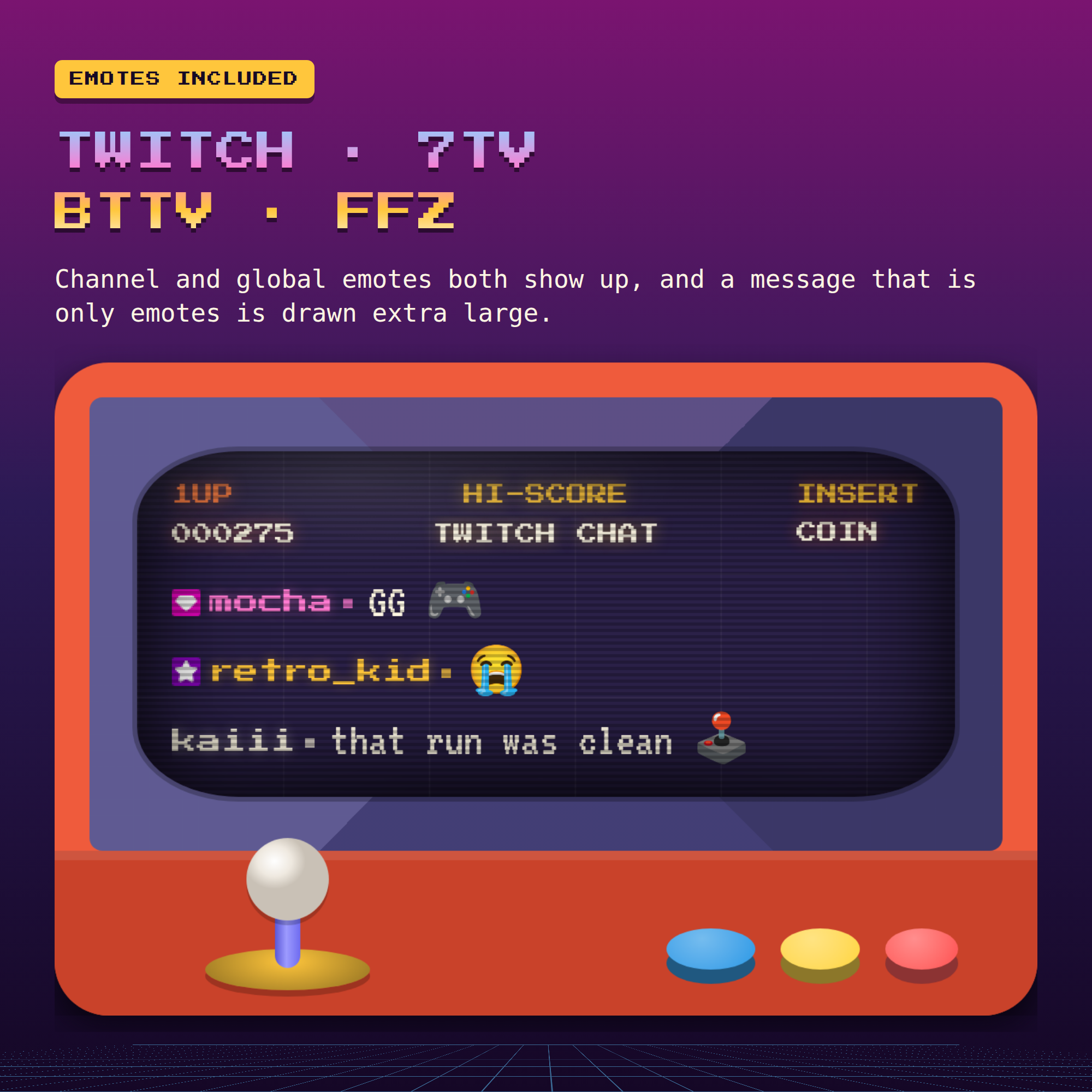
- Twitch emotes plus 7TV, BetterTTV and FrankerFaceZ; emote-only messages are drawn extra large
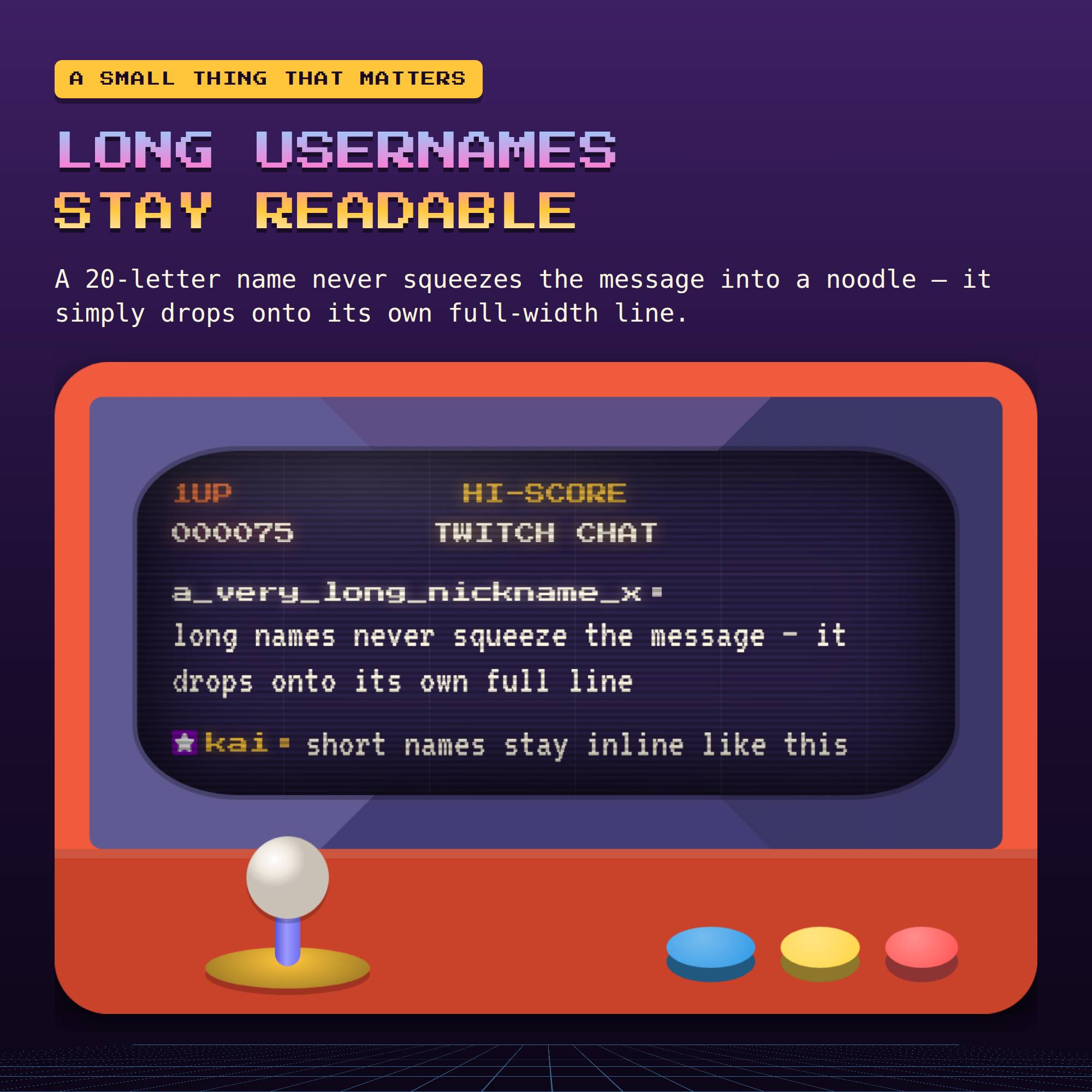
- Long usernames never squeeze your messages into a noodle — the text drops to its own full-width line
- Hide !commands, ignore bots, auto-hide old messages, optional pronouns
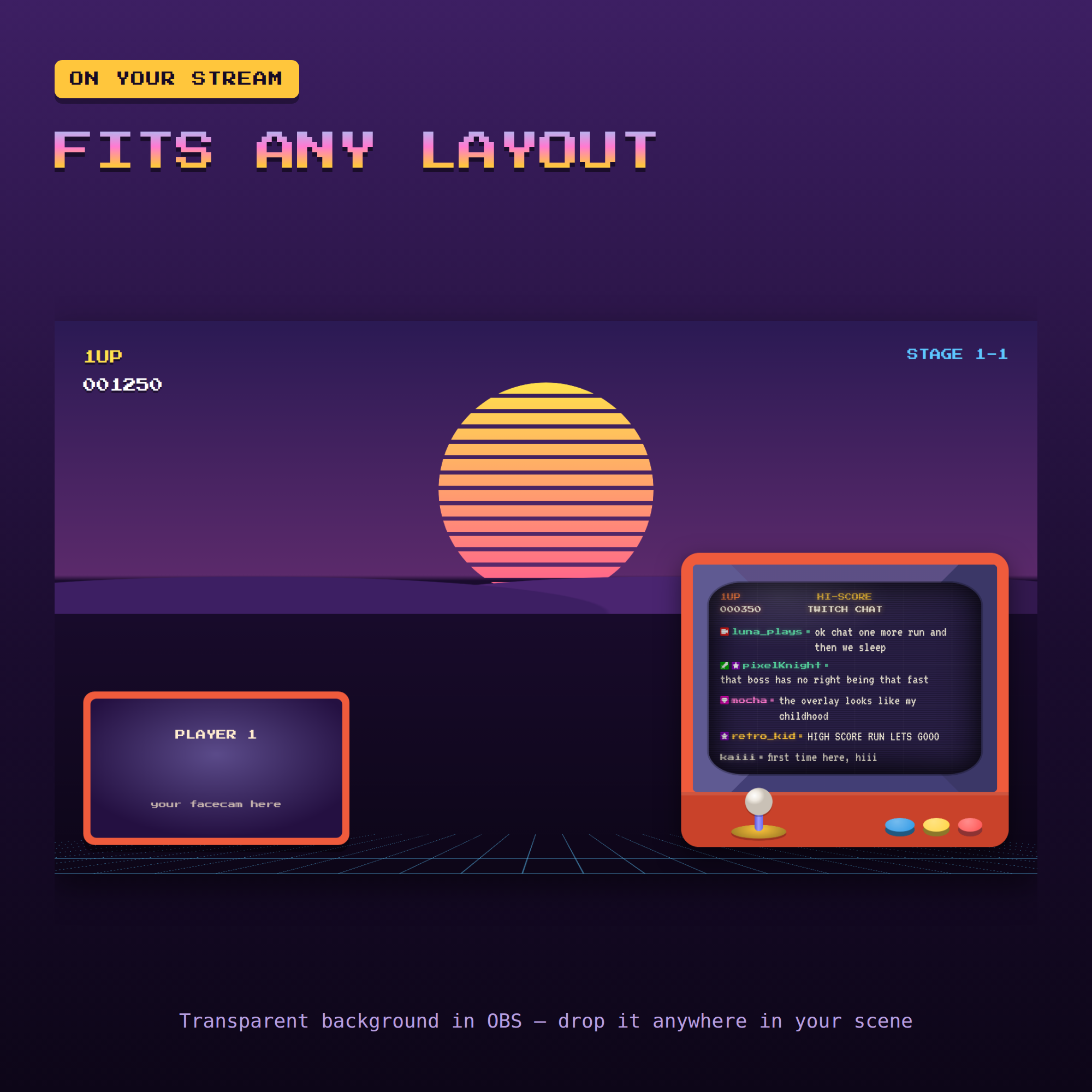
- Transparent background in OBS, so it drops into any scene
★ WHAT YOU GET (1 ZIP)
- chat.html — the widget OBS uses
- settings.html — a click-and-preview control panel that writes your link for you
- Setup-Guide.pdf — illustrated, step by step
- README.txt — the 2 minute version
- The pixel font, inside the folder
★ HOW IT WORKS
1. Unzip and open settings.html
2. Type your Twitch username, pick a cabinet colour
3. Press COPY LINK
4. In OBS: + → Browser → paste → done
Works with OBS, Streamlabs and any browser source. This is a DIGITAL DOWNLOAD — nothing will be shipped. Single-buyer license for your own channels, including monetized streams; please do not resell or redistribute the files.